
Thanks to this useful tool, you have the ability to design and edit presentations. Moreover, you can customize color saturation, contrast and brightness.

PowerPoint
ver. 16.0.15831.20186
29,3 Mb (downloads: 96)
Update date:
23.01.2023
Developer:
Microsoft
Windows version:
Windows 7, Windows 8, Windows 8.1, Windows 10
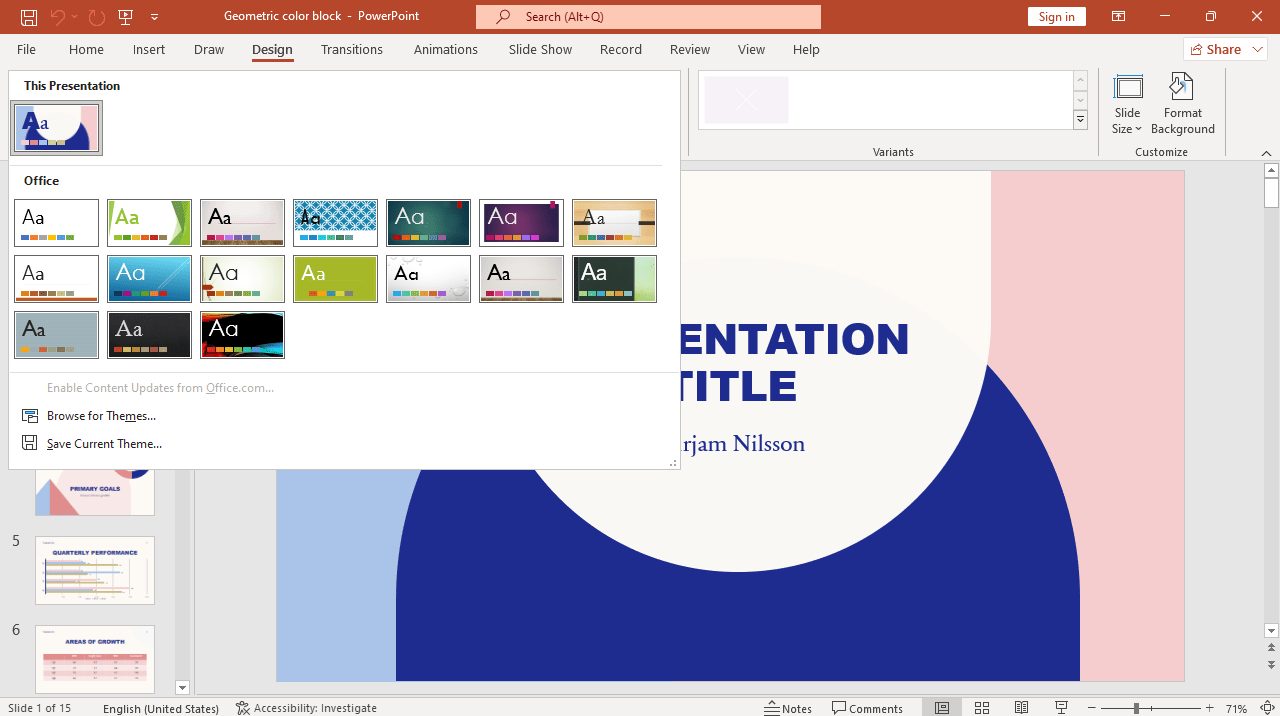
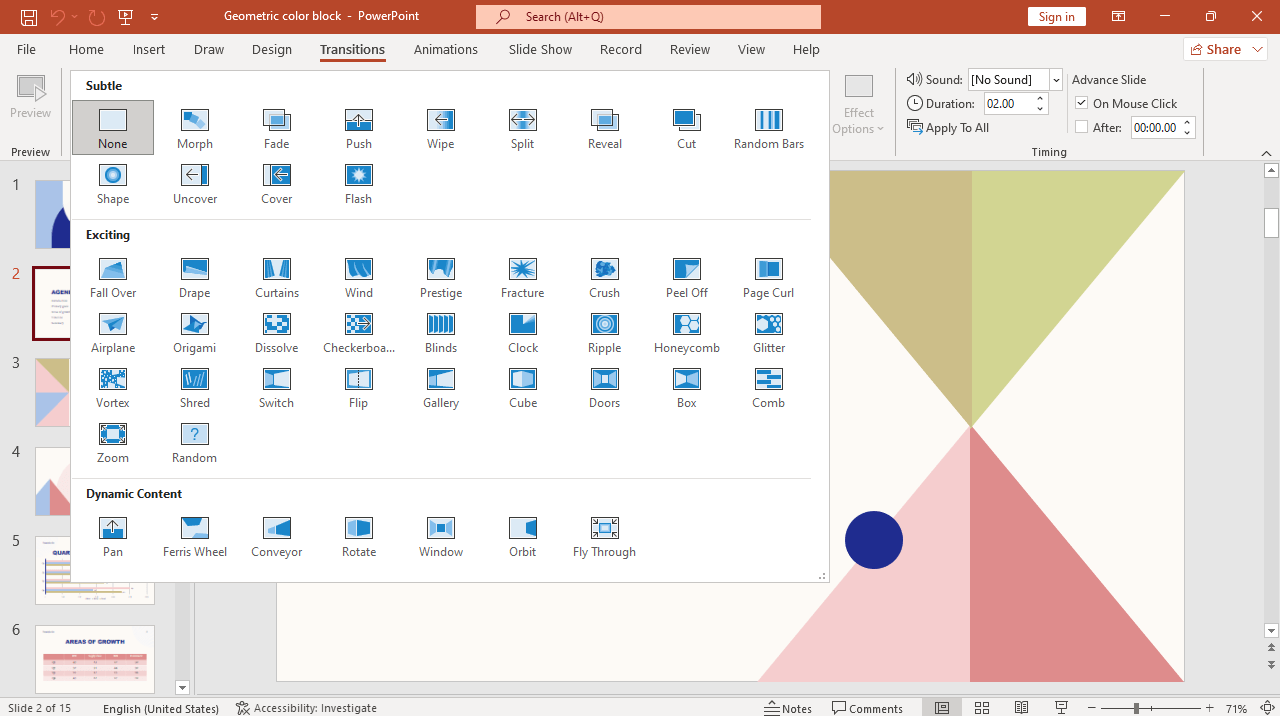

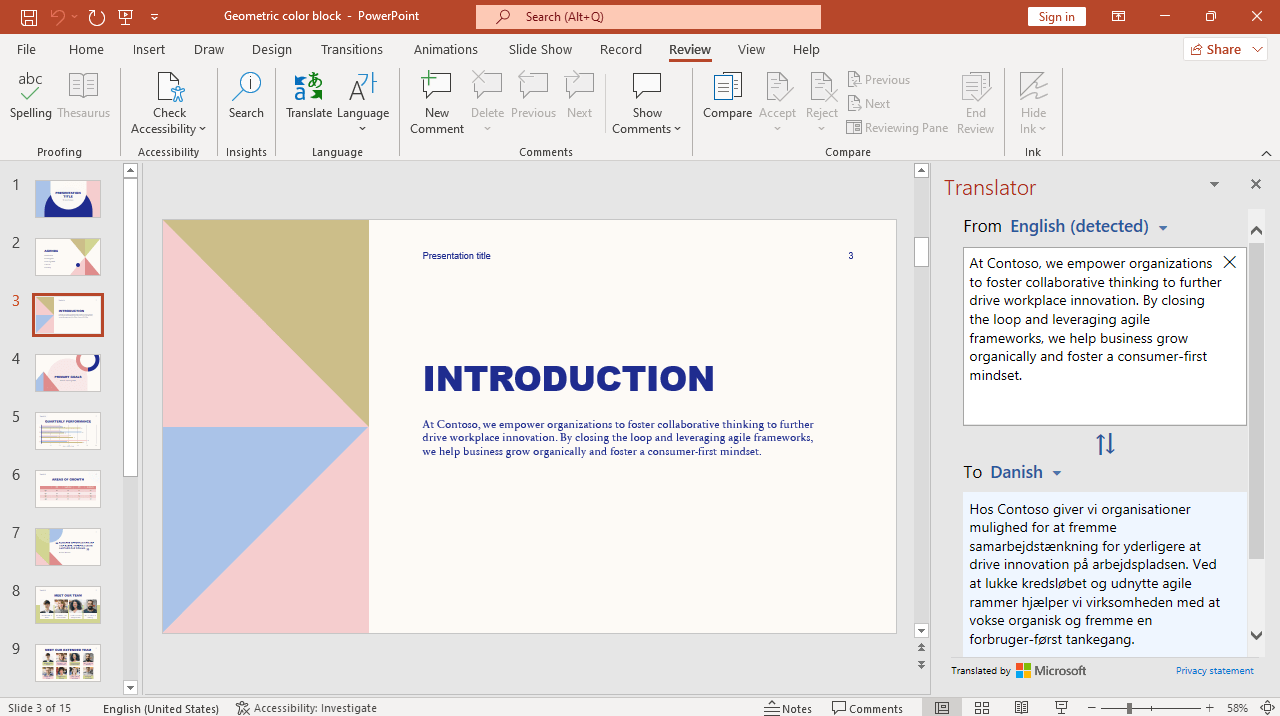
PowerPoint is a straightforward presentation program for Windows designed to help users create dynamic slideshows for all kinds of purposes and audiences. The software distribution is commonly utilized in schools and universities, as well as in large companies and even branches of the government.
Overview
Generally speaking, PowerPoint serves as an interactive tool for creating slideshows. It gives you the ability to generate an unlimited number of slides. Moreover, you can combine together a considerable selection of transitions, animations and effects to achieve desired results.
In addition to text formatting and editing options native to any other Microsoft Office app, the utility provides access to a wide range of shapes, cliparts, text boxes, WordArt items and table drawing capabilities. Thus, you are able to enhance your project’s appearance and highlight important aspects.
Edit videos and photos
The program features advanced video and photo editing functionality, which means you do not need an external graphics editor like Photoshop or Gimp to modify your content. PowerPoint offers instruments to customize color saturation, contrast, brightness, along with filters such as blur, watercolor and more.
Features
- free to download and use;
- compatible with modern Windows versions;
- enables you to create interactive presentations;
- you can apply transitions, animations and other effects;
- it is possible to customize color saturation and contrast.
29,3 Mb (downloads: 96)
Comments


Dear iowin.net admin, Your posts are always well-written and easy to understand.