
With the help of this official system component from Microsoft users can integrate support for some modern applications into obsolete versions of Windows.

Microsoft Agent
ver. 2.0
0,4 Mb (downloads: 171)
Update date:
20.02.2023
Developer:
Microsoft Corporation
Windows version:
Windows 95, Windows 98, Windows NT
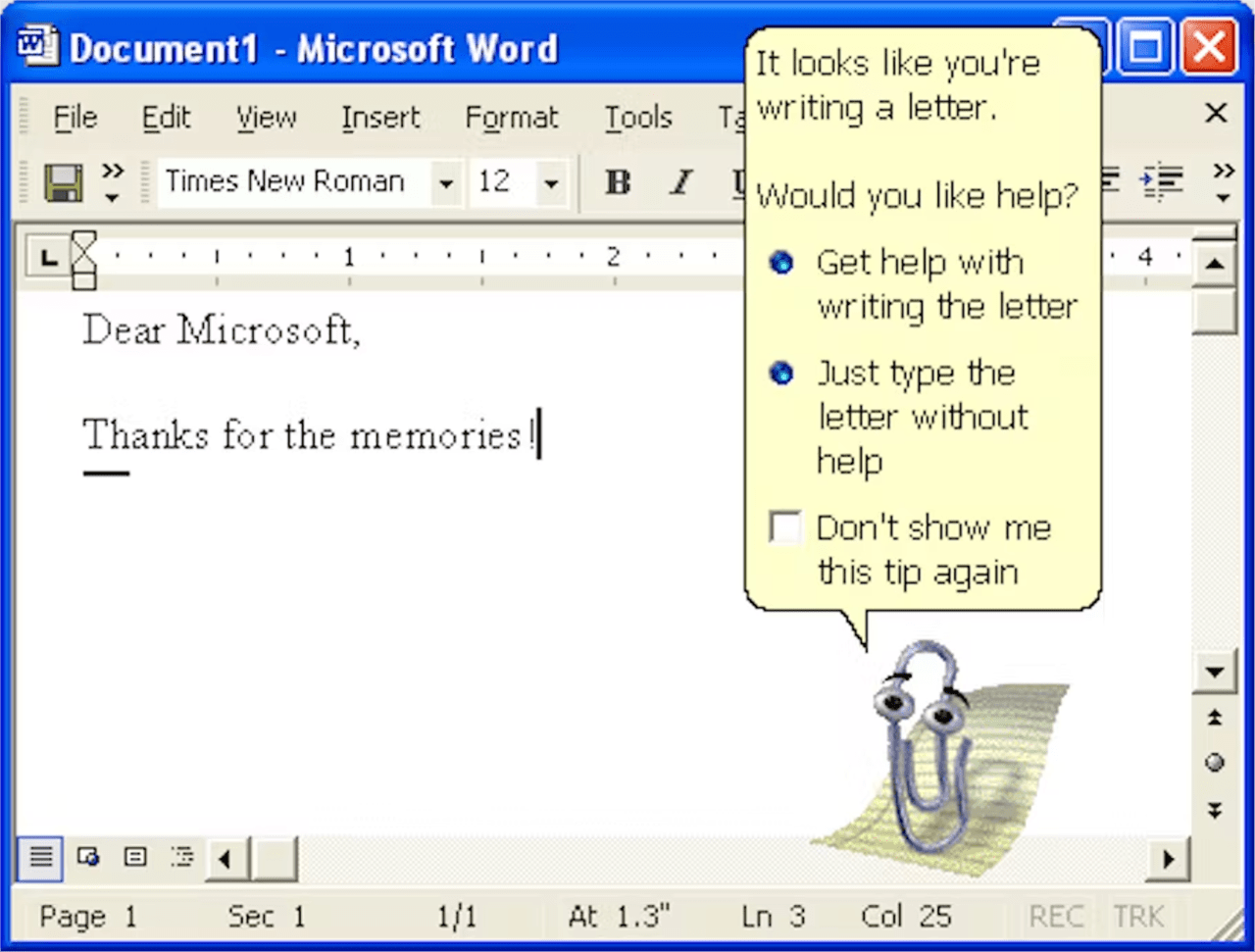
Microsoft Agent is an internal Windows program for activating modern interface features in discontinued editions of the Microsoft operating system. It is important to mention that this utility cannot be installed in Windows XP or newer.
Main purpose
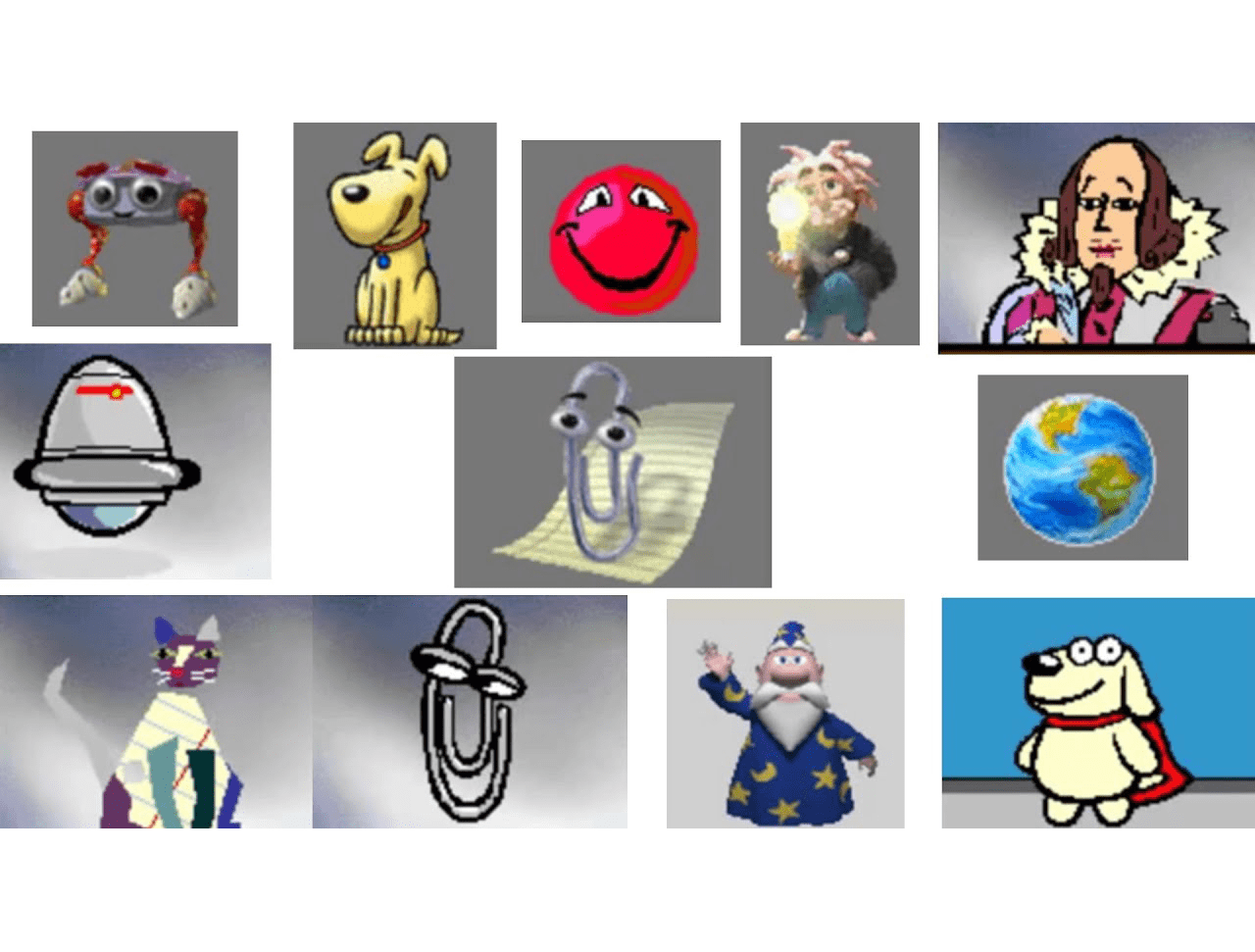
This system application allows you to interact with various virtual assistants for Office like Clippy, The Dot, Hoverbot and The Genius. These conversational interfaces are helpful for learning how to work with Microsoft Word, Excel and PowerPoint.
The integrated text-to-speech module allows virtual characters to talk with users in a synthesized voice. Additionally, there are tools for interpreting and following verbal commands given via a microphone.
Installation
You are instructed to run the downloaded executable file to set up all necessary components. The rest of the integration process is performed automatically. It is necessary to restart the computer before using virtual assistants.
Please note that Microsoft Agent is intended for Windows 95, 98 and NT. The utility is deprecated and not supported by modern operating systems.
Features
- free to download and use;
- provides system components for obsolete operating systems;
- required for interacting with animated virtual assistants in any application;
- includes a text-to-speech module for verbal communications;
- allows you to interact with Clippy, Hoverbot and other Office embedded assistants;
- not compatible with modern versions of Windows.
0,4 Mb (downloads: 171)
Comments


To the iowin.net admin, Your posts are always informative and well-explained.