
With the help of this utility users can download and install the latest version of internal firmware for various models of Samsung Galaxy mobile devices.

Frija
ver. 1.4.4.0
6,2 Mb (downloads: 17)
Update date:
04.09.2023
Developer:
SlackingVeteran
Windows version:
Windows XP
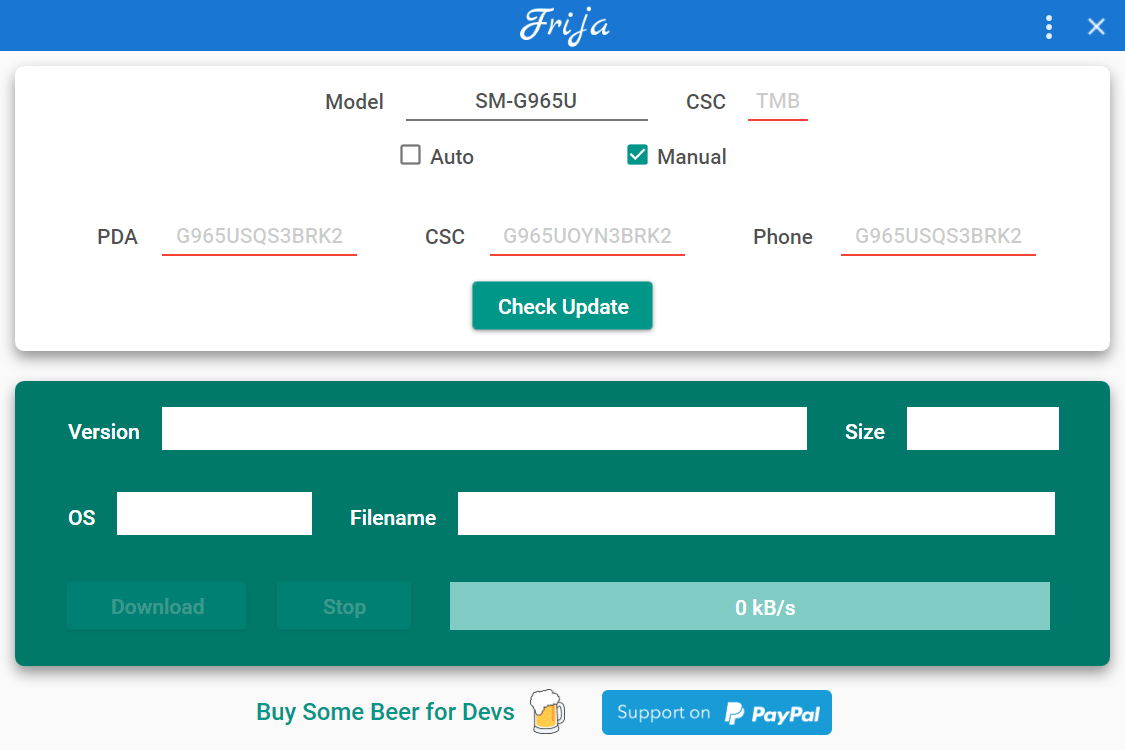
Frija is a Windows application that allows you to check the official Samsung website for smartphone firmware updates. There is support for a wide variety of devices, including modern models.
Update process
After starting the tool users are instructed to specify the model name, CSC type and other technical information related to the smartphone. There is an option to manually enter the serial number as well. The next step is to click the Check Update button to detect the latest available firmware version.
Similar to SamFirm, you can download content from the official Samsung server at high speed and without latency. New firmware will be installed to the device automatically. Supported smartphone region codes include BL, AP, CP, CSC and HOME CSC.
Preferences
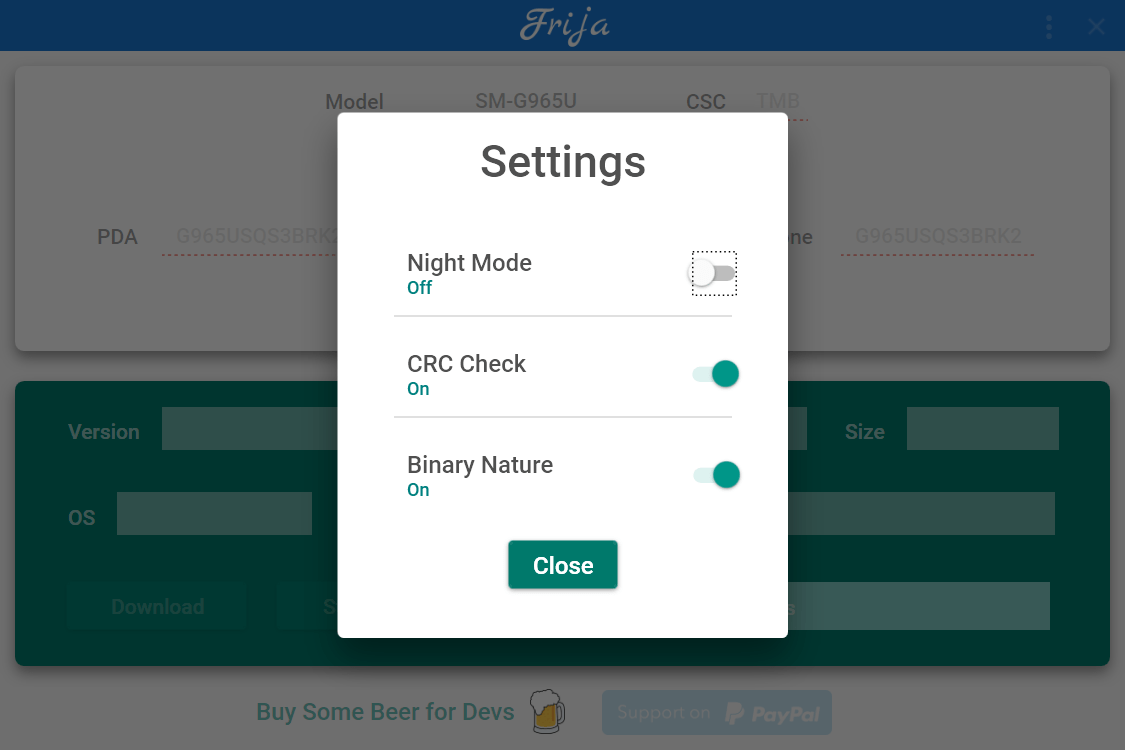
The Settings menu contains an option for enabling dark mode. Additionally, users can turn off the automatic CRC check to improve compatibility with older Android devices. The Binary Nature toggle is provided as well.
It is important to mention that the resulting size of Samsung firmware may range from 2 to 5 Gb depending on the device model. Please make sure that there is enough free space in the internal smartphone memory before starting the update.
Features
- free to download and use;
- lets you download and install the latest firmware for Samsung mobile devices;
- there is support for a wide variety of smartphones and tablets;
- users can disable the CRC check to work with older hardware;
- compatible with all modern versions of Windows.
6,2 Mb (downloads: 17)


