
This software provides tools for viewing CAD drawings, bitmap pictures and CSF files. There are tools for measuring individual elements and adding personal notes.

Brava Reader
ver. 16.4.0.97
33,4 Mb (downloads: 19)
Update date:
06.01.2023
Developer:
Open Text
Windows version:
Windows XP, Windows Vista, Windows 7, Windows 8, Windows 8.1, Windows 10, Windows 11
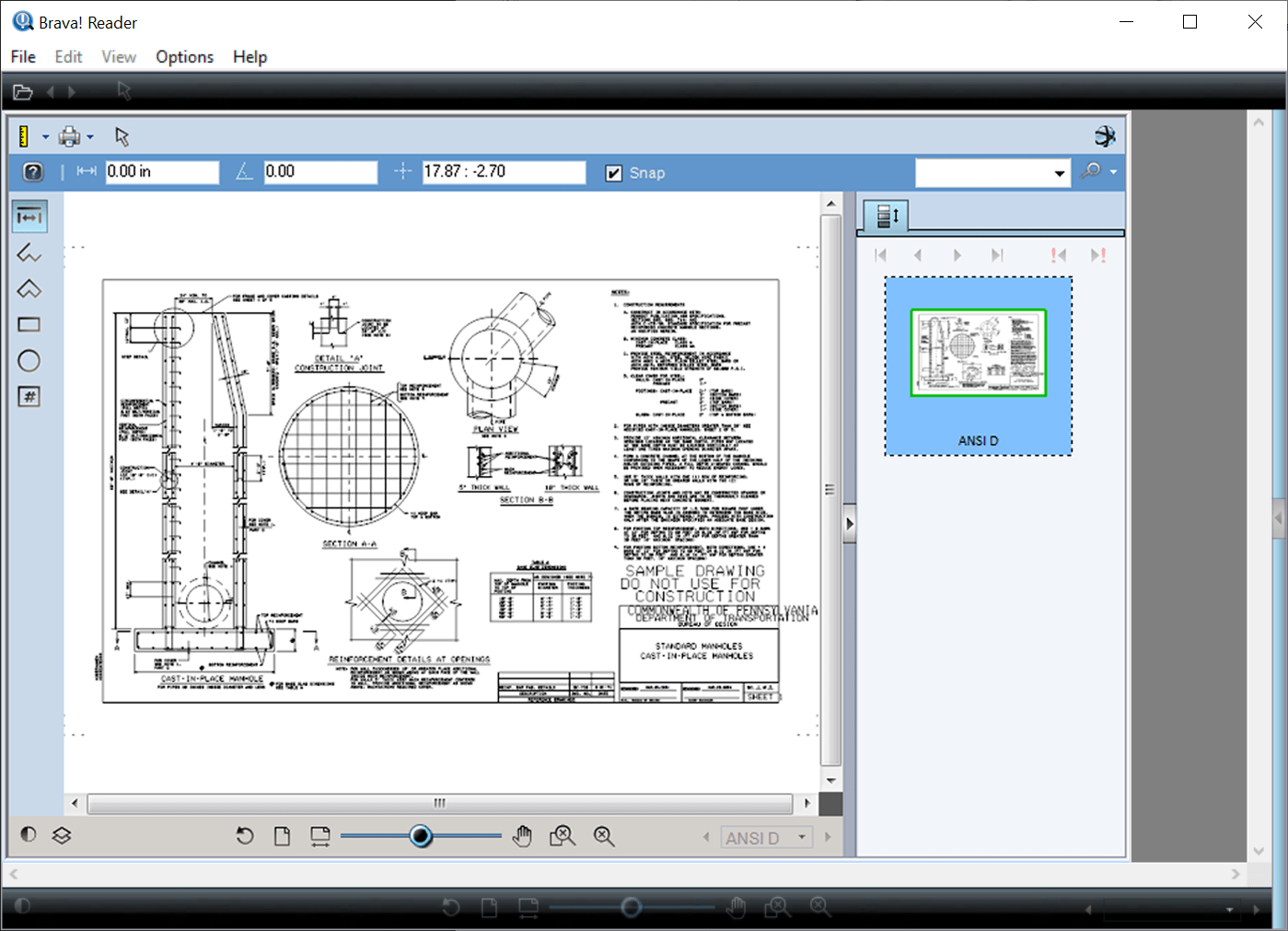
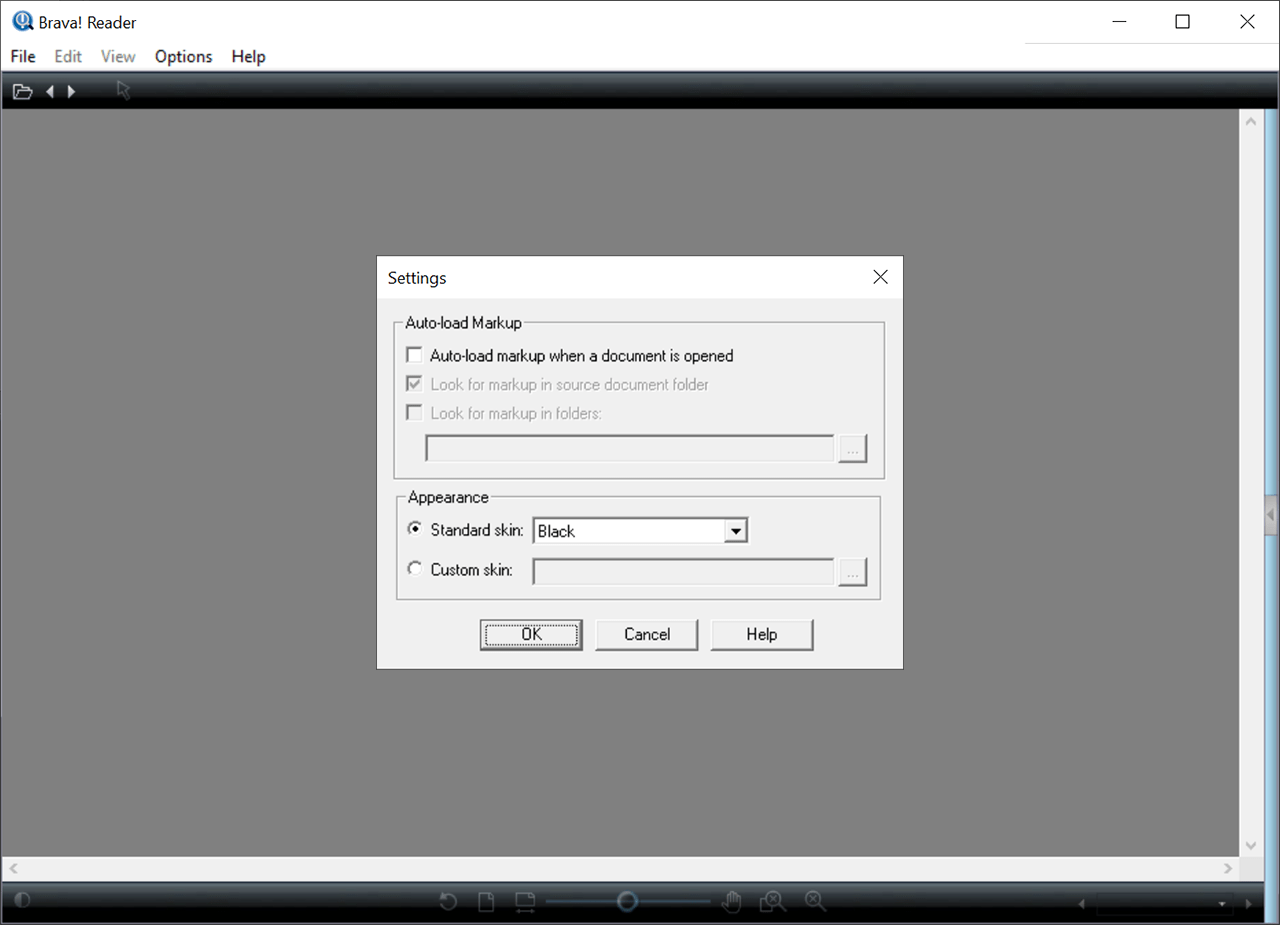
Brava Reader is a Windows utility that lets you work with AutoCAD illustrations and other image file formats. It is possible to change the background color and rotate pictures. You can save marked up images as JPG files or CSF packages.
Viewing options
This program allows users to interact with multipage technical illustrations. There is a thumbnail display mode for quickly navigating through large documents. Tools for displaying detailed CAD file attributes are available.
You can change the background color for transparent images. The pop-up menu contains black, white and gray options. Alternatively, it is possible to choose a custom hue from the color wheel.
Markup instruments
There is an option to add an overlay with personal annotations to the drawing. Users are able to review the document and insert approval or rejection stamps into the pages.
Measurements
Options for calculating the dimensions and area of any specific drawing element are provided. You can measure a distance between two points as well as count the objects by clicking on them. Flexible keyboard shortcuts for accessing all main functions are included.
Features
- free to download and use;
- allows you to view CAD drawings and raster pictures;
- there are powerful measurement instruments;
- it is possible to add personal notes to images;
- users can replace the background image in transparent drawings;
- compatible with all modern versions of Windows.
33,4 Mb (downloads: 19)


