
Thanks to this utility, users are able to manage preset packages for various Sony programs. Moreover, they have the option to create their own combinations.

Sony Preset Manager
ver. 2.0.93
12,7 Mb (downloads: 1326)
Update date:
21.08.2022
Developer:
Sony
Windows version:
Windows XP, Windows Vista, Windows 7, Windows 8, Windows 10
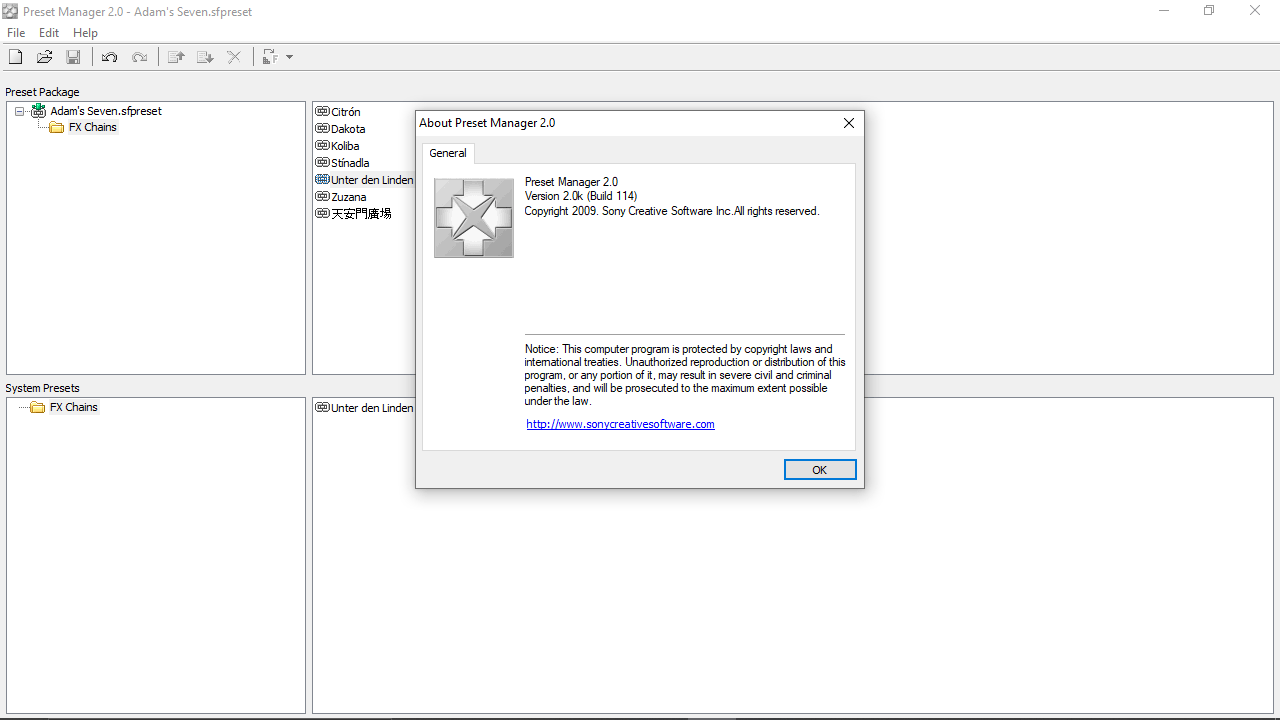
Sony Preset Manager is a Windows program that allows you to organize effects and plugin libraries, as well as apply presets of parameters between various apps developed by Sony.
Overview
This is an official software for managing effects and plugins. With it, you can quickly back up, transfer and delete various FX presets. Thanks to intuitive layout design, you are able to save a lot of time in accessing most commonly used settings.
Please note, this tool is designed to work with existing plugin presets and packages only. This means, you have to create them first in Sound Forge, SONY Vegas Pro or ACID Pro.
Functionality
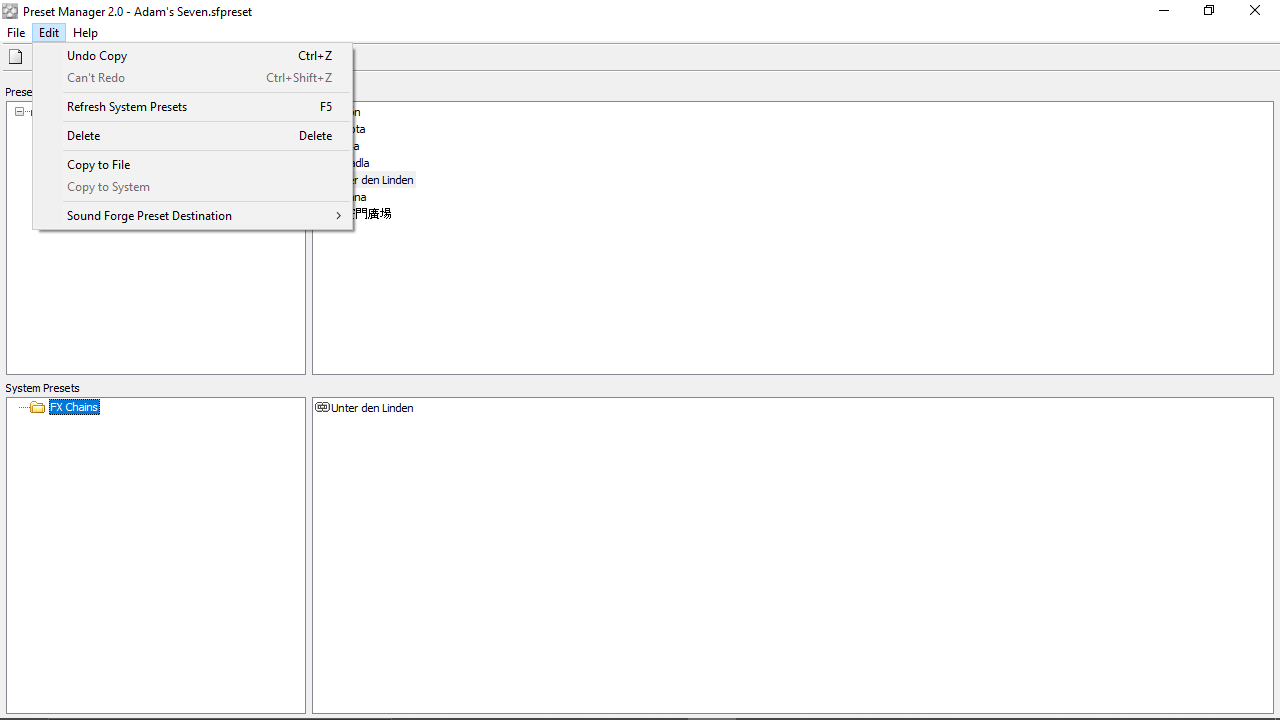
The application features a simple and clean interface that enables you to work with premade groups of settings. You can use the Edit menu command to modify presets on your personal computer or the contents of a specific package.
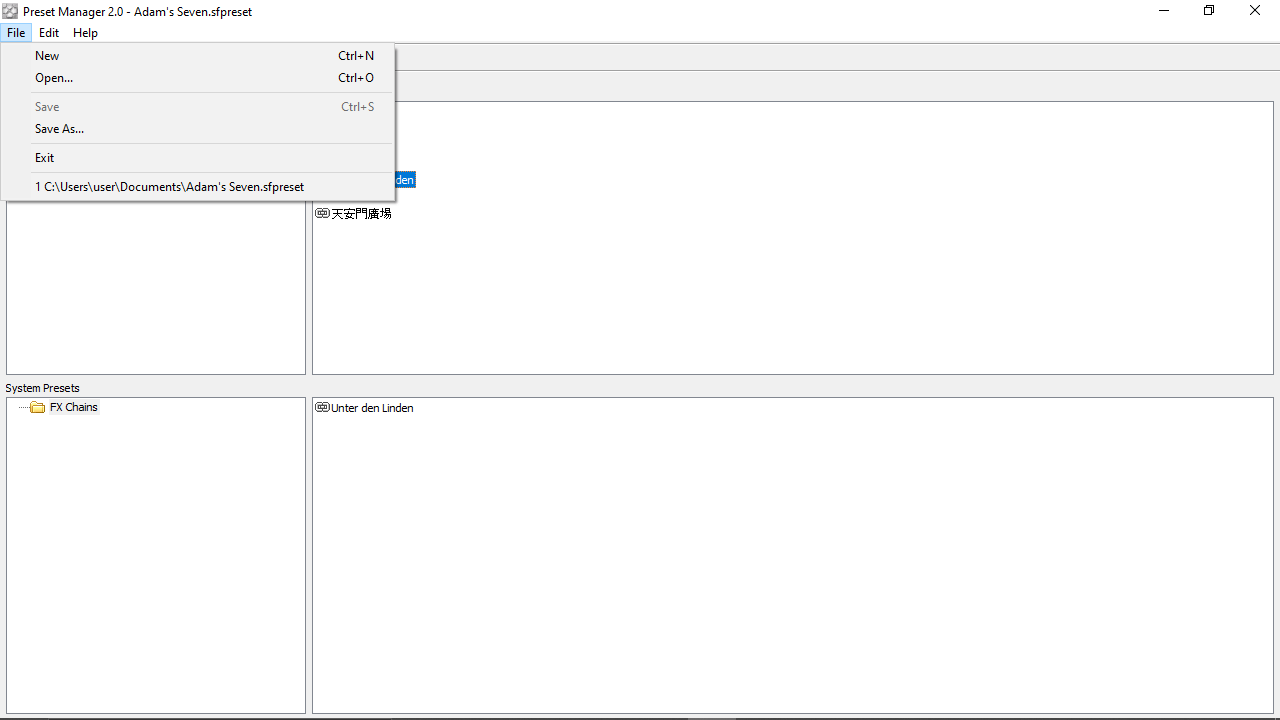
In order to create a new combination of effects, you need to pick the corresponding option in the File menu. Then, you are able to copy presets from other packages or from your hard drive. After you have imported all the necessary items, you can save your collection. Here, you have the option to specify a folder and input a custom file name for the package.
Features
- free to download and use;
- compatible with modern Windows versions;
- gives you the ability to manage preset packages;
- it is possible to specify the target folder and custom name;
- simple and intuitive graphical user interface.
12,7 Mb (downloads: 1326)
Comments


virus