
This utility contains instruments for organizing files in the system. You can find and delete duplicate items from the hard drive to free up the space.

PowerDesk Pro
ver. 9
(downloads: 50)
Update date:
17.01.2023
Developer:
Avanquest Software
Windows version:
Windows XP, Windows Vista, Windows 7, Windows 8, Windows 8.1, Windows 10, Windows 11
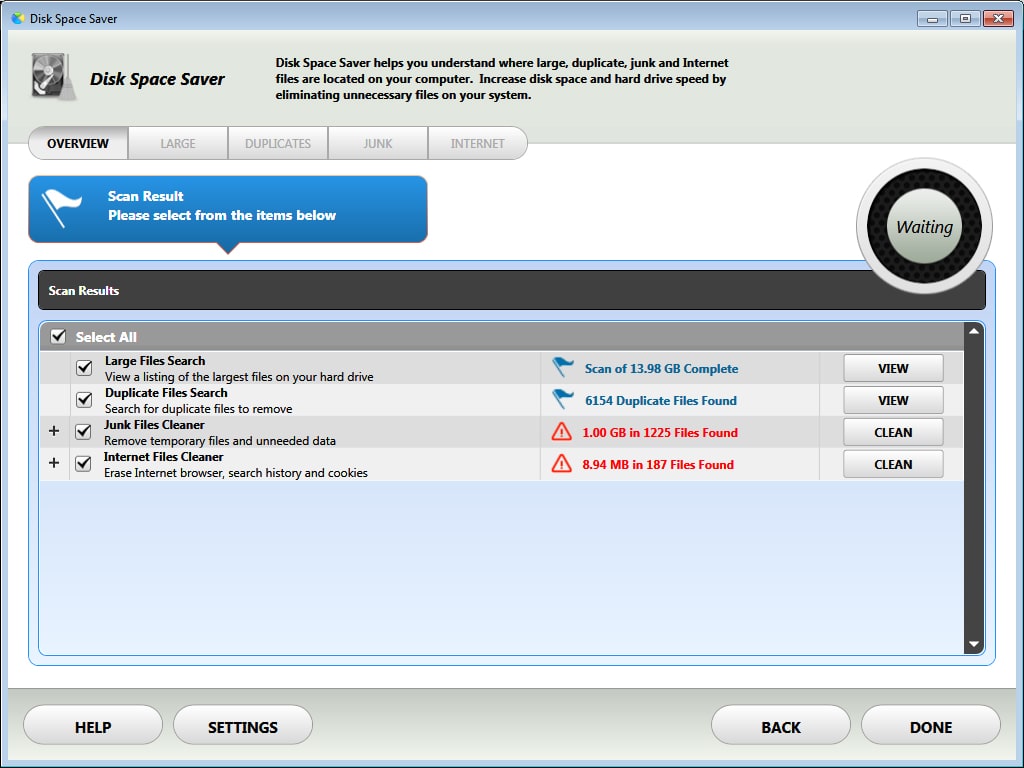
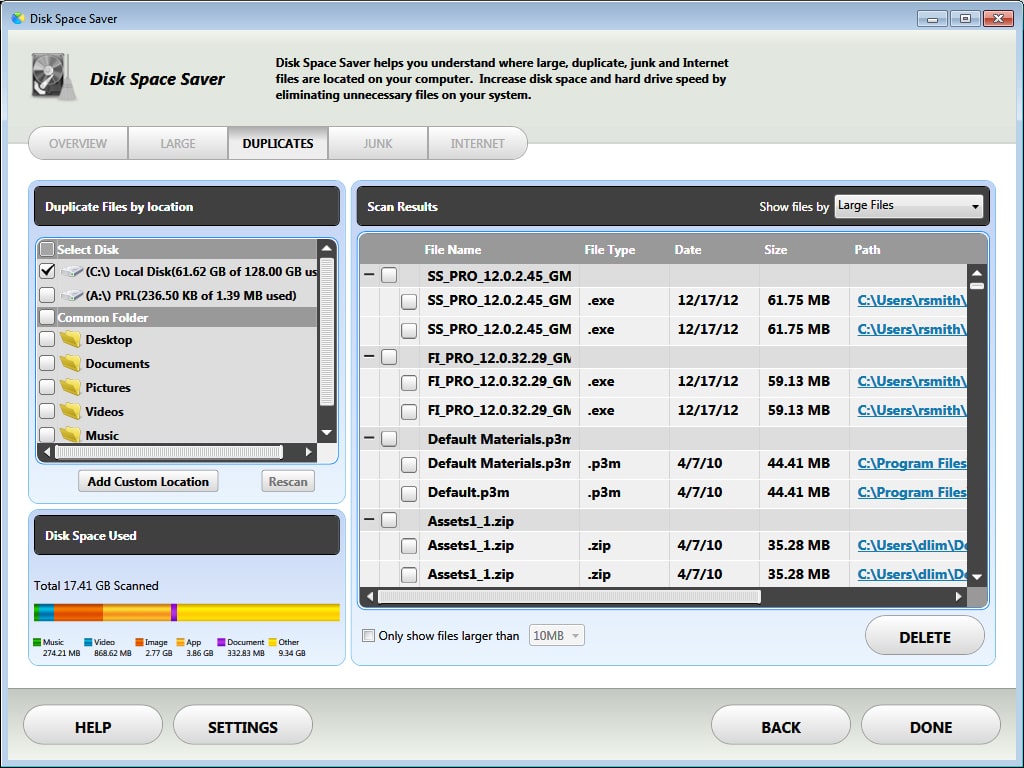
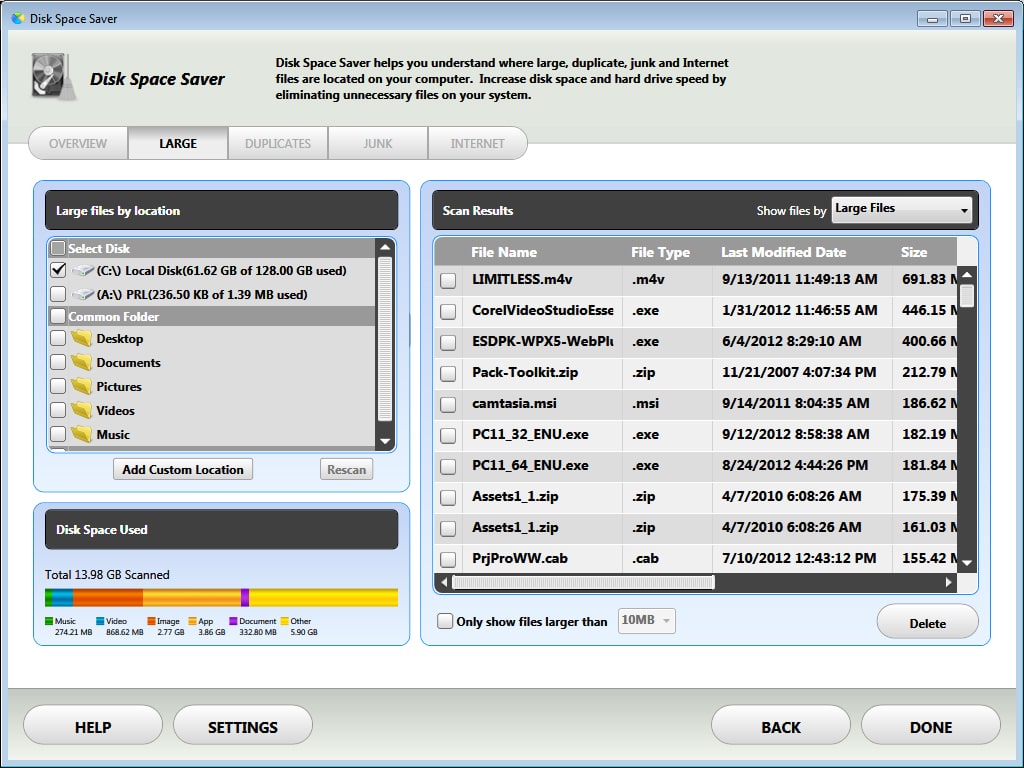
PowerDesk Pro is a Windows software that lets users manage all photos, documents, audio track, video clips and other files on the computer. It is possible to clear up browsing history and other personal data as well. Similar to WinZip, there are tools for working with compressed archives.
File management
The application offers you instruments for comparing and synchronizing the contents of two directories. This functionality is useful for backing up important data. Additionally, there is a Size Manager module for analyzing how effectively the hard drive space is utilized.
Users are able to quickly locate any file on the computer with the help of the included tools. It is possible to search by keyword, extension, size, timestamp and other attributes. Compressed archive contents and email attachments can be scanned as well.
Please note that PowerDesk Pro is a paid program. There is no free trial version.
Personal data
Like in Asmwsoft PC Optimizer, there are powerful tools for finding and erasing private information from the system. All cached passwords, temporary files, internet cookies and other personal items can be quickly deleted. You are able to clear up browsing and downloading history as well.
Features
- requires a paid license to download and use;
- allows you to organize files on the hard drive;
- provides tools for erasing personal data from the computer;
- it is possible to create compressed archives;
- compatible with all modern versions of Windows.
(downloads: 50)


