
Thanks to this tool, users are able to make audio files compatible with Pro Evolution Soccer. Moreover, they have the option to configure the sampling frequency.

PES Sound File Converter
ver. 1.8
0,9 Mb (downloads: 2868)
Update date:
23.07.2022
Developer:
Referee
Windows version:
Windows XP, Windows Vista, Windows 7, Windows 8, Windows 8.1, Windows 10, Windows 11
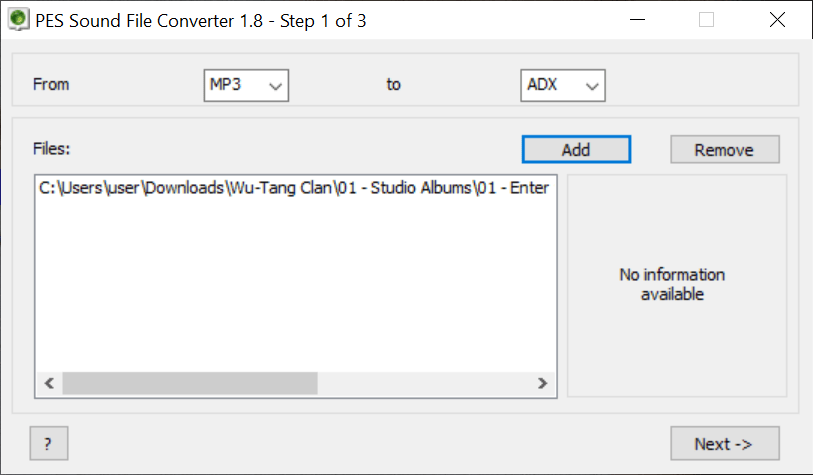
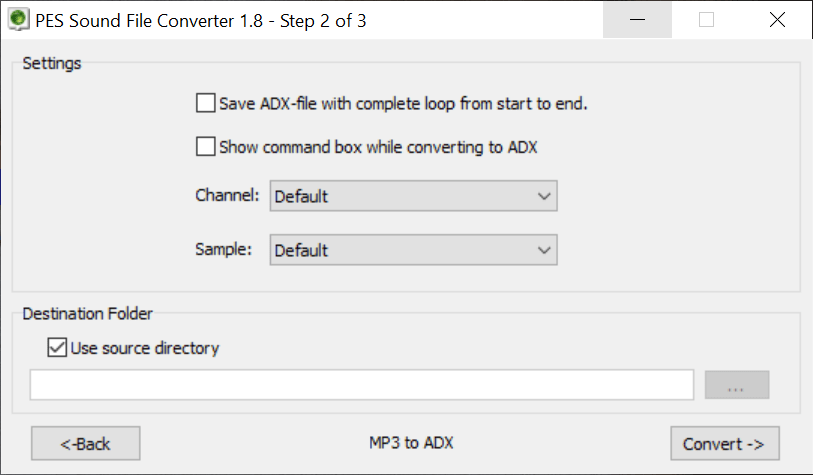
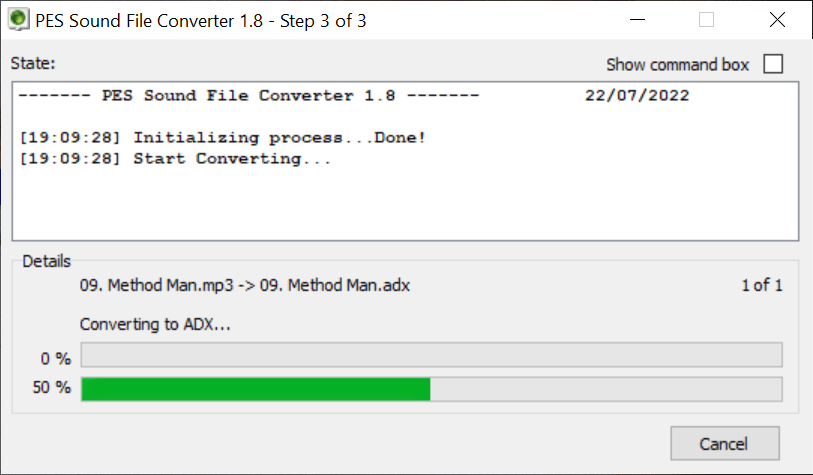
PES Sound File Converter is a useful Windows program that enables you to convert audio files into formats compatible with Pro Evolution Soccer. It features minimalistic design, and thus can be used by most people, regardless of how much previous experience they have.
Advantages of being portable
Thanks to the application’s portability, your Windows registry entries will remain intact. Also, you can place the PES Sound File Converter on an external storage device and run the executable file on any computer.
Interface and functionality
Thanks to its intuitive layout, this tool can be used by both professionals and novices. The graphical interface consists of a single workspace and two dropdown menus. Here you are able to load the desired files. To do that, you can drag and drop your music into the main window or locate the songs via the in-built file explorer.
It is necessary to note that this software supports various audio formats, including:
- WAV;
- MP3;
- ADX;
- AIX.
Please note, in order to make sound files compatible with Pro Evolution Soccer, you need to select ADX. If you want to edit your songs beforehand, you may use Audacity.
Audio settings
After uploading the music, you need to specify the output directory. Here, you are able to configure various audio settings like channels and sampling frequency. Moreover, you have the option to save an ADX file with a complete loop from start to finish.
Features
- free to download and use;
- compatible with modern Windows versions;
- allows you to convert music files for Pro Evolution Soccer;
- support various audio formats;
- it is possible to configure the sampling frequency.
0,9 Mb (downloads: 2868)
Comments


when i turn it on i can’t see it
i can’t use it either