
You can use this program to build complex publications materials. It has a clean and intuitive interface as well as a wide array of text editing tools.

PagePlus SE
ver. 2.0.2
89,1 Mb (downloads: 71)
Update date:
26.04.2022
Developer:
Serif
Windows version:
Windows XP, Windows Vista, Windows 7, Windows 8, Windows 8.1, Windows 10
PagePlus SE is a utility for Windows which allows users to create and design documents. It offers more functions than standard editors like Texter.
Application
This software is aimed at people who need to craft high-quality publications materials starting from restaurant menus and business cards to technical manuals and company guides.
Brief description
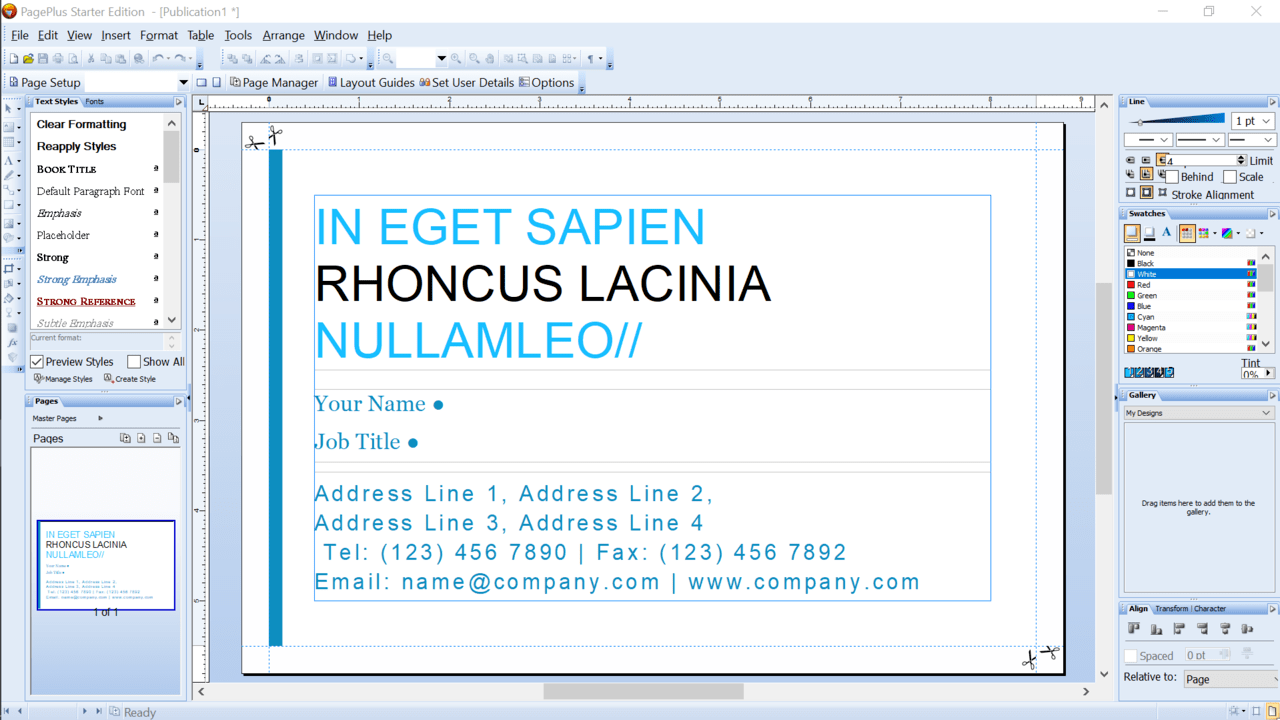
Graphics editor users will find the interface very familiar and convenient in use. A blank document is located in the center of the workspace with a toolbar on the left and a properties panel on the right.
The program comes with a standard set of instruments for working with texts. You can pick font, adjust size and color as well as move and rearrange fragments. Additionally, you are able to choose from a variety of tools used in the professional publishing software like transparency, tables, shadow and frames.
It is possible to adjust the properties of the document such as the color and line as well as configure the alignment, layers of the elements and characters.
Advantages
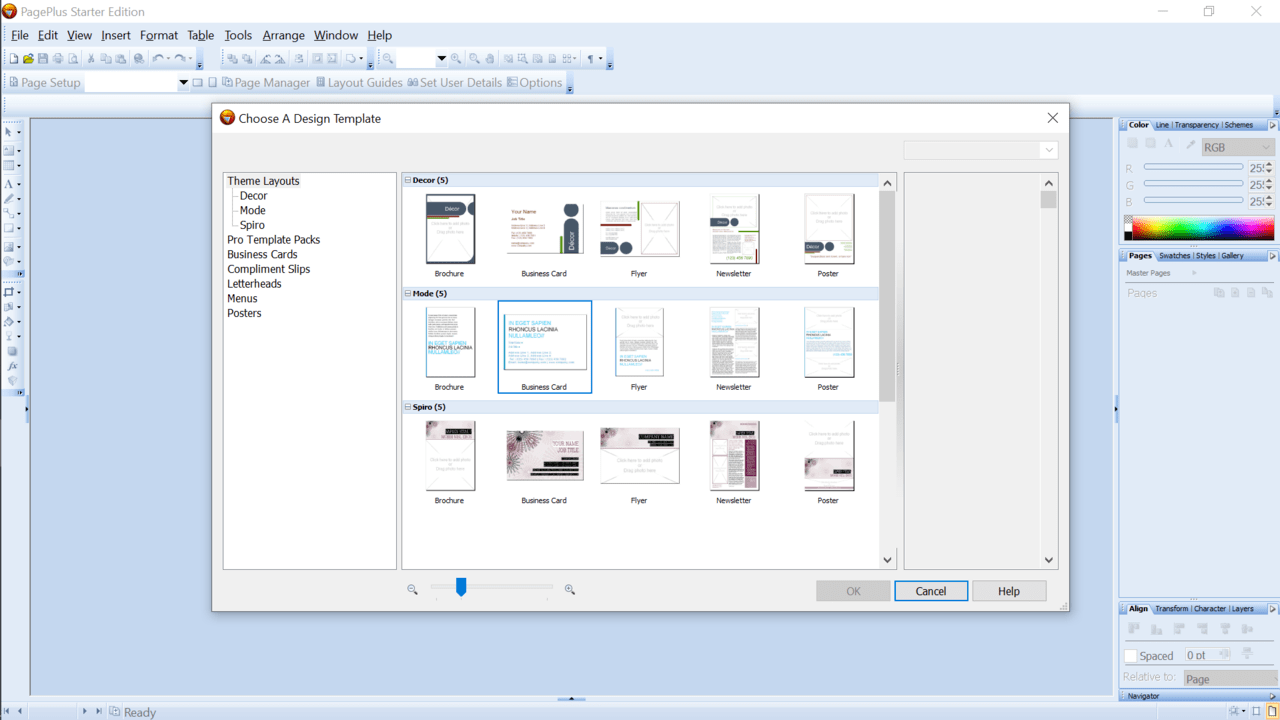
This utility combines the functionality of a word processor with an ability to fully customize documents for publishing. Moreover, you can pick from a large pool ready-made templates for all business occasions. Compared to similar products it is more compact but provides the same level of configuration.
Features
- free to download and use;
- multi-language support;
- requires registration;
- buying full edition gives access to more functions;
- developed by official Serif font company;
- compatible with modern Windows versions.
89,1 Mb (downloads: 71)


