
Orbital

Orbital

0/5
ver. 1.0
(downloads: 30)

This software allows users to emulate a wide variety of popular titles for the PlayStation 4 console on a desktop computer. It is possible to save gameplay progress.

Download
Update date:
04.05.2023
Developer:
AlexAltea
Windows version:
Windows 7, Windows 8, Windows 8.1, Windows 10, Windows 11
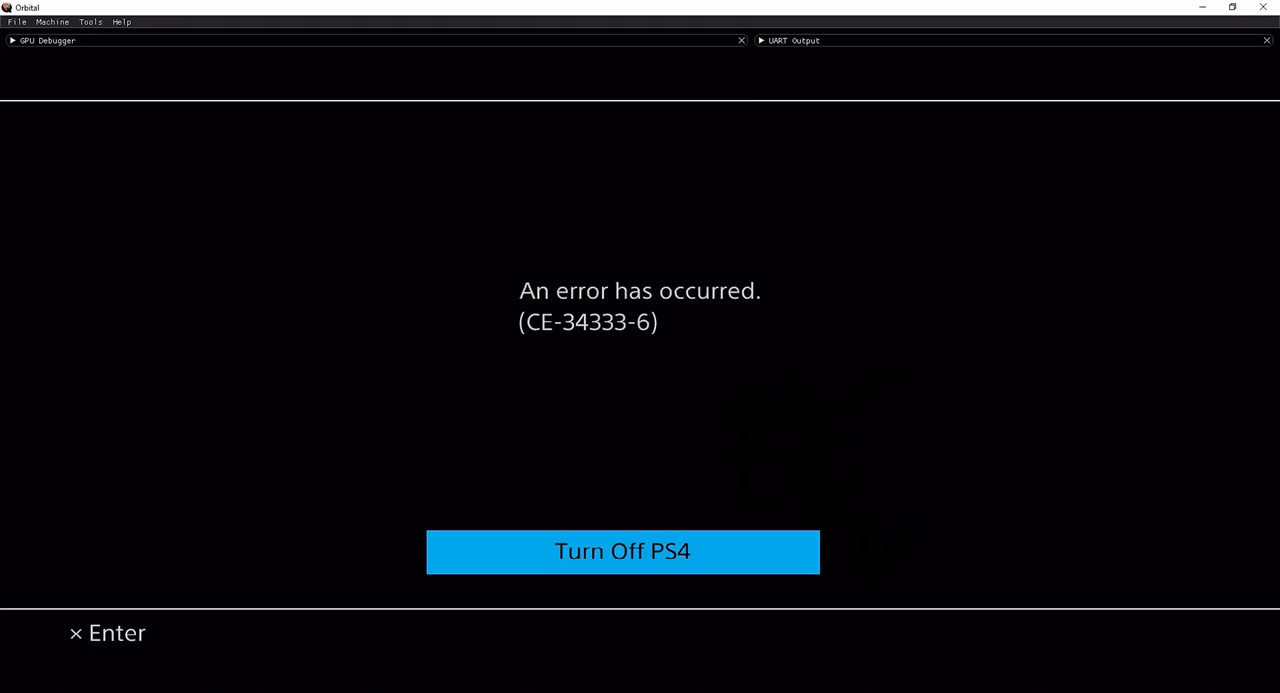
Orbital is a Windows emulator for PlayStation 4. The main purpose of the app is launching console games on a computer. You can configure various graphics parameters and save personal progress.

System requirements

This open source utility is developed by a fan community. It offers users tools for playing console games on a desktop by importing original disc images. There is support for most common formats, including ISO.

At least 12 Gb or RAM is necessary for the correct functioning of the emulator. The CPU has to support virtualization extensions. Additionally, a Vulkan compatible graphics card is required.

Launch and configuration

Orbital can work in several modes like fullscreen and window. Like in PSX Emulator, it is possible to save game progress and load it later to continue playing. Moreover, you are able to use both gamepads and keyboard as control devices.

Compatibility

Please note that this emulator is in the development stage at the time of writing. It is not fully compatible with some PlayStation 4 titles. However, authors are constantly working to add support for more games and functions.

Features

  • free to download and use;
  • provides an emulator for the Playstation 4 gaming console;
  • an experimental application that is still under development;
  • there is support for a wide variety of third-party gamepads;
  • users can control the gameplay from a keyboard;
  • compatible with all modern versions of Windows.
Download
(downloads: 30)
Add comment
0/5
Similar programs
TI SmartView TI SmartView
Windows XP Free
0/5

This utility is intended for emulating the TI 84 Plus family of graphing calculators on a desktop. It is an ideal demonstration tool for the classroom.

ver 3.2.0.116
Termux Termux
Windows XP Free
5/5

Using this program you can run Linux terminal commands on an emulated Android device. There is a minimal environment with access to bash, coreutils, curl and git.

ver 0.119.1
BlueStacks Tweaker BlueStacks Tweaker
Windows XP Free
0/5

With the help of this utility users can modify various settings of the BlueStacks Android emulator. It is possible to install Xposed Framework and Xprivacy.

ver 6.9.2
GLideN64 GLideN64
Windows XP Free
0/5

This video plugin is intended for various Nintendo 64 emulators. It allows users to manually improve the graphics quality in multiple popular console games.

ver 4.0.7z
Garena Smart Garena Smart
Windows XP, Windows Vista, Windows 7, Windows 8, Windows 8.1, Windows 10, Windows 11 Free
4/5

Using this program you can emulate Android mobile games on a desktop computer. It is possible to play a wide variety of popular titles like PUBG and Call of Duty.

ver 3.0
Citra Citra
Windows 7, Windows 8, Windows 10, Windows 11 Free
0/5

With the help of this application users can launch games for the Nintendo 3DS handheld console on a computer. The multiplayer mode is fully supported.

ver 1897
UltraHLE UltraHLE
Windows XP, Windows Vista, Windows 7, Windows 8, Windows 8.1, Windows 10, Windows 11 Free
0/5

Using this program you can play various console games for Nintendo 64 on a desktop computer. The integrated rendering engine provides high quality graphics.

ver 1.0.5
3dmoo 3dmoo
Windows XP, Windows Vista, Windows 7, Windows 8, Windows 8.1, Windows 10, Windows 11 Free
0/5

This program contains an emulator for the Nintendo 3DS handheld gaming console. It allows you to play a wide variety of popular titles on the desktop.

ver 20140603