
This software lets users create and edit documents, spreadsheets and digital presentations. There is support for integration with cloud storage services.

ONLYOFFICE
ver. 7.4.0
214 Mb (downloads: 8)
Update date:
26.07.2023
Developer:
Ascensio System SIA
Windows version:
Windows 7
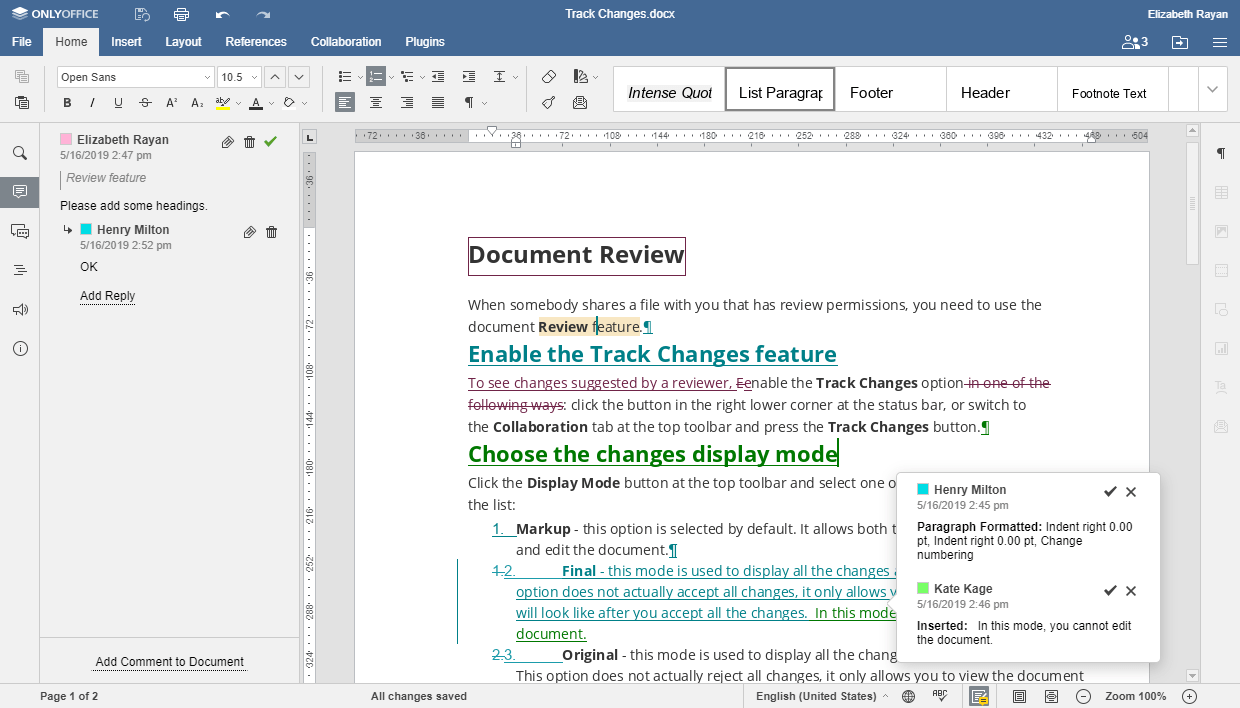
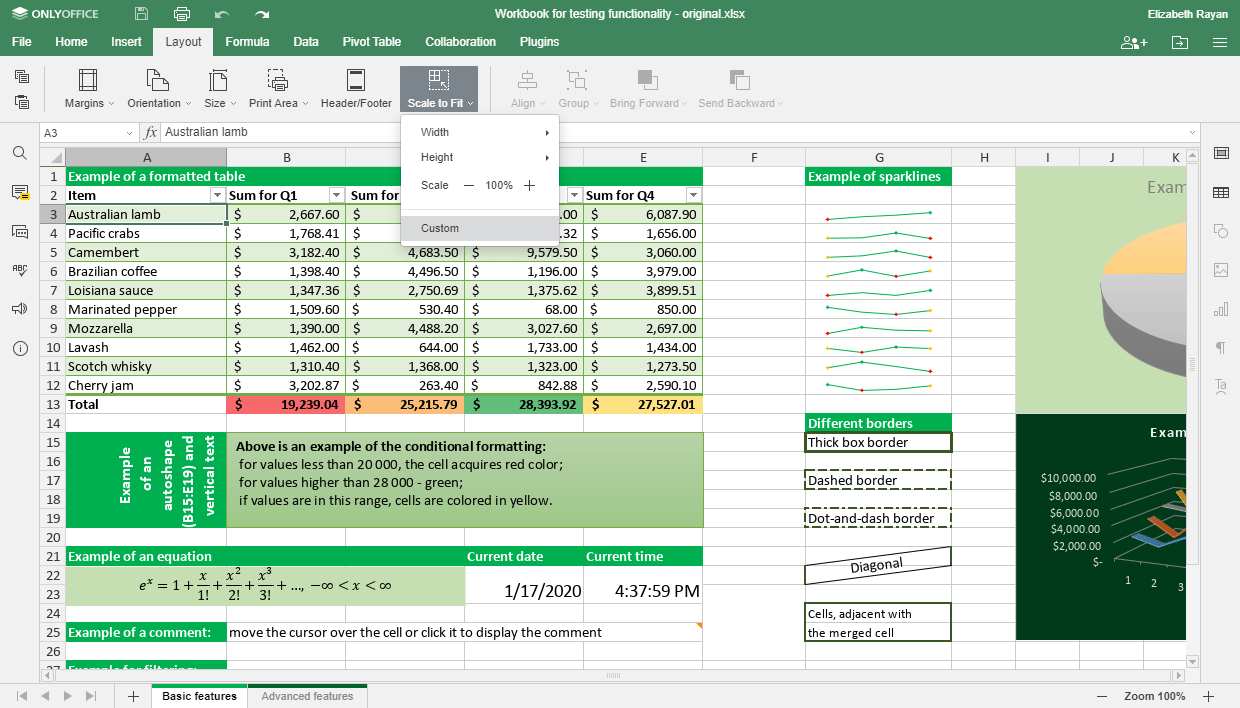
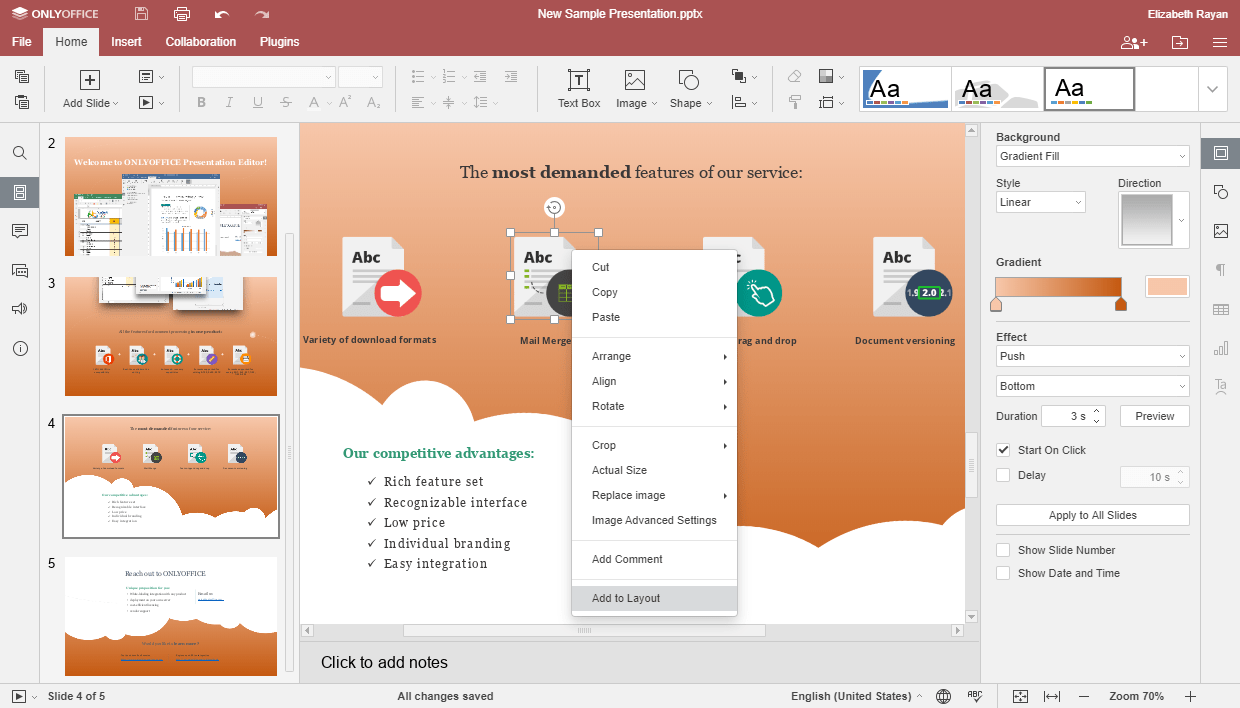
ONLYOFFICE is an open source collection of office programs for Windows. The suite contains instruments for modifying text documents, digital spreadsheets and presentations. It is possible to collaborate on projects with other people by sharing access to the files. You can integrate ONLYOFFICE with various popular cloud storage platforms like OneDrive, Dropbox and ownCloud.
Word processor
Users are able to create and modify text documents. There are flexible tools for paragraph formatting and numbered list generation. Moreover, it is easy to adjust the visual appearance of the text by changing the size, color and style of the font.
You can insert images and tables into the page. Additionally, a formula editor for entering complex mathematical expressions is provided. Available output file formats include DOC and DOCX.
Spreadsheets
This module is intended for performing complex calculations as well as for building graphs and diagrams. The interface is similar to the popular Microsoft Excel app. Users are able to enter formulas and source data for processing.
Presentations
Another helpful feature of ONLYOFFICE is the ability to create informative and beautiful digital presentations. There is a large selection of slide templates. You can add spreadsheets, pictures, diagrams and text to the project.
Features
- free to download and use;
- contains a suite of office software;
- there are tools for working with text documents, spreadsheets and presentations;
- you can share content with other people to collaborate on projects;
- compatible with modern versions of Windows.
214 Mb (downloads: 8)


