
This utility contains a powerful medical image viewer with instruments for importing, manipulating, measuring and converting DICOM files to several formats.

K PACS Workstation
ver. 1.6
(downloads: 195)
Update date:
15.04.2023
Developer:
Image Information Systems Ltd.
Windows version:
Windows XP, Windows Vista, Windows 7, Windows 8, Windows 8.1, Windows 10, Windows 11
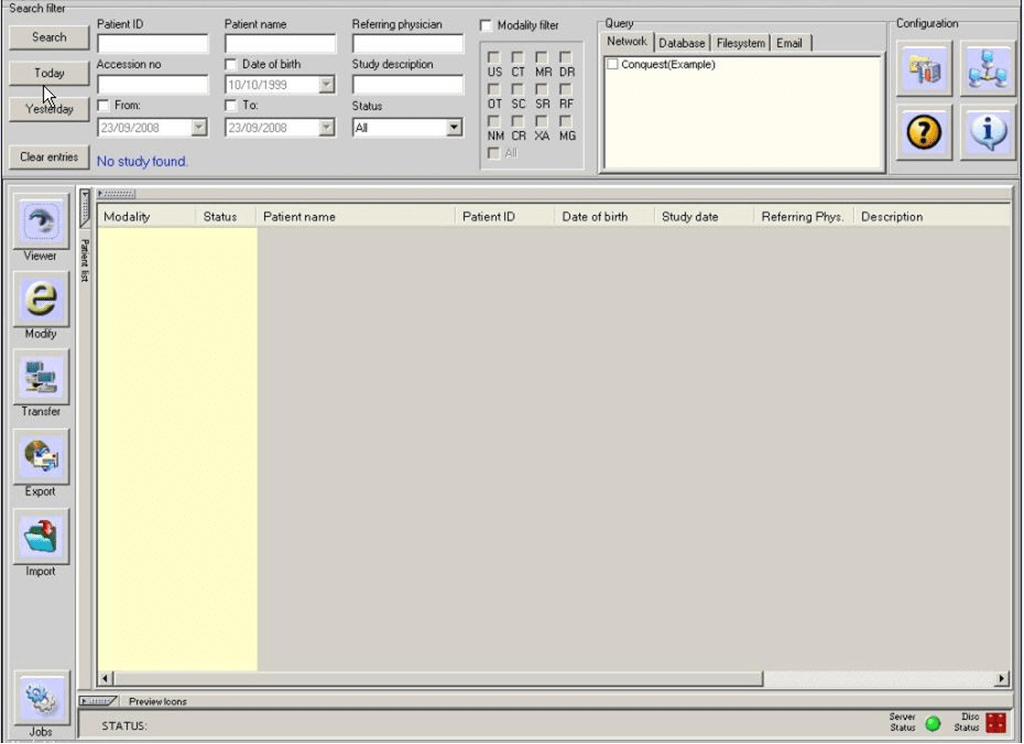
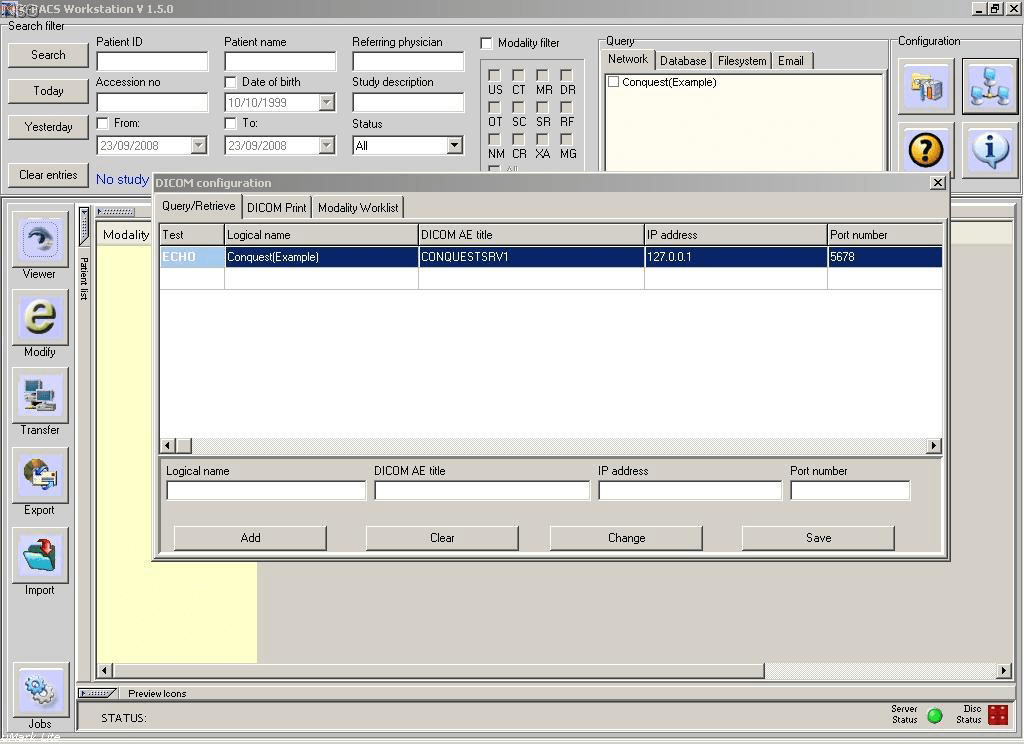
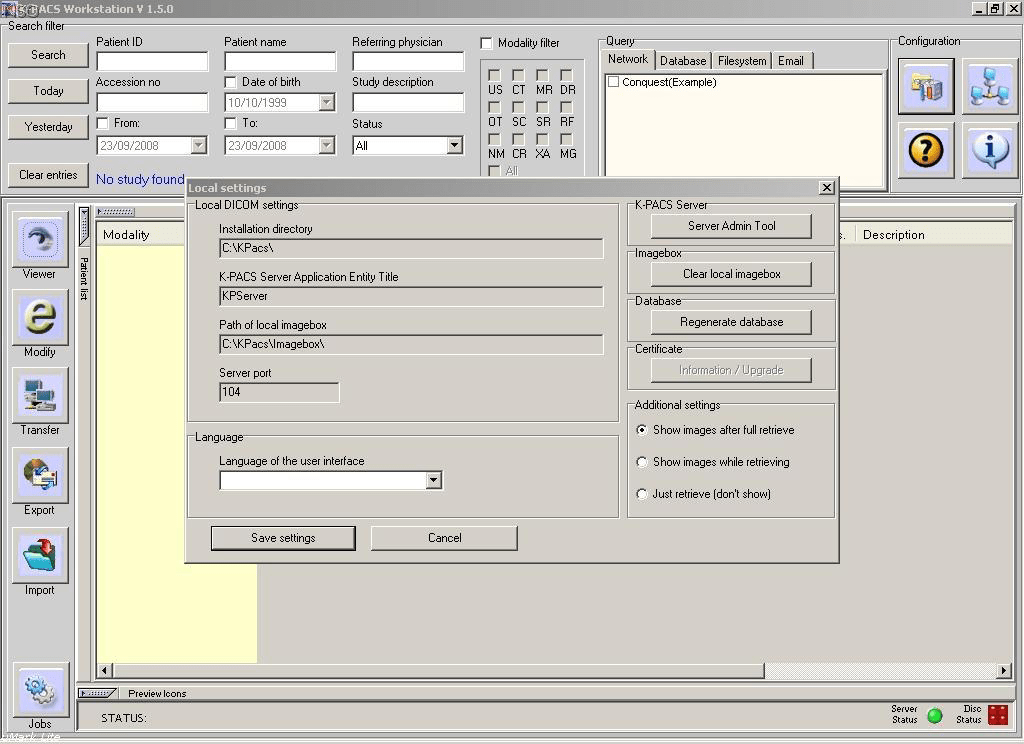
K PACS Workstation is a Windows application for working with DICOM medical images. It is intended for use by intensive care physicians and professional radiographers. Moreover, the software can be utilized for interpretation in connection with a validated monitor. Please note that K PACS Workstation is discontinued and no longer supported by the developer. The installation files are not available.
About DICOM
This format was designed to store various types of medical imaging and related metadata. It allows users to view, print and share information over the network. There are multiple programs for opening DICOM files such as Philips DICOM Viewer or ACOM PC Lite.
Editing tools
After importing images into the app you can resize, crop and rotate them. Additionally, it is possible to take detailed measurements of any object for medical diagnostic purposes. Instruments for converting DICOM pictures to several popular formats like JPG and PNG are provided.
Users are able to query remote archived records, add metadata to images and perform other administrative tasks. Resulting DICOM packages can be quickly recorded onto a CD or sent via email.
Features
- free to download and use;
- includes professional instruments for viewing and modifying DICOM medical images;
- it is possible to resize, rotate and crop individual frames;
- you can measure various sections of the image to diagnose potential health issues;
- compatible with all modern versions of Windows.
(downloads: 195)


