
Easy Subtitle Converter

Easy Subtitle Converter

0/5
ver. 1.2
0,4 Mb (downloads: 23)

This robust application was designed to help users save subtitles to their favorite movies in different formats. It is also possible to backup source files.

Download
Update date:
20.03.2023
Developer:
Tomasz Kapusta
Windows version:
Windows XP, Windows Vista, Windows 7, Windows 8, Windows 10, Windows 11
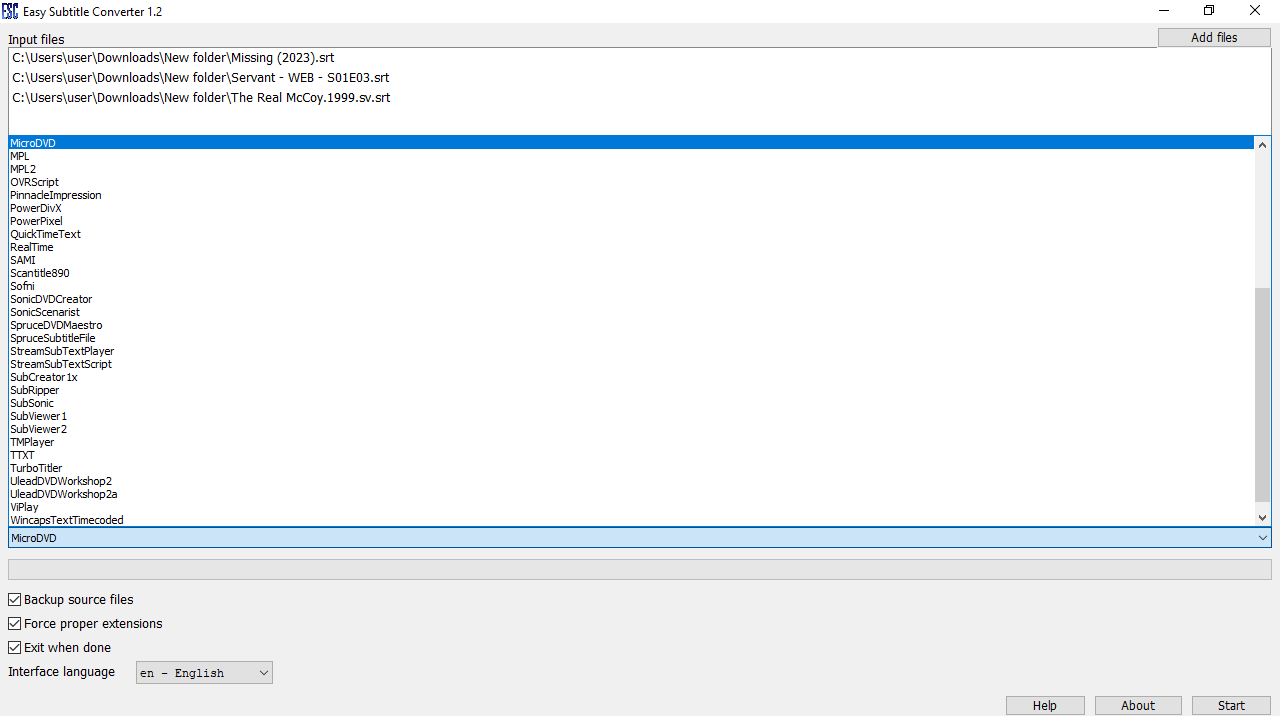
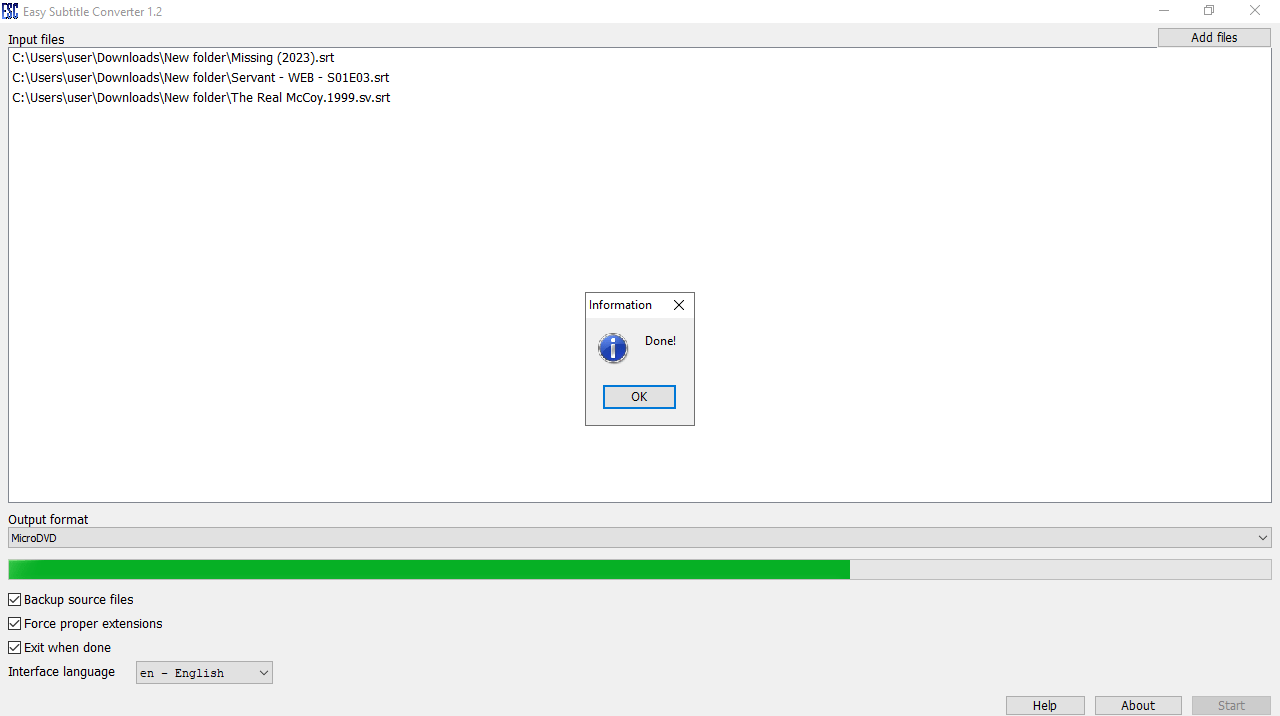
Easy Subtitle Converter is a program for Windows that gives you the possibility to convert subtitles between several common formats, namely SRT and SUB. Please note that the tool does not require installation, which makes it portable. In other words, you can store it on a USB flash drive and directly its executable on any computer.

Brief review

The graphical interface of the application is simple but well-organized. In order to import subtitles, you are able to utilize the in-built file browser or the drag and drop function, batch processing is also supported. The next step is to pick the output format and start the conversion process with the simple click of a button. If you want to create subtitles from scratch or modify existing ones, you may try an advanced piece of software called Subtitle Workshop.

Pros and cons

What is more, you can toggle the utility to backup source files, enforce the proper extensions and to exit upon the task completion. The only drawback of this program is that it does not allow you to predefine the output destination of the resulting subtitle file, which is automatically placed in the same root folder as the source.

Features

  • free to download and use;
  • compatible with modern Windows versions;
  • enables you to convert subtitles between formats;
  • you have the ability to process multiple items at once;
  • it is not possible to specify the output destination;
  • the program does not require installation.
Download
0,4 Mb (downloads: 23)
Add comment
0/5
Similar programs
PsRockola PsRockola
Windows XP Free
0/5

With this piece of software, users can play songs and videos on their desktop PC. Additionally, it is possible to install additional appearance skins.

ver 5.0
Harbour Harbour
Windows XP Free
2/5

The robust utility was developed to assist you in compiling data for projects in development. Moreover, you can connect and work with multiple databases.

ver 3.0
Digital Media Converter Pro Digital Media Converter Pro
Windows XP Free
0/5

Using this tool you can convert video and audio files from one format to another. Flexible output quality parameters like the bitrate and resolution are available.

ver 4.18
PocketISO PocketISO
Windows XP Free
0/5

Using this robust tool, you can reduce the size of PSX game files. Moreover, you have the option to rip and replace videos, extract audio tracks to MP3 format, etc.

ver 3.2
FastPictureViewer Codec FastPictureViewer Codec
Windows XP Free
0/5

Using this program you can add support for a wide range of image formats such as PSD, TGA, DDS, HDR, RAW, JPEG 2000 and Maya IFF to the operating system.

ver 3.2
Push Video Push Video
Windows 8 Free
0/5

Thanks to this application, users can set up videos as their desktop backgrounds. Additionally, there is support for downloading content from YouTube.

ver 5.1
Cineplayer DVD Decoder Cineplayer DVD Decoder
Windows XP Free
0/5

This software is intended for enhancing the functionality of Windows Media Player. It provides noticeably better DVD playback quality compared to other codecs.

ver 3.2
Batch Watermark Creator Batch Watermark Creator
Windows 7 Free
0/5

Using this lightweight tool, you can create custom watermarks for your photographs. Moreover, there is an option to rename the output files by defining rules.

ver 8.1