
This software offers users a unified control center for video surveillance. It is possible to connect multiple types of IP cameras over the local network.

CMS Professional
ver. 3.0
45,6 Mb (downloads: 8)
Update date:
01.06.2023
Developer:
AlNet Systems
Windows version:
Windows XP, Windows Vista, Windows 7, Windows 8, Windows 8.1, Windows 10, Windows 11
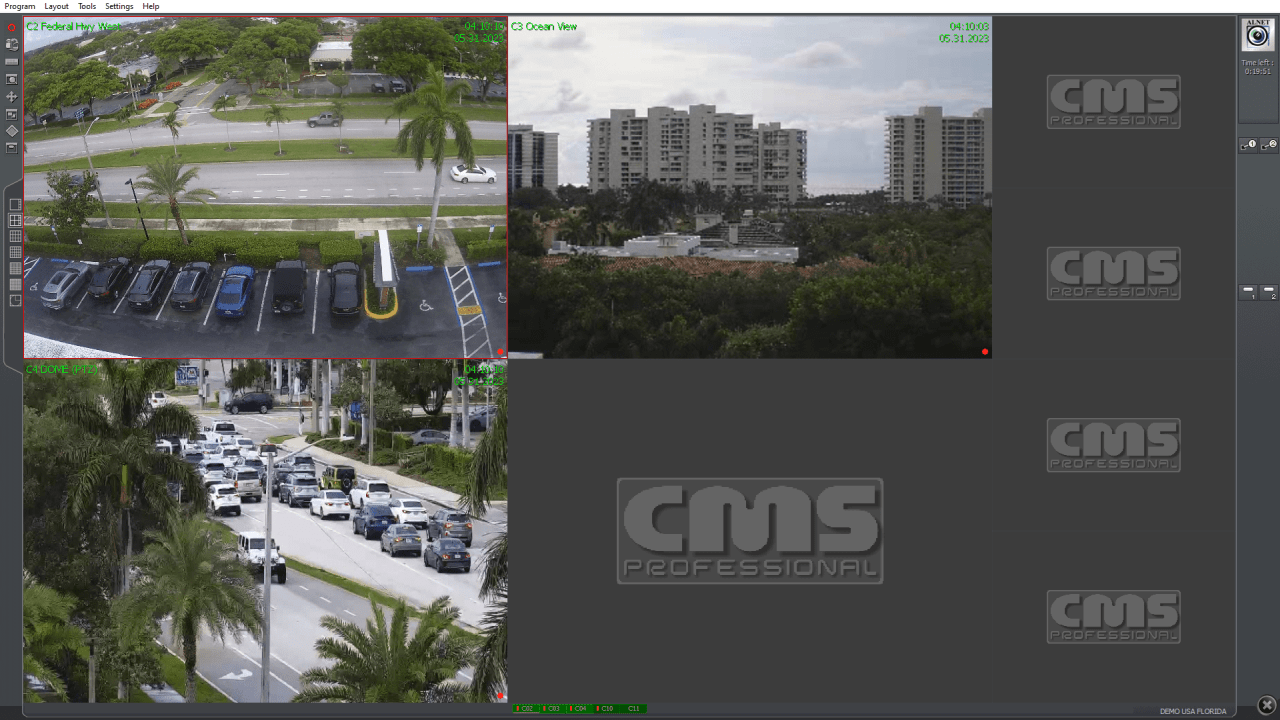
CMS Professional is a Windows application for monitoring live feeds from security cameras and recording their output. There is support for a wide range of devices from different manufacturers.
Connection
After starting the program you can select one of the demo live feeds or specify the server address and port. It is necessary to enter account credentials for accessing protected streams. There is an option to save multiple custom profiles.
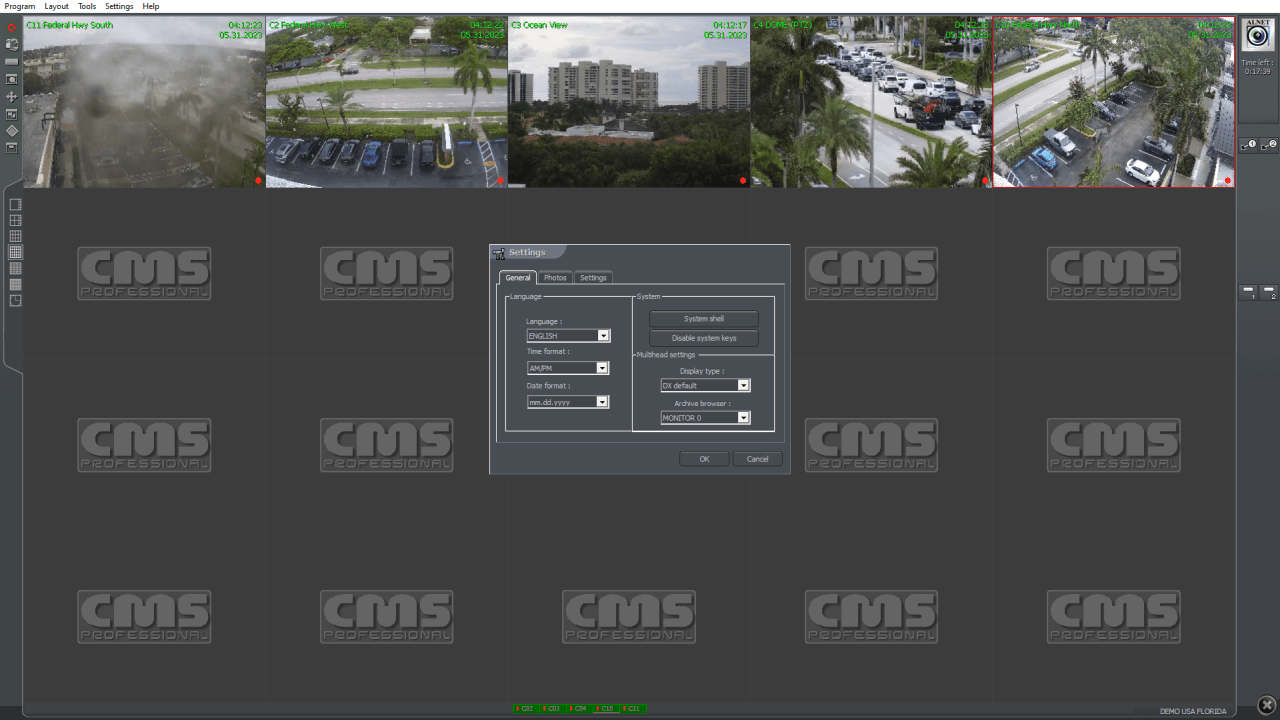
Users are able to display up to 63 live feeds on the screen at the same time. Similar to SmartPSS, several default window layouts are included.
Camera settings
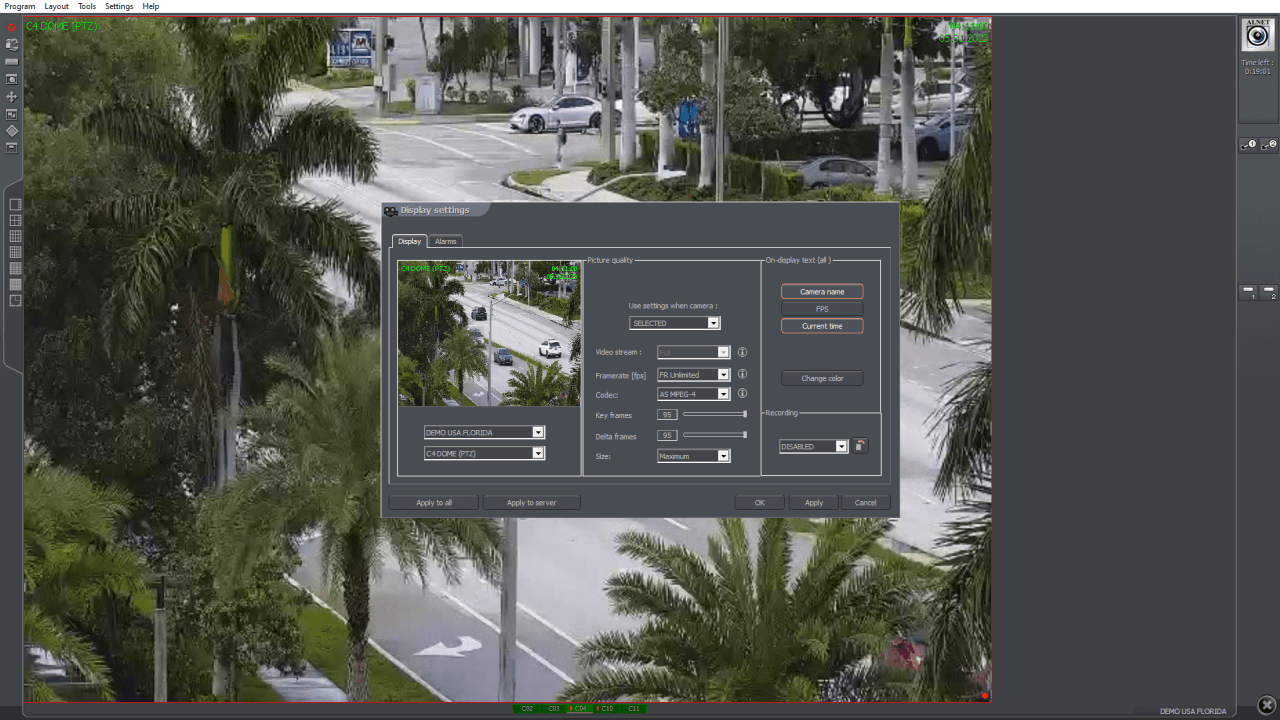
It is possible to limit the maximum frame rate and change the video codec for every surveillance device. The preview resolution is adjustable as well. You can configure sound alarms that will be played after motion detection events.
Recording
There are instruments for capturing the output from the camera to the hard drive. This functionality is helpful for analyzing potential suspicious activity. Users are able to view previously recorded clips in the corresponding section of the main window. The output quality and image dimensions are customizable.
Features
- free to download and use;
- provides tools for monitoring live feeds from security cameras;
- there is support for a wide range of surveillance equipment from various manufacturers;
- you can record video clips and configure custom sound alarms;
- compatible with all modern versions of Windows.
45,6 Mb (downloads: 8)


