
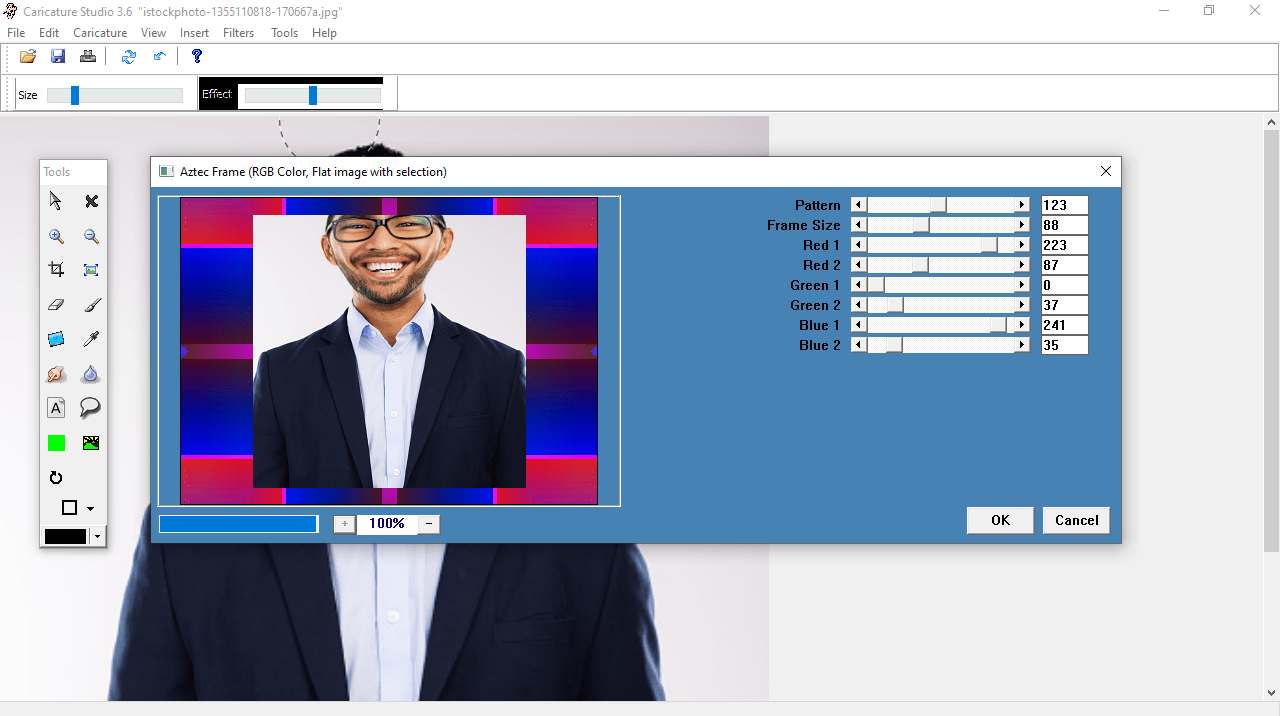
The utility was designed to help users customize their images with different filters and frames. In addition, they have the option to adjust the color settings.

Caricature Studio
ver. 3.6
6,8 Mb (downloads: 38)
Update date:
14.12.2022
Developer:
Carnival Software
Windows version:
Windows XP, Windows Vista, Windows 7, Windows 8, Windows 10, Windows 11
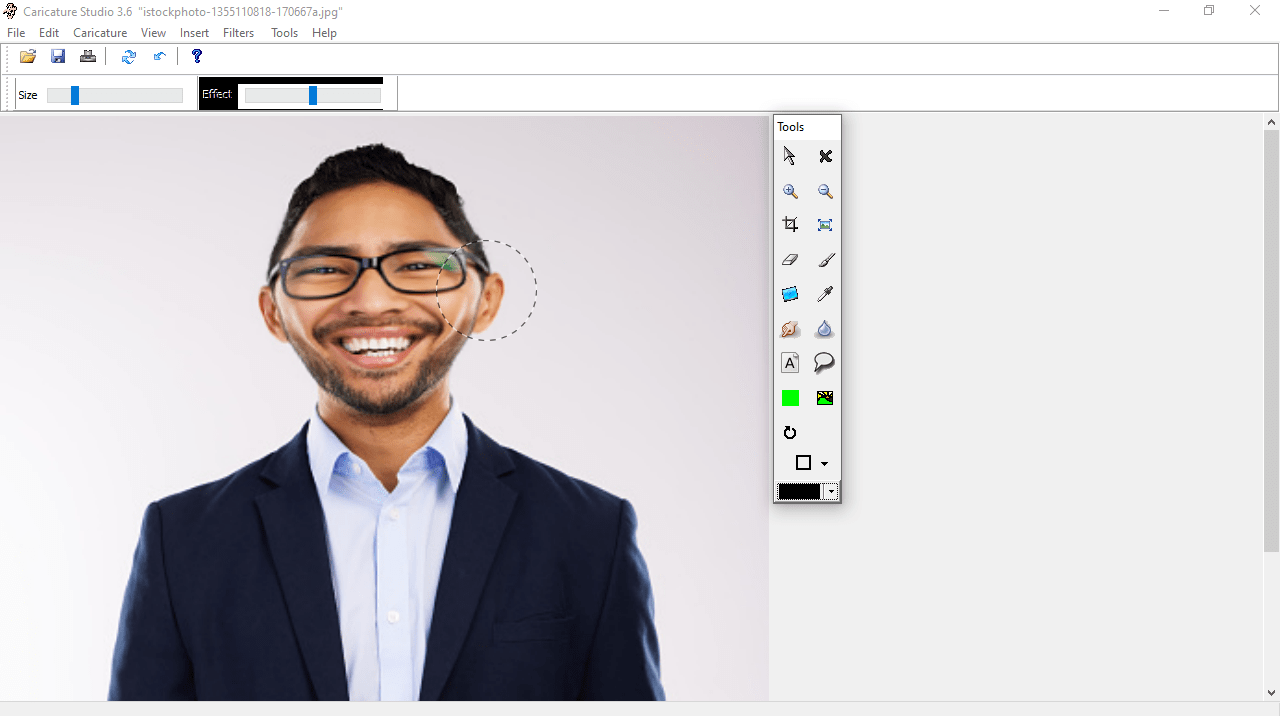
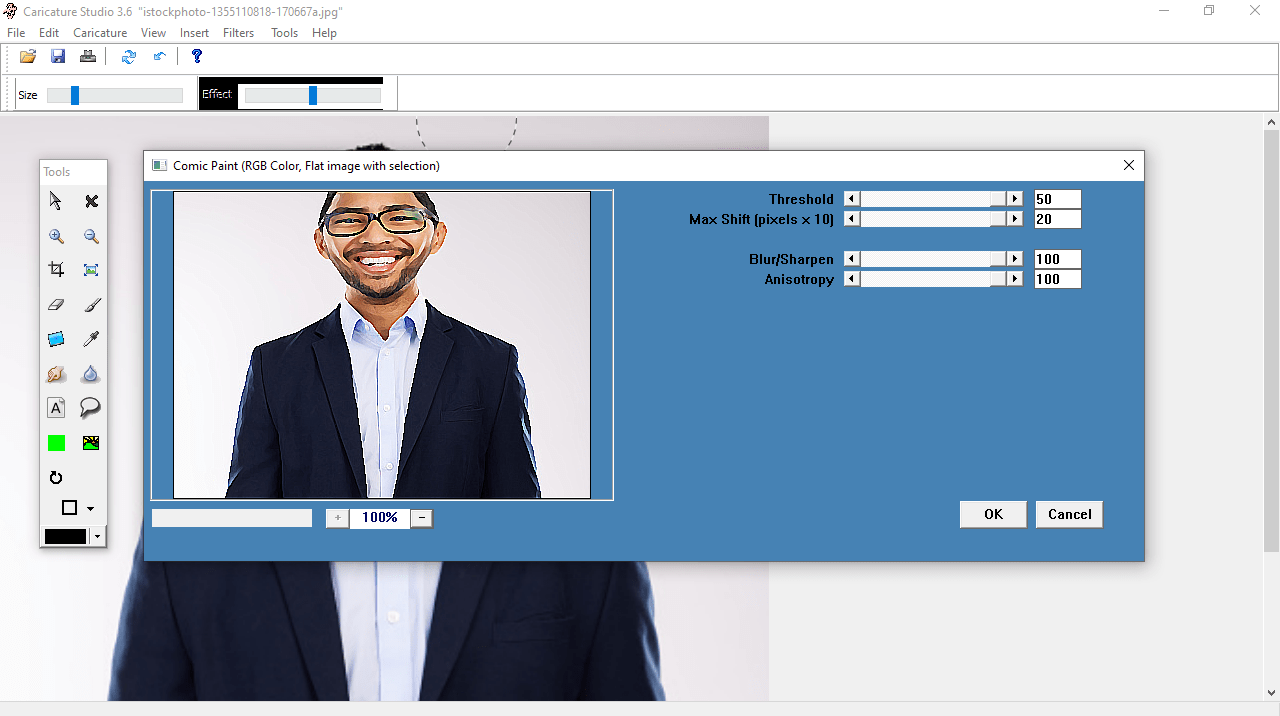

Caricature Studio is a program for Windows that gives you the possibility to draw caricatures. It is a convenient software solution for creating comics, novelty photos and postmodern art. The package contains features like special effects, rendering modes, green screen, face swap, text and other templates.
Goal
The application was developed for a variety of purposes. It can be used to create caricatures with powerful effects or to simply edit images. The face swap feature enables you to create funny photographs of groups of people. However, it is also possible to use this utility to create comics out of normal images. In addition, you have the option to make your own parody magazines and posters.
Main capabilities
The program provides you with a variety of instruments which add style to the image. Different effects may be chosen via the toolbar and a wide range of categories located on the upper panel. You can configure the color settings like hue, contrast and brightness. In addition, you have the ability to apply special filters and frames. If you want to try more features, you may use a more modern software solution called Magix FunPix Maker or Virtual Plastic Surgery.
Features
- free to download and use;
- compatible with modern Windows versions;
- gives you the ability to create caricatures;
- allows you to apply a variety of filters and frames;
- you can pick from a wide range of brush effects;
- it is possible to adjust different color settings.
6,8 Mb (downloads: 38)


