
This application was designed to help you manage Nikon digital cameras. Moreover, you have the ability to shoot pictures via Handheld and Tripod mode.

Camera Control Pro 2
ver. 2.34.2
226 Mb (downloads: 17)
Update date:
16.10.2022
Developer:
Nikon
Windows version:
Windows XP, Windows Vista, Windows 7, Windows 8, Windows 10
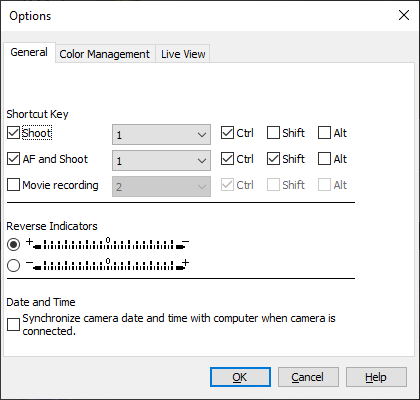
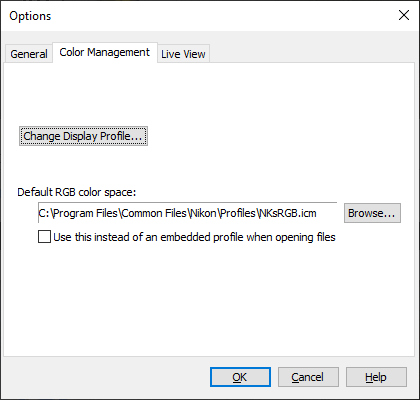
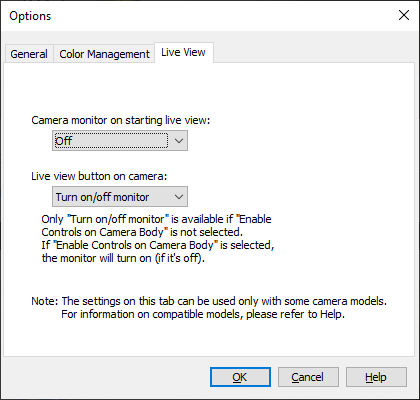
Camera Control Pro 2 is a program for Windows that allows users to remotely control most functions of a Nikon DSLR camera from a computer that is connected via USB cable or wireless LAN transmitter.
Compatibility and optional apps
It is necessary to note that advanced functions of D3 and D300 series such as the ability to preview and select images prior to transfer. LiveView and Picture Control System are also supported. In addition, it is possible to deploy software like Capture NX and View NX.
Main functions
The application gives you the ability to remotely control digital SLR settings, including exposure mode, shutter speed and aperture. In addition, you can directly transfer images from a camera to a computer and go through all the steps from shooting to saving photographs. You also have the option to confirm or delete images on a camera buffer via thumbnail or preview display prior to transfer.
Advanced capabilities
It is worth mentioning that the LiveView modes, namely Handheld and Tripod, can be used to see through the objective lens. They enable simultaneous adjustment of focus point and shutter release, as well as confirmation of the picture on a computer screen. Please note, in Tripod mode, you are able to remotely select the desired autofocus point.
Features
- free to download and use;
- compatible with modern Windows versions;
- gives you the ability to remotely control Nikon digital cameras;
- it is possible to shoot pictures via Handheld and Tripod mode;
- you can manually configure the focus point and shutter release.
226 Mb (downloads: 17)


