
This popular program offers you professional tools for creating blueprints and other engineering drawings. It is possible to work on a project cooperatively.

AutoCAD
ver. 2023
11,4 Mb (downloads: 87)
Update date:
22.11.2022
Developer:
Autodesk, Inc.
Windows version:
Windows 10, Windows 11
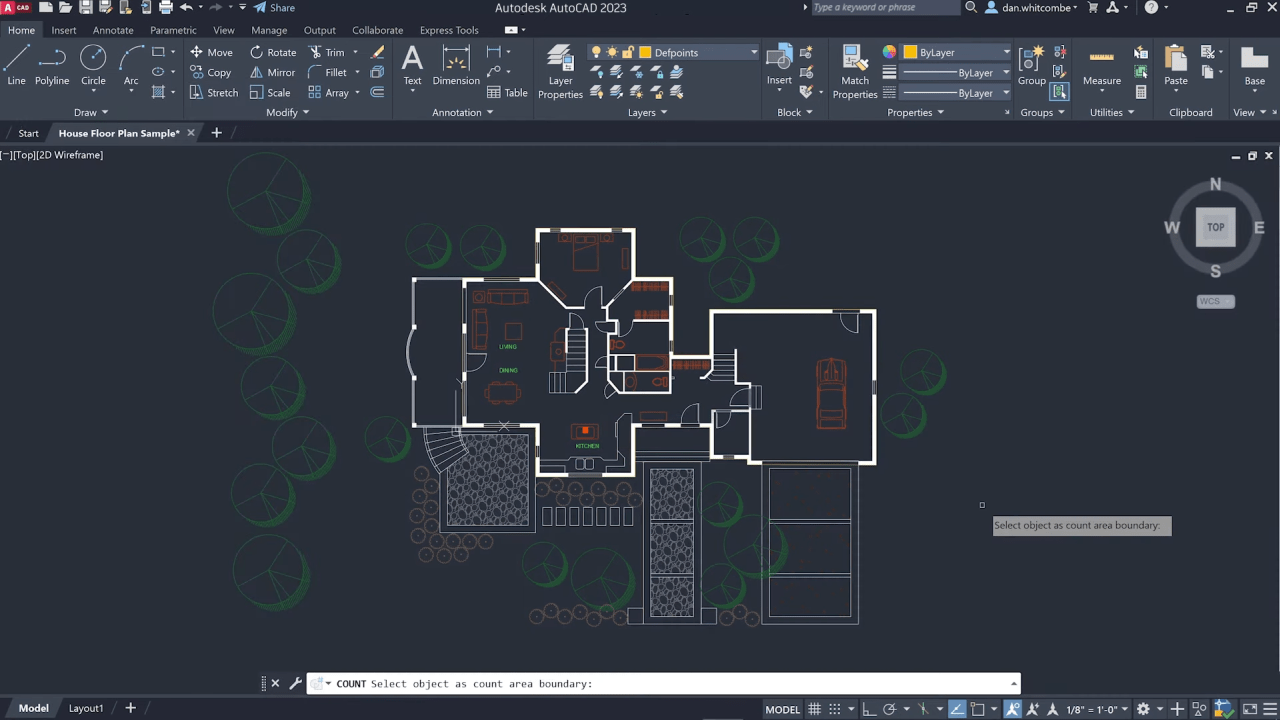
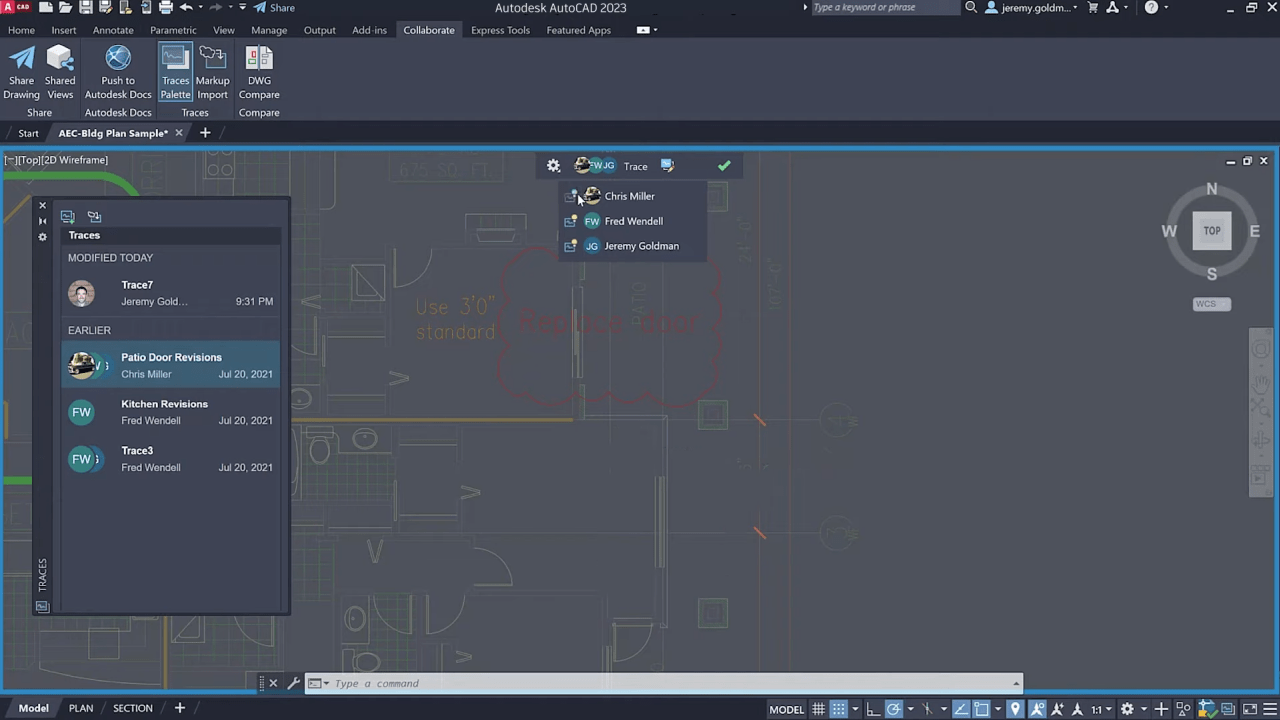
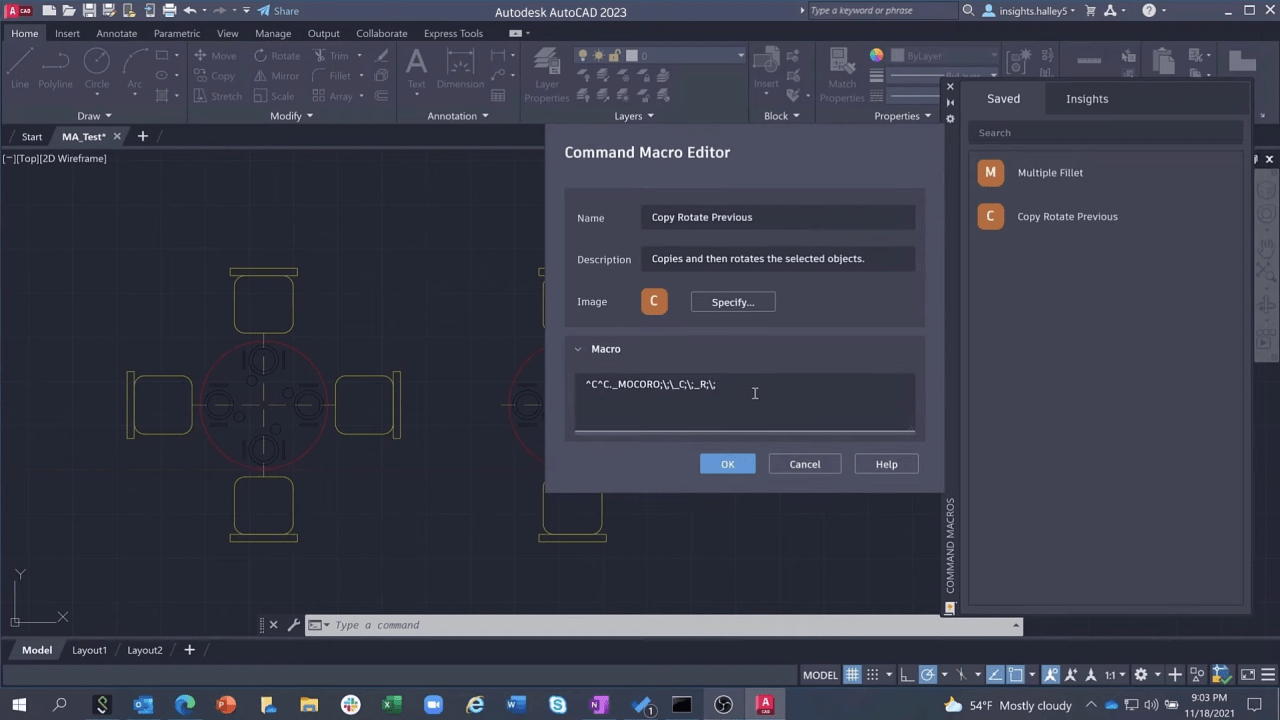
AutoCAD is a Windows utility for automated project design. It is widely used in architecture, mechanical engineering, construction and other industries. External links for splitting a large blueprint into several separate files are supported.
Workspace
Users can work with an electronic drawing board. It is possible to import images, insert text inscriptions and add various electrical elements to the design. There are multiple tools for drawing lines, circles, squares and other geometrical shapes.
All main control elements are located at the top of the window. You can adjust the margins, change the scale and configure other parameters. A separate module for comparing two blueprints and highlighting all different parts is provided.
Various export options are available. Users are able to save the project as a DWF file that can be opened in Autodesk Volo View.
Development process
This software allows you to create 2D and 3D models. All objects are constructed from simple graphical elements. Additionally, there is support for parametric drawing.
Users can apply solid, surface and polygon modeling methods for designing 3D blueprints. The Metal Ray rendering system ensures high quality object visualization. An option to send the model to the 3D printer is included.
Please note that AutoCAD is a paid utility. There is a trial version that can be used for 30 days without payment.
Features
- contains tools for professional engineering design;
- free to download and use;
- it is possible to create and print 3D blueprints;
- you can compare two drawings for detecting any changes;
- compatible with modern versions of Windows.
11,4 Mb (downloads: 87)


