ZoomBrowser EX

ZoomBrowser EX

0/5
ver. 6.6.0.23
54,2 Mb (downloads: 19)

This official Canon utility allows users to download images from various digital cameras and organize the photo library. There are flexible search tools.

Download
Update date:
17.11.2022
Developer:
Canon Inc.
Windows version:
Windows XP, Windows Vista, Windows 7, Windows 8, Windows 8.1, Windows 10
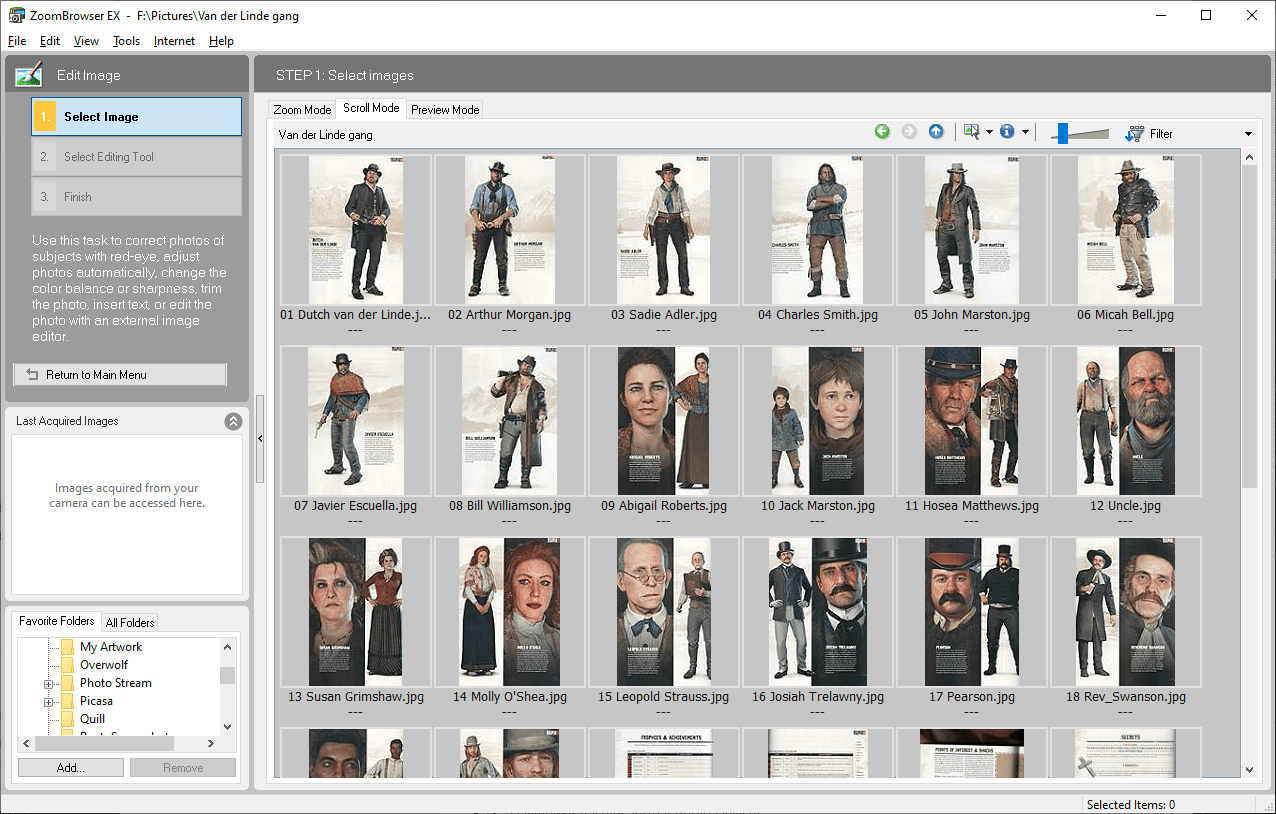

ZoomBrowser EX is a Windows application for managing pictures from Canon cameras. You can import photos from a device and sort them in the included file browser. It is possible to assign multiple keywords to every image for easier search.

Main capabilities

This program provides instruments for working with large amounts of pictures. The library can be displayed as resizable thumbnails for easier navigation. Users are able to filter the contents by rating and category. Moreover, there are options for showing folder names and personal comments along with every file.

Acquiring images

You can import photos from a memory card or a connected camera. It is possible to automatically rename files after download. Additionally, a checkbox for deleting source pictures is provided.

There are tools for adjusting image brightness, color and saturation. Users are able to download Photoshop for a more robust graphics editing solution.

Export parameters

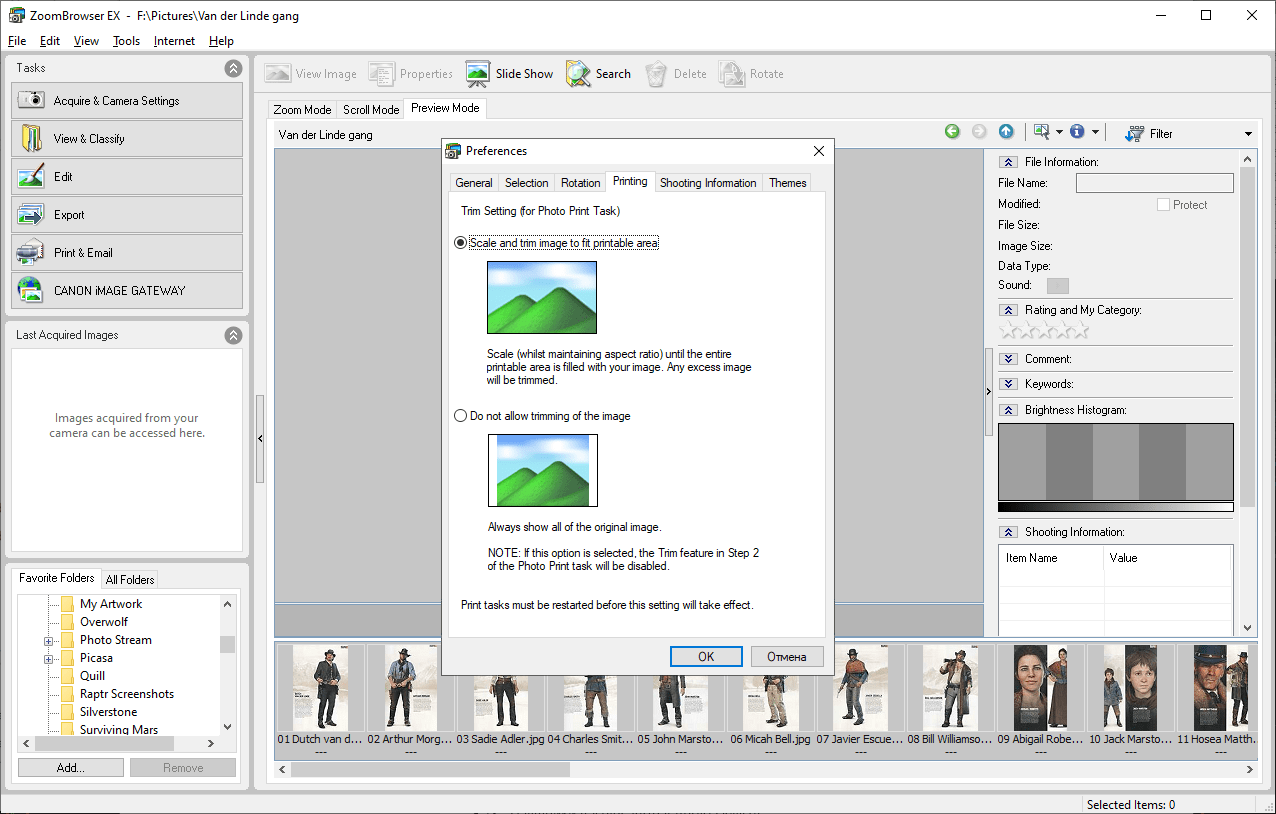
Multiple output options are available.You can create a slideshow, set any image as a wallpaper or screensaver and backup the library to an optical media. Flexible printing settings are included as well.

Features

  • free to download and use;
  • provides tools for managing your photo library;
  • it is possible to import pictures from various Canon cameras;
  • multiple export options are provided;
  • users can tune image brightness and contrast;
  • compatible with all modern versions of Windows.
Download
54,2 Mb (downloads: 19)
Add comment
0/5
Similar programs
PsRockola PsRockola
Windows XP Free
0/5

With this piece of software, users can play songs and videos on their desktop PC. Additionally, it is possible to install additional appearance skins.

ver 5.0
PocketISO PocketISO
Windows XP Free
0/5

Using this robust tool, you can reduce the size of PSX game files. Moreover, you have the option to rip and replace videos, extract audio tracks to MP3 format, etc.

ver 3.2
FastPictureViewer Codec FastPictureViewer Codec
Windows XP Free
0/5

Using this program you can add support for a wide range of image formats such as PSD, TGA, DDS, HDR, RAW, JPEG 2000 and Maya IFF to the operating system.

ver 3.2
Push Video Push Video
Windows 8 Free
0/5

Thanks to this application, users can set up videos as their desktop backgrounds. Additionally, there is support for downloading content from YouTube.

ver 5.1
Cineplayer DVD Decoder Cineplayer DVD Decoder
Windows XP Free
0/5

This software is intended for enhancing the functionality of Windows Media Player. It provides noticeably better DVD playback quality compared to other codecs.

ver 3.2
Batch Watermark Creator Batch Watermark Creator
Windows 7 Free
0/5

Using this lightweight tool, you can create custom watermarks for your photographs. Moreover, there is an option to rename the output files by defining rules.

ver 8.1
Digital Image Tool Digital Image Tool
Windows 7 Free
0/5

Thanks to this intuitive application, users can customize batches of images at once. It is also possible to select the preferred output file extension.

ver 4.2
Viz Artist Viz Artist
Windows 7 Free
0/5

The professional tool enables you to create a considerable number of visual graphics projects. Moreover, you can enhance its functionality with custom plugins.

ver 5.1