
This application allows you to download videos from Youtube to the hard drive. Moreover, it is possible to convert clips to a wide variety of popular file formats.

YouTubeGet
ver. 7
45,1 Mb (downloads: 86)
Update date:
21.12.2022
Developer:
YouTubeGet.com
Windows version:
Windows XP, Windows Vista, Windows 7, Windows 8, Windows 8.1, Windows 10, Windows 11
YouTubeGet is a Windows utility for grabbing video clips from the popular Youtube media platform. Similar to TubeMate, users can automatically transform downloaded files into the MOV, FLV, 3GP or AVI format. Conversion parameters are adjustable.
How to use
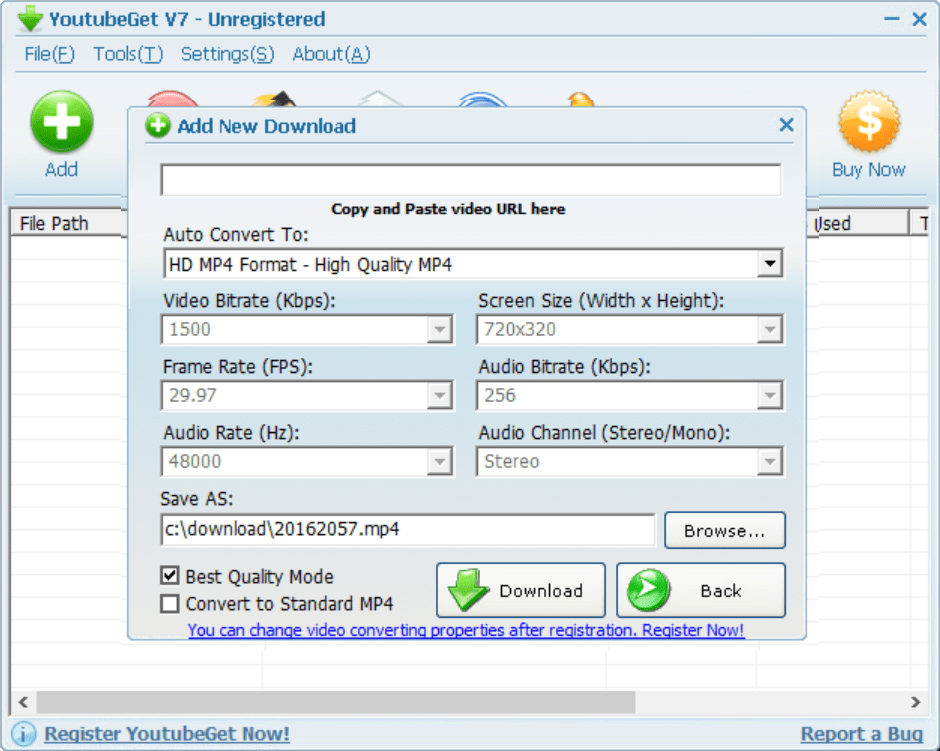
After starting the program you can add a new download by clicking the corresponding button in the main window. It is necessary to paste the Youtube link and specify the target directory. You are instructed to click the Download button to begin the process.
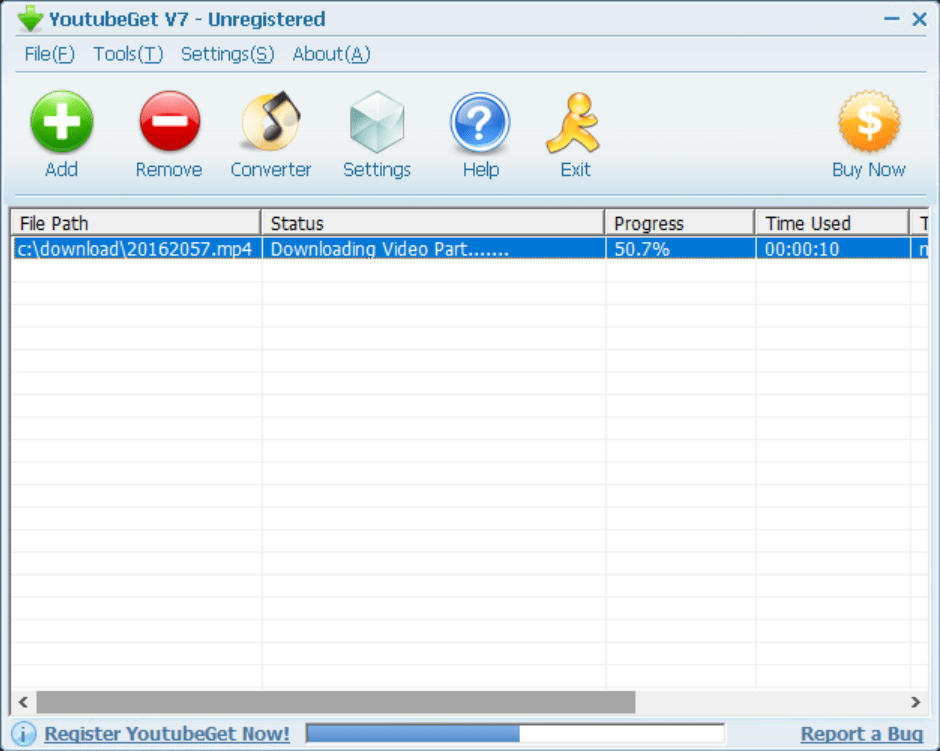
It is possible to add multiple items in the queue. Users are able to reorder the tasks and monitor the operation progress. Please note that the free trial version of YouTubeGet downloads only half of the file. It is necessary to purchase a license to remove all restrictions.
Converter
Acquired files can be transformed into various file formats. There are flexible operation settings like the bitrate, frame rate and screen size. Additionally, you are able to adjust multiple audio quality parameters. An option to save the media item as an MP3 song is provided as well.
Features
- free to download and use;
- provides tools for downloading videos from YouTube;
- it is possible to transform any clip to a wide variety of file formats;
- there are flexible conversion parameters like the video quality and audio bitrate;
- users can add multiple tasks to the queue and monitor overall progress;
- compatible with all modern versions of Windows.
45,1 Mb (downloads: 86)


