
The software solution was developed to assist you in working with Microsoft OS. Moreover, you have the ability to rub interactive commands via console.

WMF
ver. 5.1
20,6 Mb (downloads: 19)
Update date:
11.03.2023
Developer:
Microsoft
Windows version:
Windows XP, Windows Vista, Windows 7, Windows 8
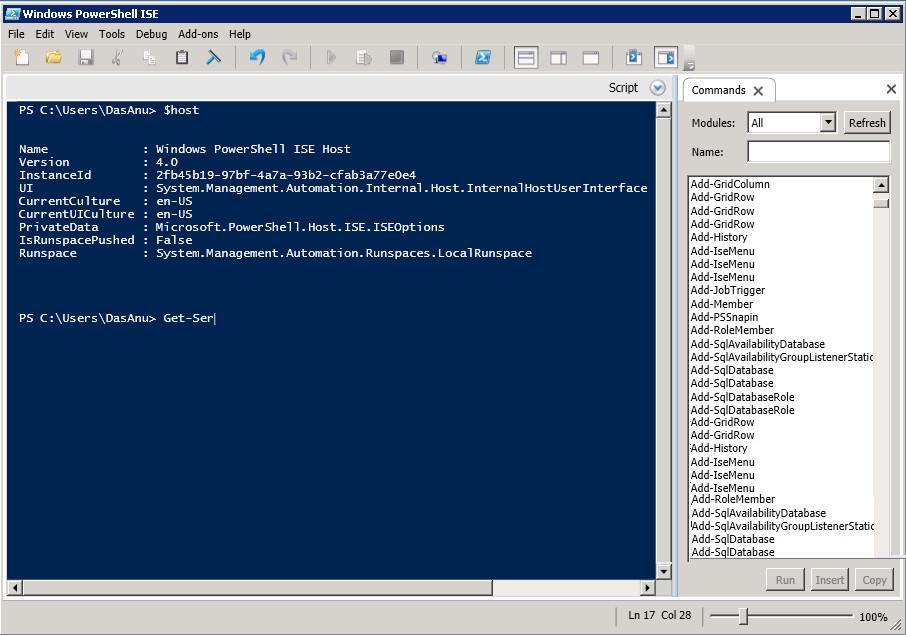
WMF is the core program of a task automation framework which helps you use Microsoft management technologies available in all operating systems from Windows 7 to 2012 R2 edition. The distribution includes several key components, including PowerShell, its Integrated Scripting Environment and Web Services, as well as Remote Management Infrastructure.
Purpose
Each of the aforementioned instruments provide you with useful options that improve your Windows experience and allow you to configure the architecture of your OS in an intuitive way. That being said, PowerShell offers full access to WMI and COM, thus you are able to perform administrative tasks on both local and remote systems. In addition, it offers a hosting API, so it is possible to embed it into several apps or implement certain operations.
Advanced tools
By using PowerShell Integrated Scripting Environment, you have the ability to run interactive commands in a console, create, debug and execute functions in a script pane. In addition, you can manage and automate your environment.
The next component, PowerShell Web Services, enables you to get a detailed overview of all detected errors. You also have the option to expand an associated instance while running a query. Remote Management module comes with an easy way to access and exchange data across a network infrastructure.
Features
- free to download and use;
- compatible with modern Windows versions;
- allows you to utilize Microsoft management tech;
- you can analyze and configure the OS infrastructure;
- it is possible to run interactive commands via console.
20,6 Mb (downloads: 19)


