Winrar Password Remover

Winrar Password Remover

5/5
ver. 5
12,7 Mb (downloads: 167)

With this compact tool, users can unlock password-protected RAR archives. Moreover, they have the ability to define the keys lengths and character set.

Download
Update date:
31.08.2022
Developer:
PasswordUnlocker
Windows version:
Windows XP, Windows Vista, Windows 7, Windows 8, Windows 10
Winrar Password Remover is an easy-to-use password recovery program for Windows specifically designed to work with archives created with WinRAR.

Overview

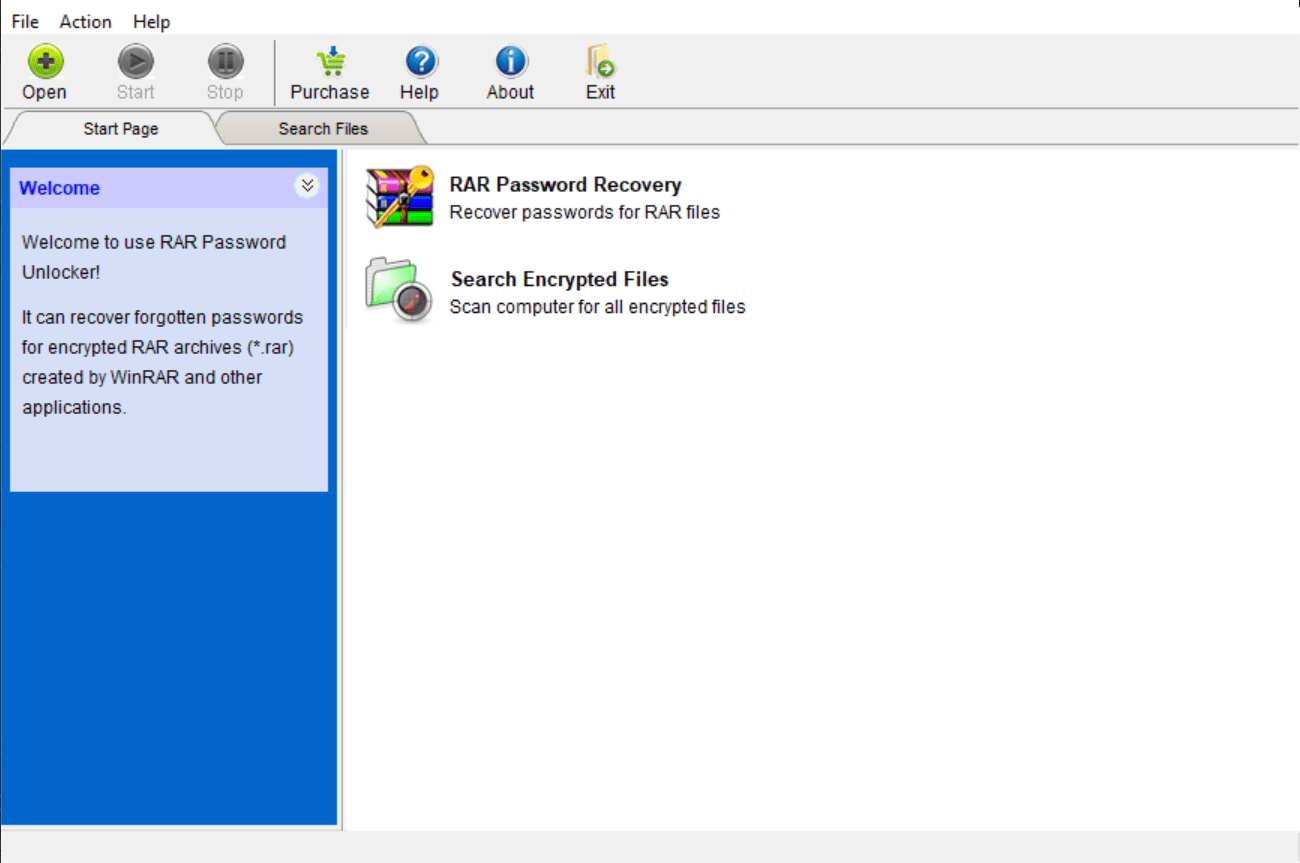
The application has an intuitive graphical user interface with features organized in tabs in the main window. Winrar Password Remover is built for both beginners and professional PC users as it relies on a few simple steps to be followed before completing the task.

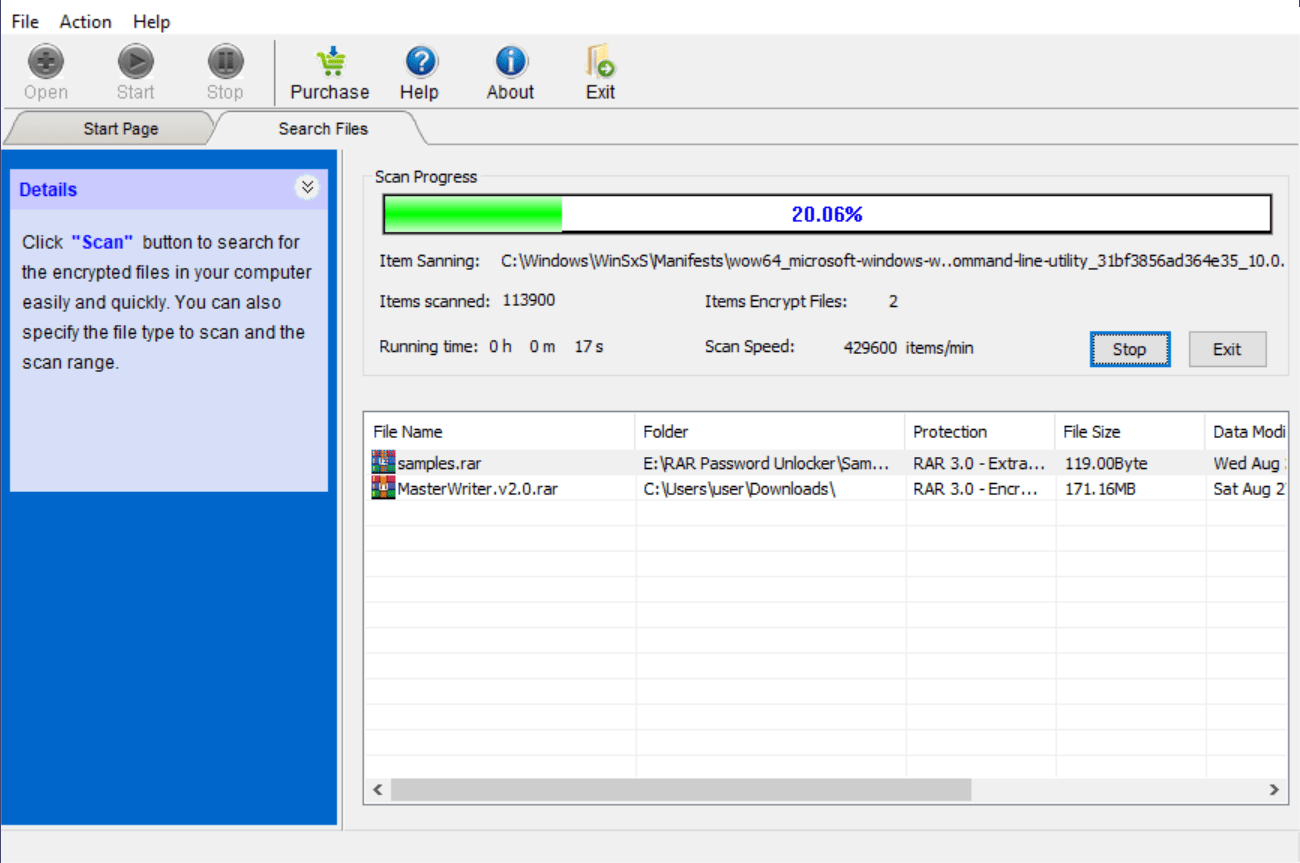
There are two options available at your disposal. The first one allows you to manually choose the archives you want to unlock, while the second gives you the ability to scan your computer for all encrypted files.

Unlock a RAR archive

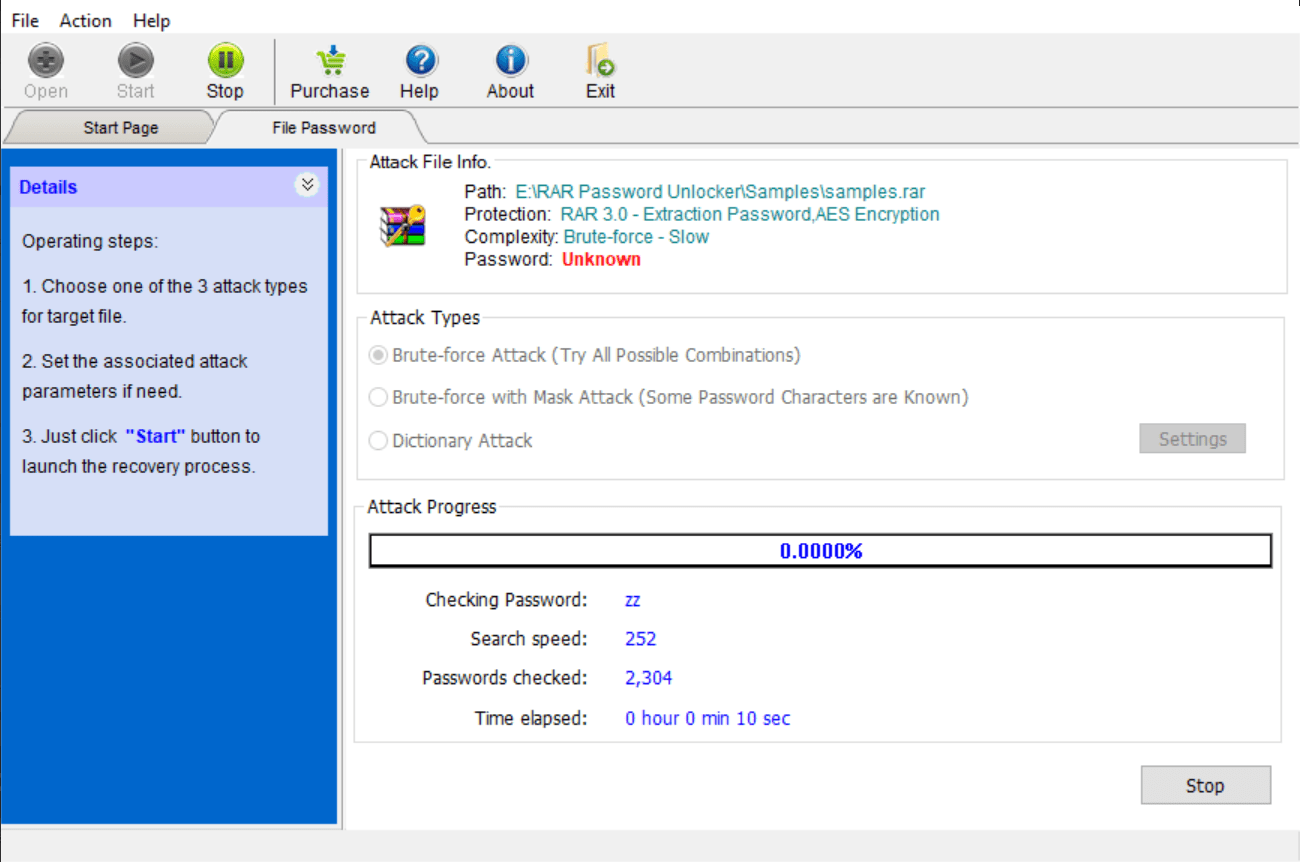
When you select the desired item, you can select from two types of attacks to be performed on each password-protected archive. The brute-force attack tries all possible combinations, and thus takes a lot of time to finish. If some characters are known, you may try the brute-force with mask attack.

Additional configuration

After you pick the attack method, you can define password length and the character set, which may be either lowercase or uppercase letters, digits or other symbols. You are also able to use either the built-in dictionary or import a new one to increase the overall efficiency of the tool.

Features

  • free to download and use;
  • compatible with modern Windows versions;
  • allows you to unlock password-protected archives;
  • you can define the length and character set;
  • it is possible to scan the PC for encrypted files.
Download
12,7 Mb (downloads: 167)
Add comment
5/5
Similar programs
PeaZip PeaZip
Windows XP Free
3/5

This utility is intended for working with compressed packages. There are instruments for extracting, encrypting, splitting, joining and repairing archives.

ver 9.4.0
ZArchiver ZArchiver
Windows 10 Paid utility
0/5

With the help of this file management application users can create and extract compressed files in various formats, including ZIP, RAR, TAR, GZIP and ISO.

ver 1.0.8
Zlib Zlib
Windows XP, Windows Vista, Windows 7, Windows 8, Windows 8.1, Windows 10, Windows 11 Free
0/5

This free and open-source software library is intended for lossless data compression. It is widely used in many popular file formats like PNG, ZIP and PDF.

ver 1.2.13
Master Commander Master Commander
Windows XP, Windows Vista, Windows 7, Windows 8, Windows 10, Windows 11 Free
0/5

Thanks to this comprehensive tool, you have the ability to manage your hard drive contents. Moreover, you can create ISO images, unpack archives, and more.

ver 1.1
KGB Archiver KGB Archiver
Windows XP, Windows Vista, Windows 7 Free
0/5

This utility lets you pack photos, video clips and other files into compressed archives. Tools for extracting previously created packages are available as well.

ver 2.0.0.2
WinZix WinZix
Windows XP, Windows Vista, Windows 7, Windows 8, Windows 8.1, Windows 10, Windows 11 Free
3/5

This obsolete application allows you to compress documents, photos, video clips and other files into archives. This functionality is useful for saving disk space.

ver 2.3
Winrar Unlock Winrar Unlock
Windows XP, Windows Vista, Windows 7, Windows 8, Windows 8.1, Windows 10, Windows 11 Free
5/5

This free utility allows users to remove the “read-only” attribute from RAR archives and self-extracting EXE packages. The interface is simple and straightforward.

ver 1.1
7 Zip 7 Zip
Windows XP, Windows Vista, Windows 7, Windows 8, Windows 10, Windows 11 Free
4/5

Using this intuitive application, you can make archives with local files and folders. Additionally, you have the option to configure encryption settings.

ver 22.01