
The application allows users to make movies from audio and video files. The utility provides standard tools for editing like the ability to split and trim clips.

Windows Movie Maker
ver. 16.4
130 Mb (downloads: 121)
Update date:
17.05.2022
Developer:
Microsoft
Windows version:
Windows XP, Windows Vista, Windows 7, Windows 8, Windows 10
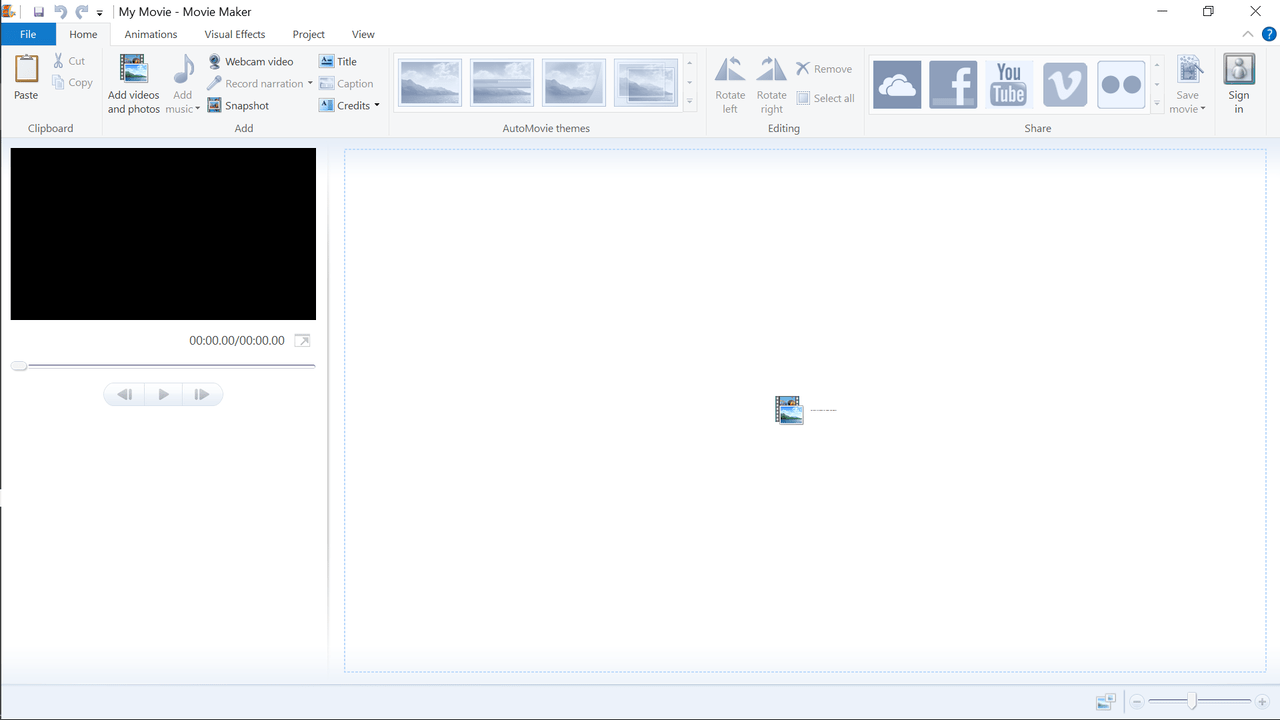
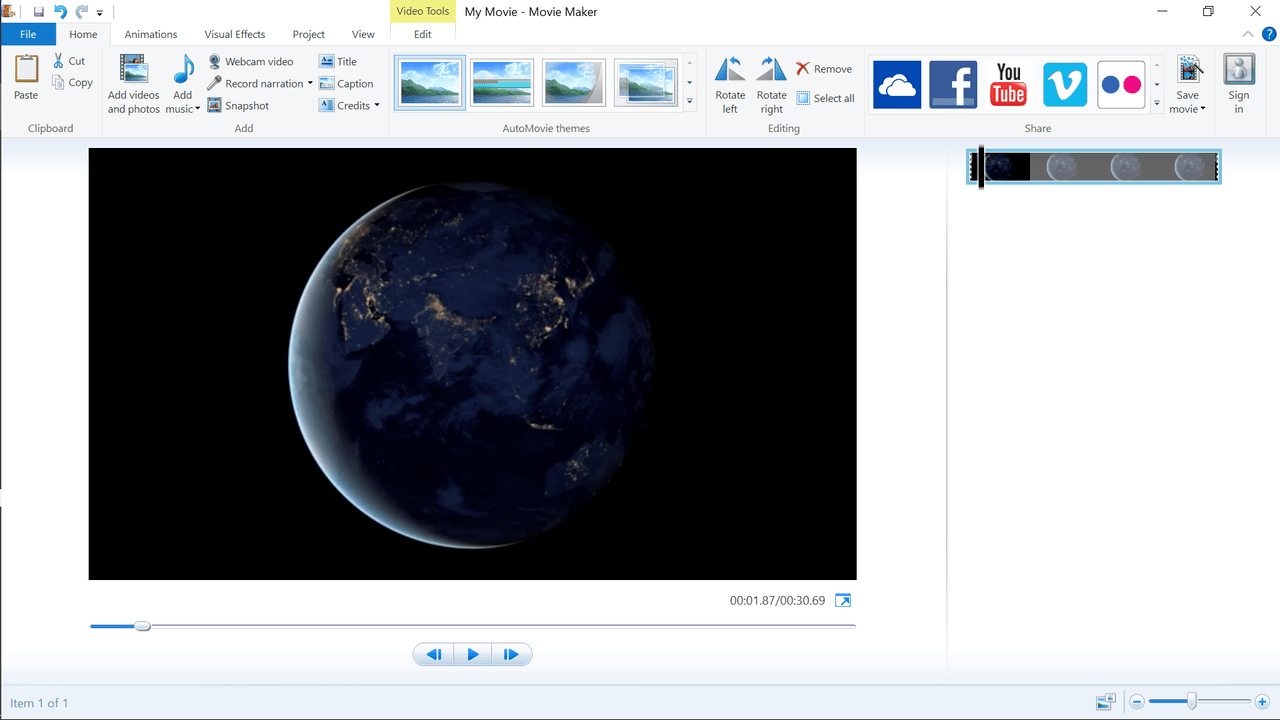
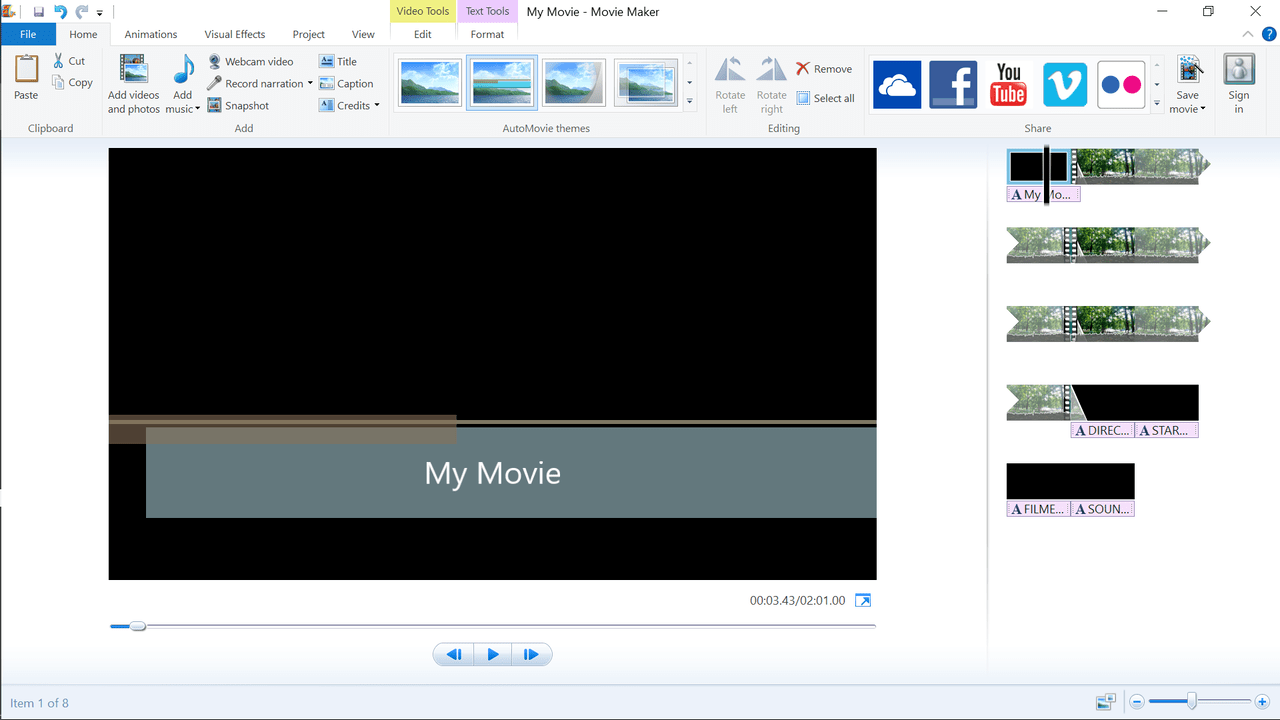
Windows Movie Maker is a versatile Windows utility that enables you to create movies from images, short clips and audio files.
Navigation and special effects
Users are able to quickly learn how to work with this tool since the interface follows the design of other modern Microsoft applications. The Ribbon menu provides comfortable access to all functions by utilizing tabs with descriptive headers
The program lets you apply AutoMovie themes, transitions, animations and various visual effects. You can select from such categories as Artistic, Mirror, Motion and Fades. Moreover, it is possible to add text for title cards, captions and credits.
Editing and additional functions
In contrast to straightforward tools like VCD Cutter, the utility features an advanced timeline editor. Using it you are able to manage the video layer, adjust the speed, split and trim the clip. You also have an option to attach music to the entire movie or just to a portion of it. Additionally, the video can be expanded to fit the soundtrack if the audio file has a larger length.
You are able to save the whole project to various formats including the ones specific to Android or iPhone devices. Furthermore, you may choose to convert videos specifically for high-definition television sets or burn them directly to DVD discs.
Features
- free to download and use;
- provides users the ability to create movies from audio and video files;
- supports a variety of media formats;
- compatible with modern Windows versions;
- it is possible to apply preset special effects.
130 Mb (downloads: 121)


