
Thanks to this application, you are able to remove a specific Windows virus. Moreover, you have the option to control the process via the command-line.

Win32 Sality Remover
ver. 1.2
3,3 Mb (downloads: 126)
Update date:
01.08.2022
Developer:
AVG Technologies
Windows version:
Windows XP, Windows Vista, Windows 7, Windows 8, Windows 8.1, Windows 10
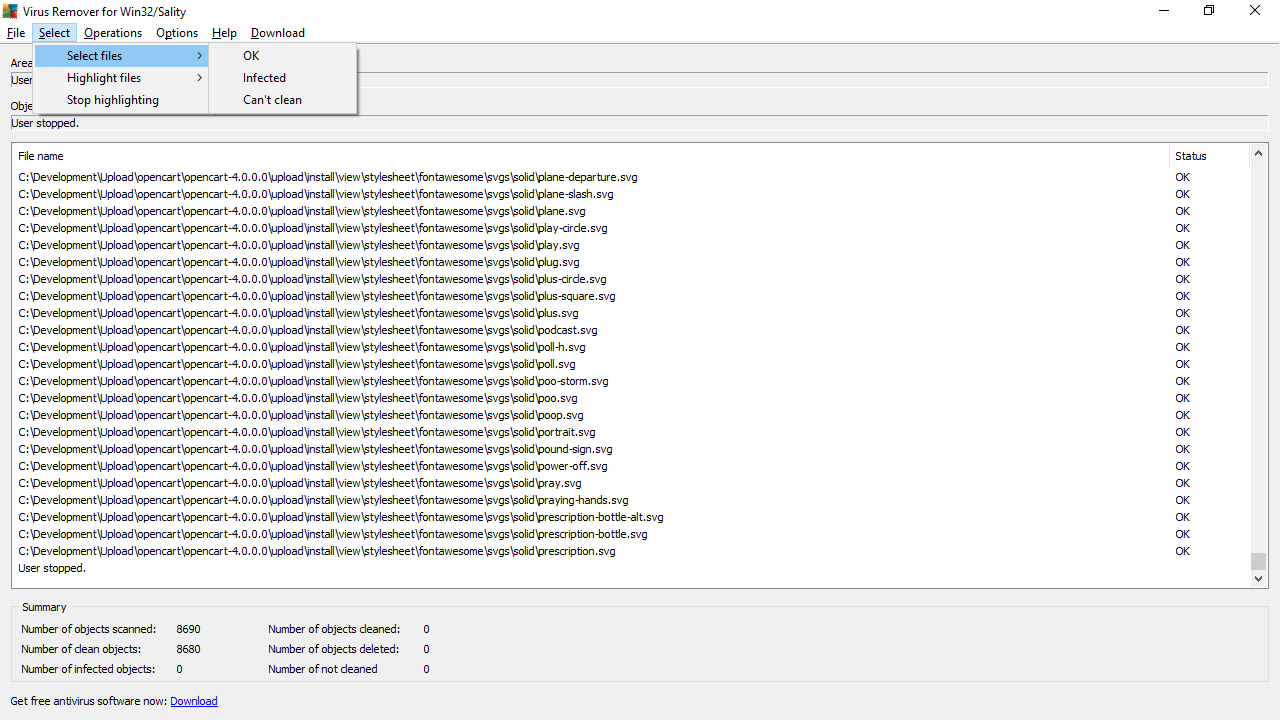
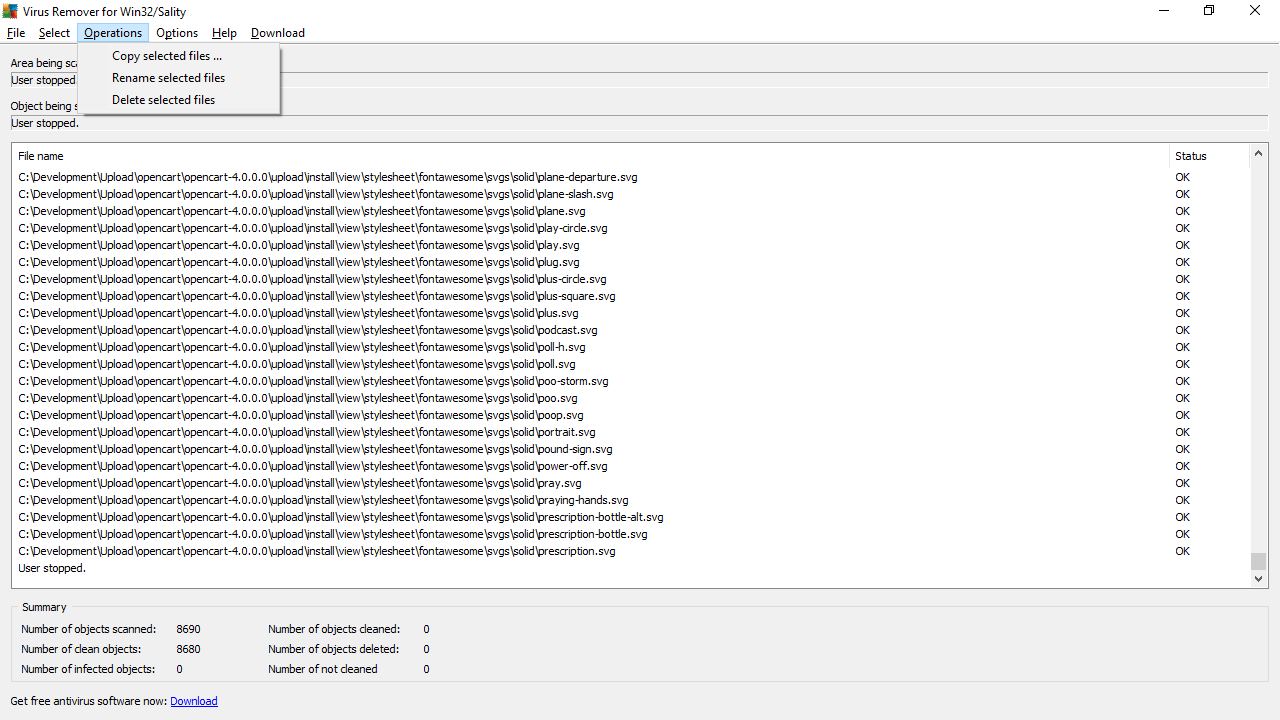
Win32 Sality Remover is an efficient Windows program that allows you to remove the Win32/Sality.AM virus from your personal computer. This utility can also be run from the command-line interface. You have the option to scan and disinfect a particular file or an entire folder.
Purpose
Although Microsoft strives to make Windows OSs as secure as possible, some viruses might still breach the computer security and infect the PC. Depending on the type of malware, various utilities can be used. One of them is Win32 Sality Remover, a software solution for eliminating a specific virus.
Win32/Sality.AM is a type of polymorphic file infectors that target Windows executable files featuring SCR or EXE extensions. This may lead to damaged payloads and deleted files with specific extensions.
Operation
Since the tool does not require installation, you can simply click on the executable file to launch it. It will automatically scan all available hard drive space and try to fix the infected files. If the virus is found, you will be prompted to restart your computer. After the startup, the item will be fully repaired. It is recommended to run an antivirus like Anvi Smart Defender and perform a full scan to make sure that all malware is removed.
Features
- free to download and use;
- compatible with modern Windows versions;
- gives you the ability to remove a virus that target executables;
- does not require installation to run;
- automatically scans the computer for infected files.
3,3 Mb (downloads: 126)


