Virtual CRASH

Virtual CRASH

5/5
ver. 2.2
591 Mb (downloads: 163)

With this flexible utility, users are able to simulate complex car crashes. Moreover, they have the option to customize scenes by adding various objects.

Download
Update date:
25.09.2022
Developer:
Virtual CRASH, LLC
Windows version:
Windows 7, Windows 8, Windows 10, Windows 11
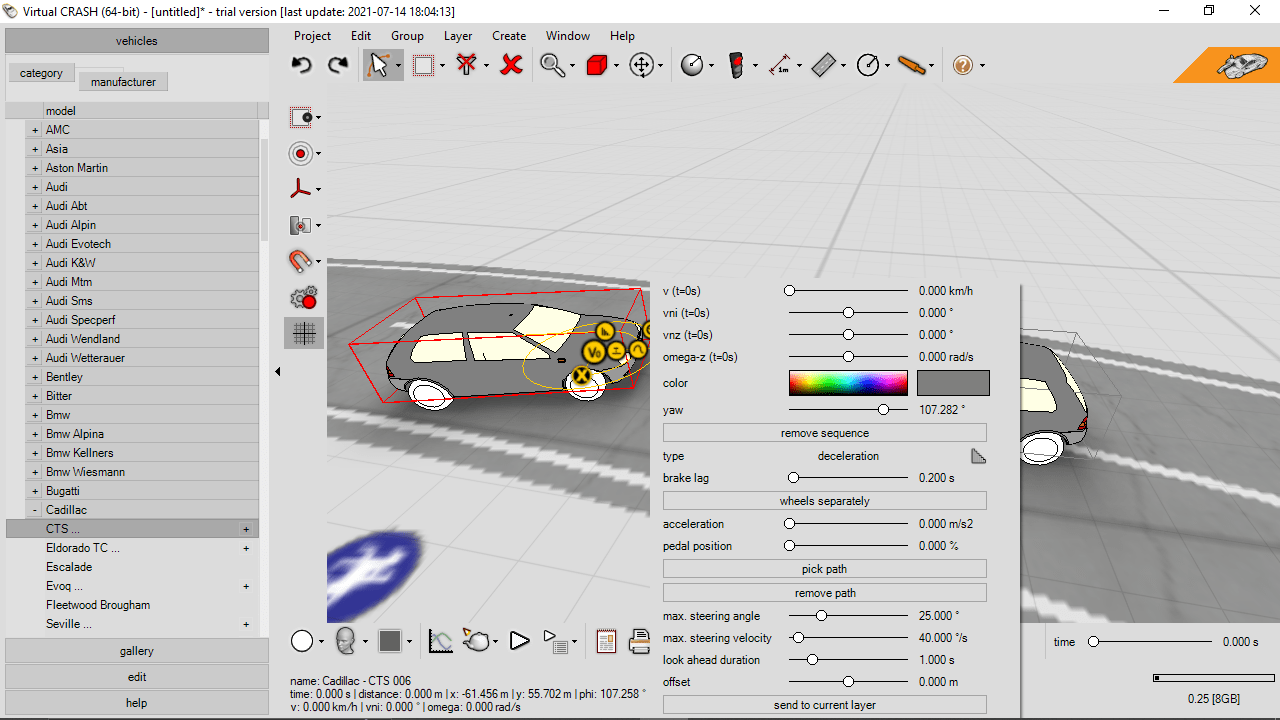
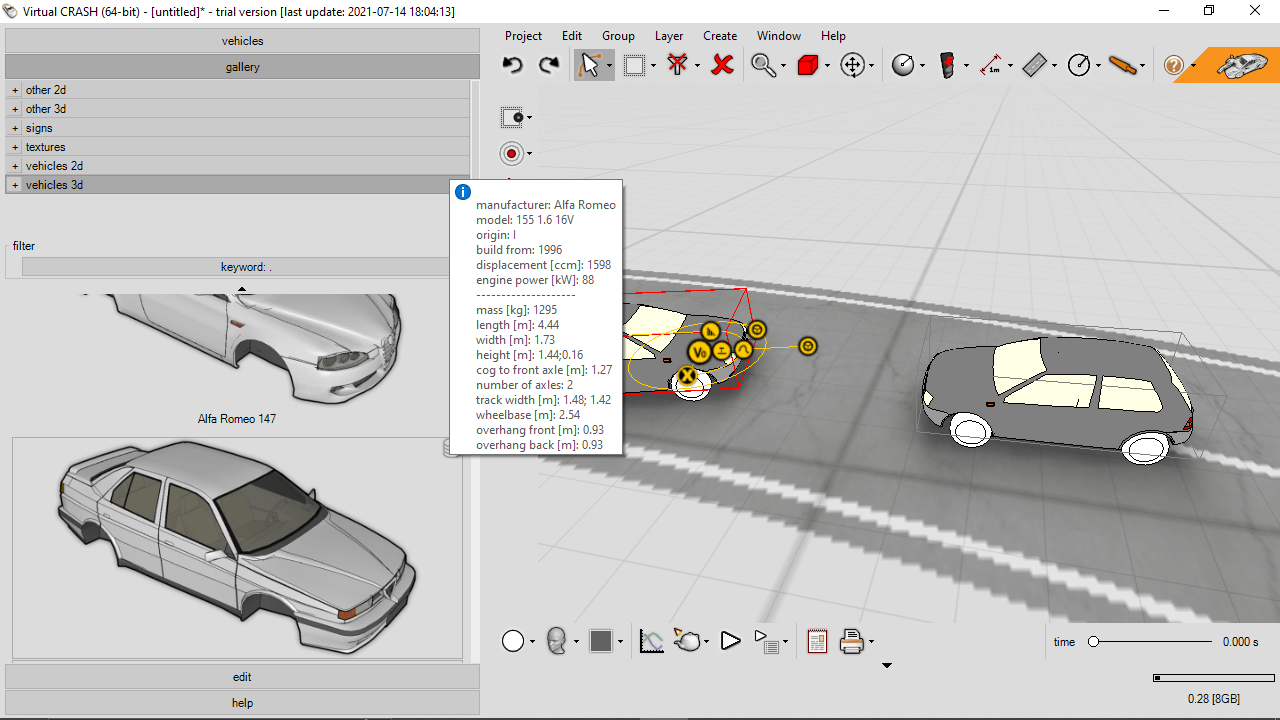
Virtual CRASH is a powerful Windows program for accident reconstruction. It takes advantage of the latest hardware and software developments, which allows for real-time calculations to be performed on a personal computer. For maximum flexibility, the simulation results may be viewed and published in ratio scheme and chart format or in 3D perspective mode.

Material editing

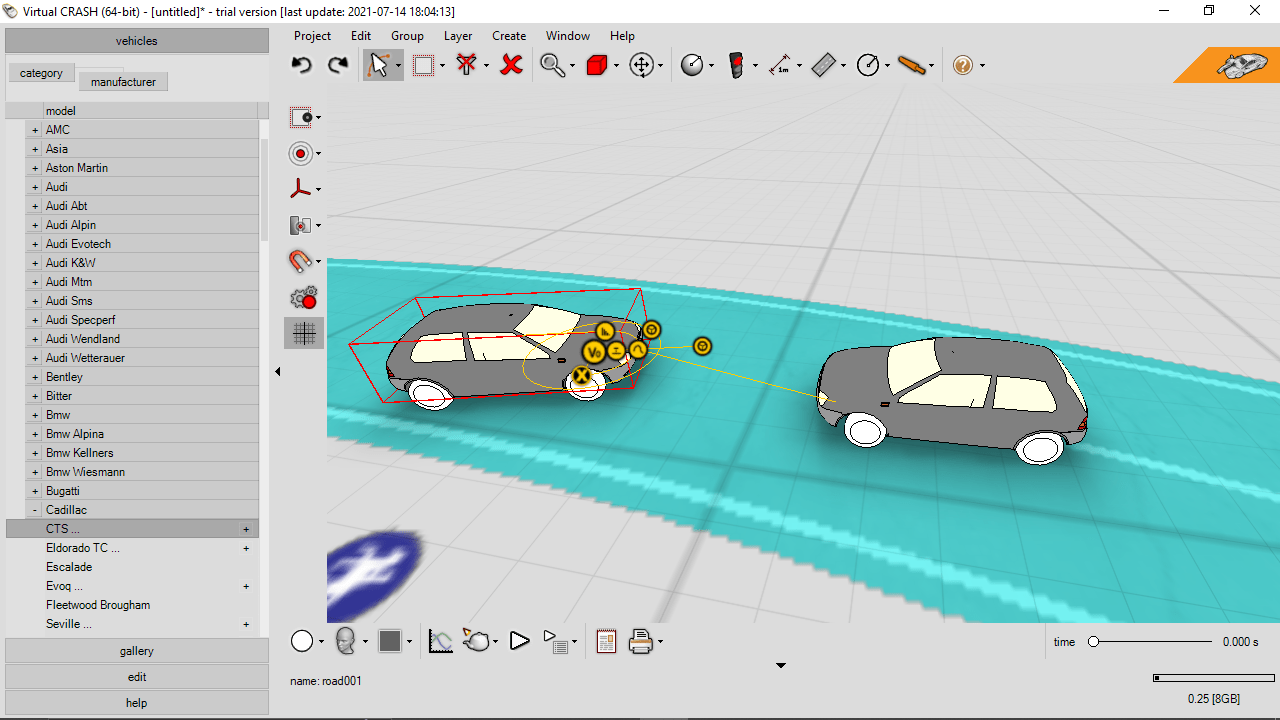
The application allows you to take control over the look and feel of vehicles, trees, buildings and any other object located in the scene. You have the ability to configure different graphics settings, such as reflectivity, transparency and more. It is also possible to apply custom textures for logos, complex paint patterns to vehicles or even age them.

Advanced tools

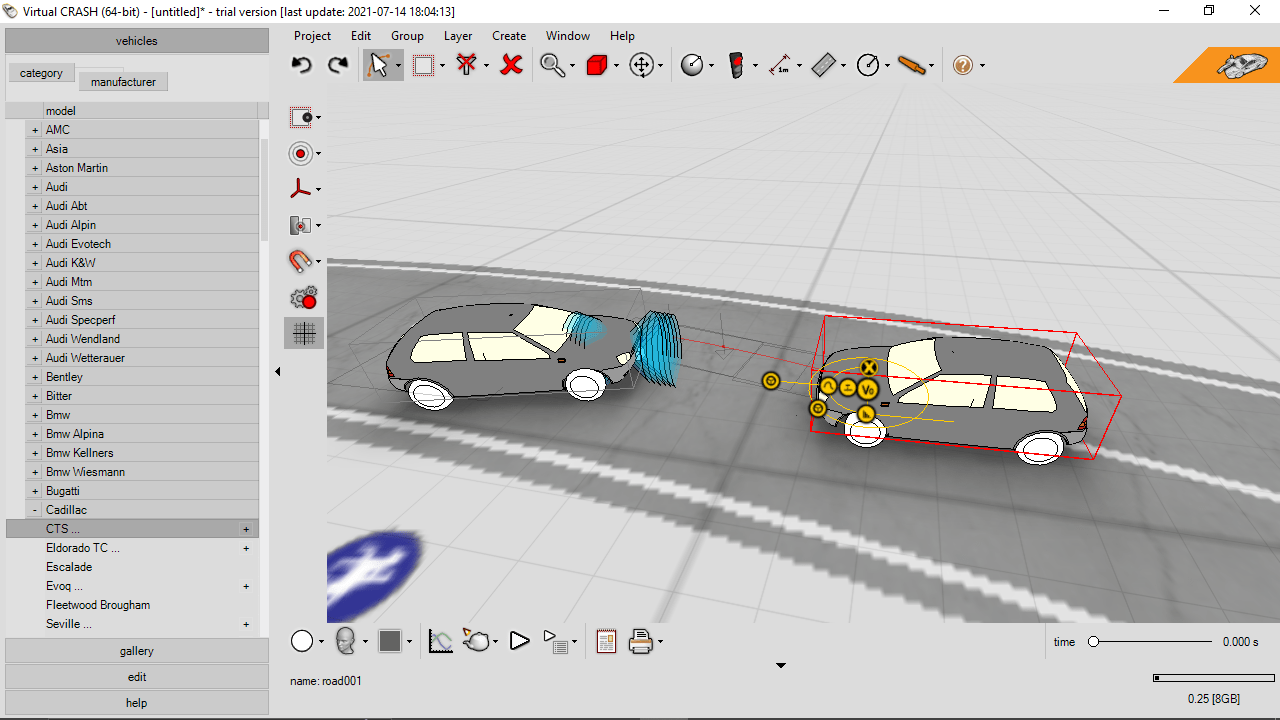
After you lay out your scene, you can draw the pre-impact and post-impact trajectories for your cars and let the Momentum Solver utility do the rest. The simulation engine will take over after impact and generate blended analyses with momentum conservation and time-forward kinetic emulation.

Thanks to the Mesh Optimizer, you are able to decimate your high polycount vehicle or terrain meshes on-the-go. This means you no longer need to export your models to third-party software like Blender.

Features

  • free to download and use;
  • compatible with modern Windows versions;
  • gives you the ability to simulate vehicle accidents;
  • you can apply custom textures and paint patterns;
  • it is possible to adjust various graphics settings.
Download
591 Mb (downloads: 163)
Add comment
5/5
Similar programs
The English Teacher The English Teacher
Windows XP Free
0/5

With the help of this software teachers can organize multiple classrooms and create engaging English lessons. There are tools for tracking the progress of students.

ver 5.0
Visual CertExam Suite Visual CertExam Suite
Windows XP Free
0/5

Using this application you can prepare for various certification exams. There are tools for creating and editing practice tests with different types of questions.

ver 3.2.1
VGSTUDIO MAX VGSTUDIO MAX
Windows 10 Paid program
0/5

Thanks to this professional software, users can perform geometrical and dimensional analysis. In addition, it is possible to generate comprehensive reports.

ver 3.2.4
ArmWin ArmWin
Windows XP Free
0/5

This specialized utility can help mechanical engineers and contractors calculate the proper thickness for the Armaflex family of insulation materials.

ver 1.1.18.0726
KNIME KNIME
Windows 10 Free
0/5

Using this professional tool, you can create workflows for data exploration and processing. There are also options to install extensions and switch workspaces.

ver 5.1.0
BioLayout Express 3D BioLayout Express 3D
Windows 7 Free
0/5

The advanced utility gives you the means to create and visualize biological networks. Moreover, you have the option to integrate information from different sources.

ver 3.4
Thermo BindIt Thermo BindIt
7 Paid program
0/5

The software gives users the means to create protocols for KingFisher instruments. It is also possible to configure parameters according to the specific needs.

ver 4.1.0.2
AmScope ToupView AmScope ToupView
Windows XP Free
0/5

Using this application you can capture, view and analyze images from AmScope microscopes. There are tools for measuring individual elements and adding annotations.

ver 3.7.4497