
This is a special application that allows you to download and edit clips. Additionally, it is possible to convert your content to a variety of file formats.

Video Download Capture
ver. 6.4.16.1
1,8 Mb (downloads: 5)
Update date:
23.09.2022
Developer:
Apowersoft.com
Windows version:
Windows XP, Windows Vista, Windows 7, Windows 8, Windows 10
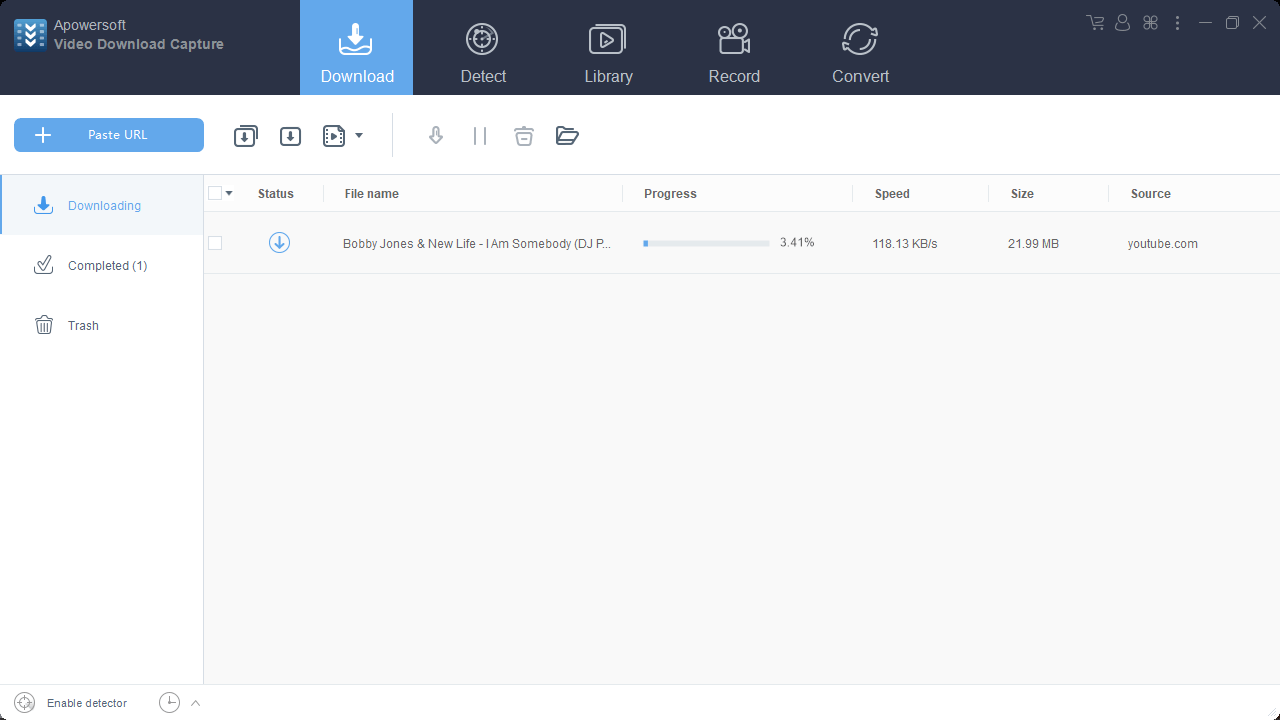
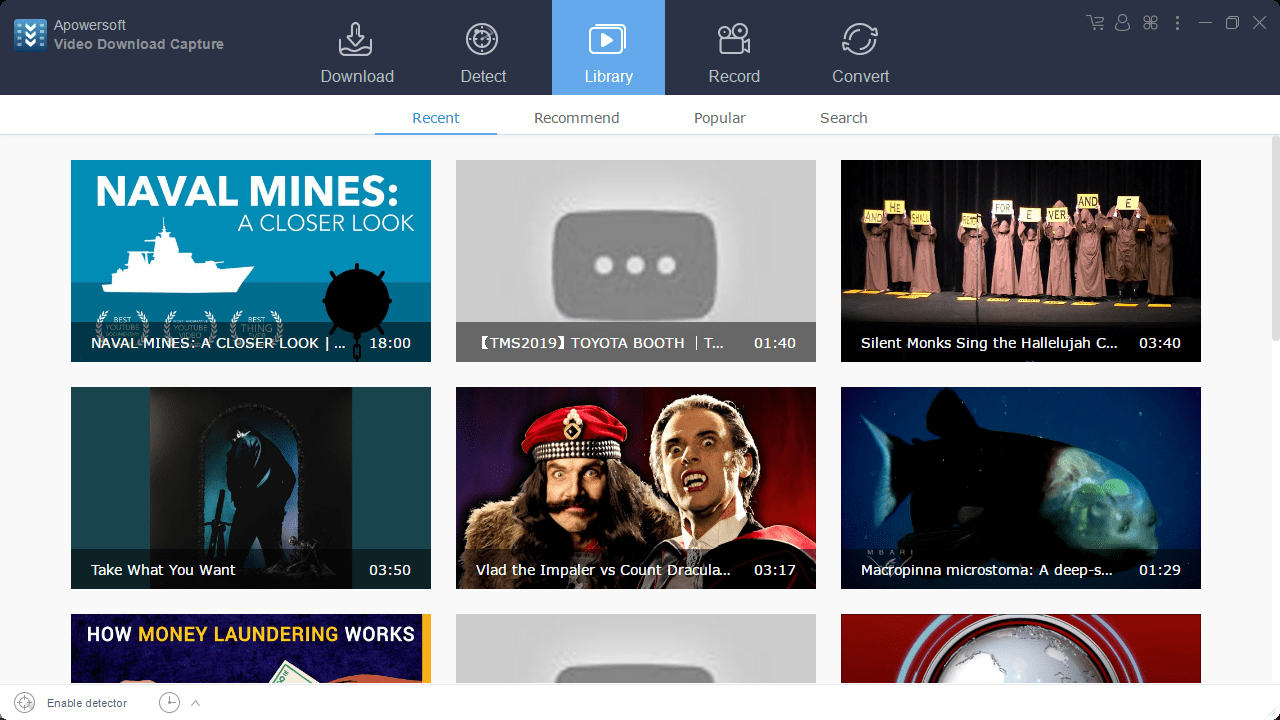
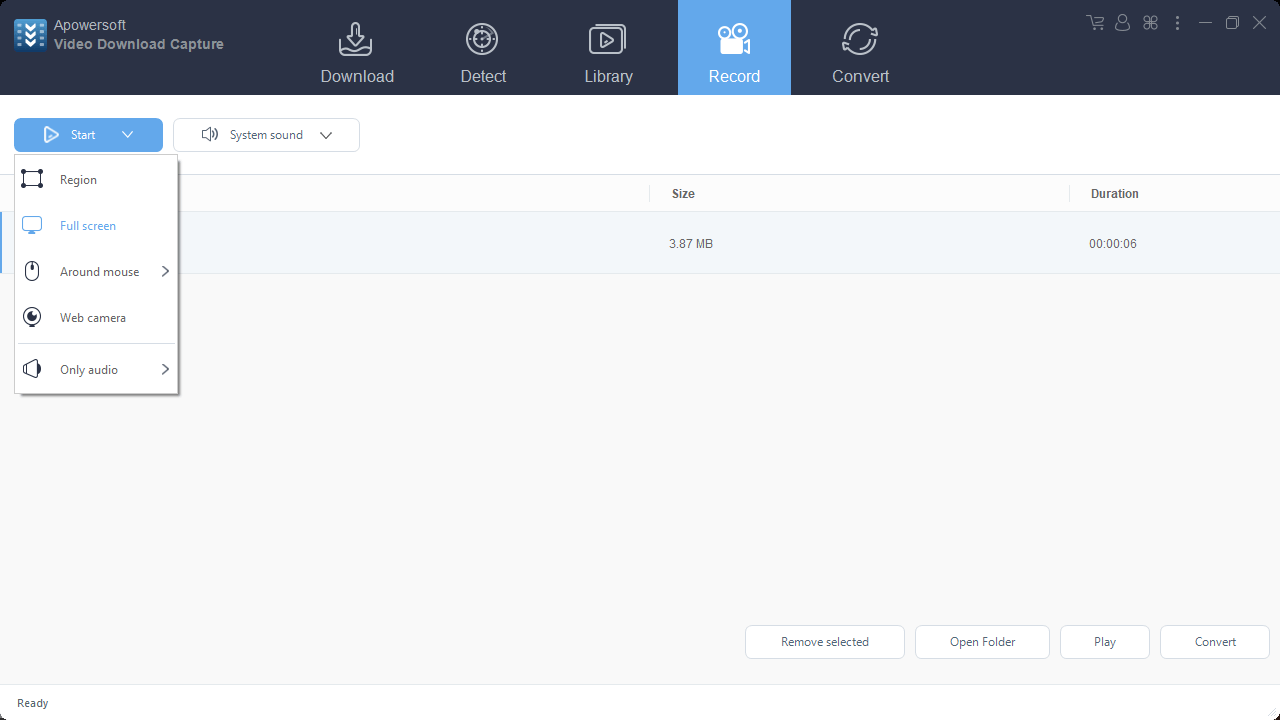
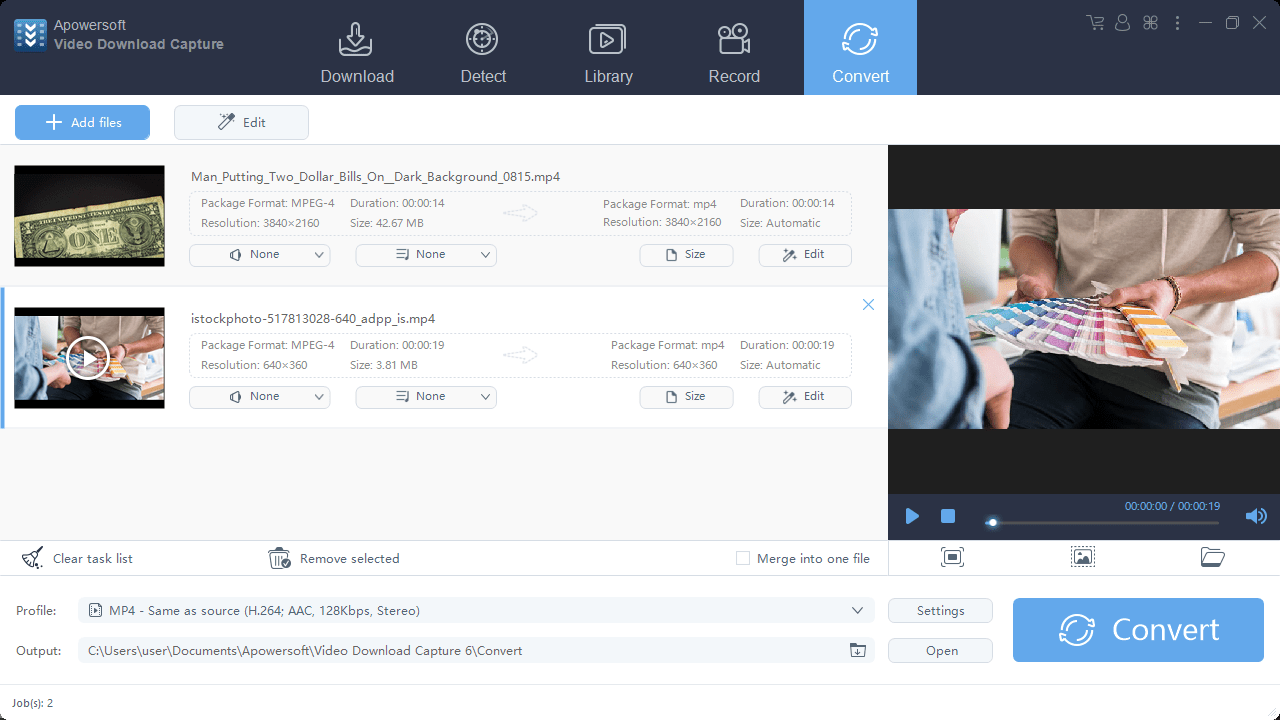
Video Download Capture is a program for Windows that offers users a convenient way of downloading videos from websites, editing their content and converting them to other multimedia formats.
Download and convert
The software gives you the ability to download clips from a variety of multimedia hosting platforms, such as YouTube, Metacafe, Dailymotion, Yahoo, Spike, etc. Please note, in order to do this you need to copy the URL link and paste by pressing on the corresponding button in the main menu. Afterwards, you can select the video quality.
Besides downloading, the application is also capable of converting your content to different formats, including the following:
- AVI;
- WMV;
- MPEG-4;
- ASF;
- MOV;
- MKV;
- AMV;
- Divx.
Moreover, you are able to adapt your videos for playback on various mobile phones like iPhone, Motorola, HTC, as well as other Android and Apple devices.
Intuitive editing and modern layout
What is more, you can edit your multimedia content by quickly trimming or cropping in order to remove unwanted parts. You also have the option to insert subtitles to each video stream. In addition, it is possible to capture your screen, which enables you to easily develop tutorials, demonstrations and presentations.
Features
- free to download and use;
- compatible with modern Windows versions;
- gives you the ability to capture and edit multimedia content;
- you can download videos from various hosting websites;
- it is possible to convert clips to a wide range of formats.
1,8 Mb (downloads: 5)


