
With the help of this utility you can stream online TV channels and radio stations from various countries. It is possible to capture video output to a file.

TV Expert
ver. 2.4.0.0
26,4 Mb (downloads: 73)
Update date:
24.02.2023
Developer:
TV Expert Publisher
Windows version:
Windows XP, Windows Vista, Windows 7, Windows 8, Windows 8.1, Windows 10, Windows 11
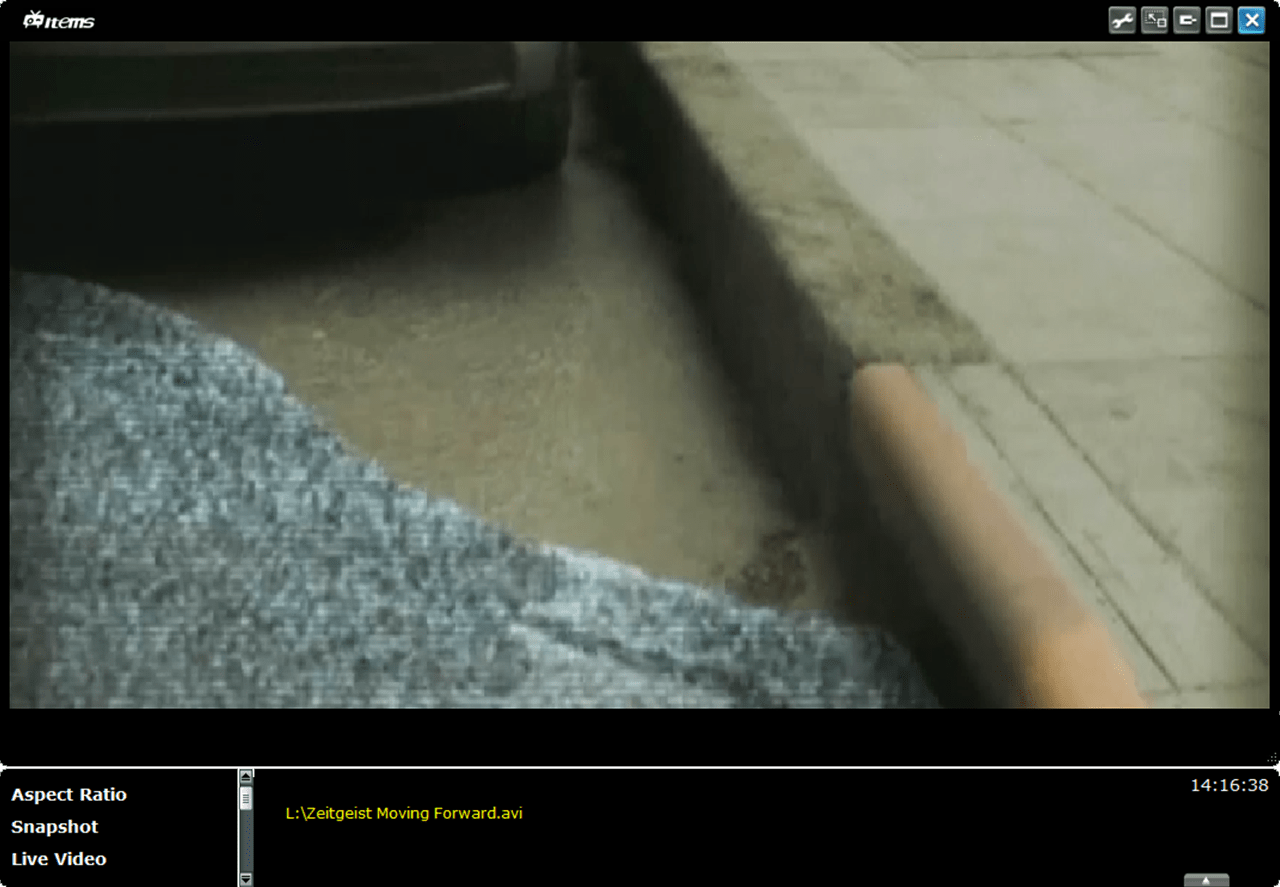
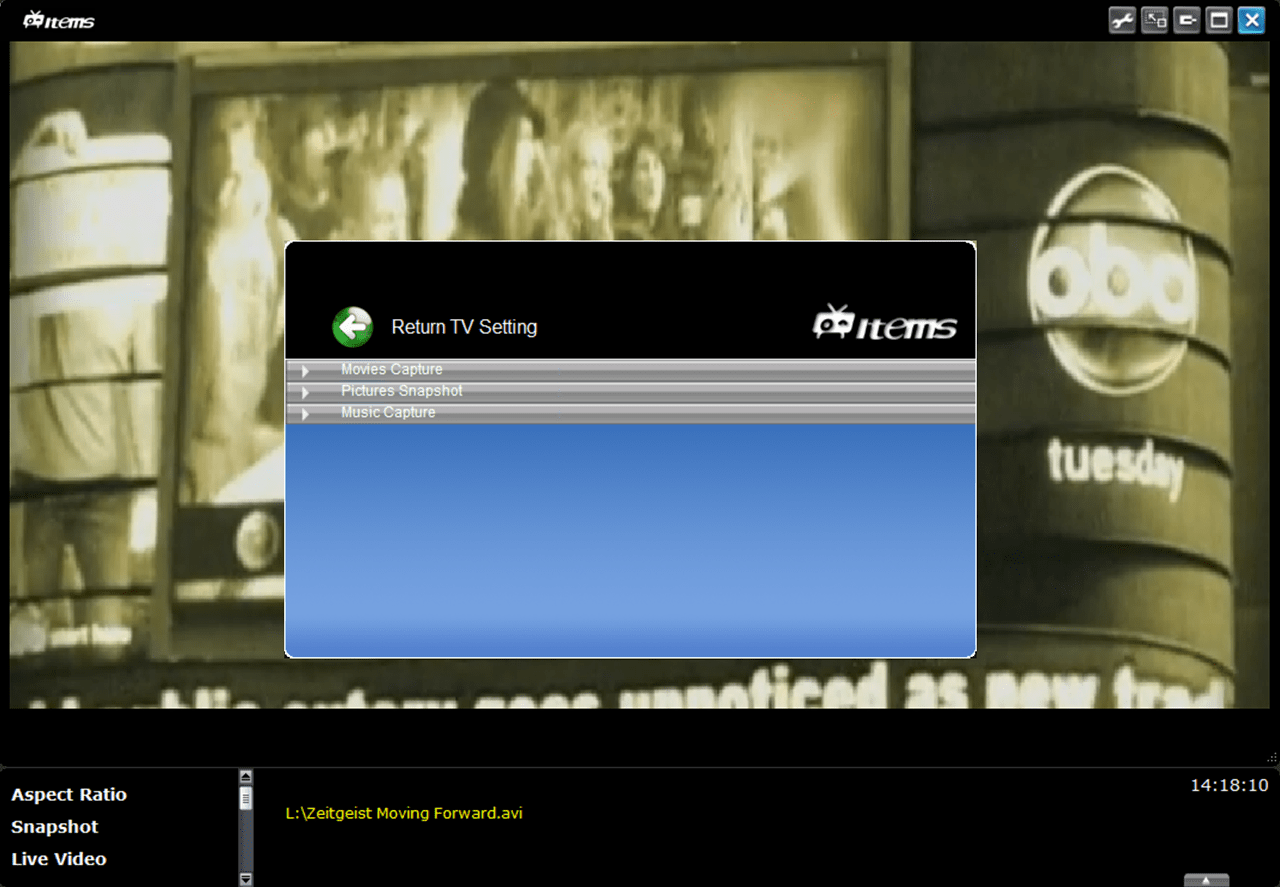
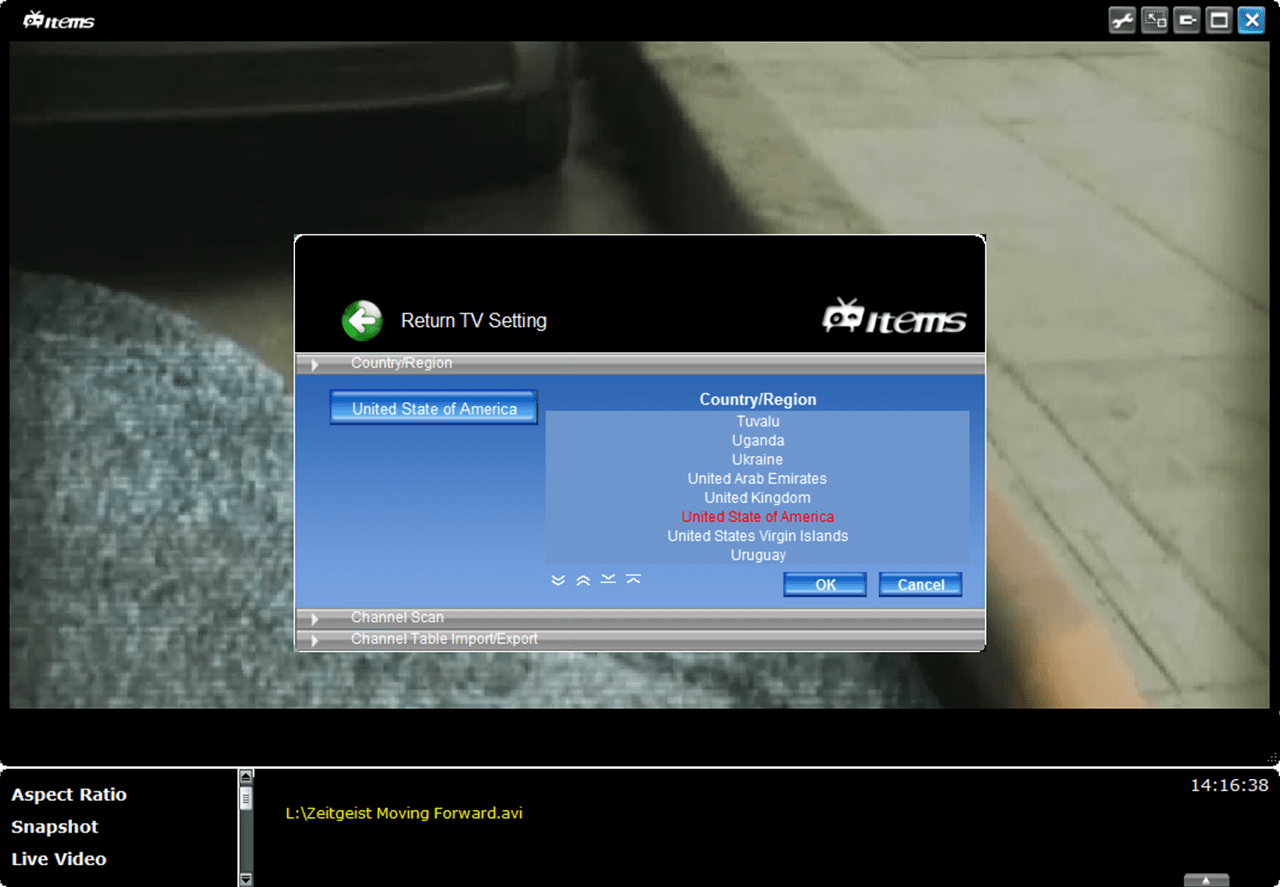
TV Expert is a Windows application that allows users to access a wide variety of digital television channels. Like in Live TV Player, there is support for multiple models of standard TV tuners from different manufacturers. Tools for playing media files from the hard drive are provided as well.
First steps
It is necessary to install system drivers for the TV tuner to access online content. After starting the program you can select the required language and region to view the list of available stations. Additionally, there is an option to automatically detect cable channels.
Playback parameters
Users are able to change the default aspect ratio, take screenshots and record clips to the hard drive. Standard playback control buttons for pausing and stopping the video as well as for tuning the audio volume are included.
Recoding
The Settings menu contains instruments for selecting the active capture device. The output resolution, quality and framerate are adjustable. Moreover, it is possible to change the audio format.
You can schedule recording tasks automatically based on the embedded electronic program guide. Default target directories for screenshots, clips and audio tracks are customizable.
Features
- free to download and use;
- allows you to access online TV channels and radio stations;
- it is possible to capture video and audio output to the file;
- flexible recording parameters are available;
- compatible with all modern versions of Windows.
26,4 Mb (downloads: 73)


