Tiff Combiner

Tiff Combiner

0/5
ver. 4.0
3,3 Mb (downloads: 1)

Using this tool you can merge several TIFF images into a single file. It is helpful for organizing, archiving and sharing scanned multipage documents.

Download
Update date:
22.08.2023
Developer:
Winsome Technologies
Windows version:
Windows XP
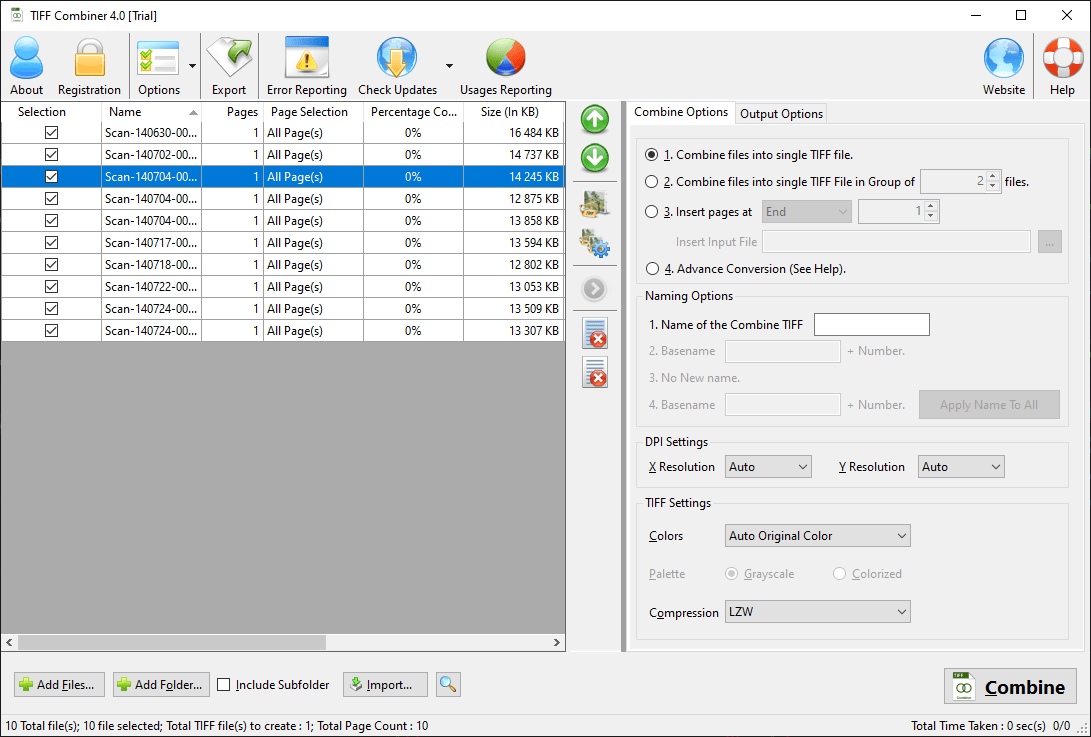
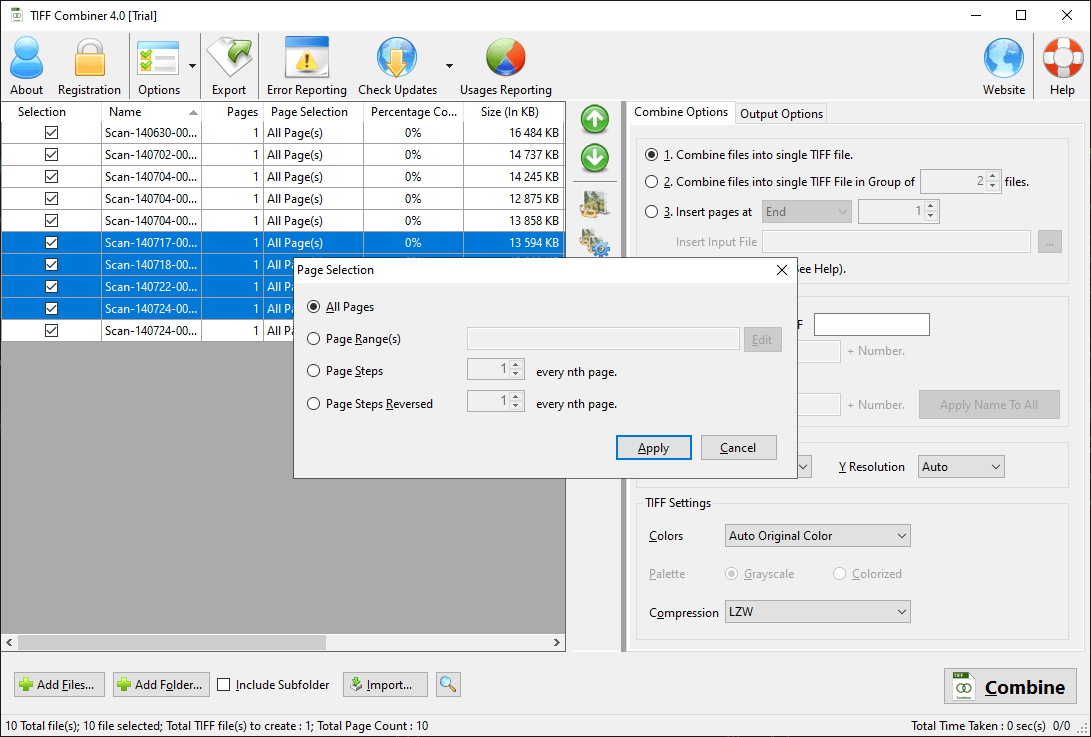
Tiff Combiner is a Windows utility that offers users instruments for splitting and merging TIFF files. The output resolution, compression level and location are customizable. Please note that the free trial version of Tiff Combiner will expire after processing 250 images.

About TIFF

This popular graphical format allows you to store high resolution photos or scanned documents without quality loss. The file size is larger than that of JPG and PNG pictures due to the fact that the color information is saved separately for every pixel. The TIFF specification supports images with multiple layers. Moreover, it is possible to store several pages in a single file for easier navigation and management.

Merging process

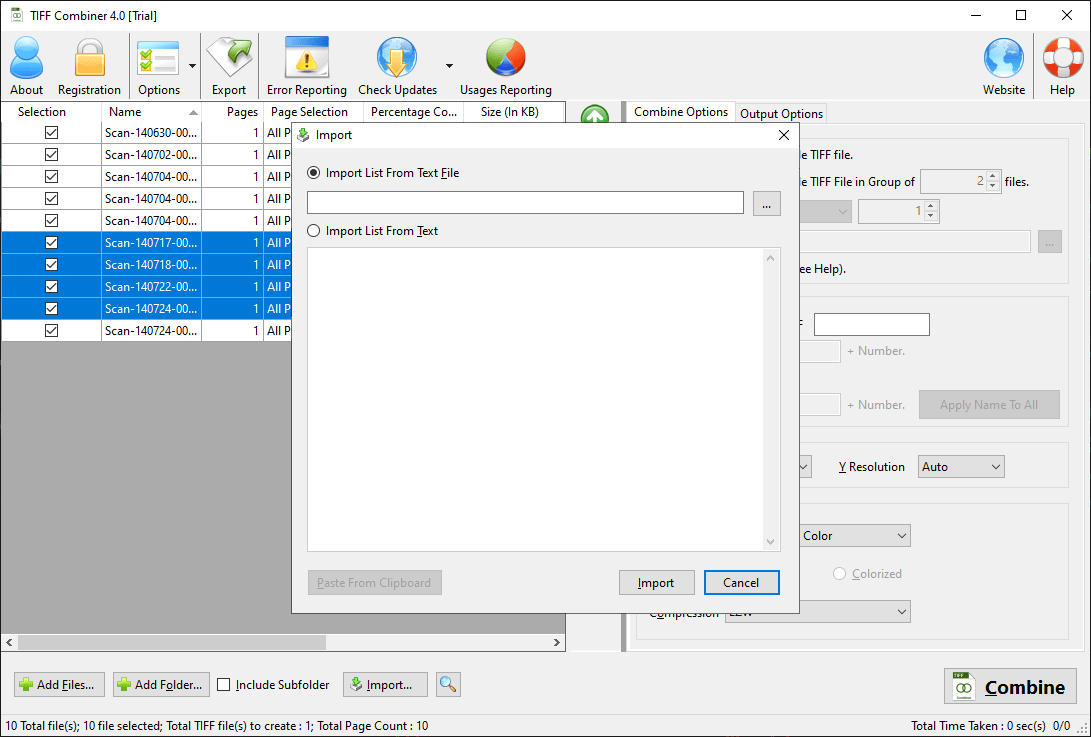
Users can drag and drop all input images into the workspace. There are tools for reordering, rotating and deleting individual pages before combining them together. Supported color modes include grayscale, 256 colors, 32 bit and more. Multiple compression methods such as LZW, JPEG and CMYK are available as well.

Resulting images can be opened in ACDSee or any other common photo viewer. All original metadata of the source files is preserved during the merging. You are able to combine hundreds of TIFF files in seconds.

Features

  • free to download and use;
  • helps you combine several TIFF images into a single file;
  • it is possible to rearrange and delete individual pages before merging;
  • several output color modes are supported;
  • compatible with all modern versions of Windows.
Download
3,3 Mb (downloads: 1)
Add comment
0/5
Similar programs
Harbour Harbour
Windows XP Free
0/5

The robust utility was developed to assist you in compiling data for projects in development. Moreover, you can connect and work with multiple databases.

ver 3.0
Digital Media Converter Pro Digital Media Converter Pro
Windows XP Free
0/5

Using this tool you can convert video and audio files from one format to another. Flexible output quality parameters like the bitrate and resolution are available.

ver 4.18
PocketISO PocketISO
Windows XP Free
0/5

Using this robust tool, you can reduce the size of PSX game files. Moreover, you have the option to rip and replace videos, extract audio tracks to MP3 format, etc.

ver 3.2
Batch Watermark Creator Batch Watermark Creator
Windows 7 Free
0/5

Using this lightweight tool, you can create custom watermarks for your photographs. Moreover, there is an option to rename the output files by defining rules.

ver 8.1
JavaExe JavaExe
Windows XP Free
0/5

Thanks to this straightforward utility, you can make an EXE file for your Java project. Moreover, you have the option to change the default icon and splash screen.

ver 3.2
MapCruncher MapCruncher
Windows XP Free
0/5

This piece of software was designed to help users transform their maps for publishing on the Internet. There is also support for switching between layers.

ver 3.1.4ve
Next Video Converter Next Video Converter
Windows XP Free
0/5

With this robust application, you can convert clips between different formats. In addition, you have the option to process multiple files at the same time.

ver 4.0.3
Picturenaut Picturenaut
Windows XP Free
0/5

The software solution was designed to help users create HDR content from their photos. It is also possible to choose between different tone mapping methods.

ver 3.2