
This application enables users to open various shockwave flash files. Additionally, they have the option to control the playback, as well as configure the scaling.

SWF Opener
ver. 1.3
0,6 Mb (downloads: 25)
Update date:
28.06.2022
Developer:
BrowserTools.net
Windows version:
Windows XP, Windows Vista, Windows 7, Windows 8, Windows 10
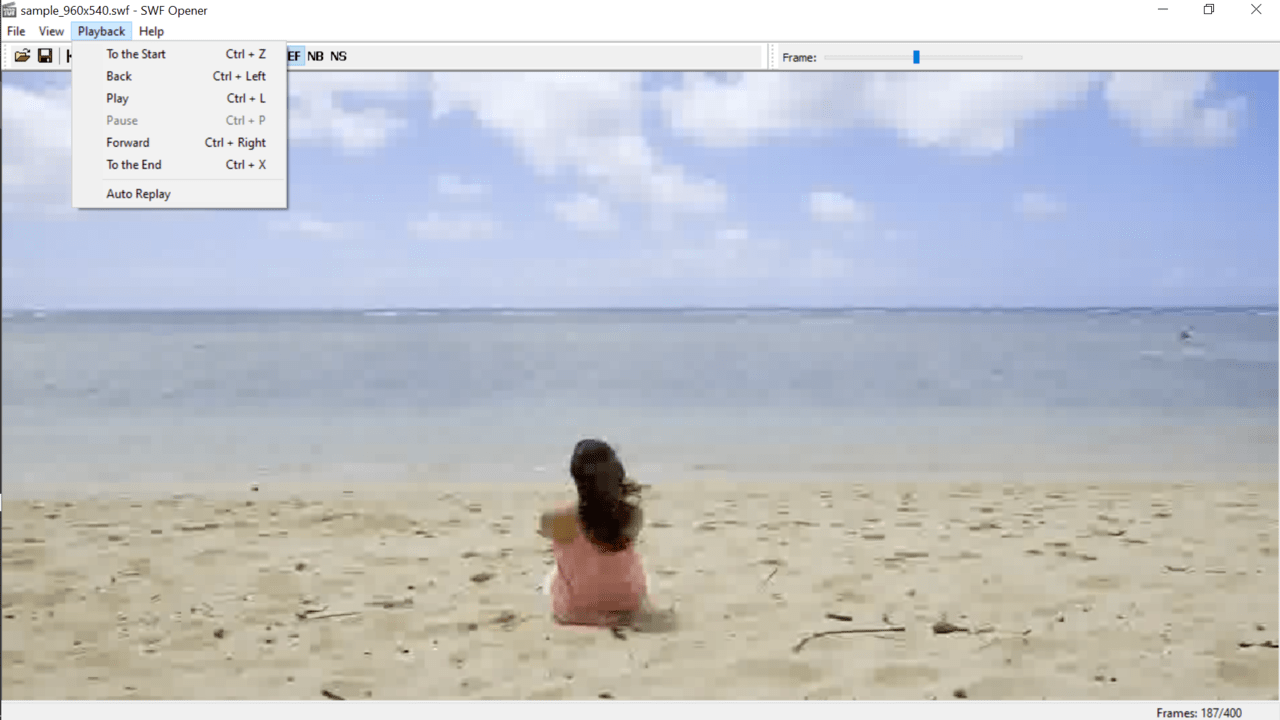
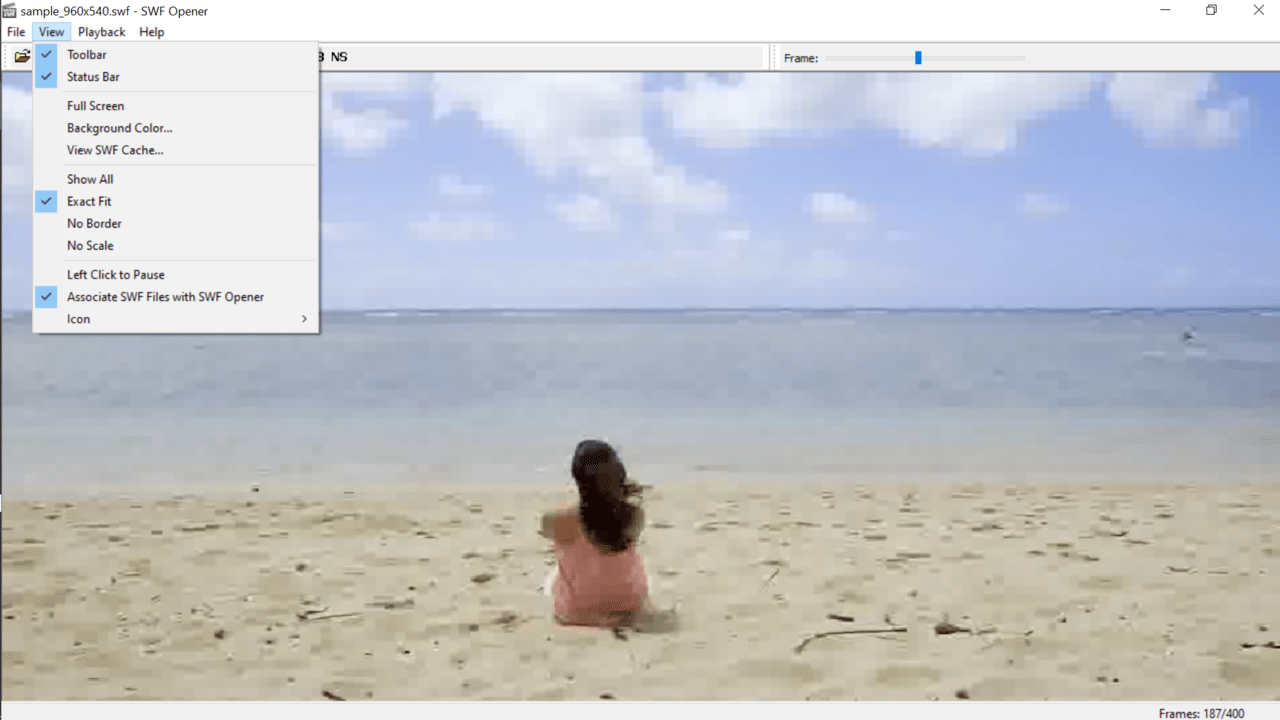
SWF Opener is a simple-to-use Windows program that was designed for opening and playing a wide range of flash videos.
Purpose
The shockwave flash files are also referred to as SWF files. Unfortunately, they cannot be read by a majority of common and available media players. However, they can be opened using an internet browser that has Adobe shockwave plugin installed. This application enables users to play SWF files without an Internet connection directly from their computer.
Functionality
After installation, the software will automatically configure itself as the default app for opening SWF files. Please note, this setting can be disabled from the main window of this utility.
You can open a file using the in-built directory search or by simple double-clicking on it with your mouse. It is worth noting that you are also able to drag and drop the desired items into the main workspace to play them. There are various control options. For example, you can pause or speed up the playback, toggle fullscreen and select scaling mode.
Moreover, the program comes with an additional tool called Cache Viewer. It allows you to read SWF content that was downloaded by Chrome or Mozilla Firefox.
Features
- free to download and use;
- compatible with modern Windows versions;
- gives you the ability to open and play SWF files;
- it is possible to control the playback;
- allows you to customize the scaling mode;
- can view shockwave flash files stored in browser cache.
0,6 Mb (downloads: 25)


