
This utility is intended for modifying the interface of Windows 10 and 11. It contains options for changing the design of the Start button, taskbar and other elements.

Start11
ver. 1.25
40,2 Mb (downloads: 145)
Update date:
12.09.2022
Developer:
Stardock Software, Inc
Windows version:
Windows 10, Windows 11
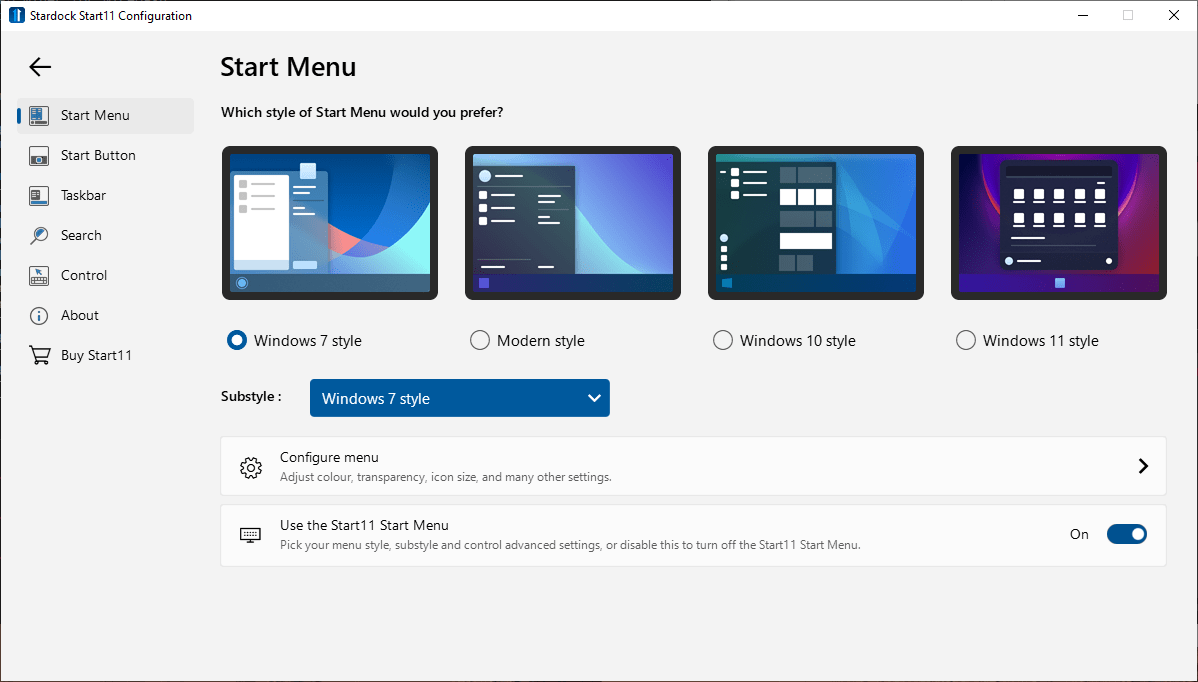
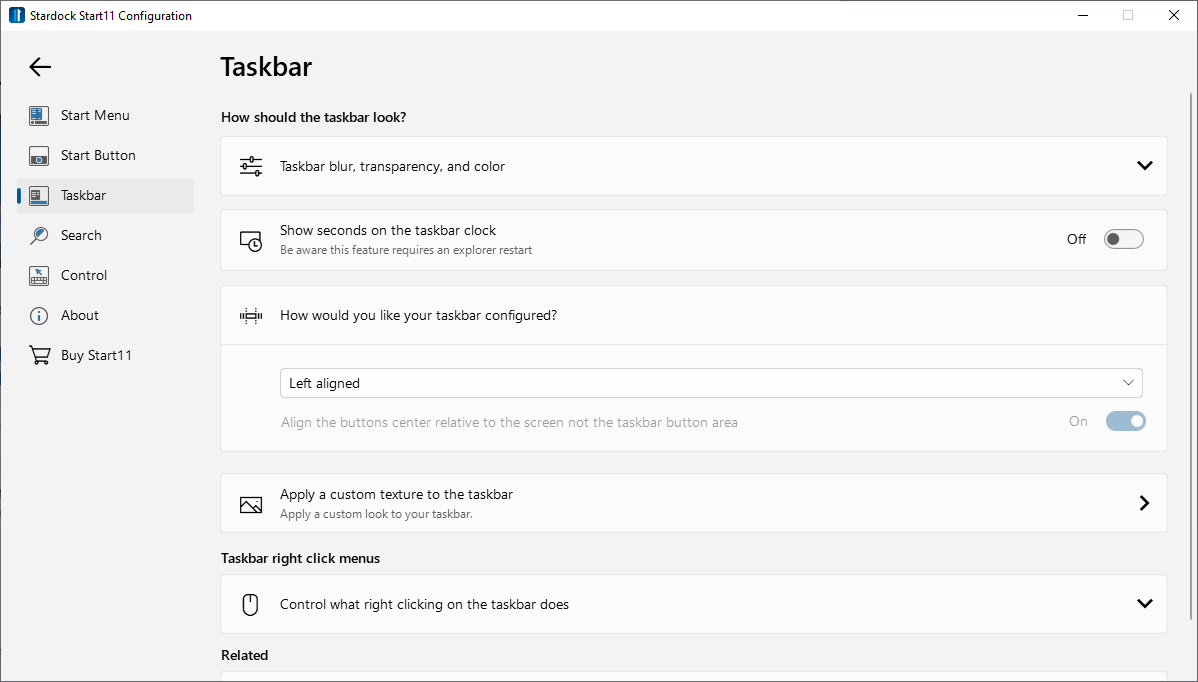
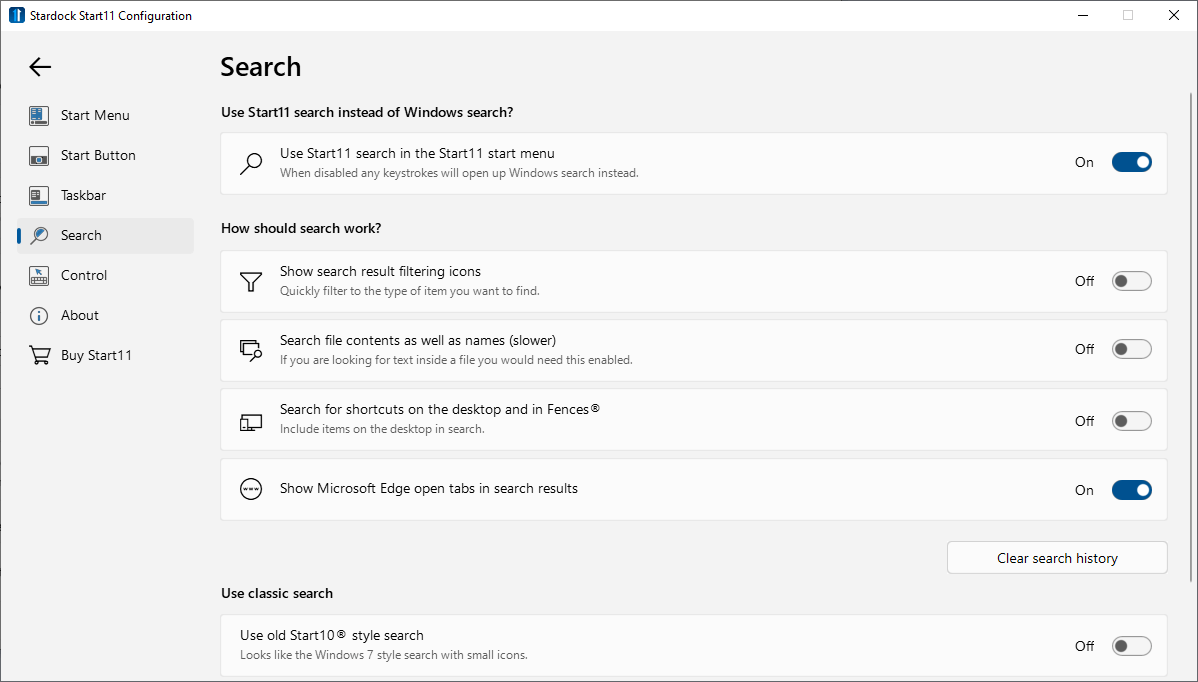
Start11 is a Windows program that allows you to alter the visual appearance of many system panels and buttons. There are tools for transforming the Search app interface as well.
Available tweaks
This software offers users several Start Menu styles such as the older Windows 7 look or the modern design from Windows 11. Changing the color and adjusting the menu transparency is possible. Moreover, users are able to configure the visual parameters like rounded corners, animations and offset from the taskbar. There is an option to set any photo as the background image for the Start menu.
You can customize the taskbar by changing its transparency, color and alignment. Displaying the seconds on the tray clock is possible as well.
The Start button can be modified. Users are able to replace the original design with any image file. There is a setting for showing the button on every connected monitor.
To transform the interface further you can download Windows 7 Skin Pack.
Search parameters
Users are able to utilize an advanced version of the standard search function by adding new buttons to the interface. Filtering the results by file type to quickly locate the required items is possible. Additionally, there is an option to return the classic search style from Windows 7.
It is worth mentioning that Start11 is a paid software. The free trial version can be evaluated for 30 days.
Features
- allows you to tweak the Windows interface;
- there are options for customizing the taskbar and Start menu;
- search functionality can be altered;
- compatible with Windows 10 and 11;
- free to download and use.
40,2 Mb (downloads: 145)


