
This professional music software allows you to manage a large audio library and mix several tracks together. There is a library of filters and sound effects.

Rockit Pro DJ
ver. 5.0
6,9 Mb (downloads: 8)
Update date:
10.12.2022
Developer:
SOFTJOCK Inc.
Windows version:
Windows XP, Windows Vista, Windows 7, Windows 8, Windows 8.1, Windows 10, Windows 11
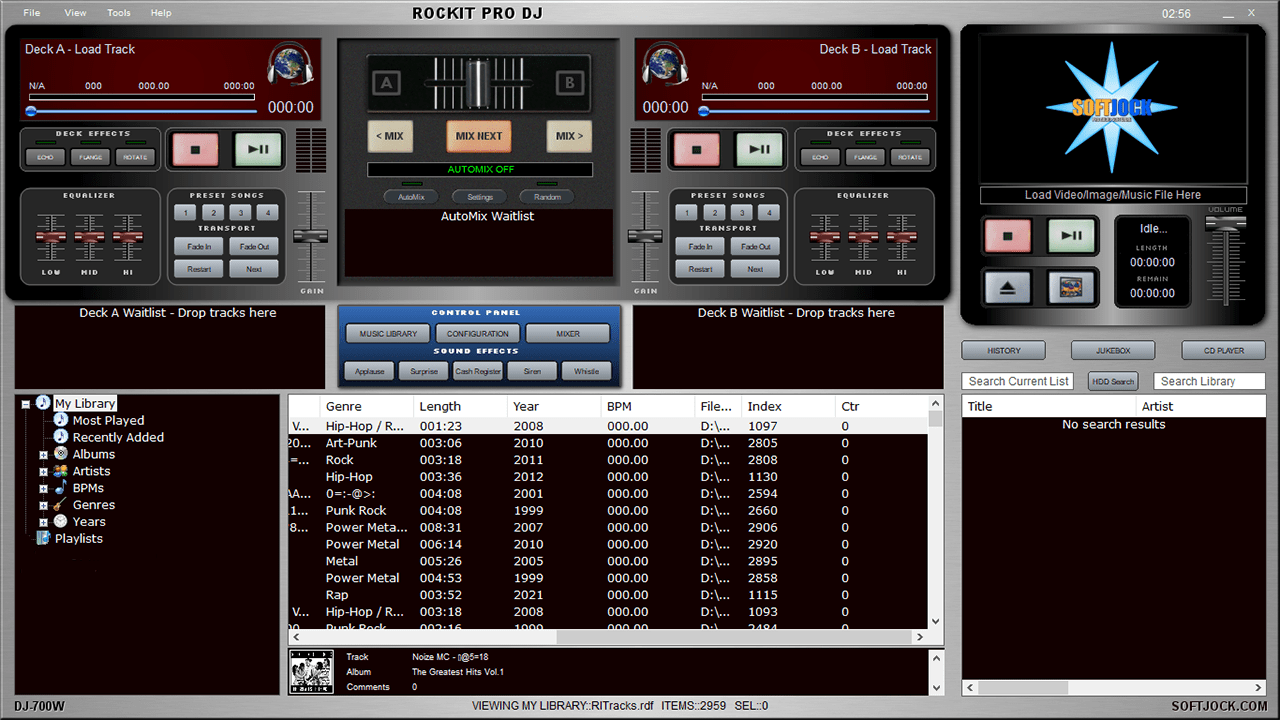
Rockit Pro DJ is a Windows utility for playing audio files. The included multiband equalizer lets users adjust separate frequencies. There are buttons for applying fade in and fade out effects and restarting the current song.
Music library
You are prompted to select the main audio folder on first startup. It is possible to add all detected files or exclude certain subdirectories. The playlist contains additional information about the songs such as the title, artist, album, genre, length and year. You can edit track properties and add album covers in the JPG, GIF or PNG format.
Playback options
Like in DJ ProMixer, there are two audio decks with separate controls. Users are able to apply echo and flange effects and tune the gain. File sound samples are available: applause, surprise, cash register, siren and whistle. Buttons for mixing tracks from both decks together are included.
Parameters
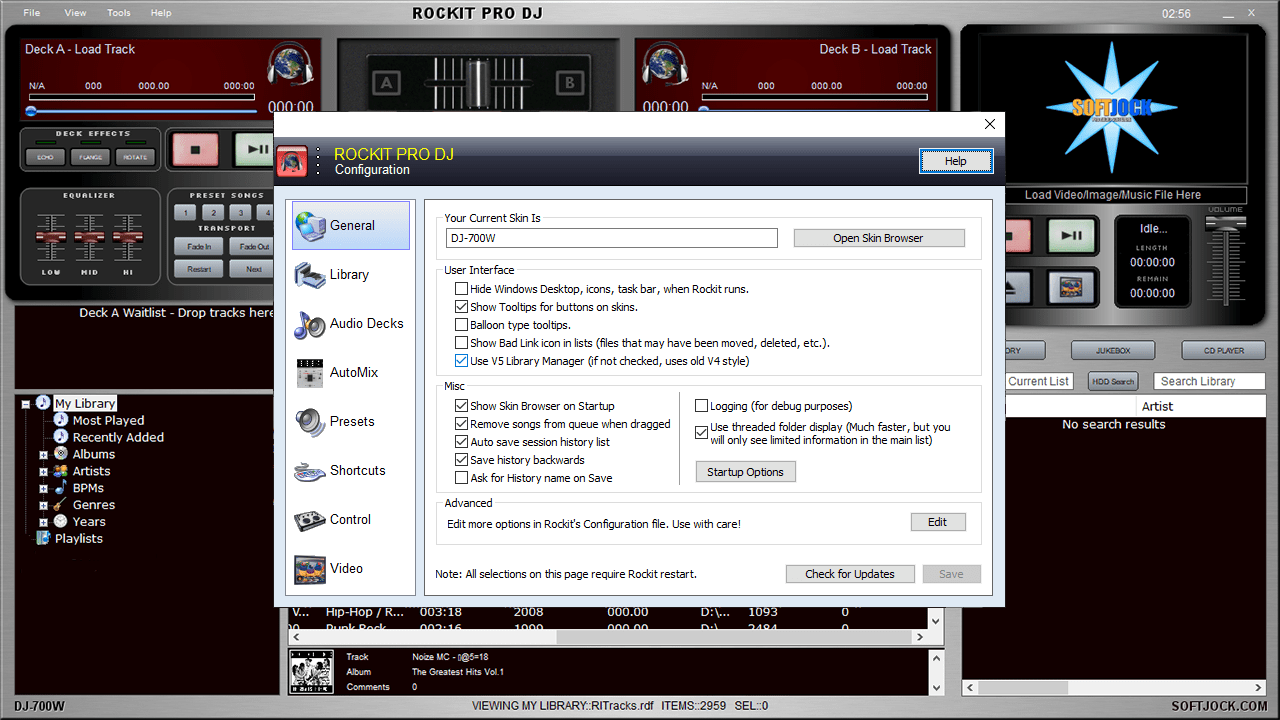
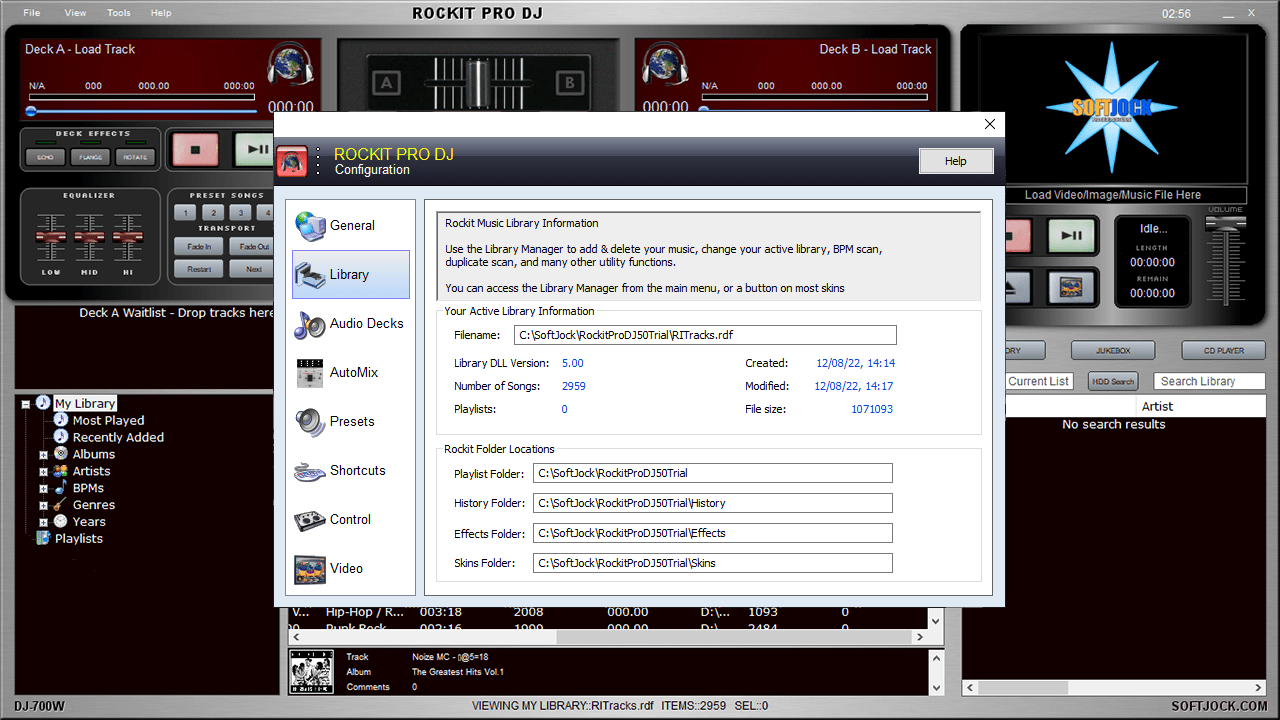
You can change the interface layout and visual appearance in the Settings menu. Default locations for playlists and audio effects are customizable. There are flexible keyboard shortcuts.
Please note that Rockit Pro DJ is a paid program. The free trial version has to be restarted every 30 minutes.
Features
- lets you play audio tracks and mix them;
- free to download and use;
- there is a library of effects and sound samples;
- the main interface is fully customizable;
- multiple common audio file formats are supported;
- compatible with all modern versions of Windows.
6,9 Mb (downloads: 8)


