
Thanks to this powerful tool, users have the ability to fix various issues in iOS devices. Moreover, creation of backup copies of data is supported as well.

ReiBoot
ver. 2.1.2.1
1,8 Mb (downloads: 15)
Update date:
27.12.2022
Developer:
Tenorshare Co.,Ltd.
Windows version:
Windows 7, Windows 8, Windows 10, Windows 11
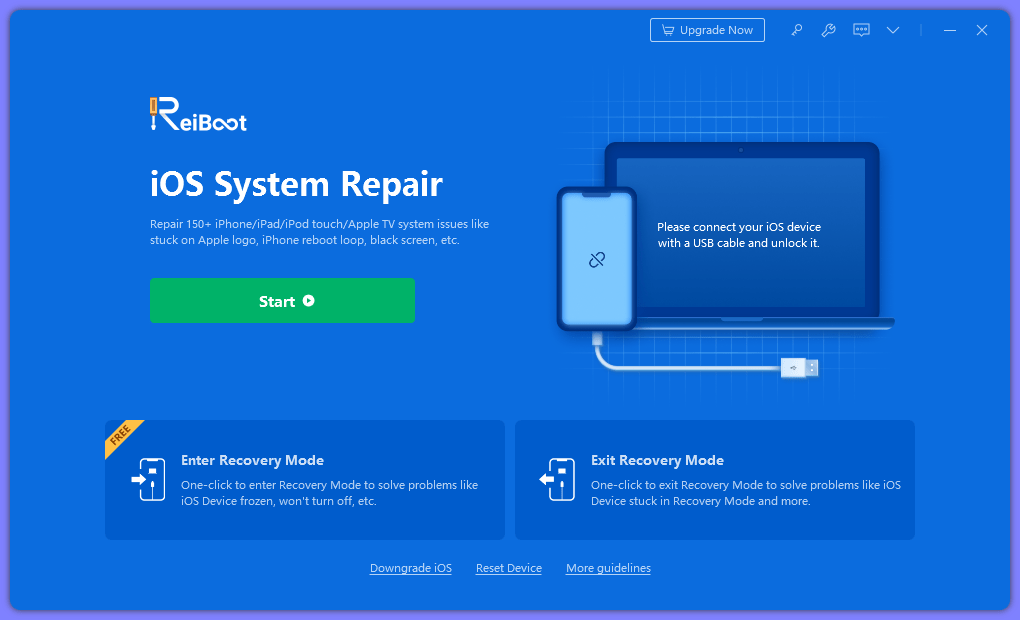
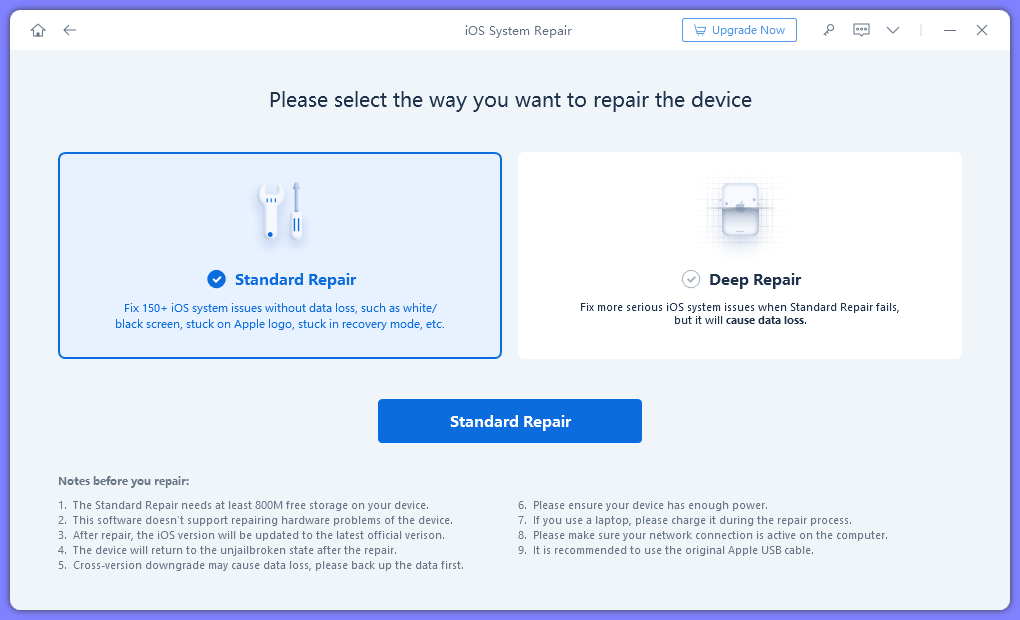
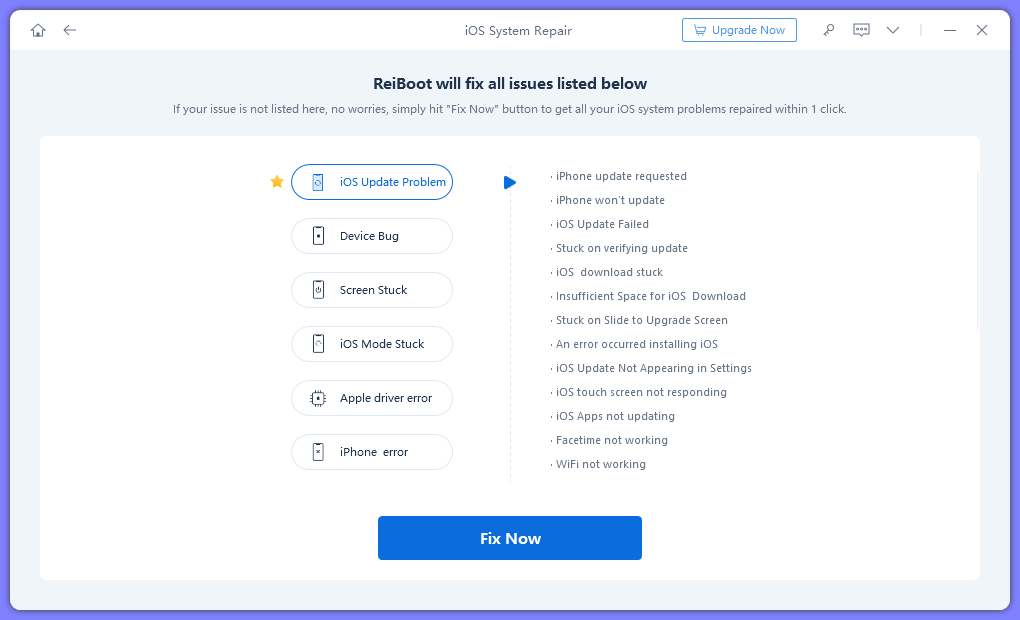
ReiBoot is a program for Windows that enables you to repair Apple mobile devices. The utility supports a wide range of iPhone, iPad and iPod models. Thus, it is possible to resolve issues related to connection to iTunes. In addition, you have the option to create backup copies of your data. A deep recovery mode is also available.
Main capabilities
The application gives you the ability to fix various problems, including endless reboot, freezes when turned on, recovery mode loop, error deploying updates, black screen and more. All you need to do is connect the mobile device to your personal computer.
After this step, the utility will begin to find and repair errors automatically. In addition, you can reset your smartphone to factory settings. This is a convenient function, if you have lost or forgotten your password. It is worth noting that the tool is able to eliminate only firmware malfunctions. In case of hardware problems, you need to contact the service center for repair.
Recovery
In order to recover data on your mobile device, you need to connect it to the PC via a USB cable. It is recommended to ensure that the battery is charged more than fifty percent. The next step is to select a model and follow the instructions provided on the screen. For the purposes of unlocking Apple smartphones, you may use another program called ZiPhone.
Features
- free to download and use;
- compatible with modern Windows versions;
- enables you to repair mobile device developed by Apple;
- you can fix recovery mode loop, endless reboots and more;
- it is possible to create backup copies of personal data.
1,8 Mb (downloads: 15)


