
With this powerful tool, users are able to recover data from damaged disks and erased partitions. Moreover, they have the option to view information about each item.

R Studio
ver. 9.1
60,6 Mb (downloads: 7)
Update date:
08.09.2022
Developer:
R-tools technology Inc.
Windows version:
Windows XP, Windows Vista, Windows 7, Windows 8, Windows 10
R Studio is a data recovery program for Windows that allows you to restore all types of files and folders that were accidentally deleted from your personal computer. The important data may become inaccessible because of an unexpected power surge, a virus attack or simple human error.
File preview
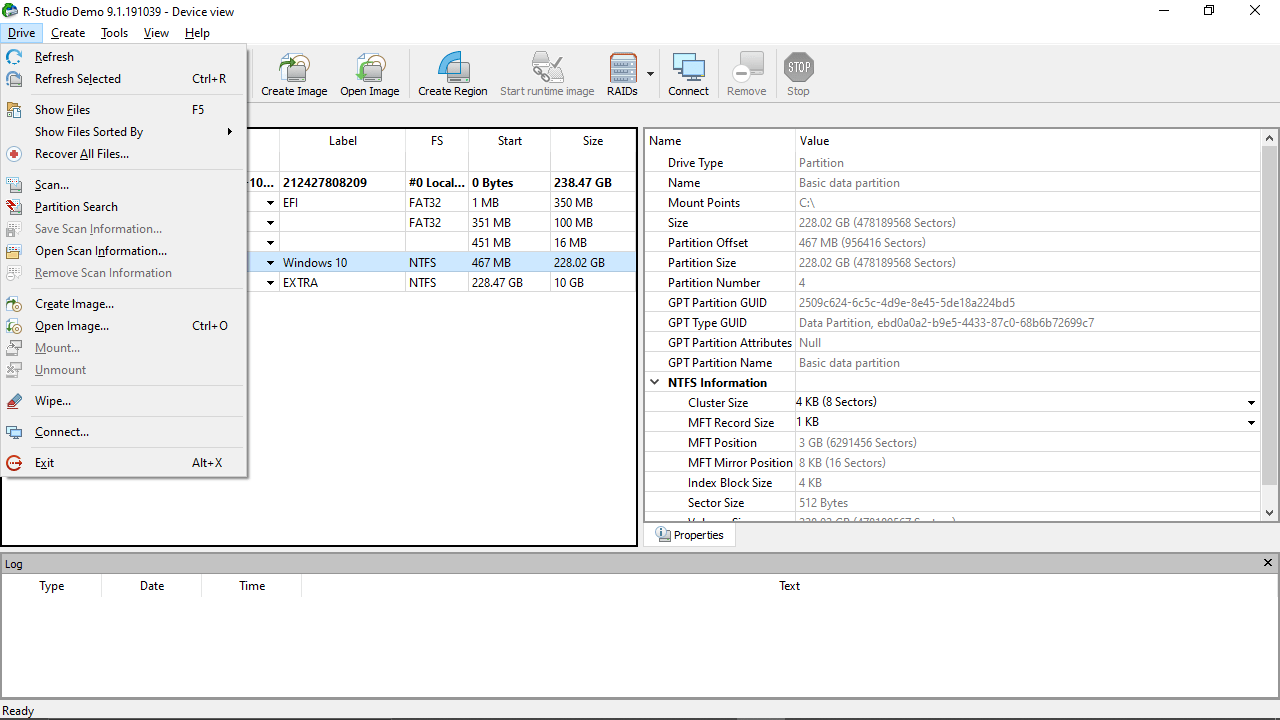
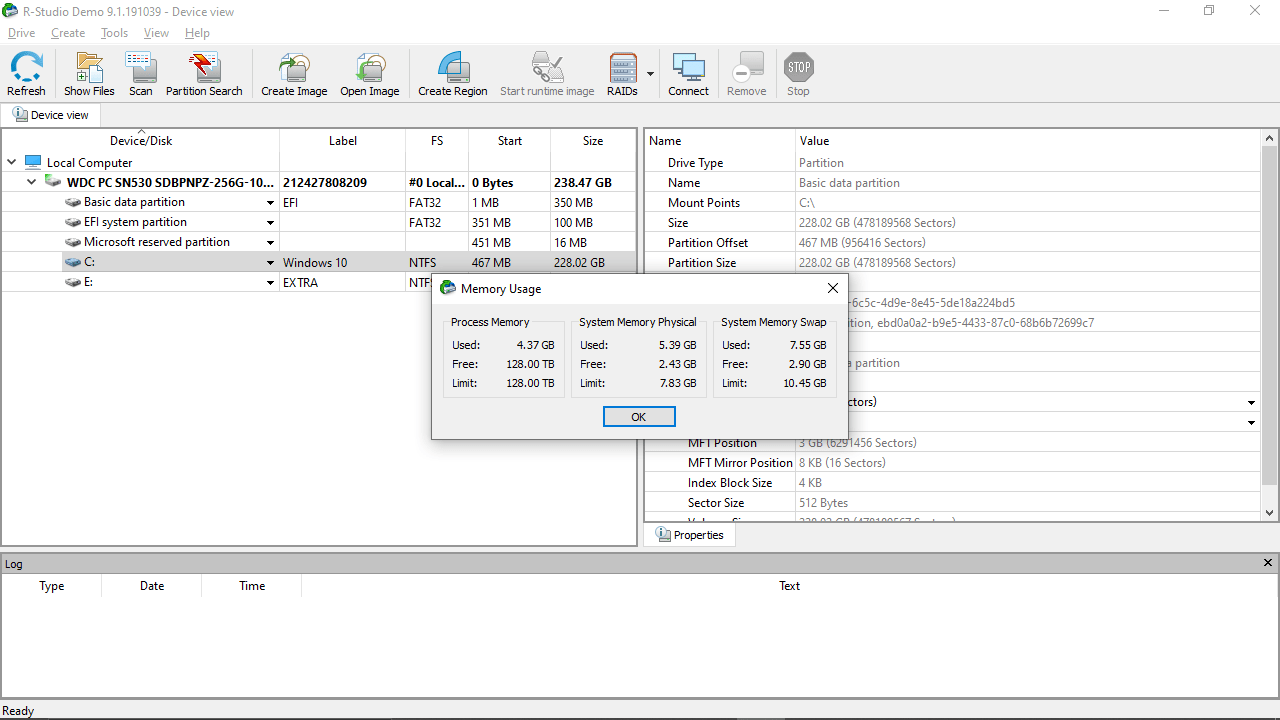
The application features an intuitive double-panel interface. On the right you are able to view detailed information about the file that can be retrieved. Although the utility displays a comprehensive list of characteristics about any particular item, it may be overwhelming for beginner users.
Recovery
However, if you take the time to learn the basics, the program is very useful when it comes to retrieving all types of data lost due to various factors. In addition to restoring items deleted via Recycle Bin, the tool is capable of recovering files and folders from damaged disks, erased partitions, destroyed MBR and even after Super Fdisk or similar utilities have already been used.
Compatibility
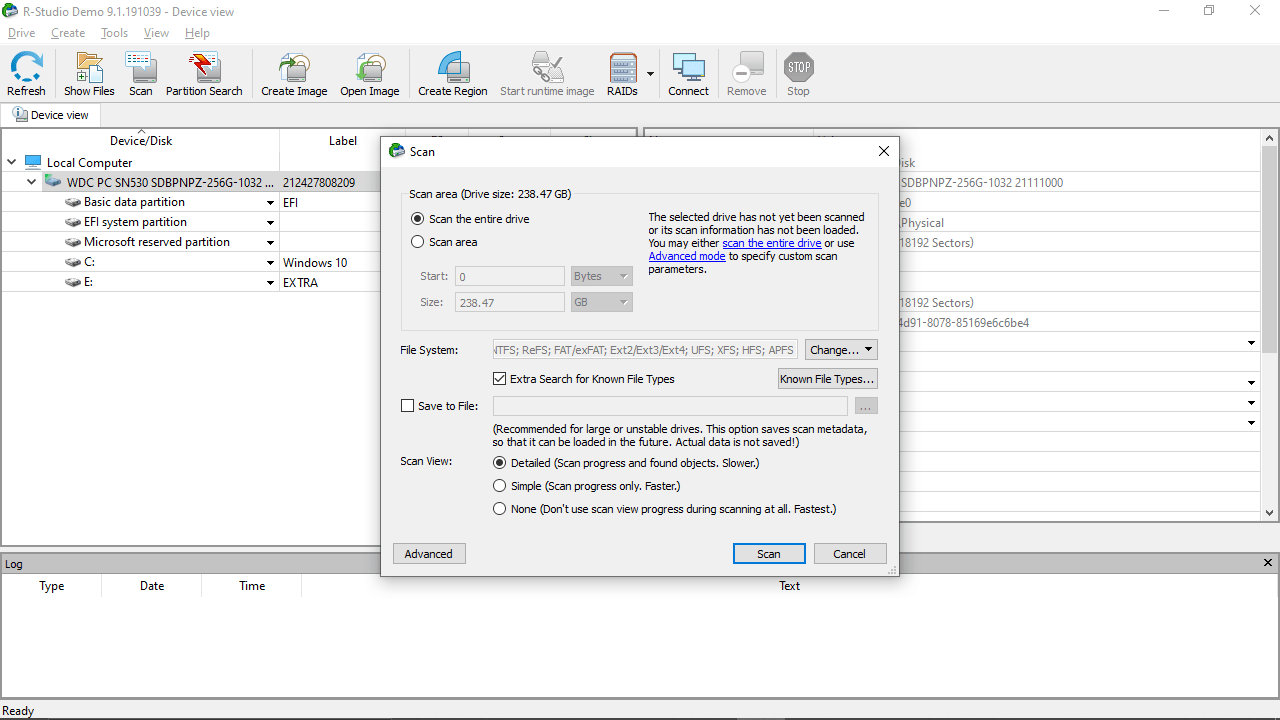
As far as the compatibility goes, the application works with most file systems found on modern PCs, including FAT, NTFS, ReF and HFS. What is more, the software may be employed for data retrieval for devices with unknown file systems like Floppy, Compact-Flash Card, ZIP drives or other removable media. Additionally, the utility is capable of recognizing localized names of the volumes and accessing encrypted partitions.
Features
- free to download and use;
- compatible with modern Windows versions;
- enables you to recover deleted files;
- it is possible to view detailed information about each item;
- you can restore data from damaged disks.
60,6 Mb (downloads: 7)


