
Using this application you can create and maintain a personal library of worship songs. There is a large collection of PowerPoint templates for lyrics demonstration.

PowerWorship
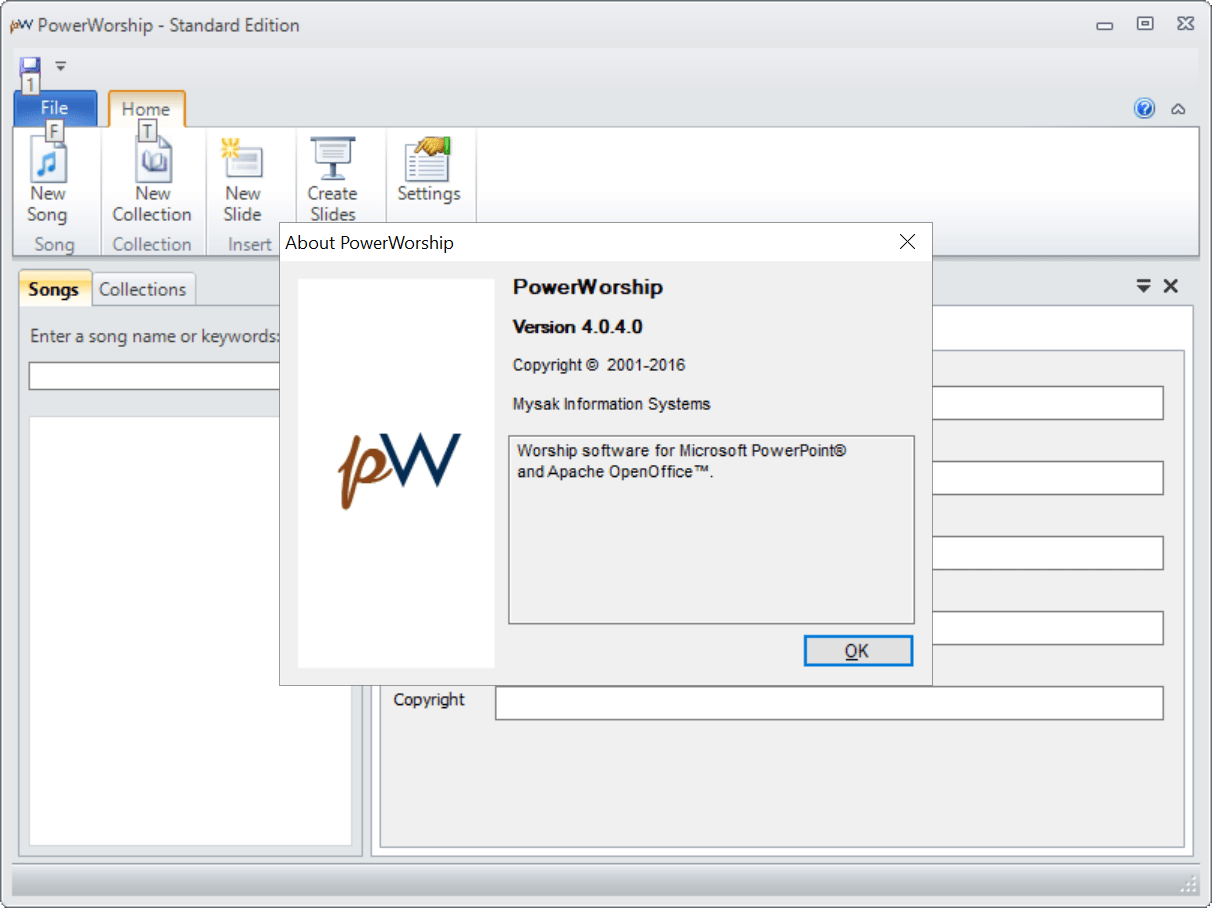
ver. 4.0.4.0
12,1 Mb (downloads: 1)
Update date:
24.06.2023
Developer:
Mysak Information Systems
Windows version:
Windows XP, Windows Vista, Windows 7, Windows 8, Windows 8.1, Windows 10, Windows 11
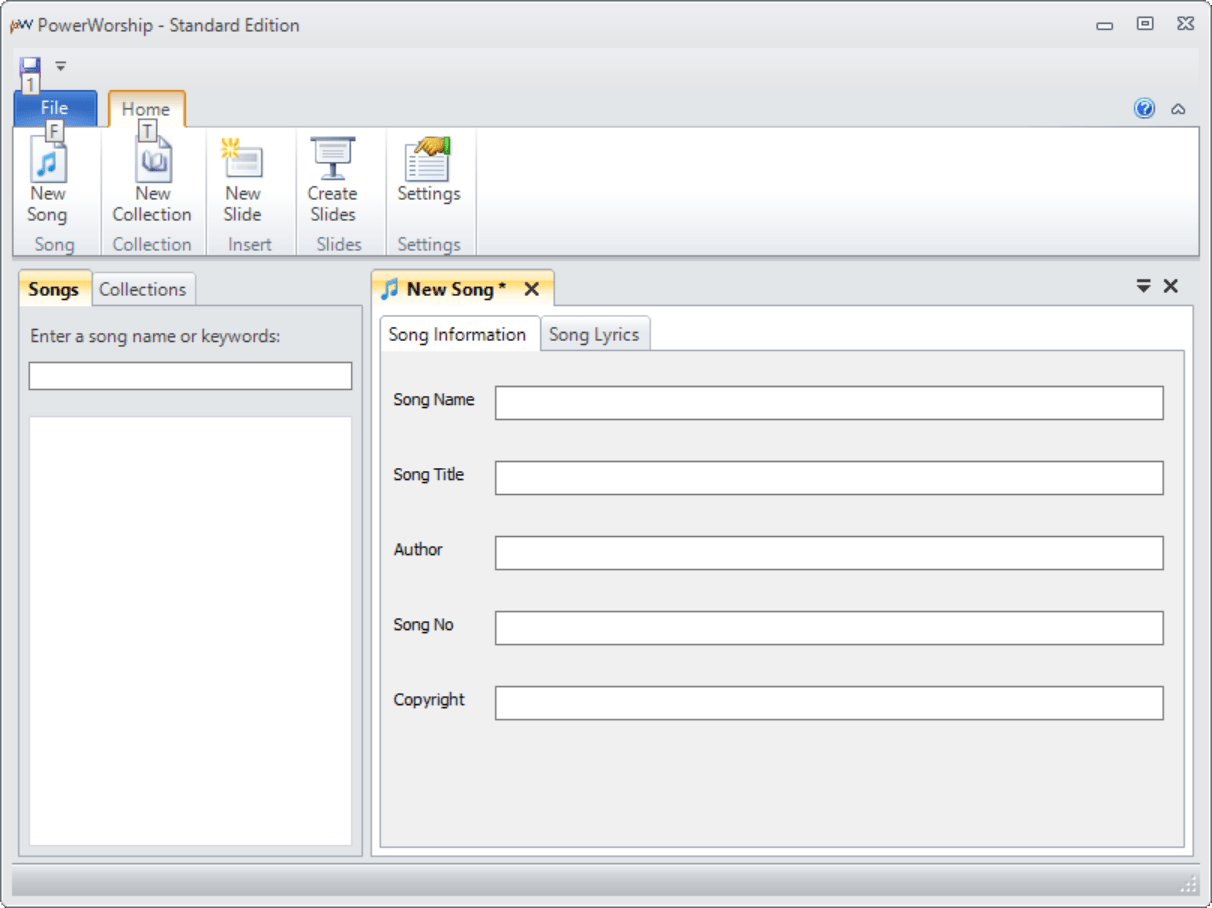
PowerWorship is a Windows software for storing worship songs on the hard drive. Users can add new entries to the database by specifying the title, author, copyright information and other attributes.
Song library
The main window contains a button for adding new tracks to the list. It is possible to create several custom collections for easier navigation. You can import song lyrics into the corresponding section.
Interface customization
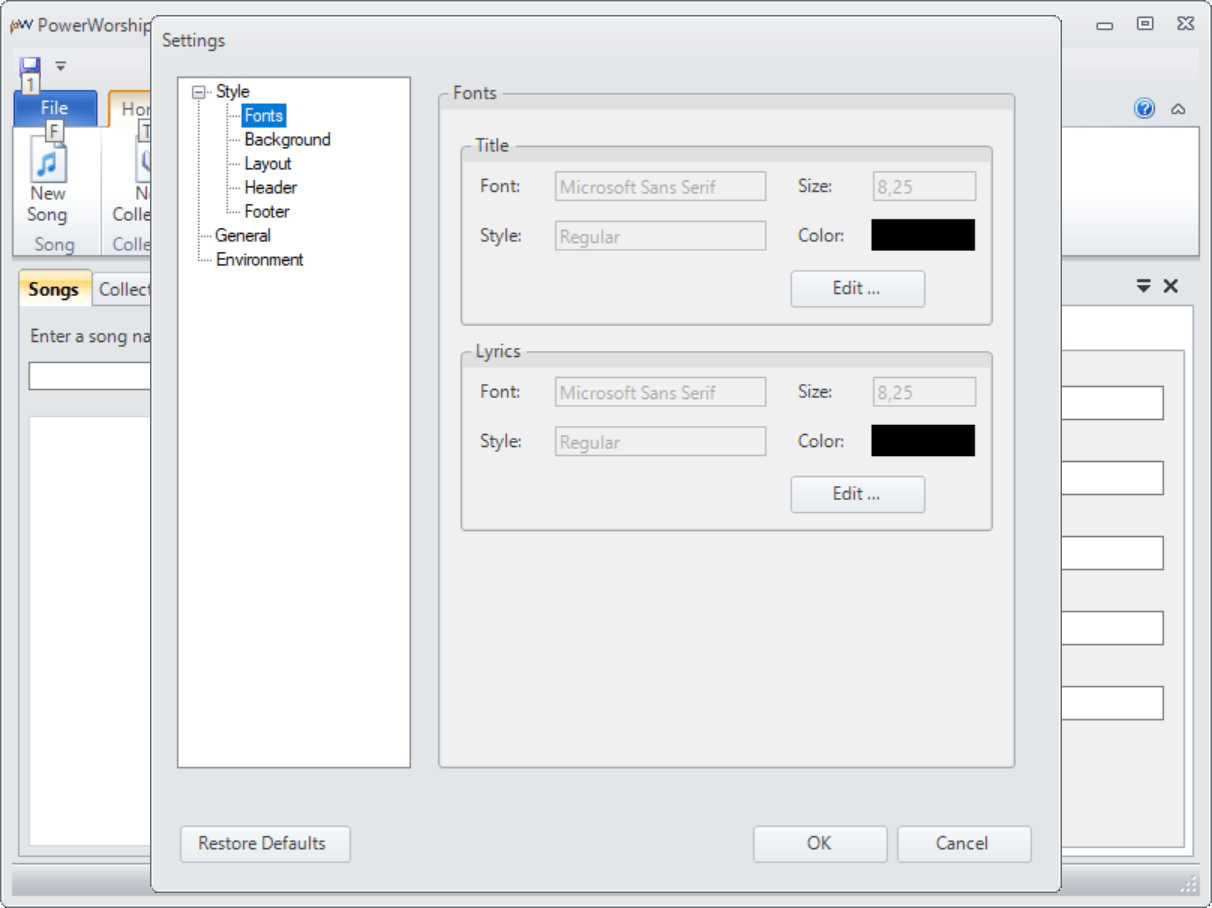
It is possible to change the style, color and size of the font as well as replace the background image. The table layout is adjustable as well. Users are able to add or remove individual data columns to better fit their needs.
Templates
There is a wide variety of presentation slide layouts compatible with PowerPoint and OpenOffice Impress. Similar to Worship Extreme, you can change the contents of all text blocks and rearrange elements on the page.
Users are able to automatically generate presentations by combining previously saved lyrics and templates. This functionality is helpful for organizing church services with multiple participants.
Features
- free to download and use;
- provides instruments for storing and managing a library of worship songs on the hard drive;
- includes a collection of PowerPoint and OpenOffice templates for creating presentations;
- you can add the title, artist, genre, year and other metadata to individual songs;
- compatible with all modern versions of Windows.
12,1 Mb (downloads: 1)


