
This utility allows you to retouch digital photos. It contains various brushes, pens and other drawing instruments as well as multiple visual filters and effects.

PhotoFiltre
ver. 11.4.1
29,7 Mb (downloads: 6)
Update date:
08.01.2023
Developer:
Antonio Da Cruz
Windows version:
Windows Vista, Windows 7, Windows 8, Windows 8.1, Windows 10, Windows 11
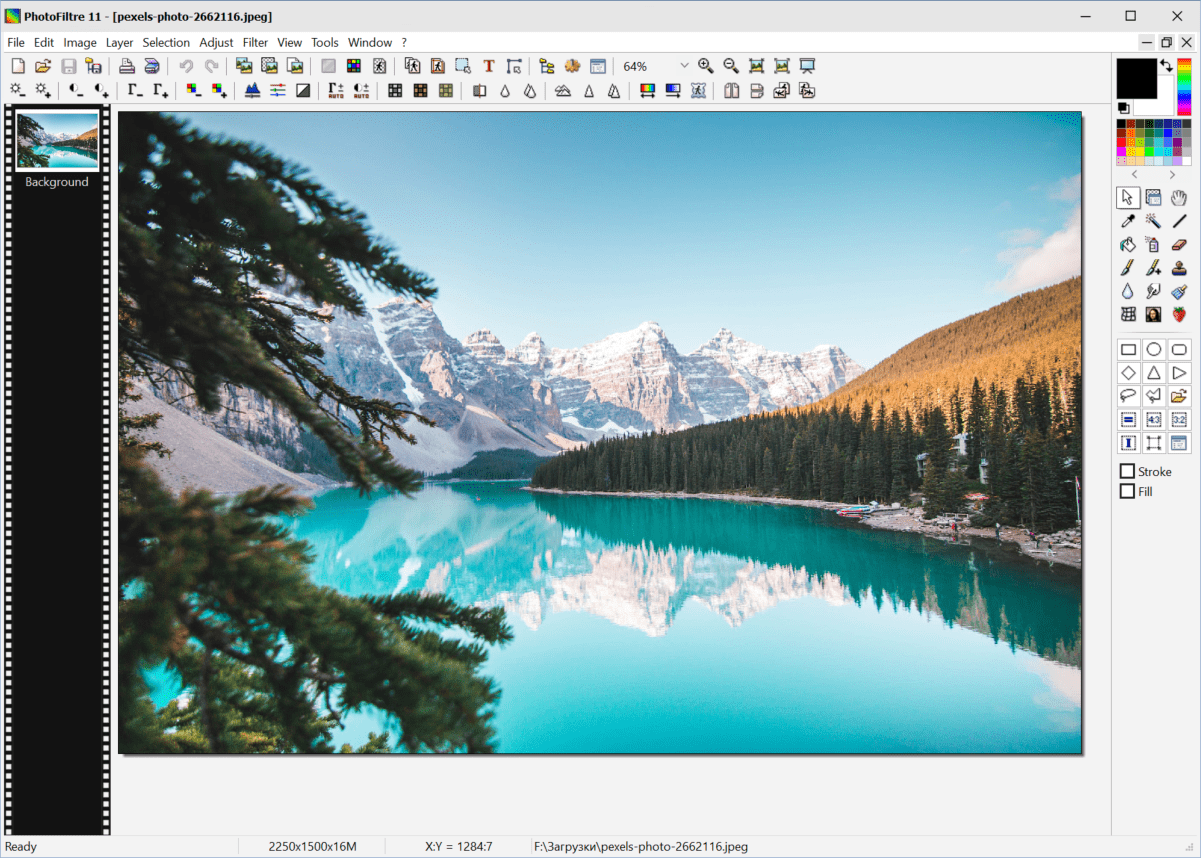
PhotoFiltre is a Windows application that offers users a graphics editor. There is support for all popular picture file formats. Thanks to a wide variety of included tools and a straightforward interface the program can be used as an alternative to Photoshop.
Editing process
This software lets you work with multiple common formats like JPG, BMP, PNG, TIFF, RAW, etc. It is possible to open and edit several files at the same time.
The main toolbar is located at the right side of the interface. Buttons for adding lines, arrows and various geometrical shapes are available. The Eraser tool allows users to delete separate elements from the image. Additionally, there is a Retouch brush for seamlessly removing small skin defects from portraits.
It is worth noting that the free trial version of PhotoFiltre will stop functioning 30 days after installation.
Included filters
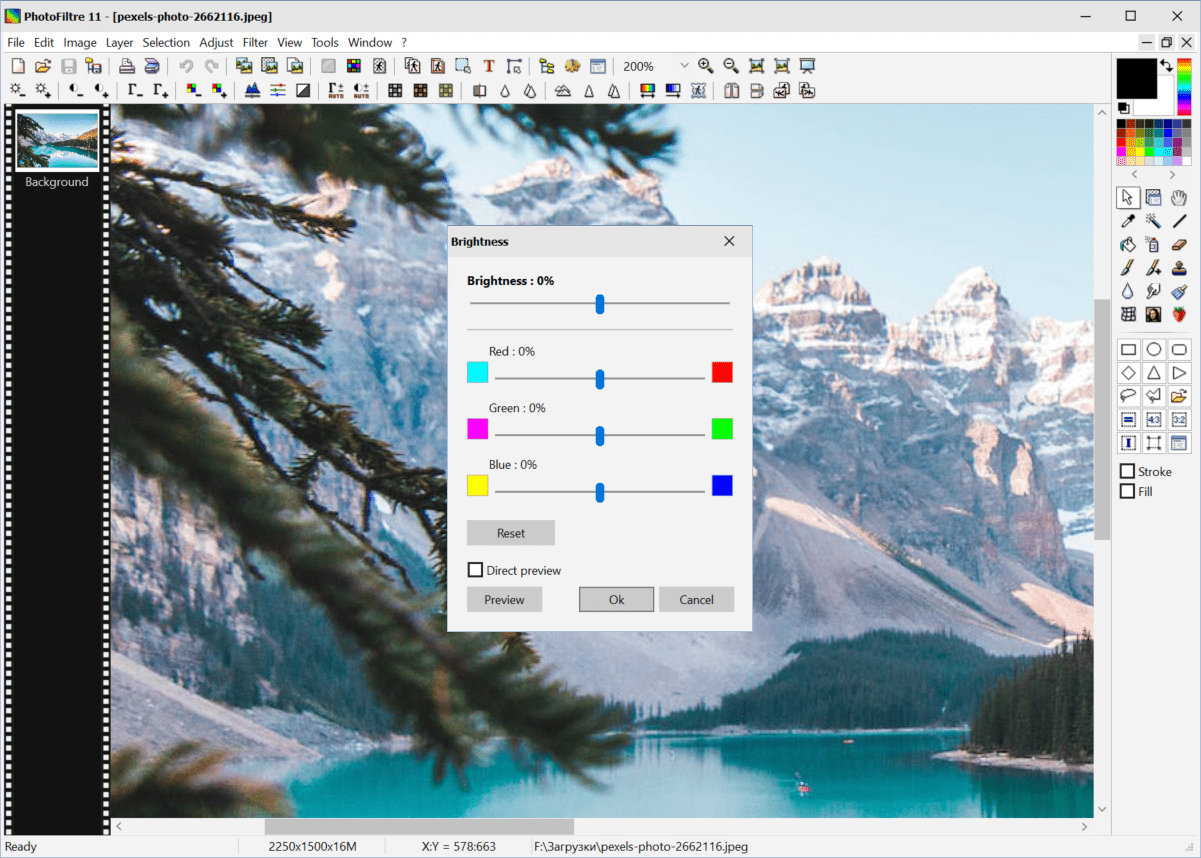
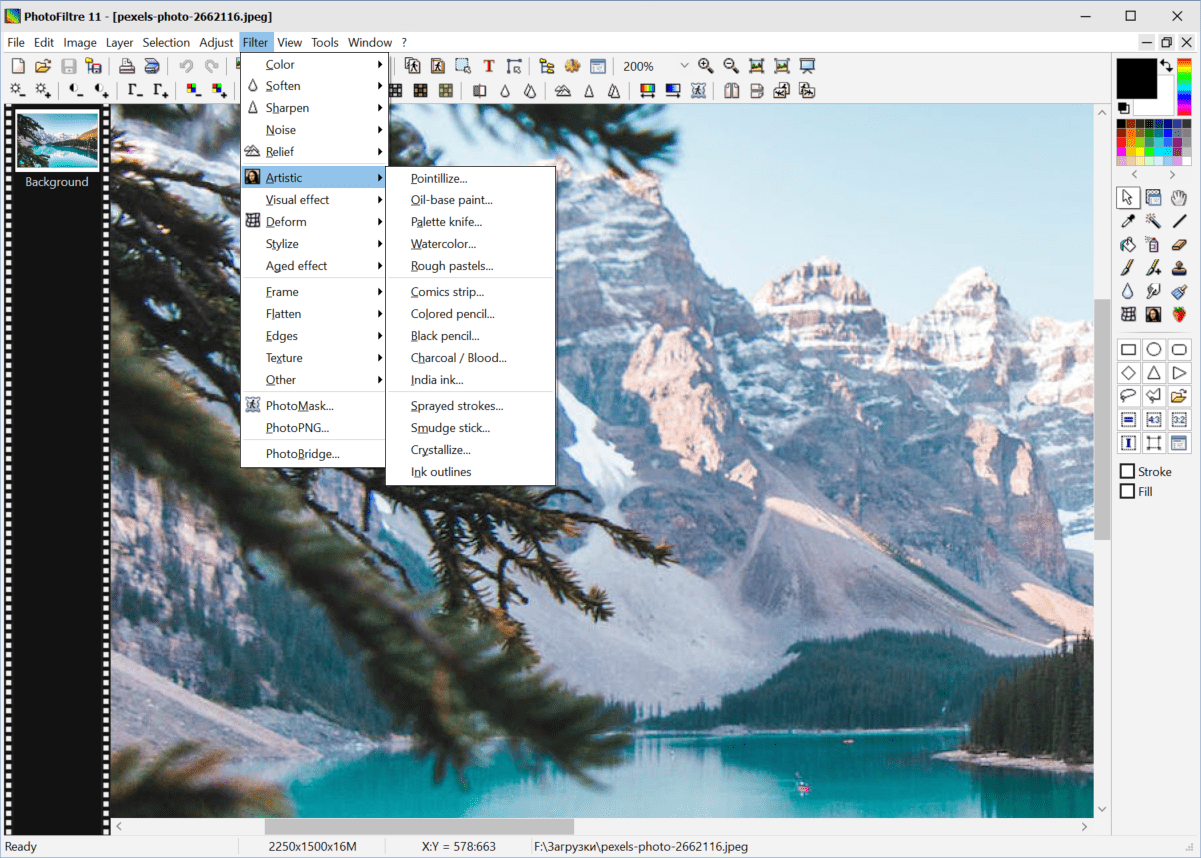
A large collection of visual effects is provided. You can create adjustment layers for tuning the color saturation, contrast and sharpness. There are options for converting photos to pencil drawings or oil paintings.
Features
- free to download and use;
- contains tools for retouching photos and drawing new images;
- there is a collection of unique visual effects;
- you can add lines, geometrical shapes and text blocks to the picture;
- supported file formats include JPG, TIFF, RAW, PNG, BMP and many other common containers;
- compatible with modern versions of Windows.
29,7 Mb (downloads: 6)


