
Thanks to this software solution, users can boost their PC through cleaning the system. In addition, it is possible to find and remove duplicate items.

PC Health Advisor
ver. 3.3.39
13,7 Mb (downloads: 8)
Update date:
01.11.2022
Developer:
ParetoLogic
Windows version:
Windows XP, Windows Vista, Windows 7, Windows 8, Windows 10
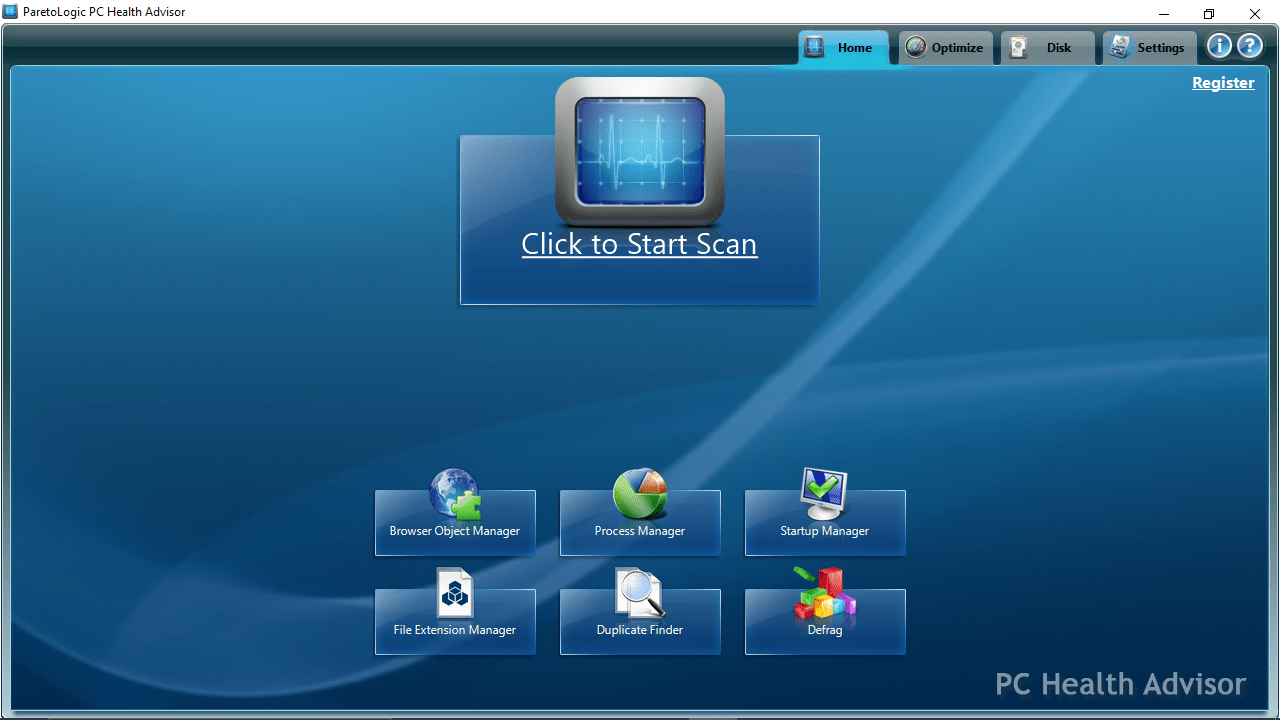
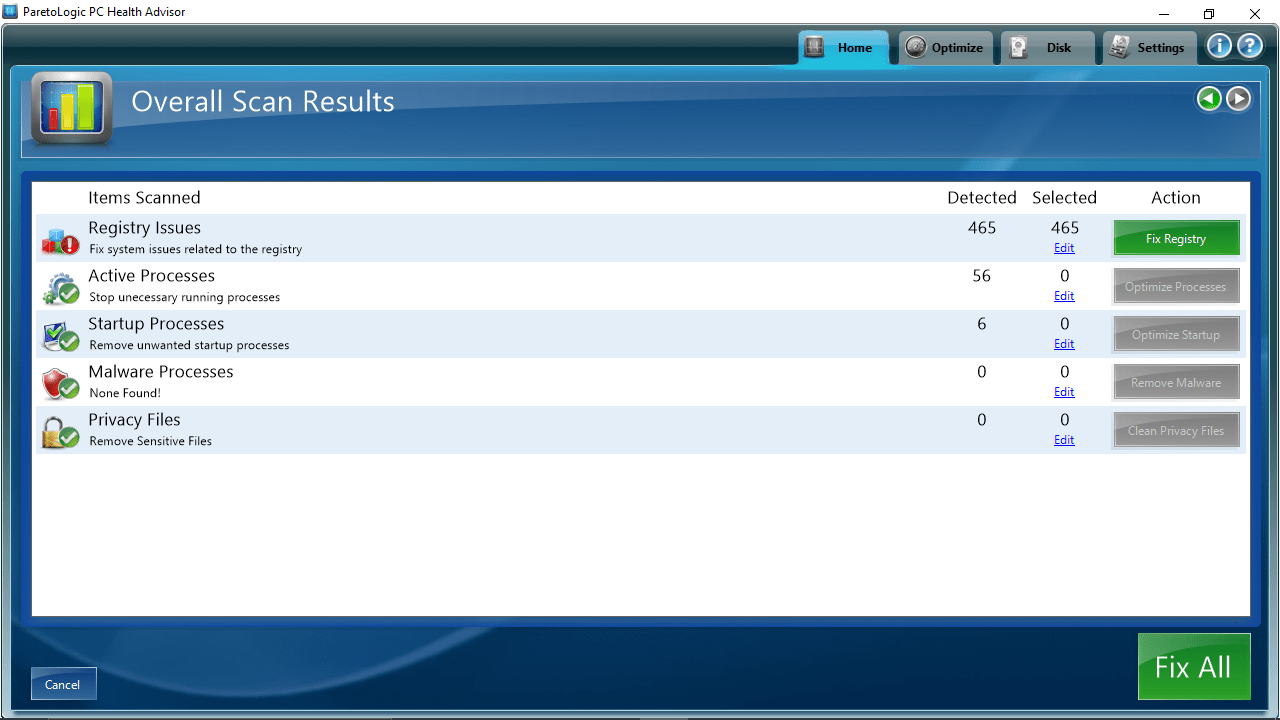
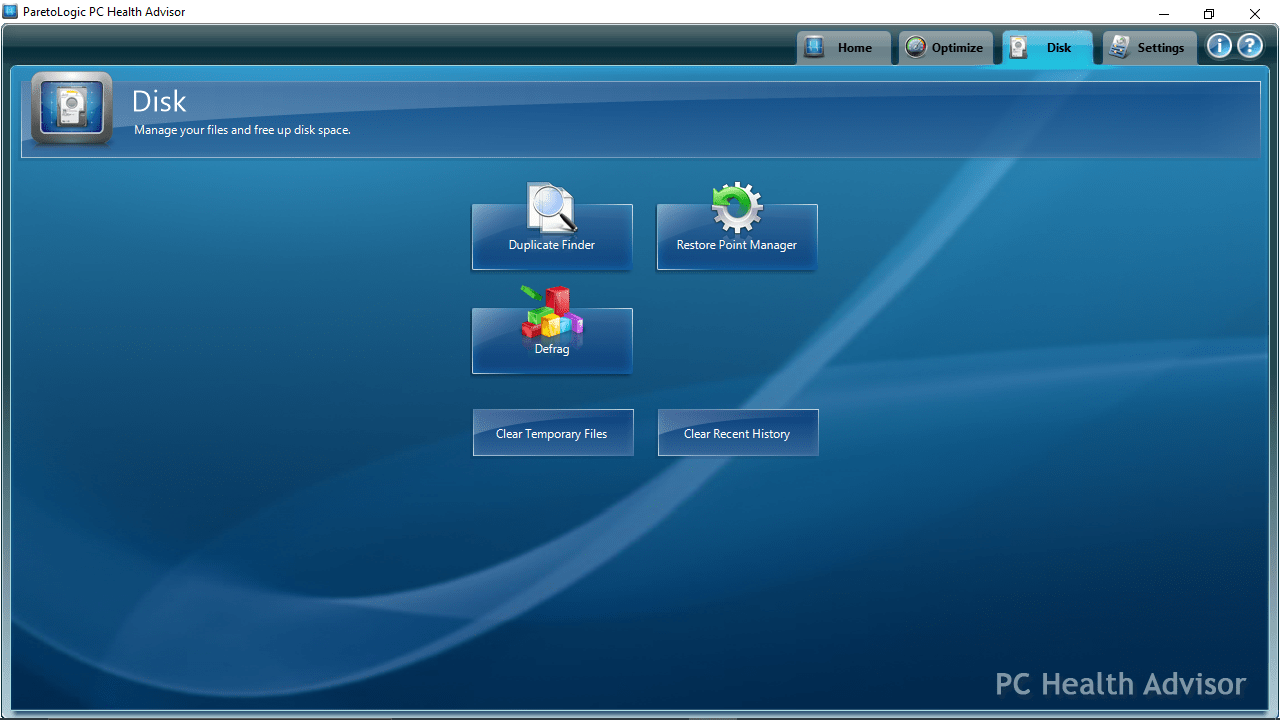
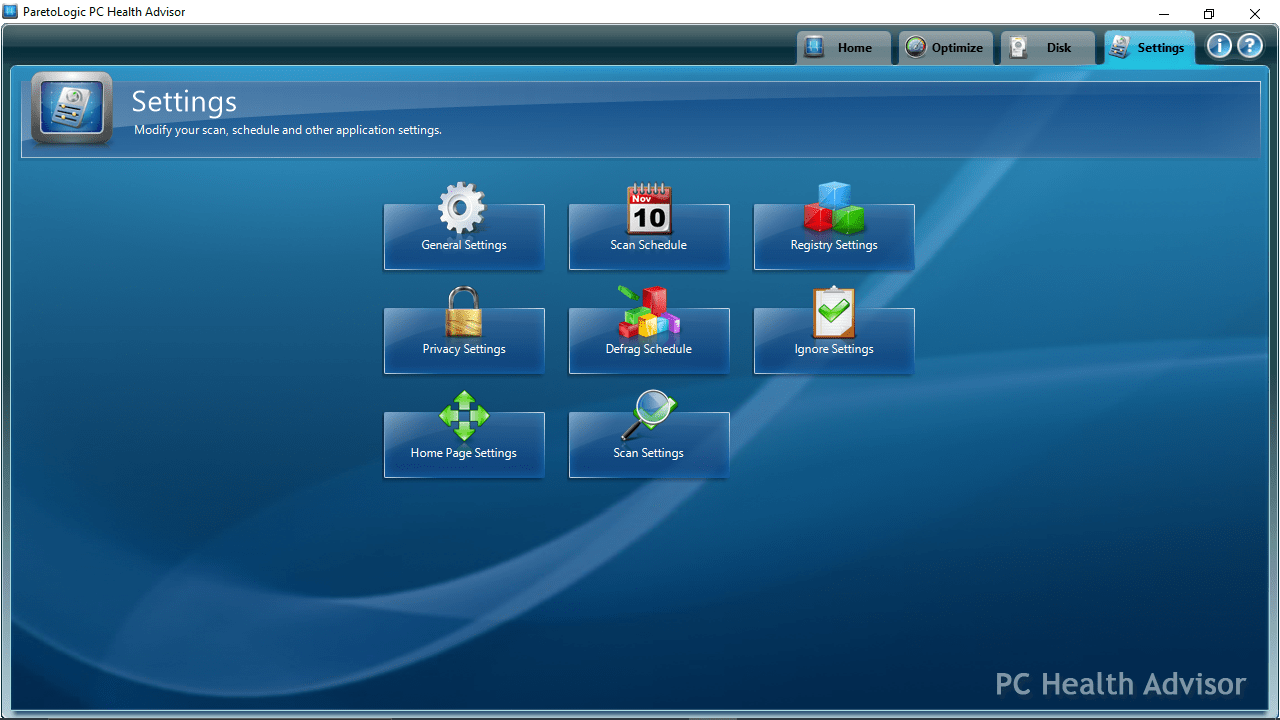
PC Health Advisor is a program for Windows designed to help you optimize the performance of your personal computer by scanning and repairing issues that cause the system to run improperly. It is necessary to note that it comes with browser object, process, startup and file extension managers, as well as a duplicate file finder and a defrag function.
General notes
The installation process does not last long, and you are able to launch the application automatically every time you boot up your computer. It features a simple and intuitive graphical interface, and starts an initial scan at the first launch. You can analyze registries, drivers, processes and privacy issues. When the task is finished, you have the option to view the total number of detected errors in each category.
Additional functions
What is more, you have the ability to locate outdated drivers, download updates and manage utilities which run at system startup. You can use a browser object and file extension manager as well as disable hibernation or prefetch. If you want to fix missing or corrupted registry entries, you may use Uniblue SpeedUpMyPC.
Moreover, you are able to find and remove duplicate items, delete old system restore points and defrag your hard drive. Last but not least it is possible to clear temporary files and recent browser history, in order to free up some storage space.
Features
- free to download and use;
- compatible with modern Windows versions;
- gives you the ability to optimize your PC’s performance;
- you can scan registries, drivers, processes and more;
- it is possible to find and remove duplicate items.
13,7 Mb (downloads: 8)


