
This application lets you keep a diary on the computer. It is possible to create multiple password-protected user accounts and quickly switch between them.

My Digital Diary
ver. 3.2b
3,4 Mb (downloads: 2)
Update date:
09.11.2022
Developer:
Stephan Munz
Windows version:
Windows XP, Windows Vista, Windows 7, Windows 8, Windows 8.1, Windows 10
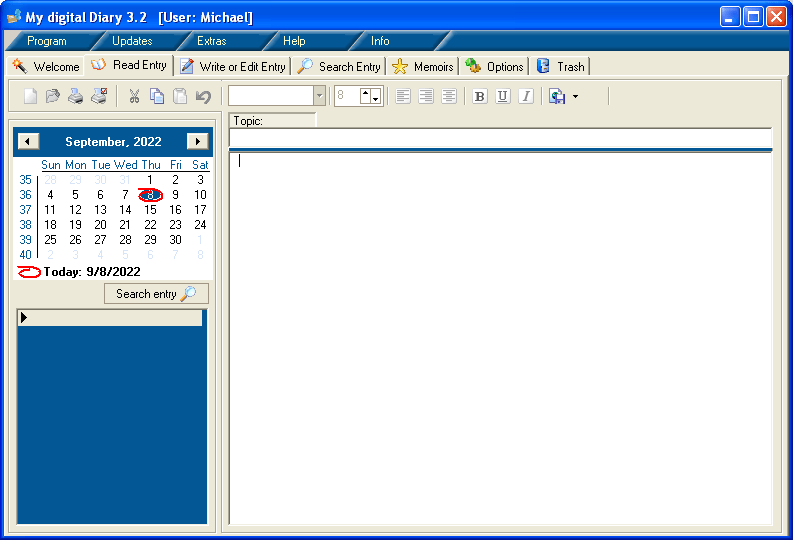
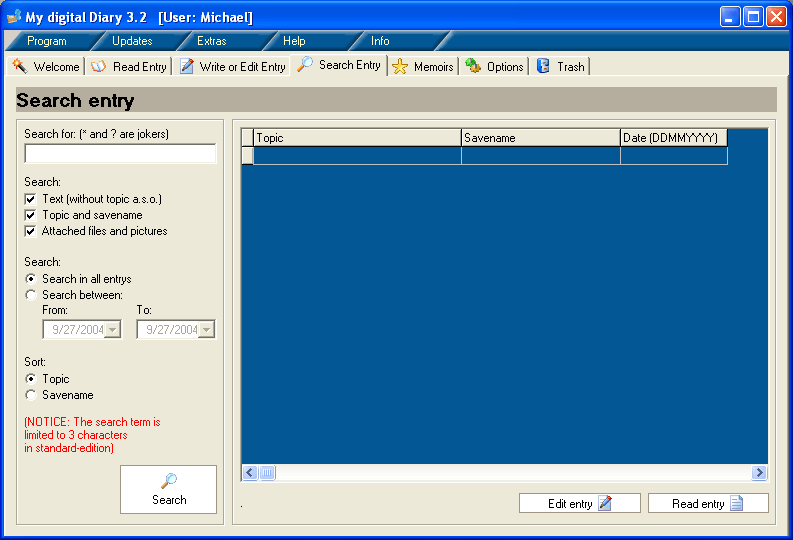
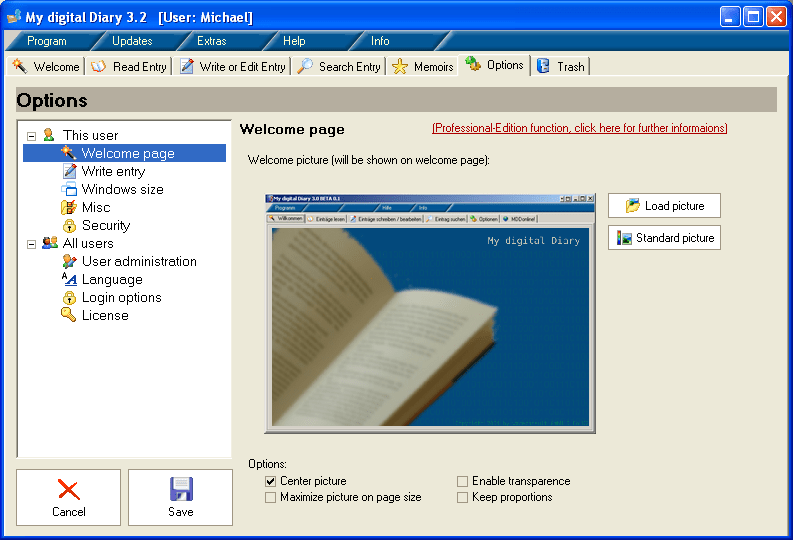
My Digital Diary is a Windows software for keeping a personal diary. There are tools for customizing the color, style and size of the font. Users can search through previous entries to locate any required information.
Brief description
With the help of this utility you are able to create and edit diary records. It is easy to attach images, audio tracks, video clips and any other files to the entry. The included calendar is useful for finding previous records.
Users can protect the account with a personal password to prevent unauthorized access to sensitive information. There is an option to add favorite entries to the Memoirs section. Deleted records are kept in the Trash tab and can be restored or permanently erased.
All data is kept in the MySQL database. You are able to write custom SQL queries for locating specific entries.
Advanced parameters
It is possible to create a backup copy of all entries for safekeeping or transferring information to another computer. Moreover, users can import a database from a previous version of this program.
Please note that My Digital Diary is distributed on a commercial basis. The free trial version offers you limited functionality.
Features
- there are tools for keeping a digital diary;
- free to download and use;
- it is possible to create multiple accounts and switch between them;
- confidential information can be protected by a personal password;
- compatible with all modern versions of Windows.
3,4 Mb (downloads: 2)


