
This program lets users listen to music and organize the audio collection. There are instruments for ripping tracks from compact discs to the hard drive.

MusicMatch Jukebox
ver. 10.00.4015
25,4 Mb (downloads: 83)
Update date:
23.12.2022
Developer:
MM JukeBox
Windows version:
Windows XP, Windows Vista, Windows 7
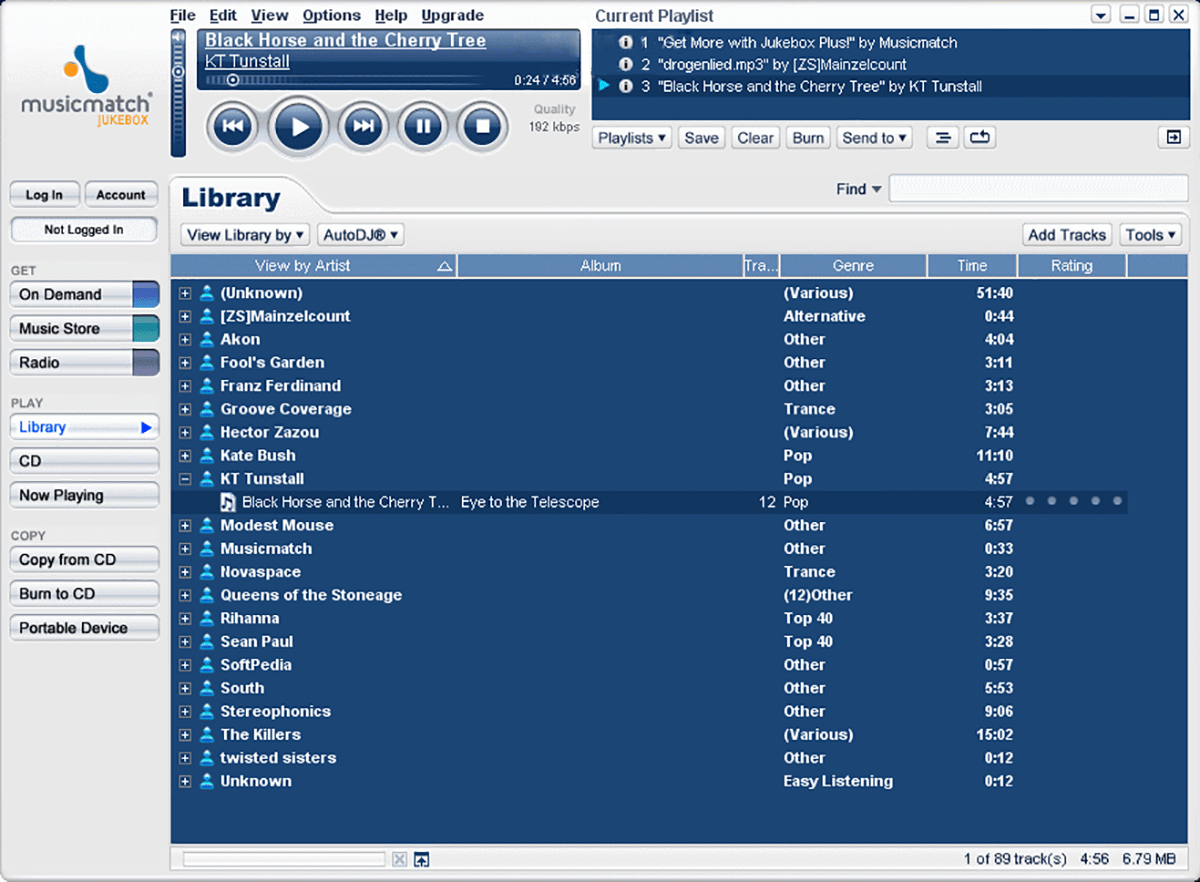
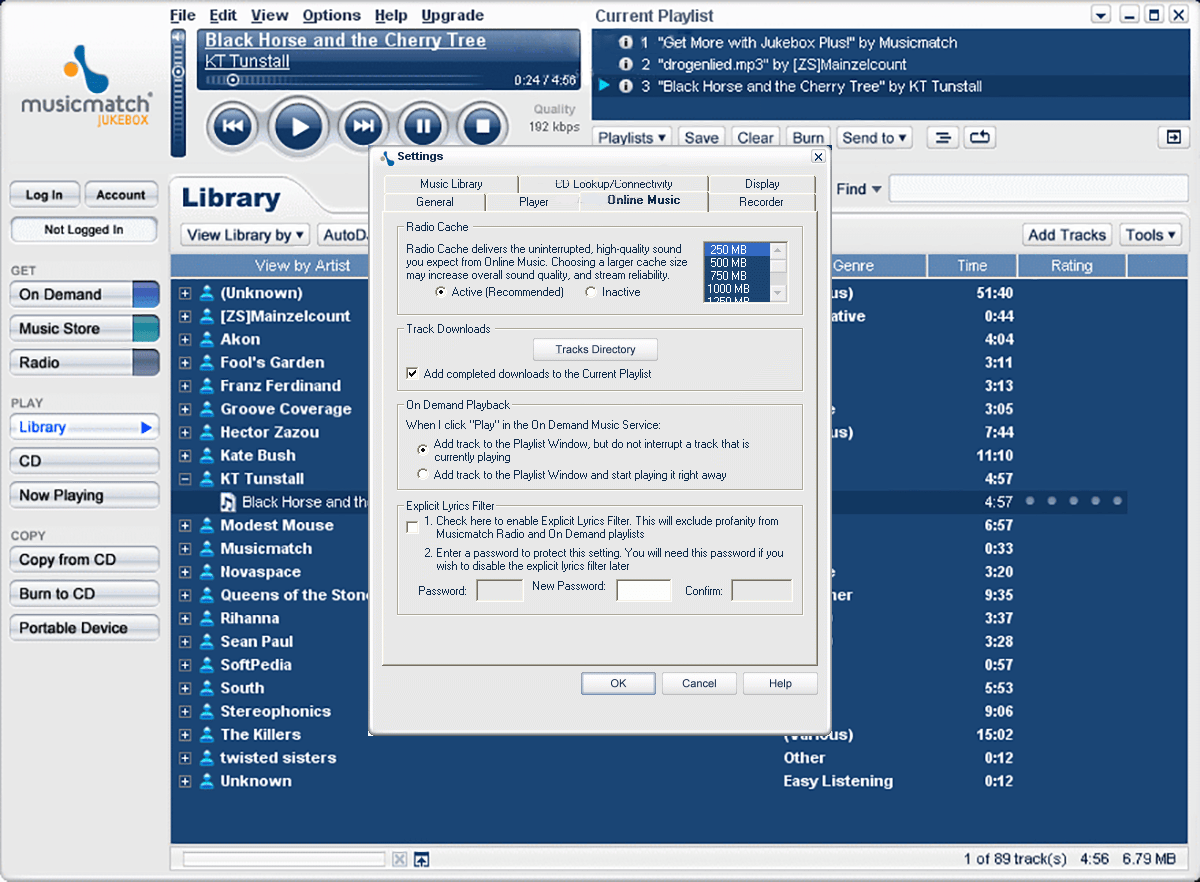
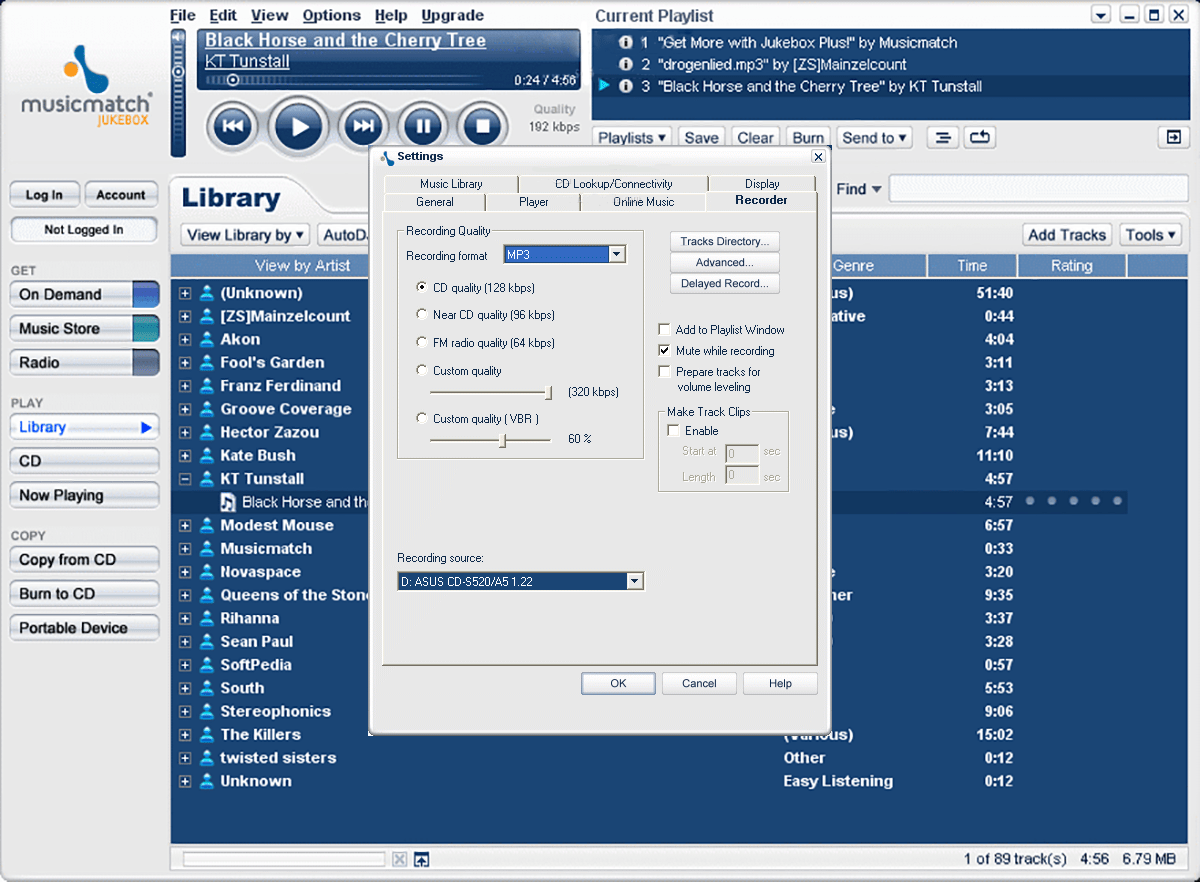
MusicMatch Jukebox is a Windows software for playing digital songs on the desktop computer. Additionally, you can manage a large music collection. It is possible to change song titles and artist names as well as select a music genre and import an album cover image for every track.
Brief description
The main window contains standard control buttons for pausing and stopping the playback. Moreover, users are able to quickly jump to the previous or next song. The current playlist is displayed at the top of the interface. It is easy to drag and drop tracks from the main library for adding them to the queue.
The included multiband equalizer allows you to adjust separate sound frequencies. It offers several presets for different music genres.
Library
Users are prompted to add directories with audio tracks on first startup to generate the collection. It is possible to sort the list by artist, title, genre, album, year, personal rating and other attributes.
CD ripping
Like AudioCatalyst, this utility provides instruments for converting Audio CD tracks to standard MP3 files. This functionality is helpful for transforming your compact disc collection to the digital format.
Please note that MusicMatch Jukebox is an obsolete software and no longer supported by the developer.
Features
- free to download and use;
- lets you listen to music and manage the audio library;
- it is possible to adjust separate sound frequencies in the provided equalizer;
- there are tools for copying Audio CD tracks to the hard drive;
- compatible with some modern versions of Windows.
25,4 Mb (downloads: 83)
Comments


Xv