
Thanks to this software distribution, you are able to manage and playback songs stored on your computer. Moreover, you have the option to create playlists.

MusicBee
ver. 3.4.8033
9,7 Mb (downloads: 7)
Update date:
08.10.2022
Developer:
Steven Mayall
Windows version:
Windows 7, Windows 8, Windows 10, Windows 11
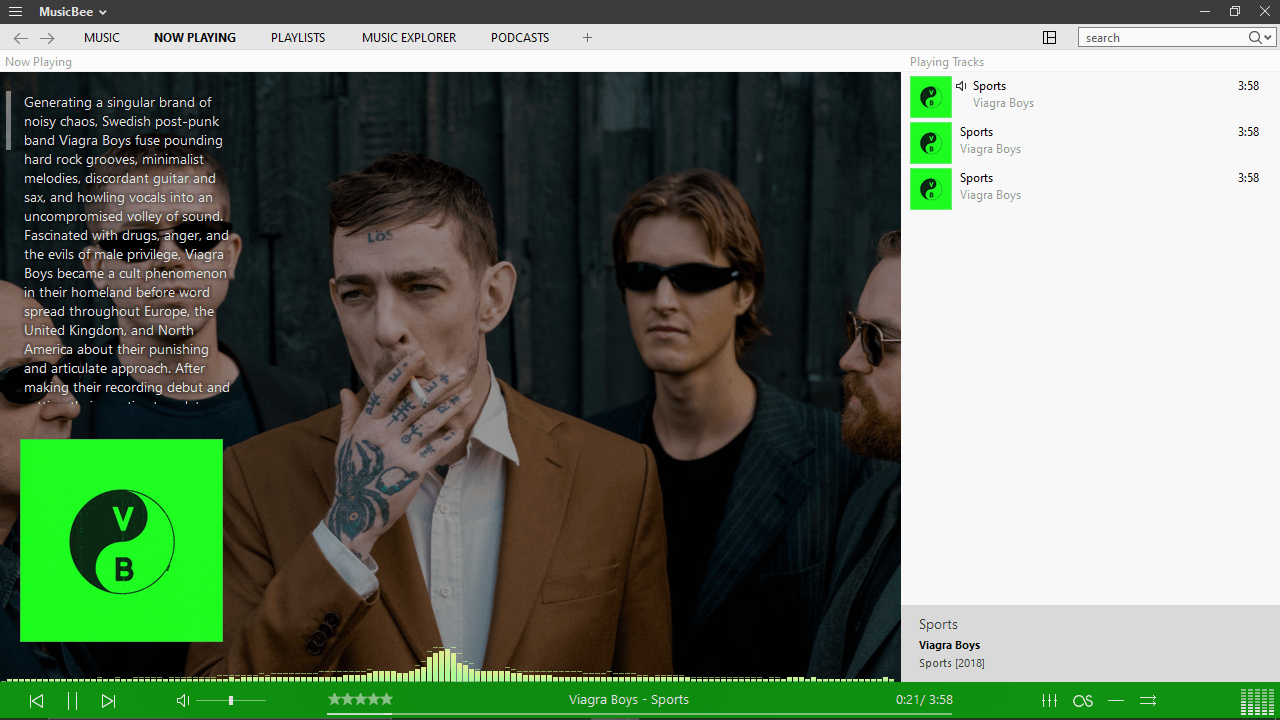
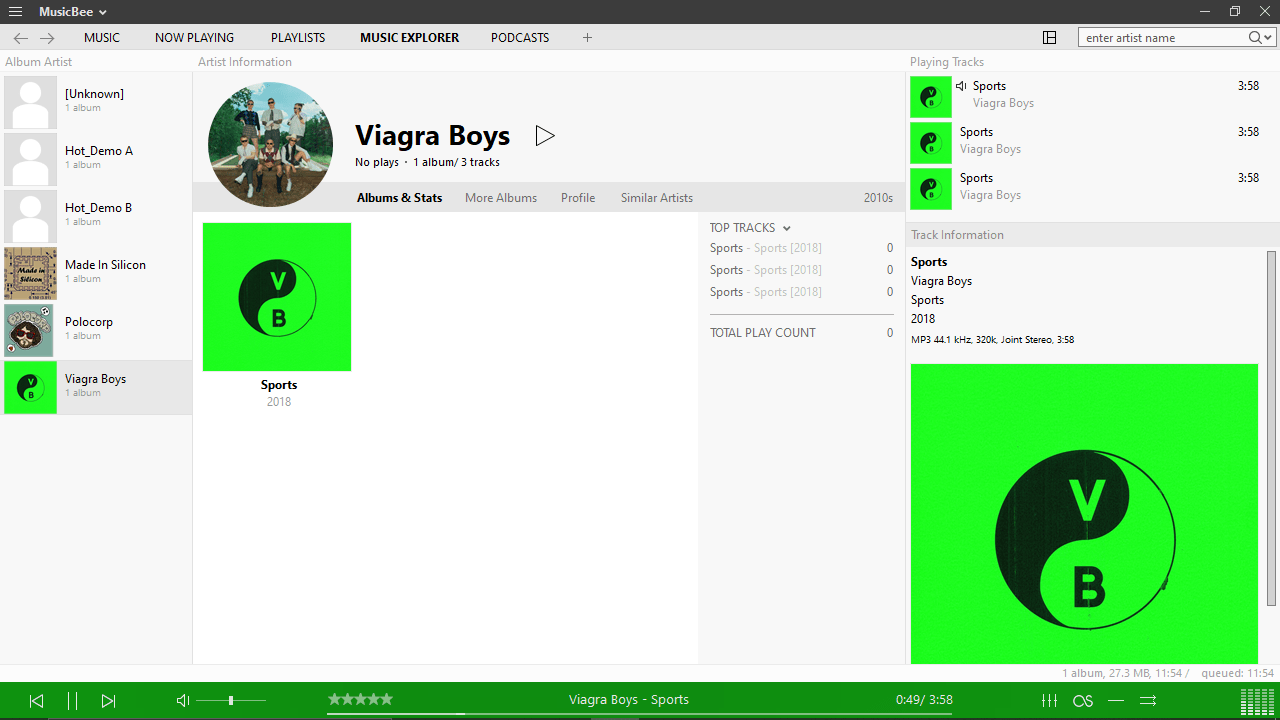
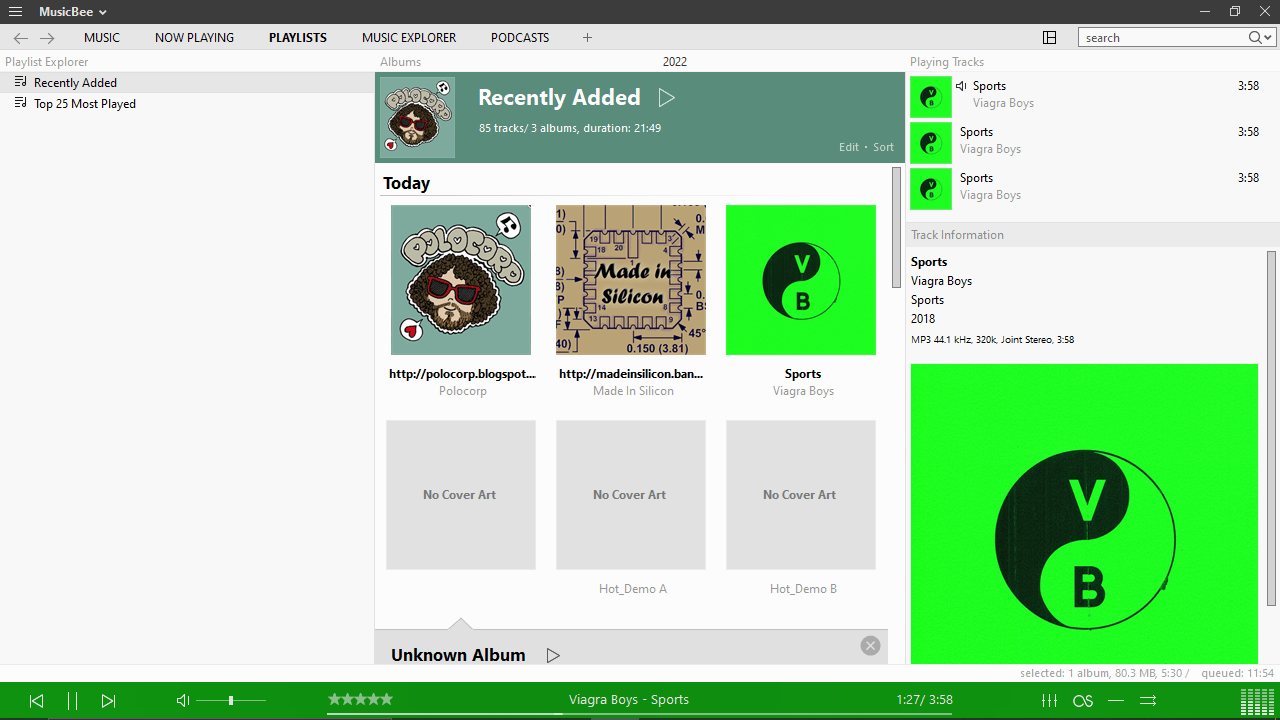
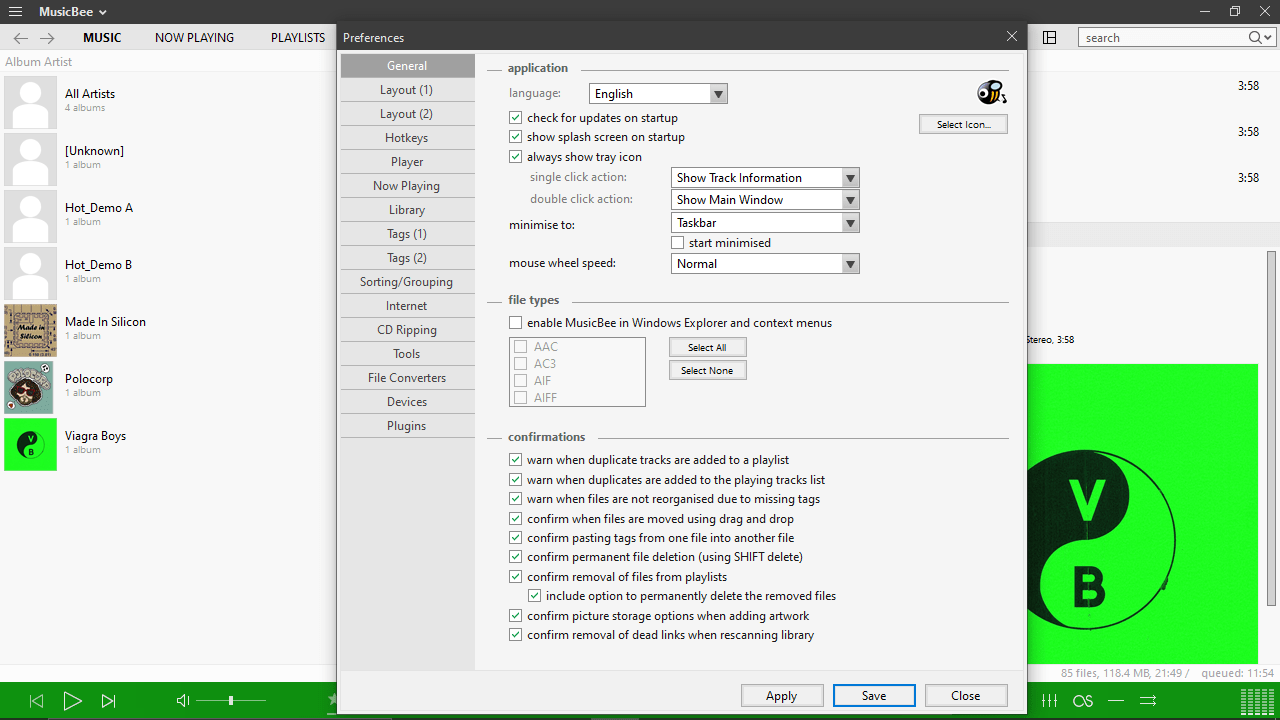
MusicBee is a program for Windows designed to help users listen to music compositions and online podcasts. It is possible to create custom playlists as well as convert audio files to different formats. In addition, the cataloging and sorting functions are also supported.
File manager
After launching the application, it will automatically scan local directories for songs and albums. It is worth mentioning that you have the ability to manually select the folder. Then, a list of available music tracks will appear on the screen.
Now, you can create a custom playlist by adding the desired items to it. What is more, you are able to sort songs by title, artist name and duration, as well as edit metadata. It is also possible to search for an album cover.
Playback
The software enables you to playback songs in a wide range of formats, including MP3, AAC, M4A, OGG, FLAC, WMA and others. There is a scrobbling integration with Last.FM. which gives you the option to transfer song listening statistics to the remote server. Based on this data, you can receive personalized recommendations.
Additionally, you have the ability to automatically equalize the audio levels of a song using ReplayGain technology. The program also allows you to convert sound files into any of the supported formats. Alternatively, you may use such a tool as ArcSoft MediaConverter.
Features
- free to download and use;
- compatible with modern Windows versions;
- gives you the ability to organize and playback music;
- you can convert audio files into different formats;
- it is possible to create custom playlists.
9,7 Mb (downloads: 7)


