
Using this free utility you can play audio files extracted from PlayStation 2 game discs. Additionally, it is possible to convert music to various common formats.

MFAudio
ver. 1.1
0,1 Mb (downloads: 49)
Update date:
10.02.2023
Developer:
muzzleflash
Windows version:
Windows XP, Windows Vista, Windows 7, Windows 8, Windows 8.1, Windows 10, Windows 11
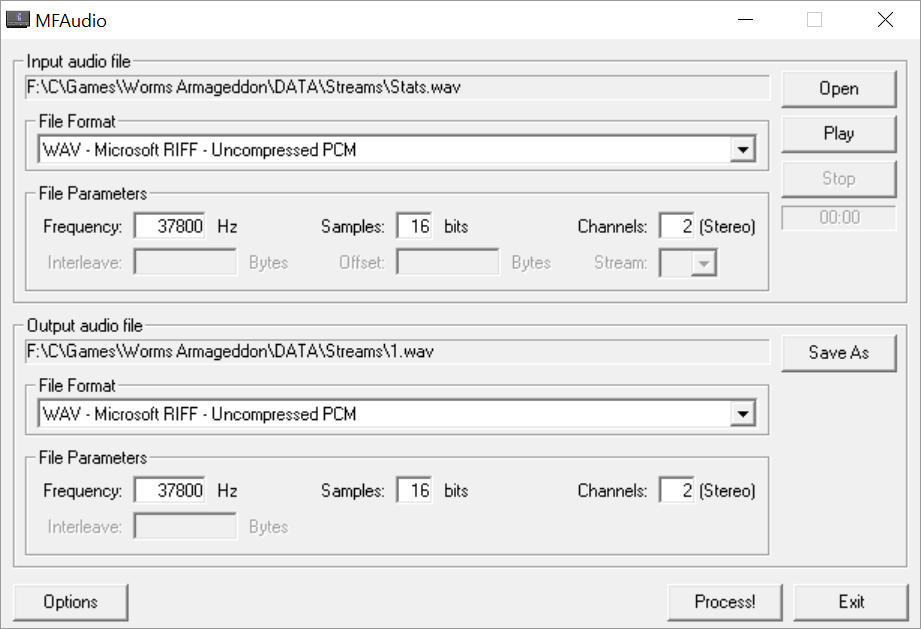
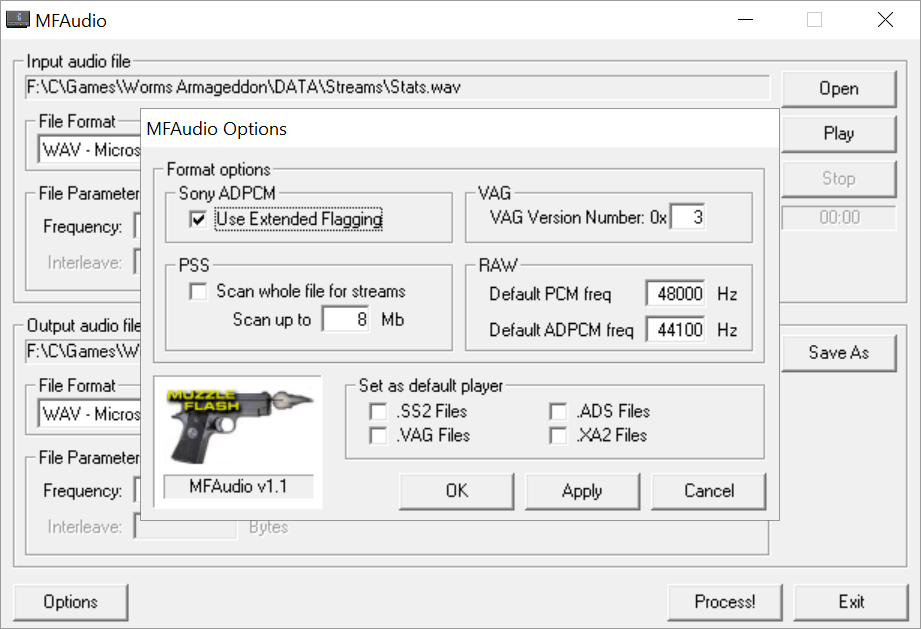
MFAudio is a Windows software for working with audio tracks and sound samples from PS2 games. There are instruments for converting files to the SS2, VAG and RAW formats.
Playback functionality
Users can open any compatible song by clicking the corresponding button in the main window. Detailed information about recognized tracks such as the frequency, amount of samples and channel configuration is filled automatically. However, sometimes the program is not able to correctly identify the input format. In this case users are prompted to fill the technical data manually.
The Offset field lets you skip past a certain number of bytes that may exist at the start of the file prior to the audio data. It is important to mention that the MUS, ASF and MPC music formats are not supported.
Extracted songs can be recorded to optical media with the help of Roxio Easy CD and DVD Burning or another similar program.
Conversion process
Tools for transforming PS2 songs to the common WAV file format are provided. Users are able to adjust conversion parameters like the interleave, frequency and number of audio channels.
After specifying the target output directory you can begin the operation by clicking the Process button at the bottom of the interface.
Features
- free to download and use;
- provides instruments for extracting audio files from PS2 game discs;
- it is possible to convert songs to several popular formats;
- output parameters like the frequency and interleave are available;
- compatible with all modern versions of Windows.
0,1 Mb (downloads: 49)


