
Thanks to this software solution, users can restore erased files on the hard drive. Moreover, they have the ability to preview images and various text documents.

MediaRECOVER
ver. 4.0.0.8
5,5 Mb (downloads: 368)
Update date:
26.11.2022
Developer:
MEDIARECOVER
Windows version:
Windows XP, Windows Vista
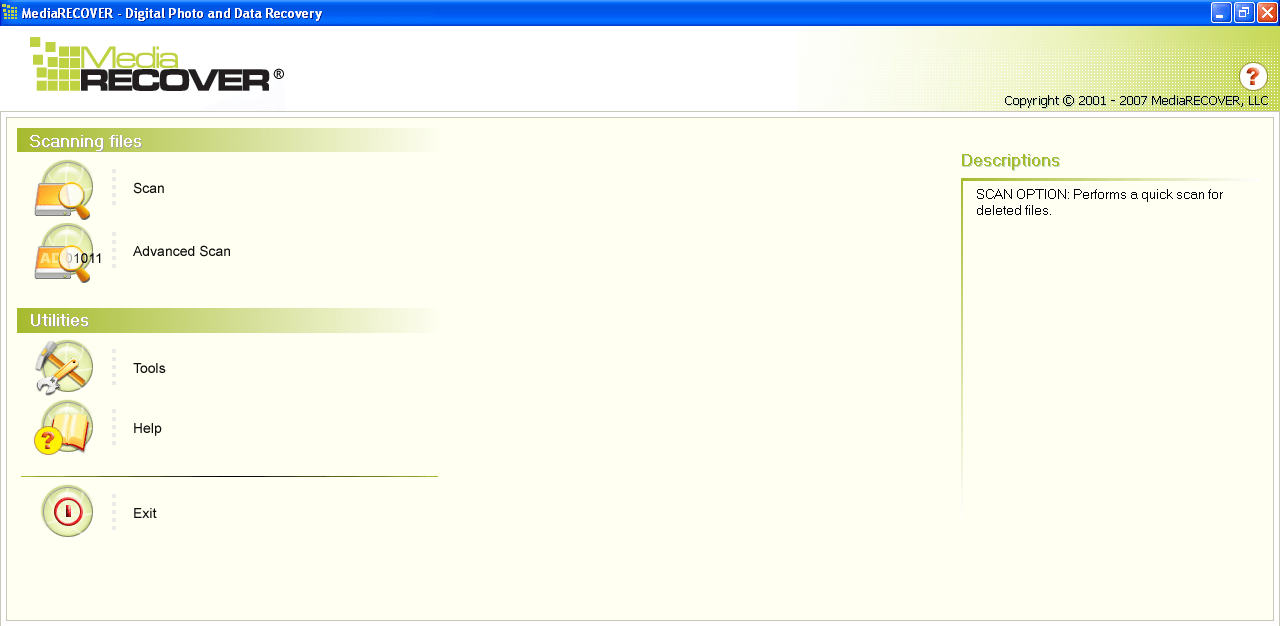
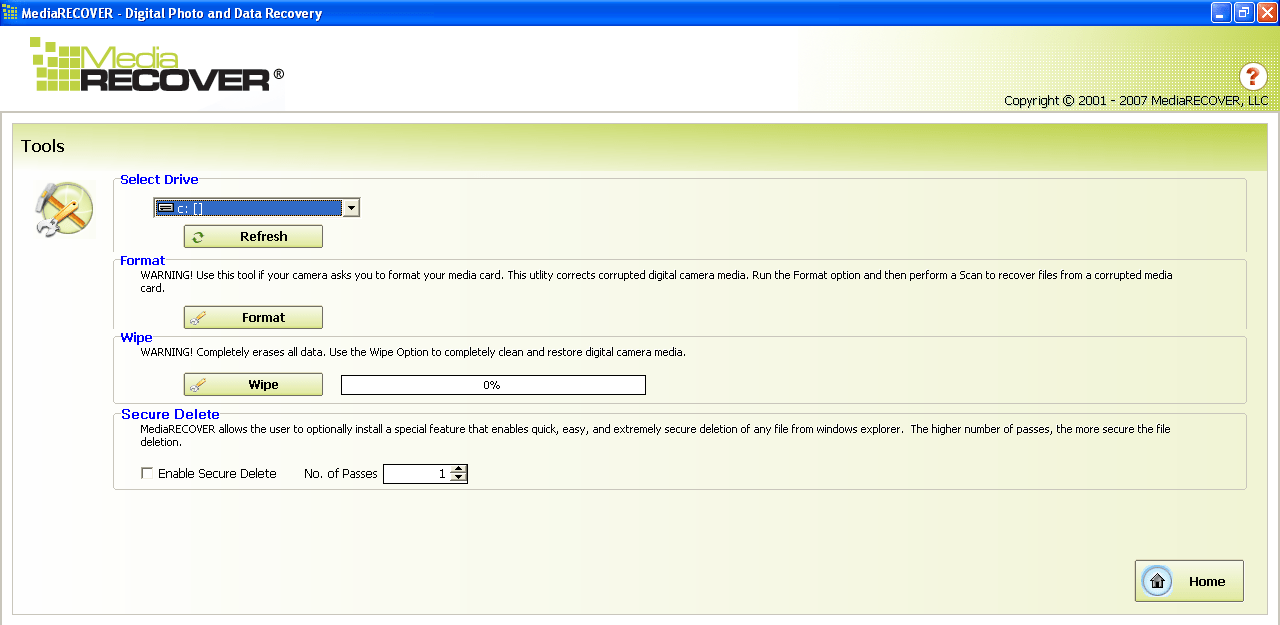
MediaRECOVER is a program for Windows that gives you the ability to search for lost or deleted files on hard drives and other rewritable storage devices. It provides a set of features for quick and efficient detection of missing information and comes with a simple and intuitive graphical user interface.
Scanning modes
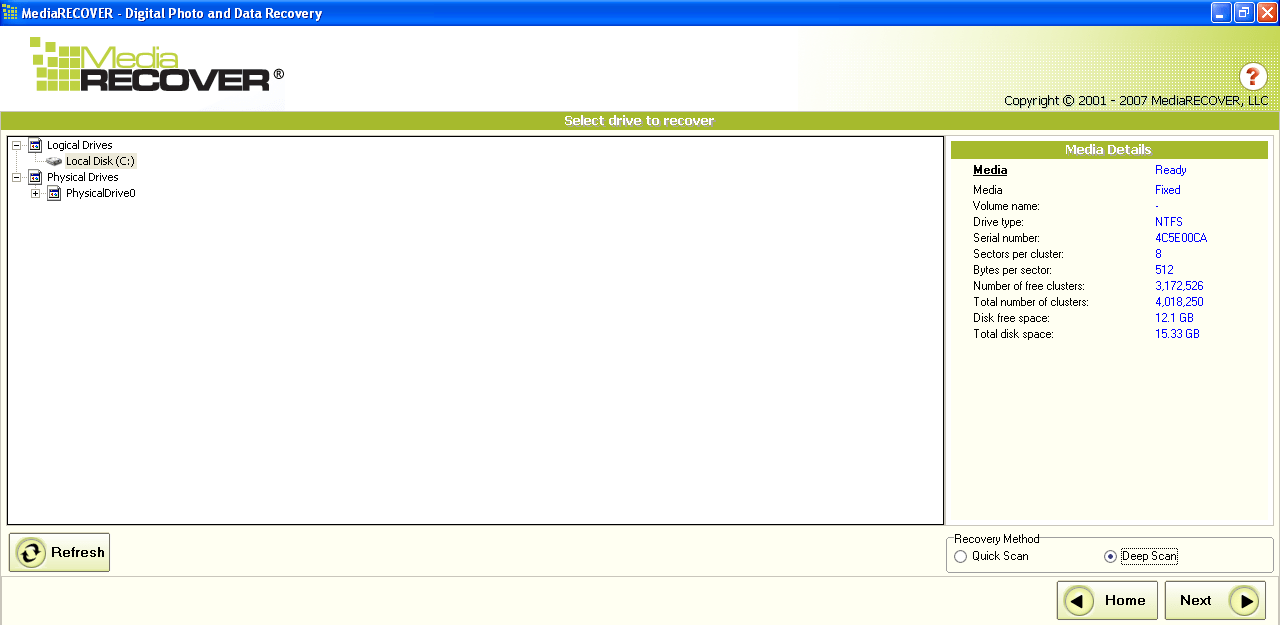
After launching the software, you are able to pick either Scan or Advanced Scan. If you choose the latter mode, you can toggle the Deep Scan function. When enabled, the application will individually check every cluster of the storage device. This means, you will have the ability to find not only complete files but also their fragments. However, this method takes more time than Quick Scan.
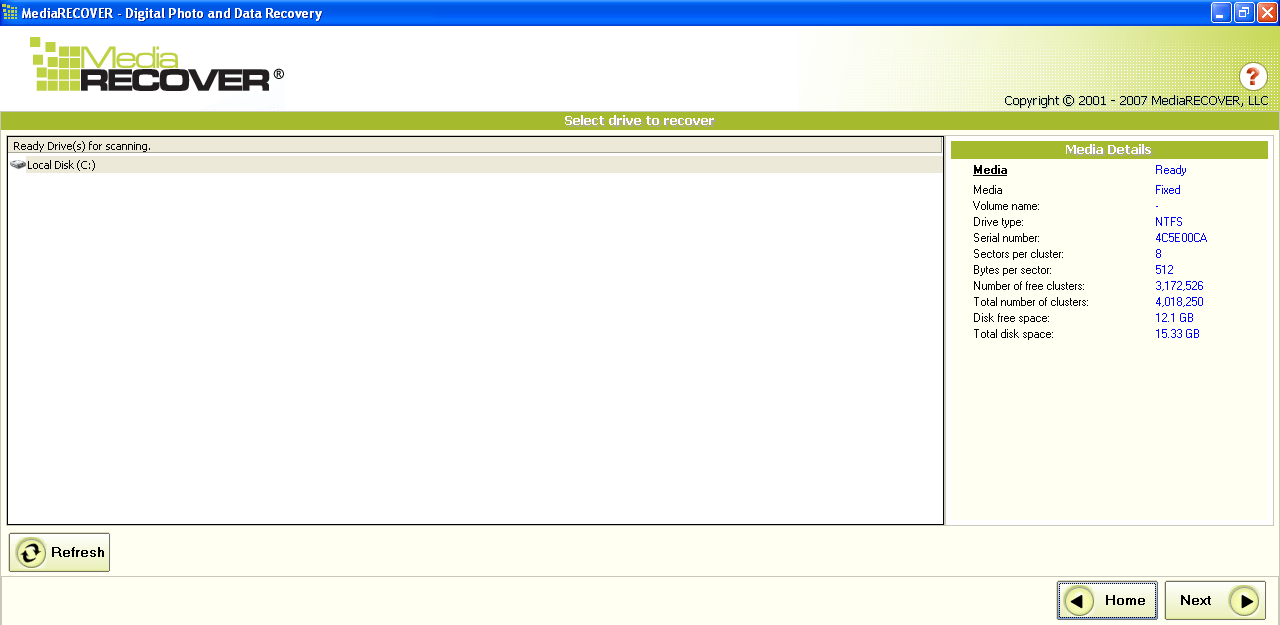
The next step is to select a physical hard drive from the list or a specific partition. After the scanning procedure is finished, the utility will display the names of all detected files. Now you can decide which items you want to recover and save them to the directory of your choice.
View detailed information
The program allows you to acquire technical information about discovered files without restoring them. It is also possible to preview digital images and some types of text documents. Similar to PC Inspector File Recovery, you have the ability to read Hex Dump files.
Features
- free to download and use;
- compatible with modern Windows versions;
- allows you to search for lost files on various storage devices;
- you can view technical info about discovered items without restoration;
- it is possible to open digital images and some types of text documents.
5,5 Mb (downloads: 368)


