
Thanks to this piece of software, you can open different multimedia files. Moreover, you have the ability to create playlists from scratch or import existing ones.

Media Player Classic
ver. 1.9.24
17,8 Mb (downloads: 10)
Update date:
30.12.2022
Developer:
clsid2
Windows version:
Windows 7, Windows 8, Windows 10, Windows 11
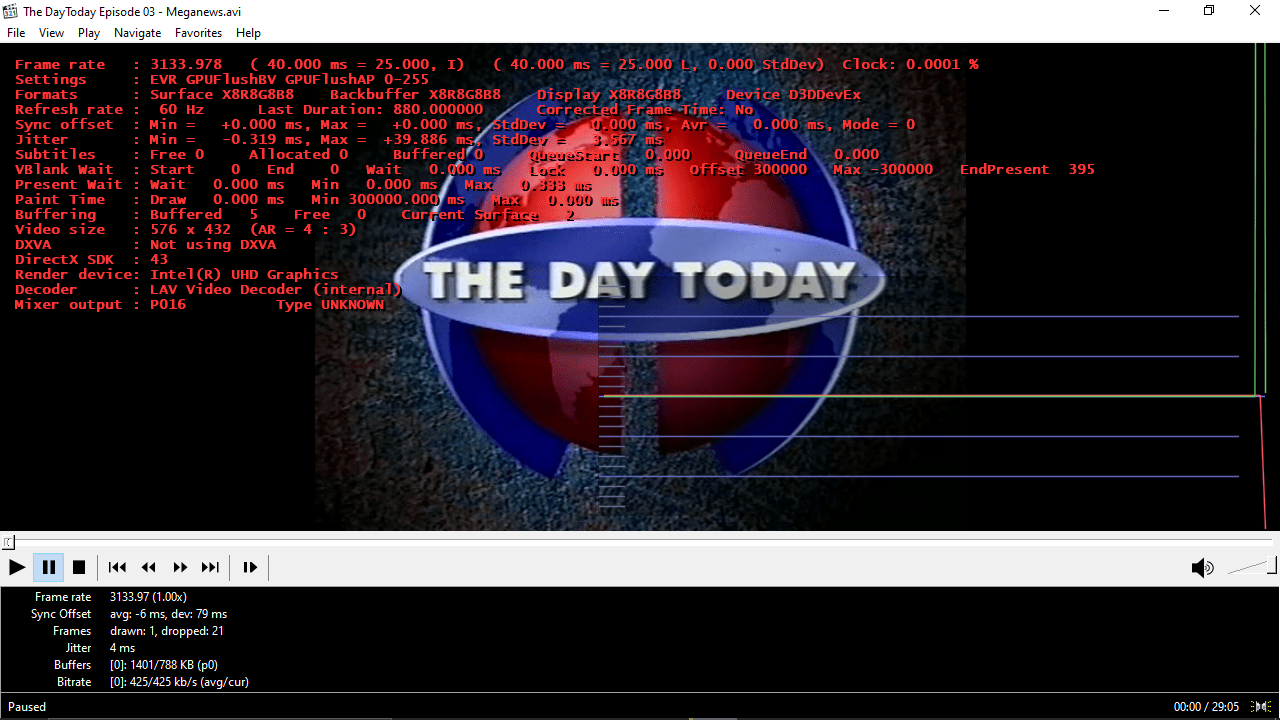
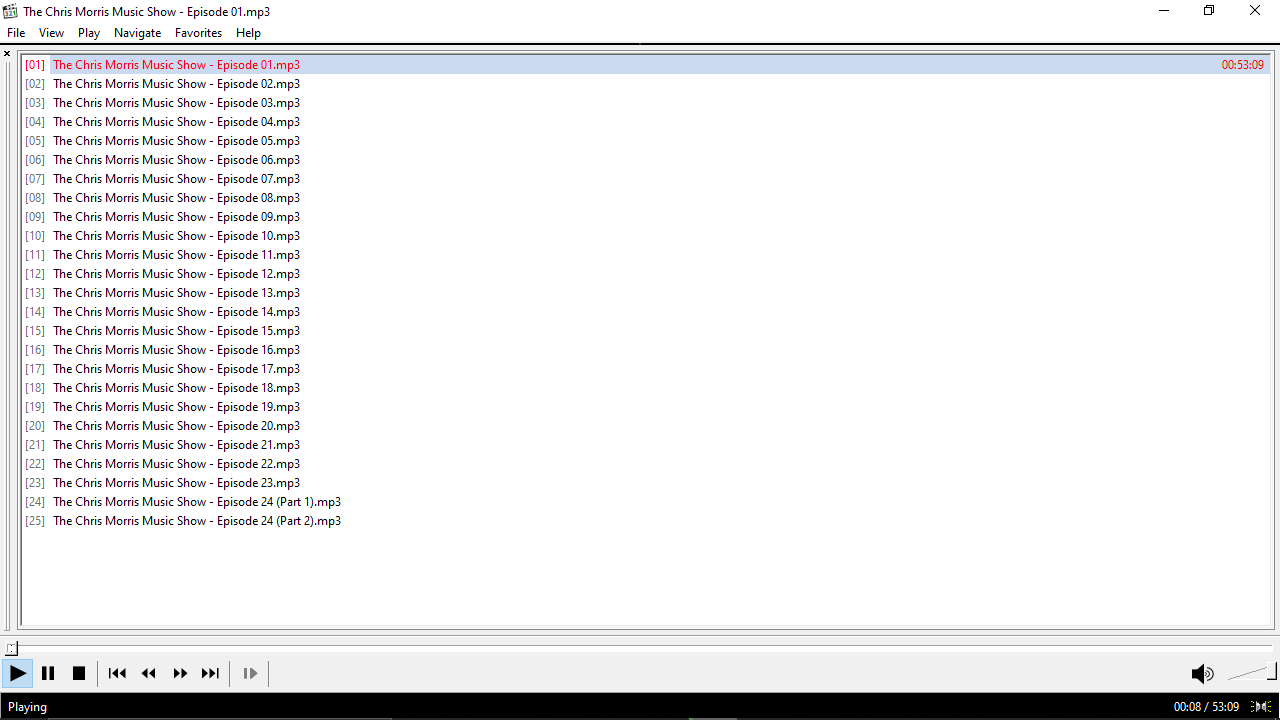
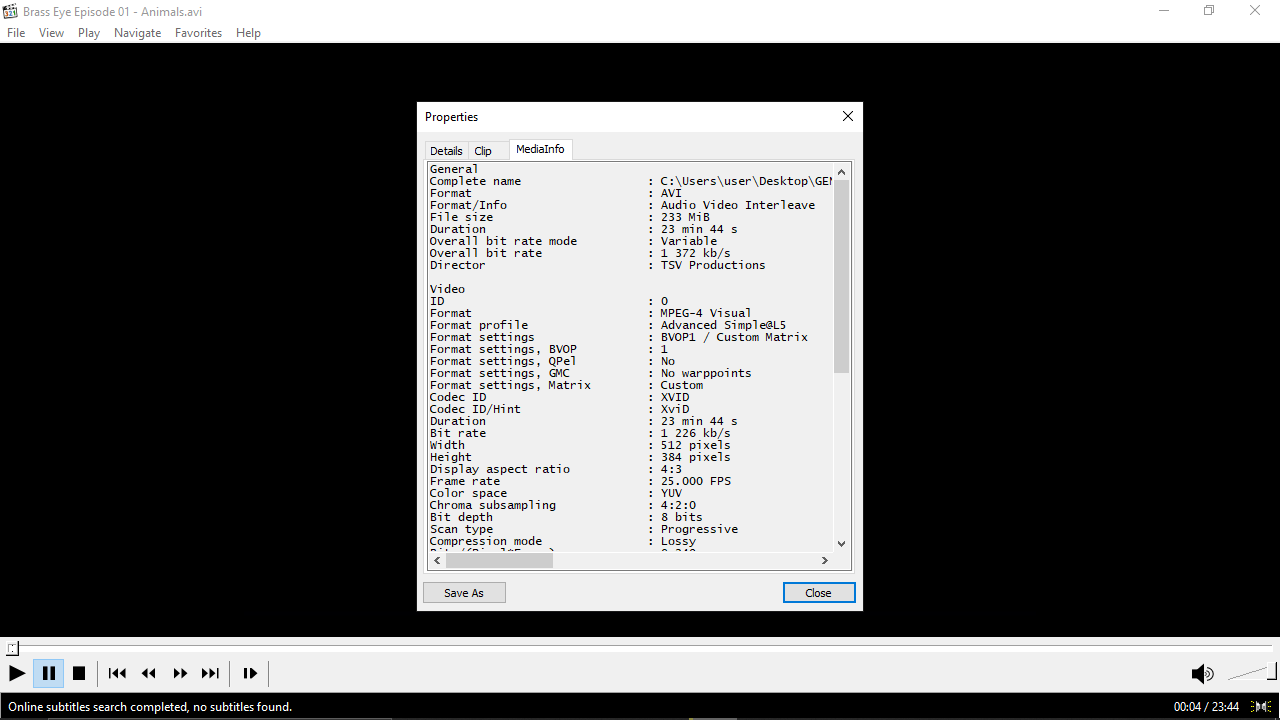
Media Player Classic is a simple program for Windows that allows you to play movies and songs. It features a streamlined and comprehensive graphical user interface. In order to load desired items, you need to simply drag them over the main window or pick them through dedicated menus. Playback options are visible, as well as the progress and volume sliders.
Create playlists
One of the main advantages of using this media player is the convenient song management. You can create a list with various selections, import existing playlists, as well as load content from Windows Media Player. Moreover, you have the option to set files you frequently open as favorites. Thus, you do not have to bring up an entire playlist for one element.
Supported formats
The application features support for a considerable amount of media formats. This means you are able to work with video types like AVI, MPG, MOV, SWF, and audio formats such as MP3, OGG, FLAC and several kinds of playlists.
Bottom line
Taking everything into consideration, we can say that Media Player Classic is a convenient solution that is both simple to use and compatible with various file formats. The program requires a low-to-moderate amount of system resources and did not lag or crash during the testing stage.
Features
- free to download and use;
- compatible with modern Windows versions;
- allows you to play different multimedia content;
- you can set frequently opened files as favorites;
- it is possible to import playlists from third-party apps.
17,8 Mb (downloads: 10)


