
This music creating utility offers you a simple way to compose songs from the sounds used in the Mario video game. More than twenty audio samples are available.

Mario Paint Composer
ver. 2.0
7,4 Mb (downloads: 38)
Update date:
12.08.2022
Developer:
unFun Games
Windows version:
Windows XP, Windows Vista, Windows 7, Windows 8, Windows 8.1, Windows 10
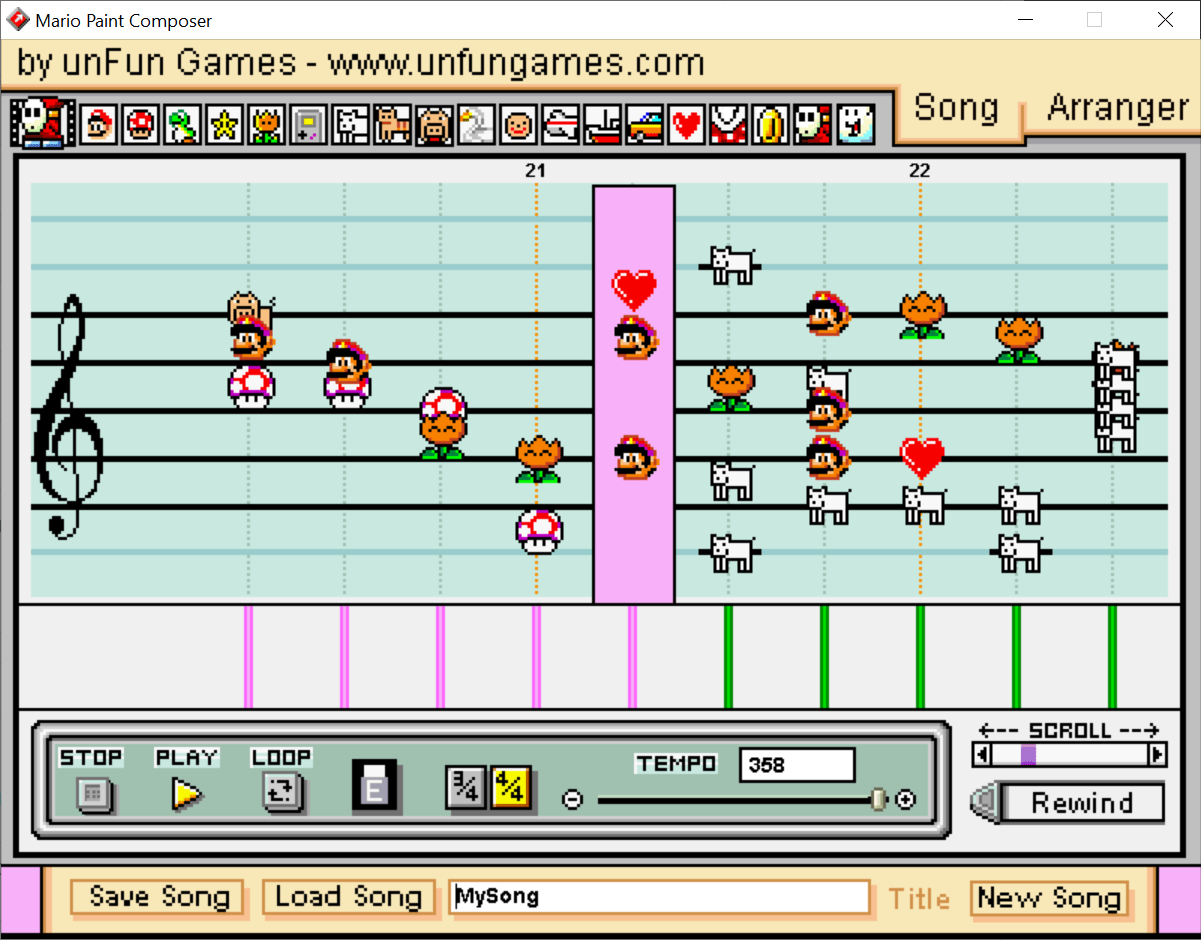
Mario Paint Composer is a Windows app that allows users to build melodies from the Mario game audio effects. It is possible to listen to the samples before applying them.
Setting up
The tool comes in the form of a ZIP archive. No installation is necessary. After extracting the file users can run the executable file to start the utility.
If you created songs in the previous version of Mario Paint Composer, it is possible to import them by copying the old Prefs folder into the main directory.
This utility offers only a very limited selection of sounds to compose your music. There are much more powerful solutions like Elektrik Piano.
Interface
The main window of the program offers a musical notation section and several icons for the sound selection. Additionally, there are playback controls, tempo settings and a rewind button. To quickly move between sections of the song you are able to use the scroll slider at the bottom right.
Users can click on any of the available sounds to select it. Placing the audio effect on the notation board in different places will affect the pitch.
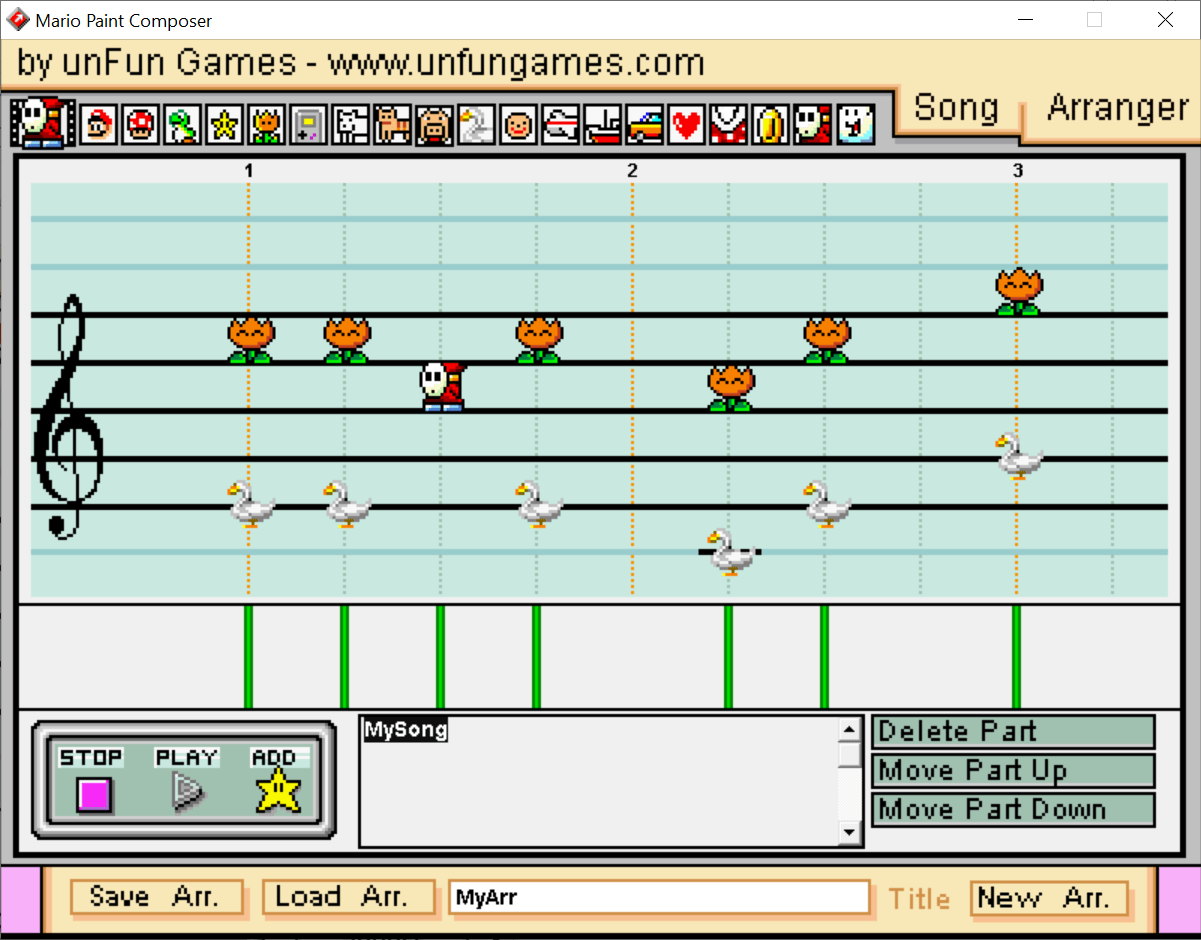
Arranger tab brings up the options for deleting and re-shuffling parts of the song. After the melody is ready, users are able to save it for sharing online with other Mario Paint Composer enthusiasts.
Features
- free to download and use;
- lets users compose music from Mario sound effects;
- there are options for changing the tempo;
- it is possible to rearrange parts of the song;
- compatible with all modern versions of Windows.
7,4 Mb (downloads: 38)


