
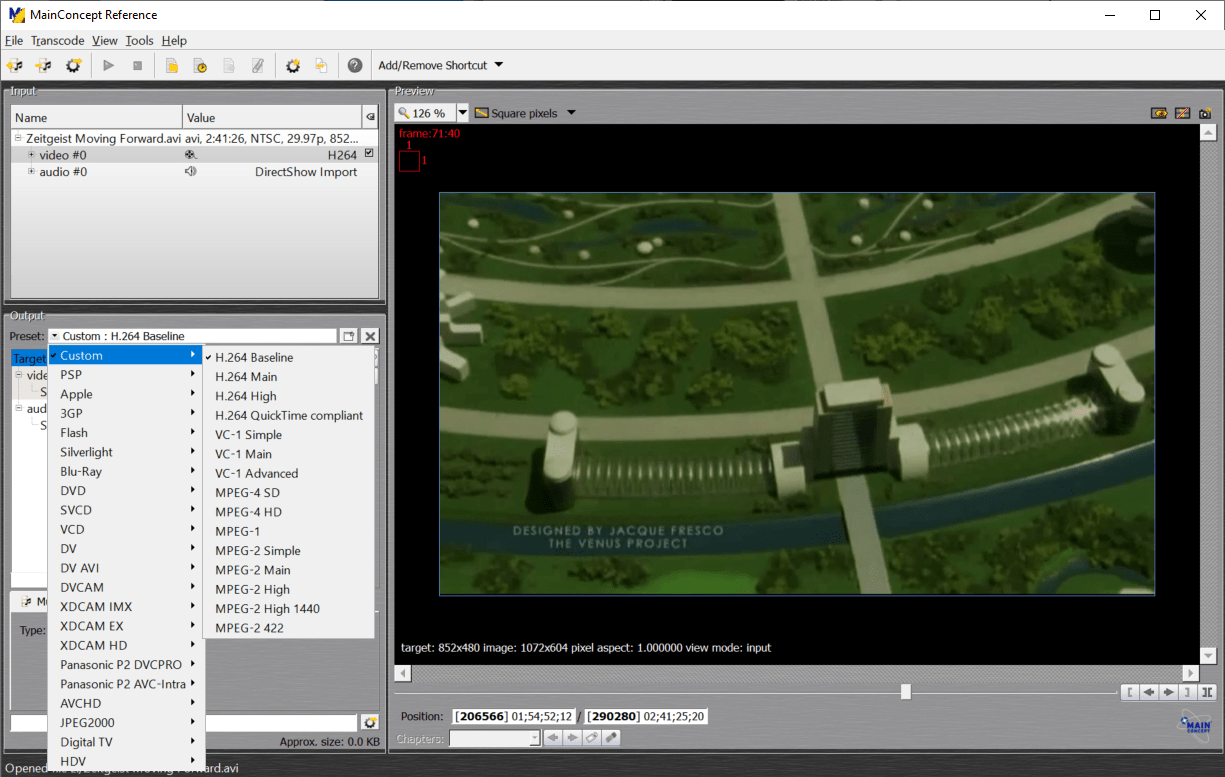
This program allows you to convert video files to a wide variety of formats such as H.264, MPEG4 and many other containers. There are presets for the Apple devices.

MainConcept Reference
ver. 2.1.0.3389
45,6 Mb (downloads: 20)
Update date:
02.10.2022
Developer:
MainConcept GmbH
Windows version:
Windows XP, Windows Vista, Windows 7, Windows 8, Windows 8.1, Windows 10
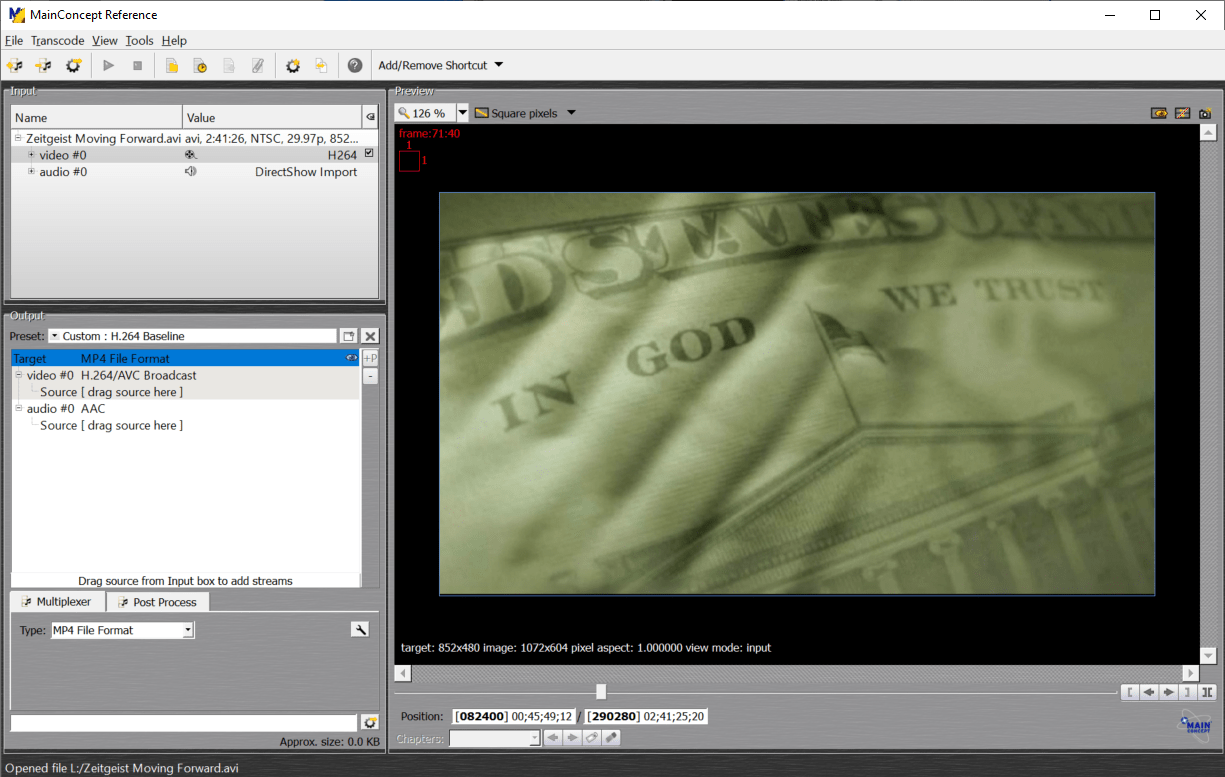
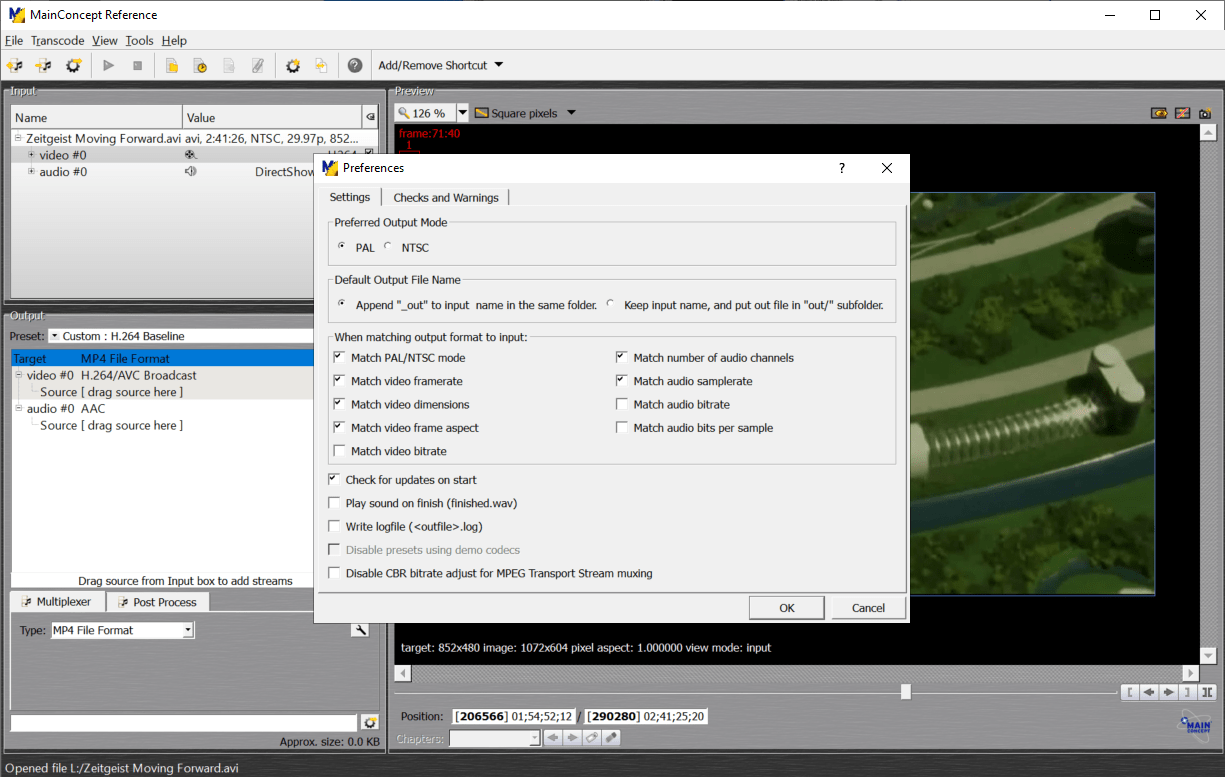
MainConcept Reference is a Windows utility for turning movies and clips into different file formats. It is possible to process several items simultaneously.
Main purpose
With the help of this software users can transform videos to a wide variety of formats. A library of presets is available for quickly adapting the files to specific devices like iPhone, PSP and iPod. Additionally, users can convert the video to a DVD or Blu-ray format and burn the data on an optical disc with Nero.
It is possible to choose which audio tracks and subtitles will be included in the final file. These options are helpful for reducing the size of multi-language movies by deleting unnecessary data from them. In case the file has several video streams you are able to choose the correct one as well.
Users can expand the functionality of the program by installing third-party plugins.
Editing capabilities
There is a preview window on the right side for evaluating the settings before proceeding with the conversion. Moreover, users can trim the video with the corresponding buttons. There are tools for cutting movie fragments and moving them around. DVD chapters can be placed on the timeline for easier navigation.
Features
- free to download and use;
- contains instruments for video conversion;
- there is support for all common formats;
- adding audio streams to the project is possible;
- users are able to quickly trim and edit the video;
- compatible with all modern versions of Windows.
45,6 Mb (downloads: 20)


