
With the help of this tool users can watch a wide variety of TV channels using the internet connection. There are different genres and languages available.

Live TV Player
ver. 2.5
2,5 Mb (downloads: 41)
Update date:
17.08.2022
Developer:
NewDigitalSoft, Inc.
Windows version:
Windows XP, Windows Vista, Windows 7, Windows 8, Windows 8.1, Windows 10
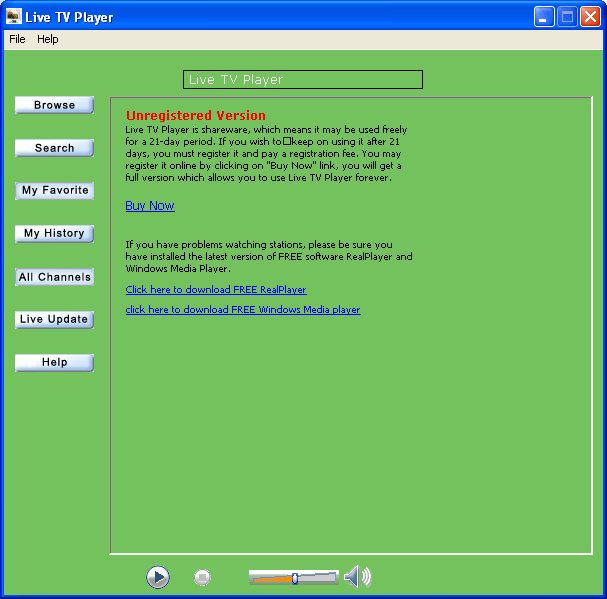
Live TV Player is a Windows app for accessing digital television. It is possible to search through the catalog of channels and add any of them to the list of favorites.
Required software
You can not watch the TV in this program directly. Every channel opens in the default system video application. Supported options include VLC Media Player, Real Player and Windows Media Player.
Watching TV on the computer
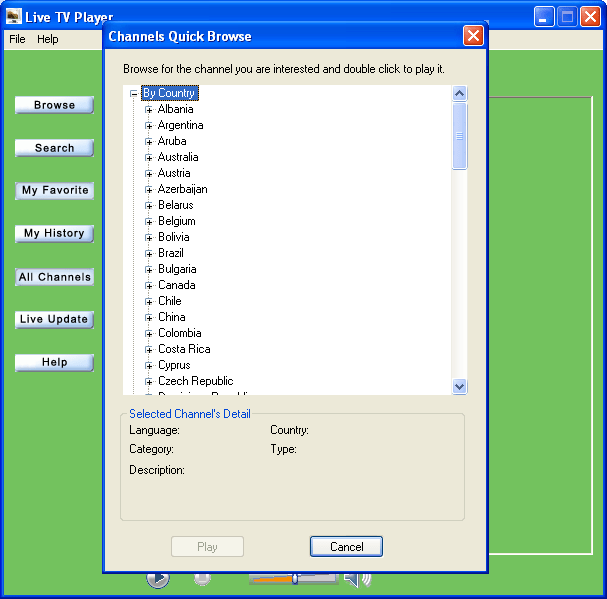
This utility lets you watch TV from all over the world using only the internet connection. No additional antenna is necessary. You can browse through thousands of TV and radio stations. They are sorted by country, genre, language and image quality. Moreover, every channel has a detailed description. Clicking the Live Update button will refresh the list of stations.
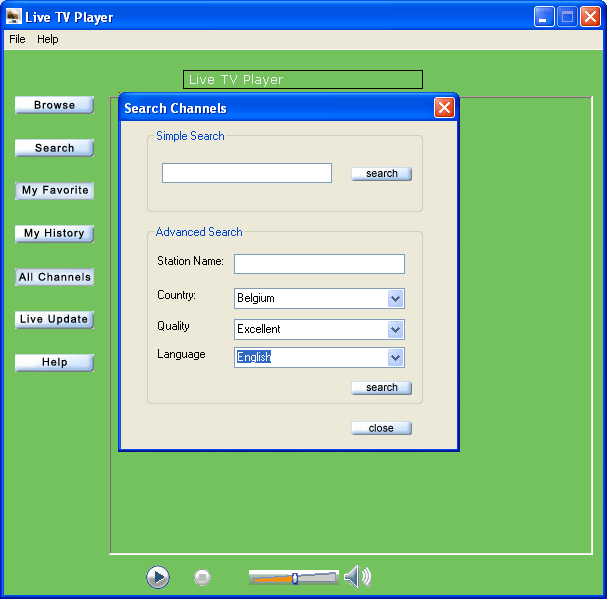
Advanced search options are provided to help users locate the required channel. Favorites can be added to the special list for quick access in the future. Additionally, users are able to look through the watching history.
Please note that Live TV Player is a paid utility. The free trial version will stop working 21 days after installation.
It is worth mentioning that this software is obsolete and no longer supported by the developer. A large portion of included TV channels is not available to watch.
Features
- free to download and use;
- lets you access digital TV stations using internet connection;
- every channel has a detailed description;
- does not require additional hardware to watch television;
- compatible with all modern versions of Windows.
2,5 Mb (downloads: 41)


