
Using this utility you can edit video clips. There are instruments for marking and cutting individual segments. It is possible to increase the playback speed.

Lightworks
ver. 2022.3.138939
90,8 Mb (downloads: 12)
Update date:
30.01.2023
Developer:
LWKS Software Ltd.
Windows version:
Windows 10, Windows 11
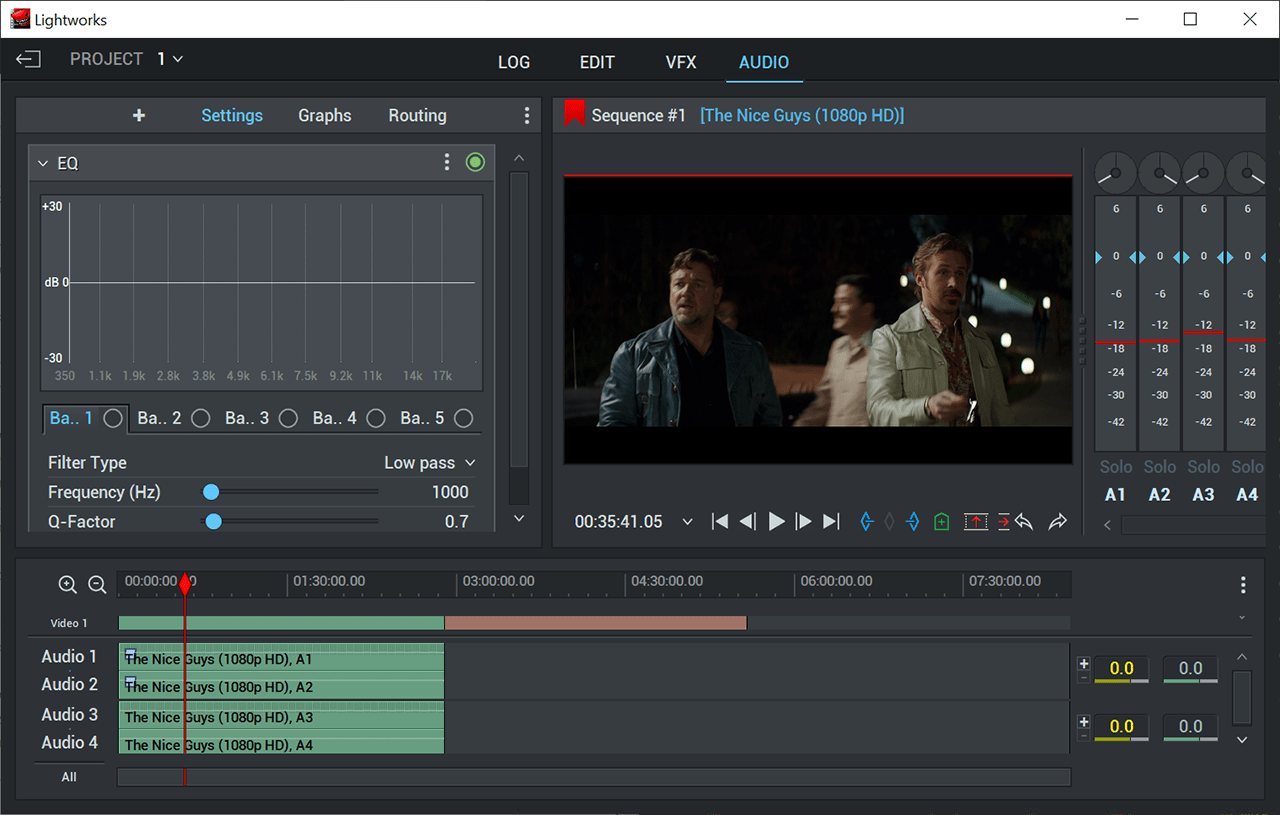
Lightworks is a professional video editor that contains tools for combining several media items into one movie. There is support for multiple common file formats such as AVI, MKV, MP3 and OGG.
Import
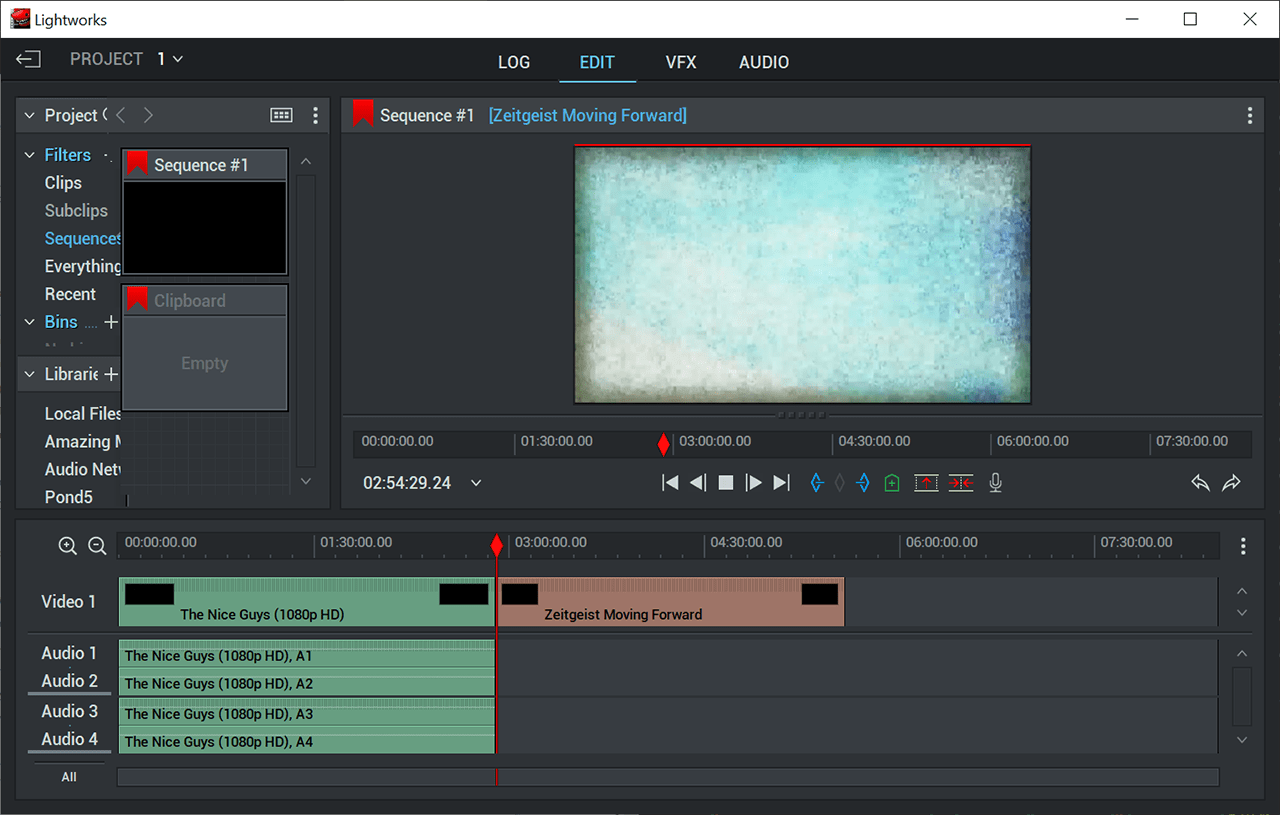
After starting the program users can open an existing project or create a new one. It is possible to drag and drop videos, images or songs into the workspace for adding them to the movie. There is a large online library of royalty-free soundtracks.
You can trim and rearrange individual segments on the timeline. Standard playback buttons for previewing the results are available.
Visual effects
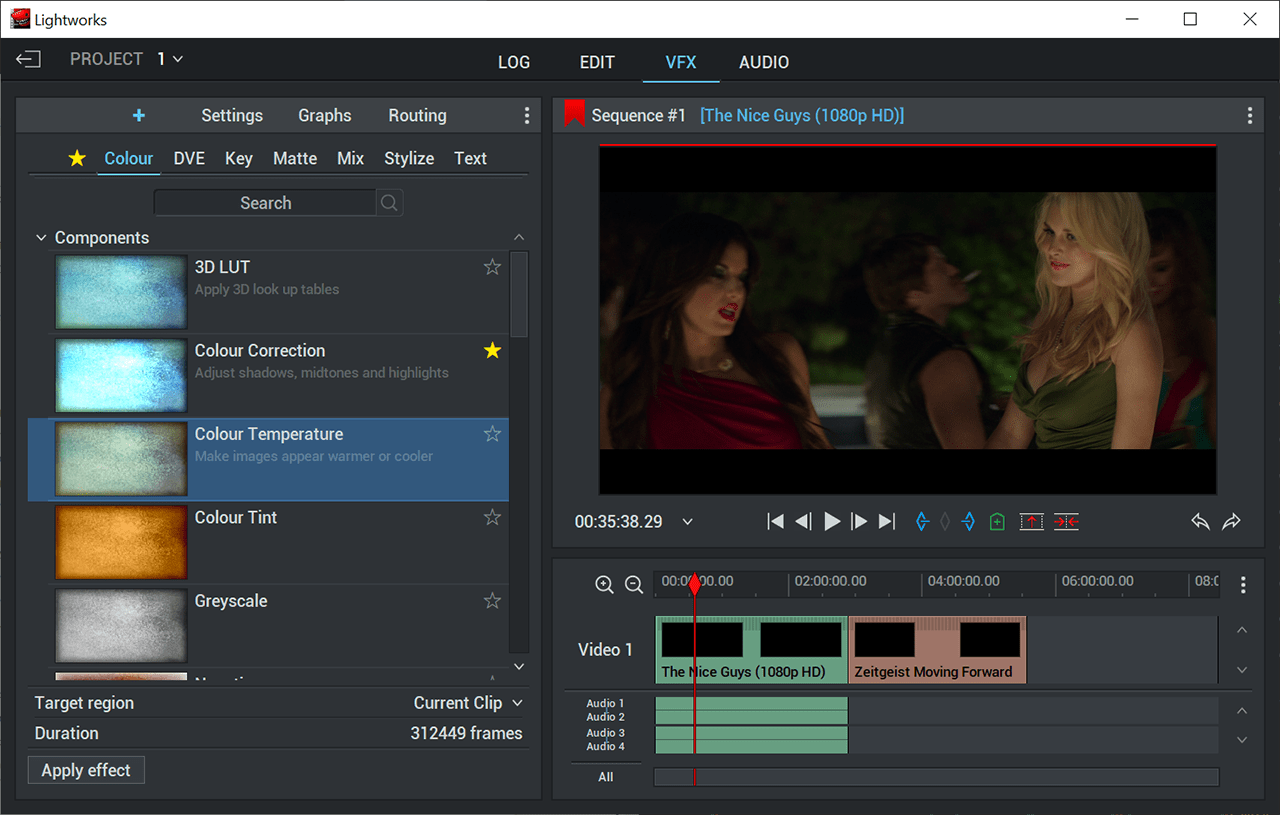
Similar to AVS Video Editor, a collection of filters and special effects is provided. Users are able to find required options by entering specific keywords. There are color-correction filters like grayscale and negative. Moreover, stylizing effects such as blur, glow, mosaic and obscure are included.
You can apply seamless transitions to blend separate fragments together. Flexible chroma key screen parameters are available as well. It is easy to rotate, crop and resize the picture to better fit the project.
Supported export formats include MOV, AVI and H.264. Additionally, users can prepare the clip for uploading to popular video hosting platforms like YouTube and Vimeo or burn the movie to an optical disc.
Features
- free to download and use;
- offers you tools for editing and combining video clips;
- a large selection of visual filters and effects is available;
- users can export the results to several common file formats;
- compatible with modern versions of Windows.
90,8 Mb (downloads: 12)


