
With the help of this tool, users are able to generate unique images via the artificial intelligence algorithms. Additionally, it is possible to redraw results.

Lexica Art
ver. 1.0
10 Mb (downloads: 239)
Update date:
18.02.2023
Developer:
Lexica
Windows version:
Windows XP, Windows Vista, Windows 7, Windows 8, Windows 10, Windows 11
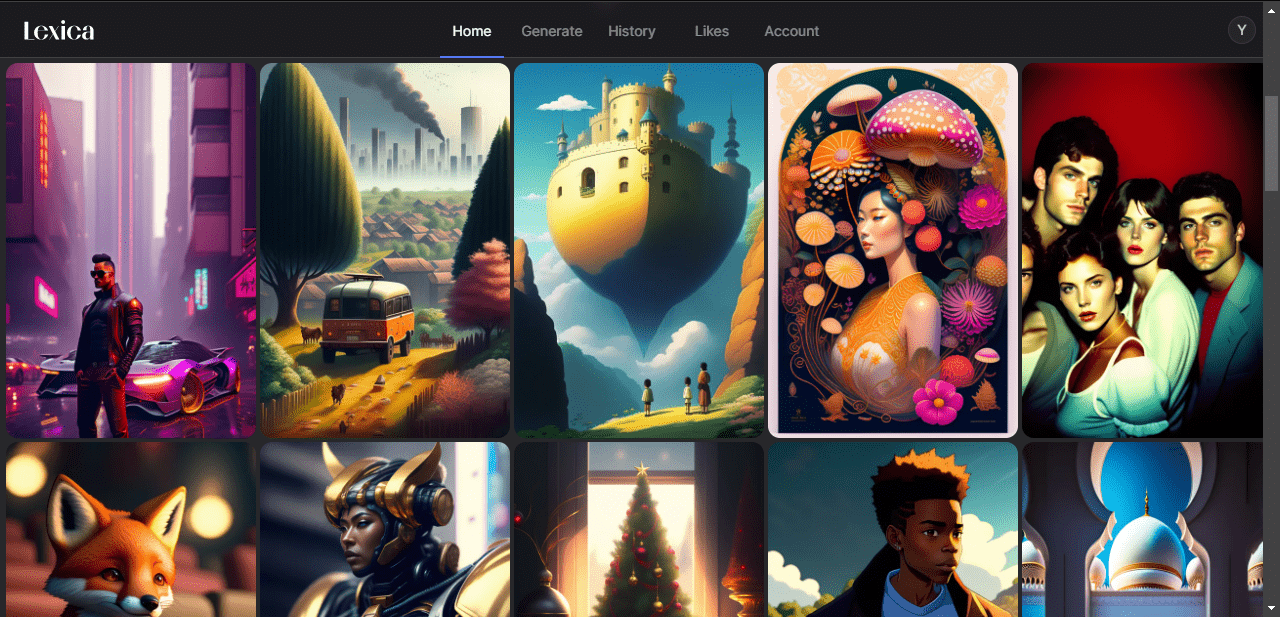
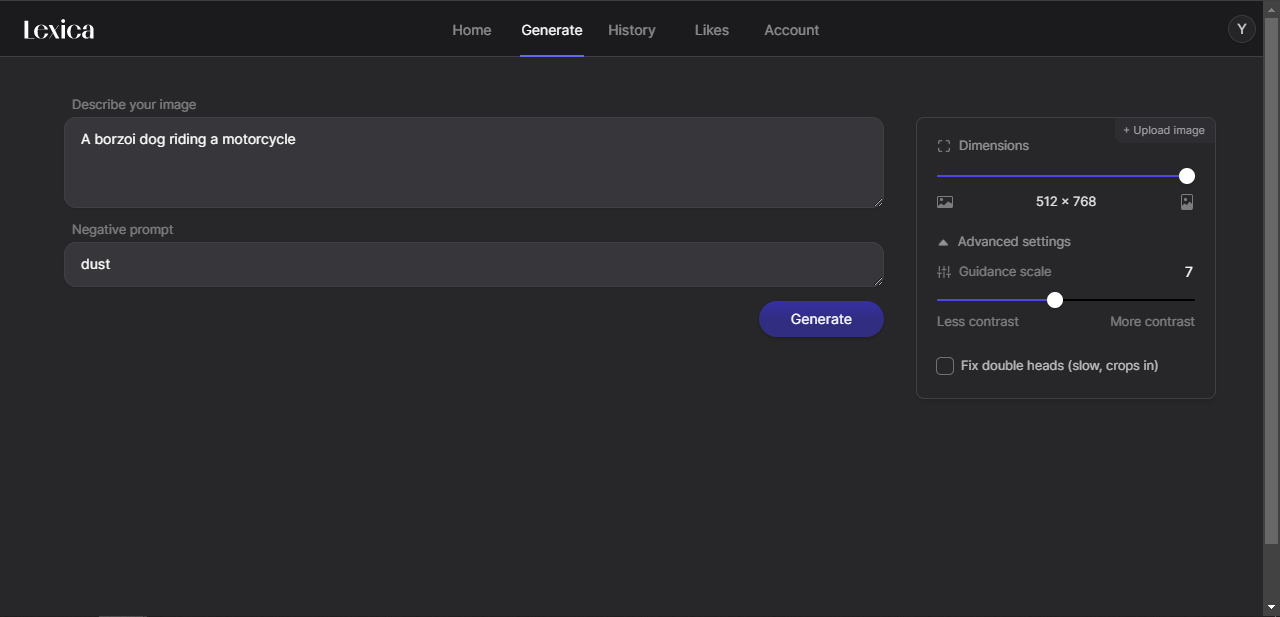

Lexica Art is a program for Windows, which serves as a neural network model. Similar to Stable Diffusion, the AI is able to produce unique and colorful pictures in just a couple of seconds. What is more, you can set the resolution and the accuracy of drawing details.
Configuration
It is worth noting that the work with the neural network is carried out directly on the official website. First of all, you need to sign in with your Google account or create another one with your email address. The next step is to enter a description of the image in English. To achieve desired results, the prompt has to be as detailed as possible. Additionally, you are able to list objects that will not be present in the final picture.
Operation
After entering all the parameters, you can click on the Generate button. Once this is done, four illustrations will appear on the screen. It is possible to select one of them and redraw it in a higher resolution. The application also allows you to generate new images in accordance with the original description.
As input, you may use not text and images. In the latter case, the neural network will create drawings that are similar in style and composition. Please note that all works are saved to your profile. The platform gives you the ability to publish your projects on the Internet.
Features
- free to download and use;
- compatible with modern Windows versions;
- enables you to generate unique pictures using AI;
- it is possible to redraw images in higher resolution;
- you can sign in with your Google account.
10 Mb (downloads: 239)


