
Thanks to this intuitive application, users are able to manage personal photo collections. Additionally, they have the option to preview and crop pictures.

Lenovo Photo Master
ver. 2.2
1 Mb (downloads: 93)
Update date:
07.09.2022
Developer:
Lenovo
Windows version:
Windows XP, Windows Vista, Windows 7, Windows 8, Windows 10
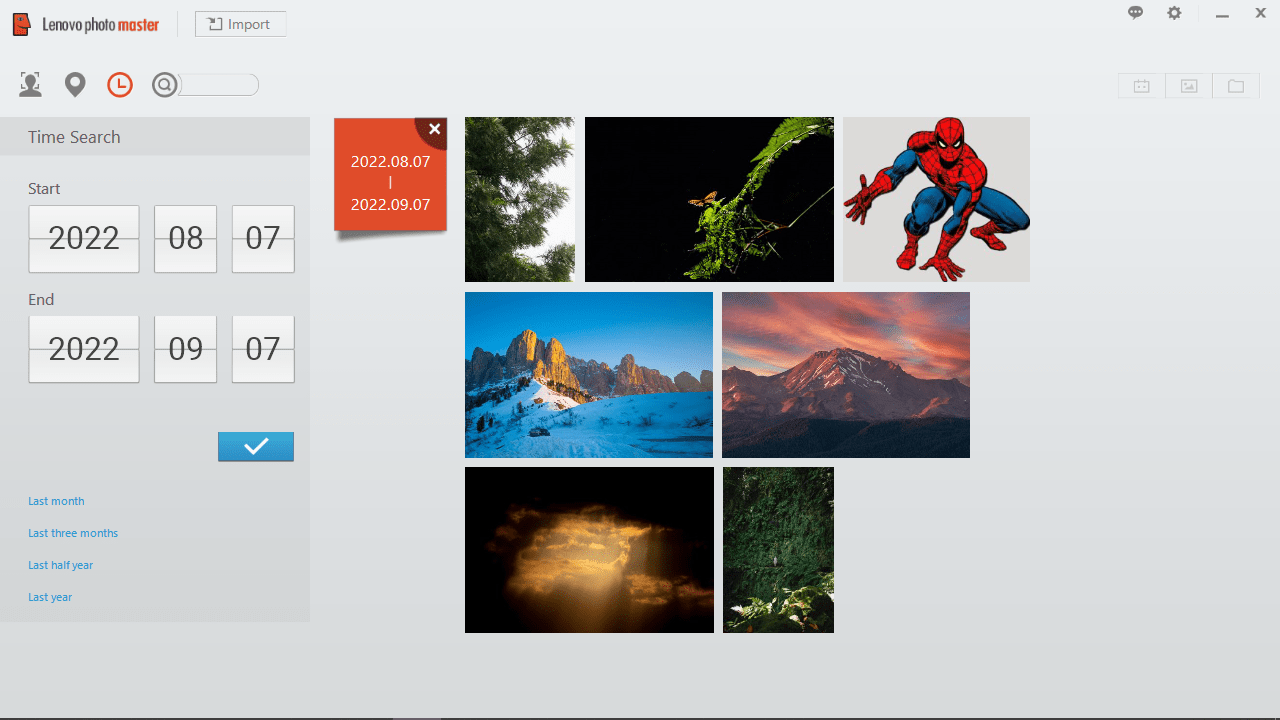
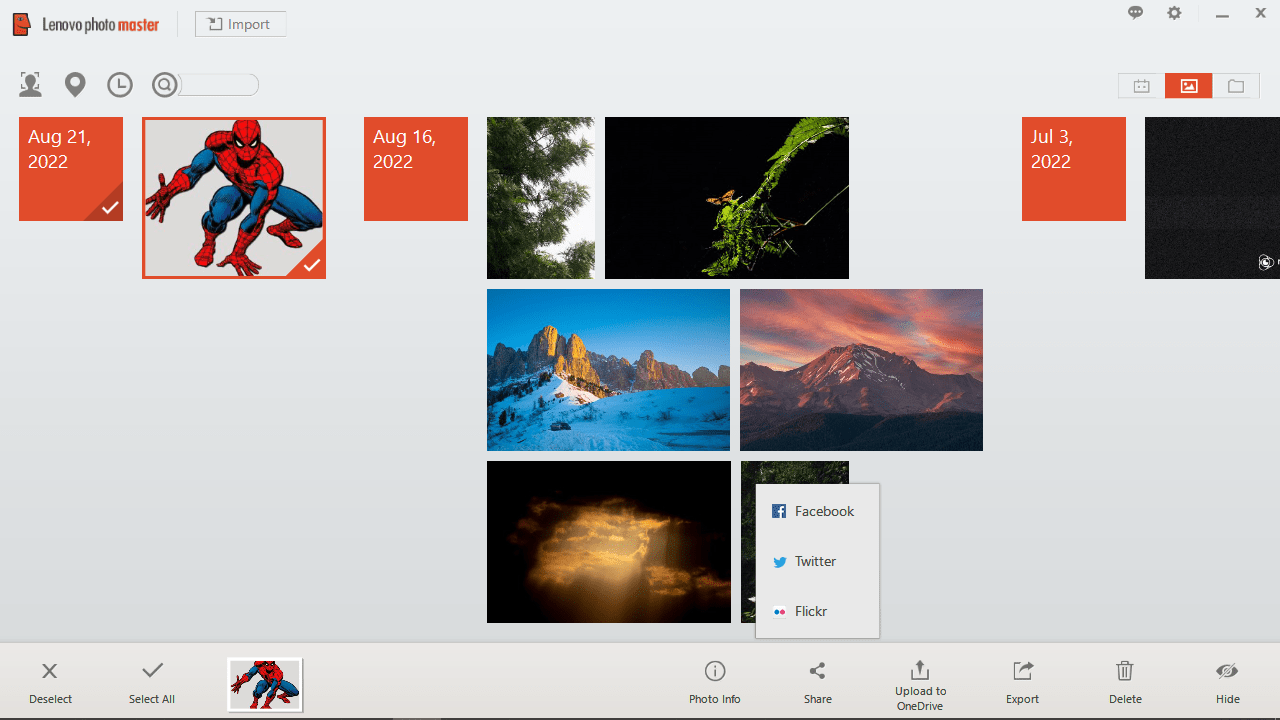
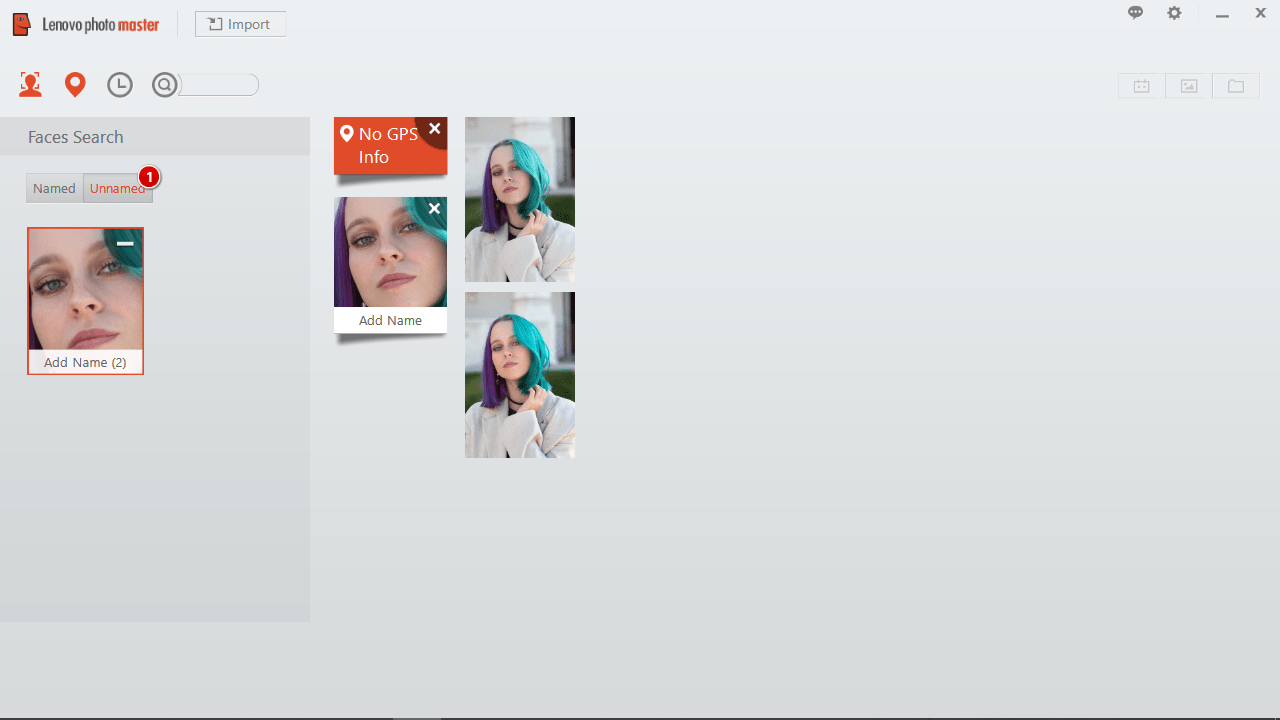
Lenovo Photo Master is an intuitive photo management program for Windows that allows users to browse, organize, edit and share digital images. Thanks to the Smart Even Sort feature it can automatically sort your photographs based on various filters, such as time, location, holiday or occasion.
Functionality
This application comes with a wide range of components dedicated to processing and organizing digital photos. For example, you have the ability to preview an image, rotate it, zoom in or out. There is a manager for splitting multiple files into categories and an editor for cropping, mirroring or rebalancing the media content.
In contrast to similar software solutions such as Blaze Photo, this tool is capable of detecting faces in images and tagging them accordingly. As mentioned before, automated sorting by time, location, occasion or format is supported.
Share memories
Another advantage of using this utility is that you can share your photos on social media directly from its graphical user interface. It is also possible to set up the program to automatically remind you about upcoming special occasions or just display your favorite images by organizing personalized collections and toggling the Just Visiting applet.
Features
- free to download and use;
- compatible with modern Windows versions;
- gives you the ability to manage digital images;
- you can sort items by time, location and format;
- it is possible to share photos on social media websites.
1 Mb (downloads: 93)


