
This popular app lets you play video clips and movies on the computer. There is support for multiple common file formats. It is possible to load text subtitles.

KMPlayer
ver. 2022.10.26.13
48,7 Mb (downloads: 24)
Update date:
13.11.2022
Developer:
Pandora TV
Windows version:
Windows XP, Windows Vista, Windows 7, Windows 8, Windows 8.1, Windows 10

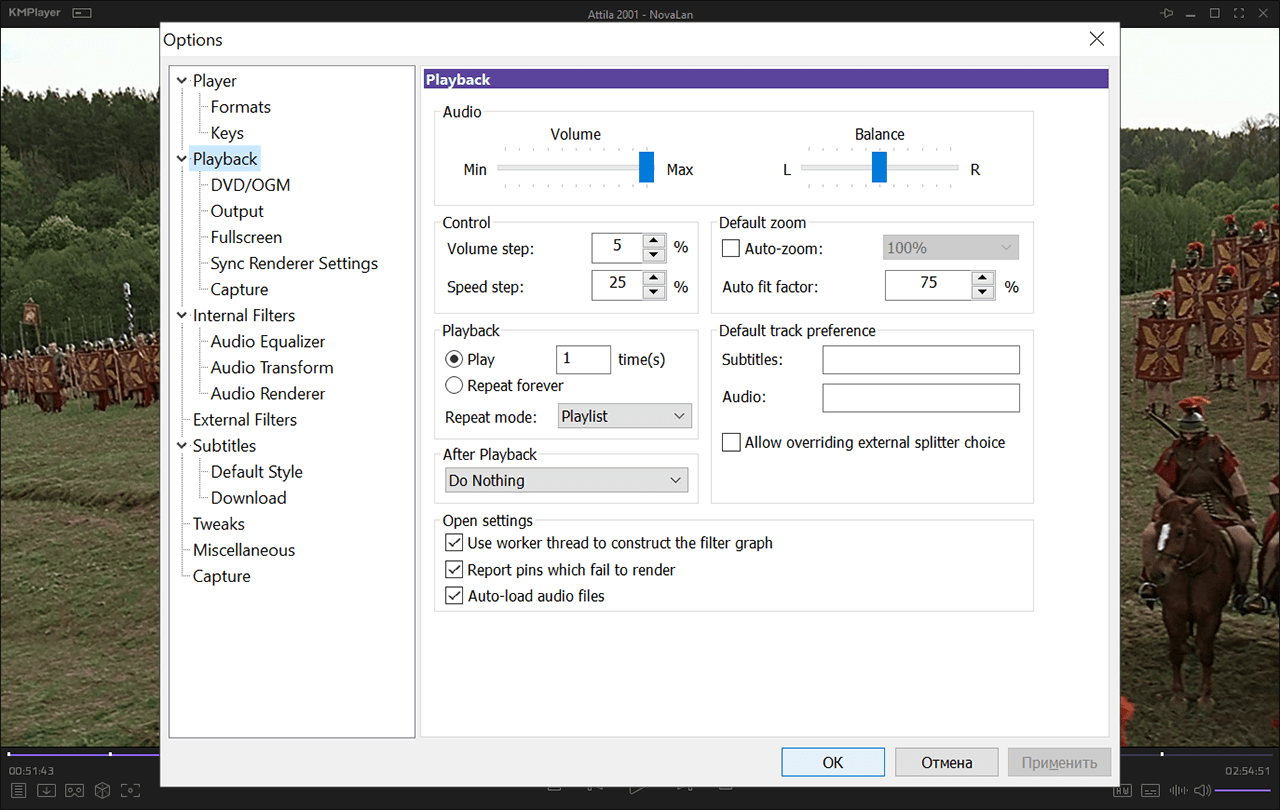
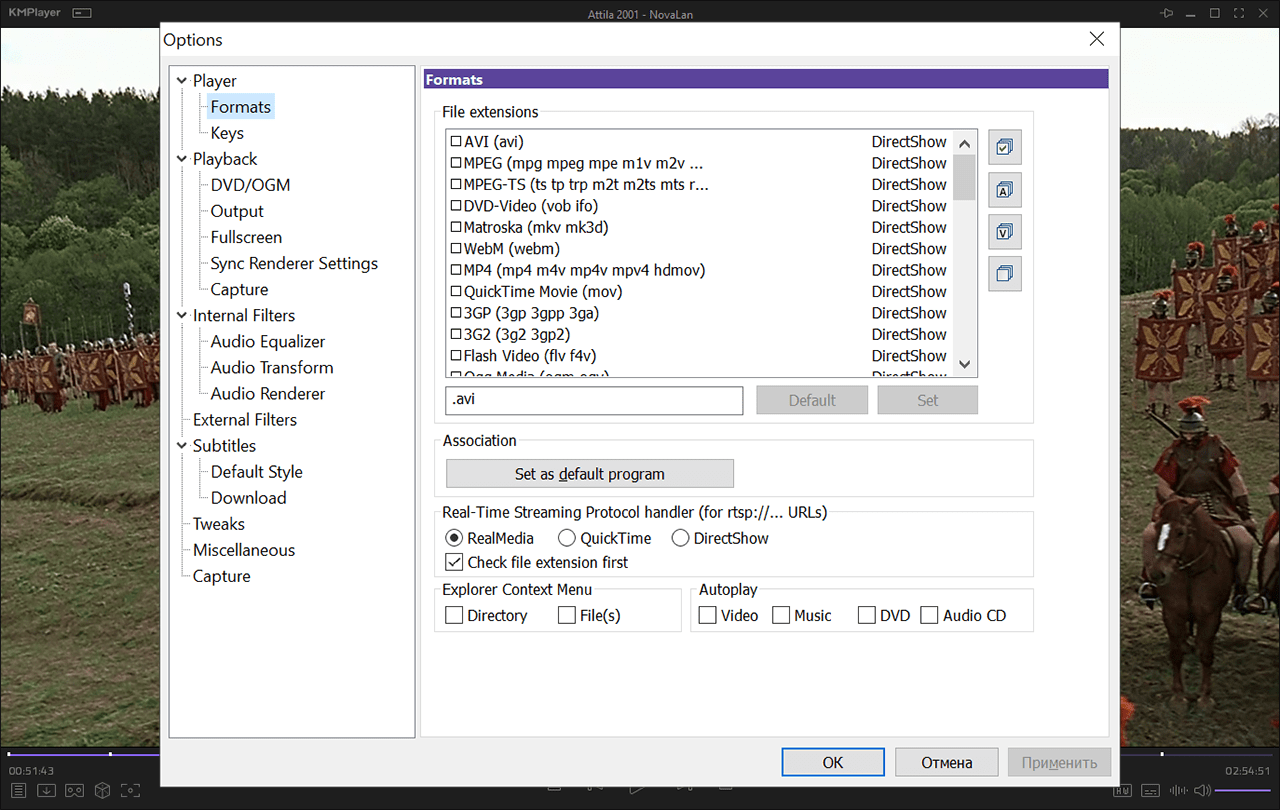
KMPlayer is a Windows software for playing video files. Users can change the picture aspect ratio, brightness, contrast, hue and color saturation. There are buttons for navigating to the next item, pausing the clip and opening a new file. Moreover, users are able to stream online content by entering the URL address.
Playback parameters
With the help of this program you can open video files in the AVI, MPEG, MKV, MOV and many other popular formats. Various audio containers such as MP3, OGG and WAV are supported as well.
Like in VLC Media Player, users are able to adjust the volume and change the speaker configuration to better fit the room layout. There is an equalizer for tuning separate frequencies with multiple presets. Supported subtitle formats include SRT, SSA, SUP and TXT.
This utility is compatible with various virtual reality headsets and allows you to play stereoscopic videos.
Additional options
It is possible to set the app as the default DVD and Blu-ray player. Preferred audio and subtitle languages can be customized. Users are able to configure file associations and integrate new items in the Windows context menu.
Features
- free to download and use;
- offers you instruments for playing video files;
- all popular media formats can be opened;
- it is possible to adjust image brightness and color saturation;
- compatible with all modern versions of Windows;
- users can watch stereoscopic clips in supported VR headsets.
48,7 Mb (downloads: 24)


