
Thanks to this robust piece of software, you can automatically detect and block ransomware. There is also an option to add applications to the list of exclusions.

Kaspersky Anti Ransomware Tool
ver. 6.3
98,9 Mb (downloads: 8)
Update date:
13.08.2023
Developer:
Kaspersky
Windows version:
Windows 7
Kaspersky Anti Ransomware Tool is a specialized program for Windows that aims to provide robust protection against ransomware attacks. With its help, you can safeguard your valuable data and digital assets.
Ransomware detection
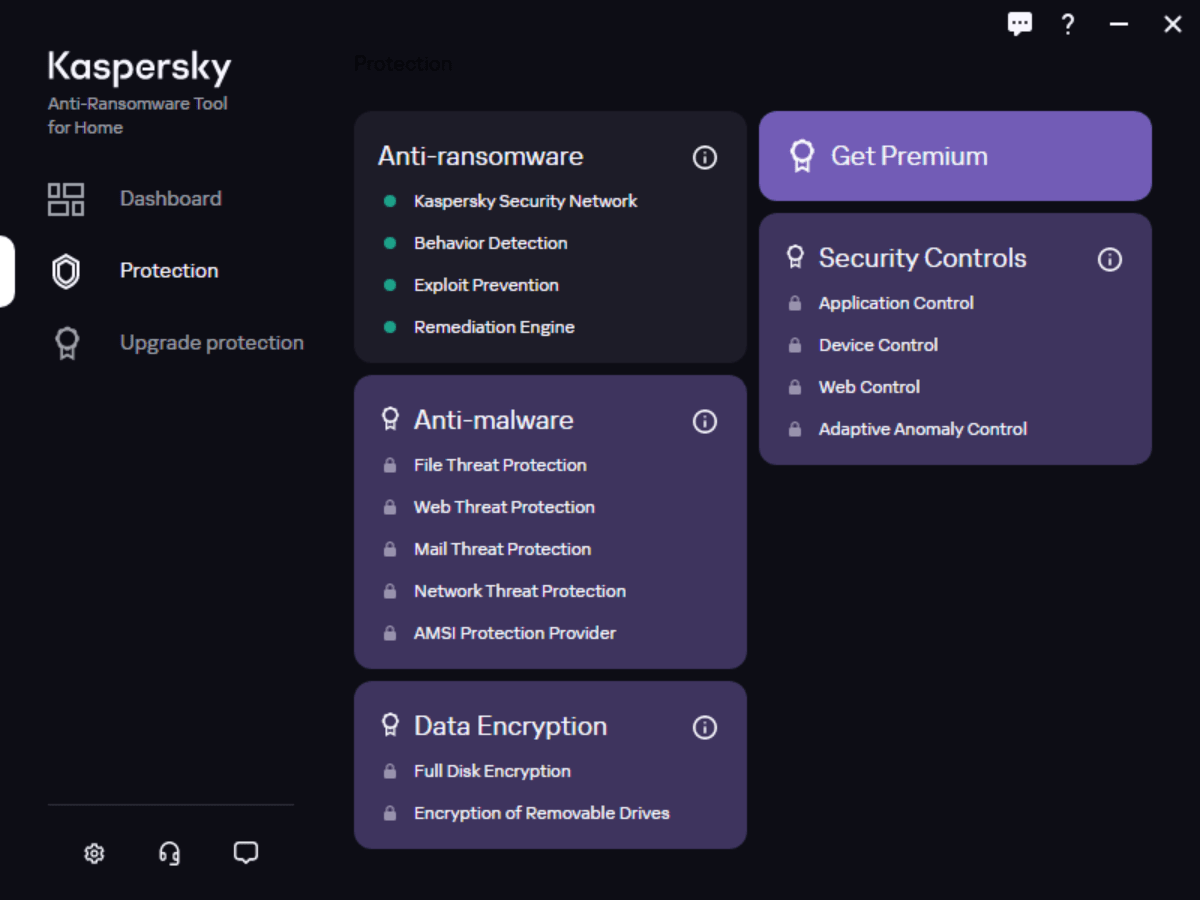
The software solution features behavioral analysis capabilities to detect and stop ransomware attacks in real time. It actively monitors your system for suspicious activities commonly associated with malicious processes, such as unauthorized file encryption attempts.
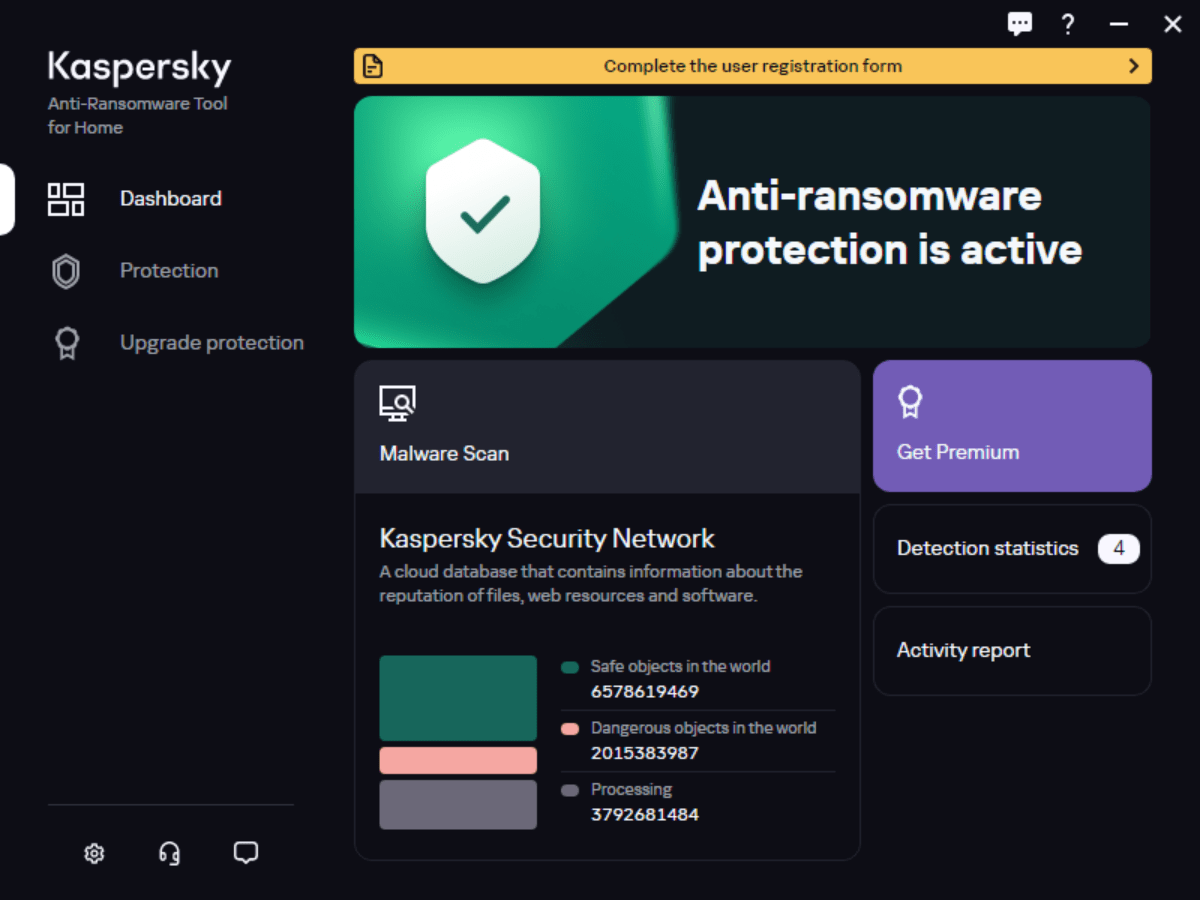
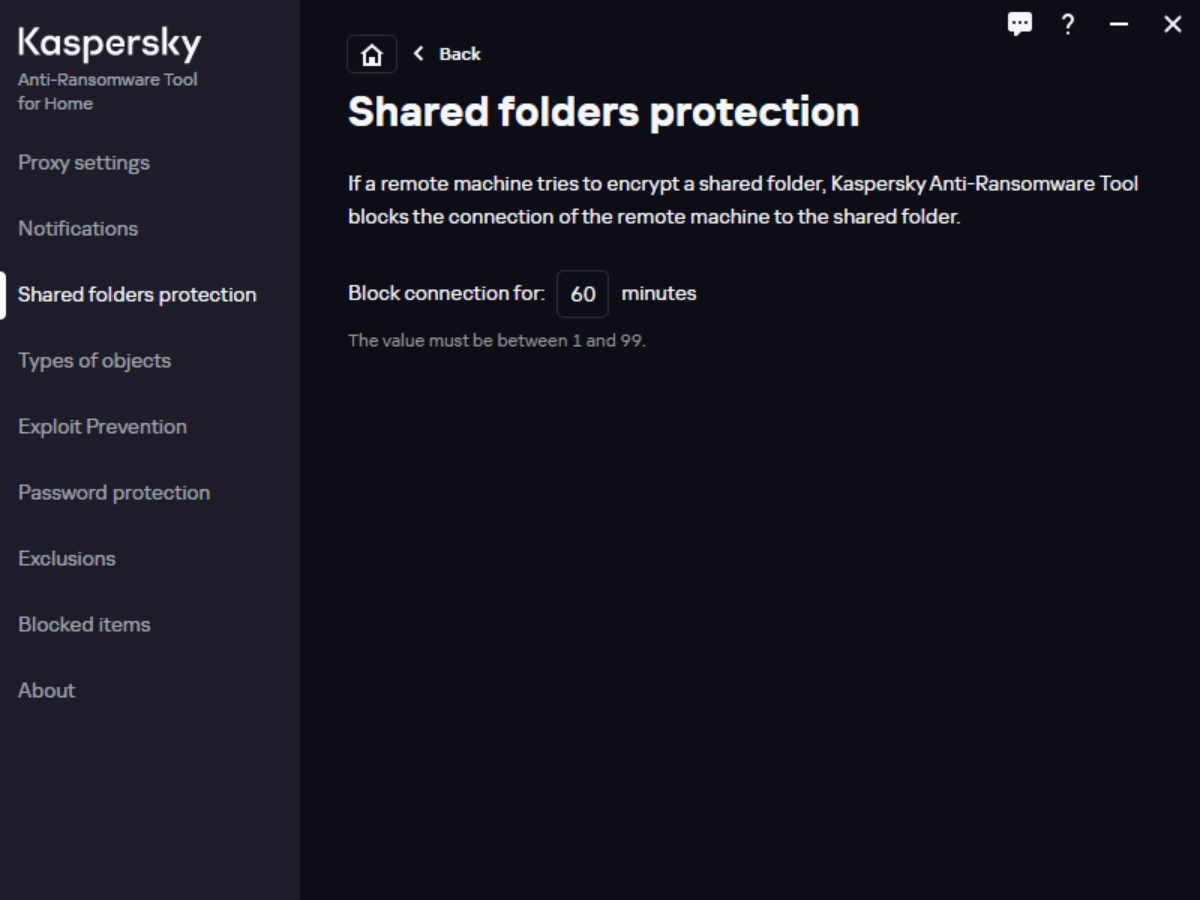
When it comes to appearance, the graphical interface provides clear information about the status of your computer and any potential threats. It is also possible to access a wide range of settings and configure the tool according to your preferences.
Updates and performance
It is worth noting that the utility regularly receives updates to stay current with emerging ransomware threats. You can also view the number of safe and dangerous objects in the world today via the Kaspersky Security Network panel inside the dashboard.
The program was designed to minimize its impact on system performance. It operates silently in the background, ensuring that the speed of your computer is not compromised while providing ransomware protection. To combat malware, you may try another app called IObit Malware Fighter.
Features
- free to download and use;
- compatible with modern Windows versions;
- enables you to secure your PC against ransomware;
- there is an option automatically block malicious activities;
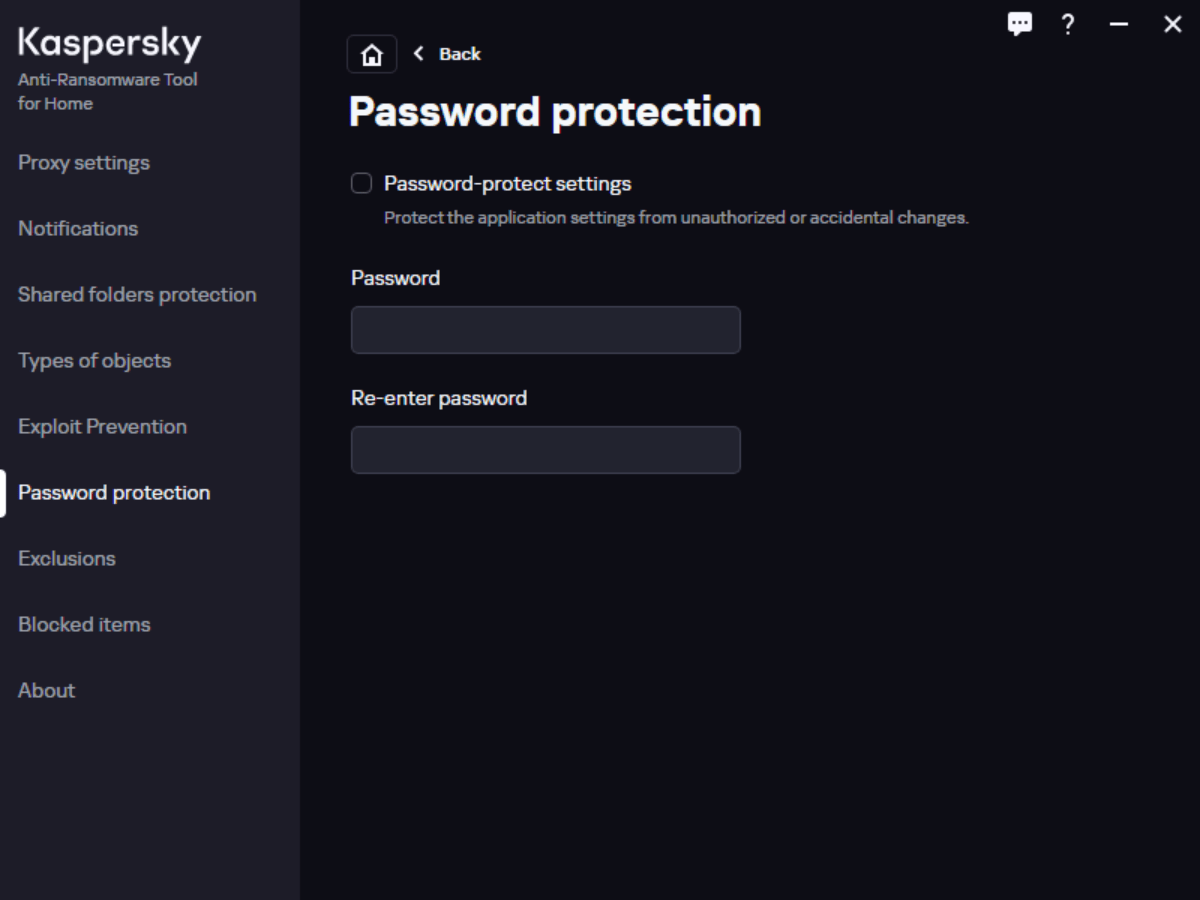
- you can protect the application by setting a password.
98,9 Mb (downloads: 8)


