
Using this tool you can record information onto CDs and DVDs. There are options for creating music mixes, data backups, video discs and other projects.

HP RecordNow
ver. 3.57
(downloads: 1)
Update date:
30.07.2023
Developer:
Hewlett-Packard
Windows version:
Windows XP
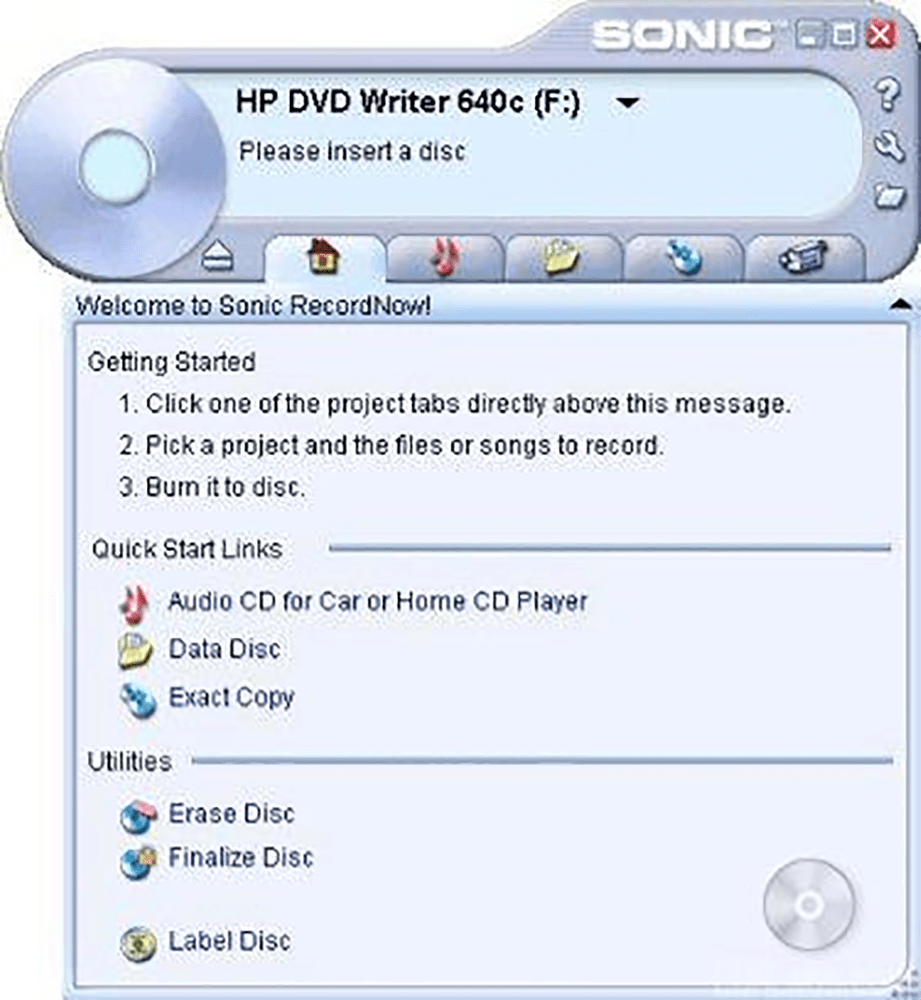
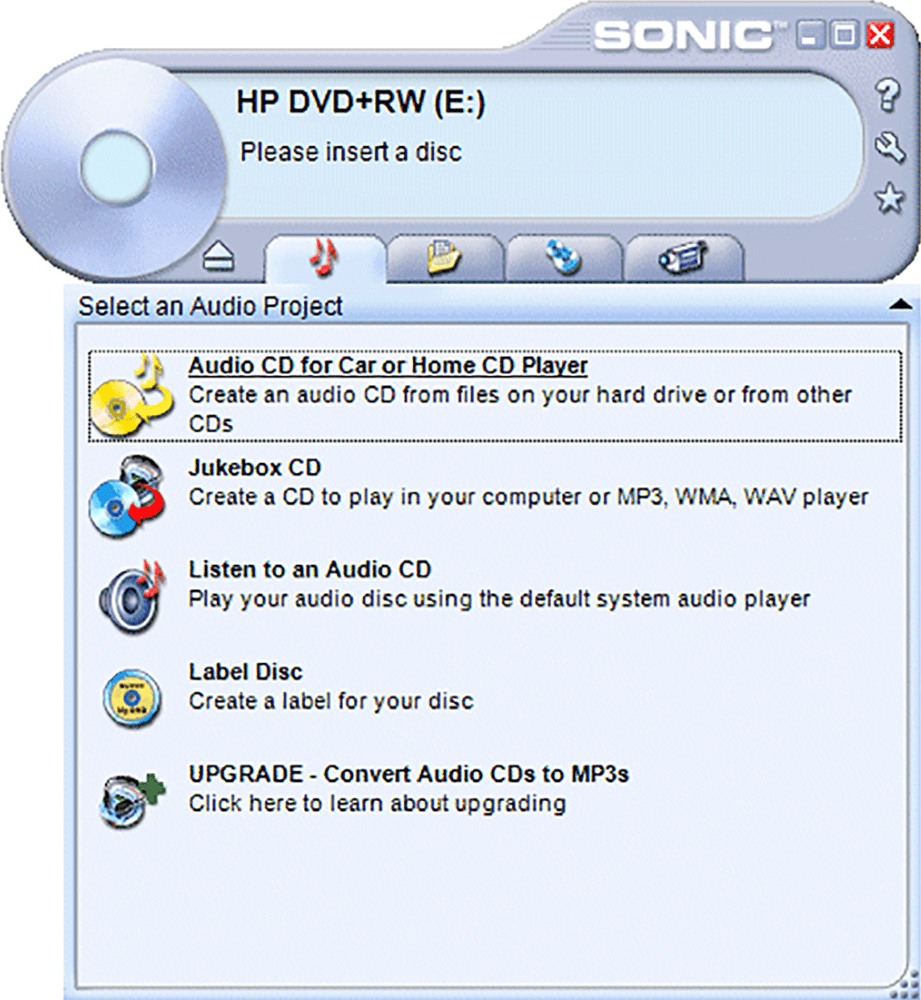
HP RecordNow is a Windows program for burning data to optical media. It is possible to create exact copies of existing discs. Instruments for building Audio CDs by adding multiple tracks and editing corresponding metadata are provided as well. Please note that HP RecordNow is discontinued and no longer supported by the developer. The installation files are not available.
Data backups
The utility can be helpful for copying documents, photos, videos and other files to a blank optical disc to safeguard important information. Moreover, there is an option to create a bootable media for restoring the system in case of a technical issue.
Video discs
Like in Roxio Easy CD and DVD Burning, users are able to burn movies to optical media. Resulting discs are compatible with almost all models of common DVD players. It is possible to add multiple clips from various sources, edit video titles and generate beautiful chapter menus. There are tools for building custom slideshows from still images as well.
Advanced capabilities
The Warp Drive function allows you to utilize multiple optical drives at the same time. Instruments for queueing several projects to burn them one after another are included.
Users can adjust the sound quality and volume of the source audio tracks. Additionally, there are special effects like fade in and fade out for ensuring seamless transitions between the songs.
Features
- free to download and use;
- lets you burn various types of files to optical discs;
- there are tools for creating data backups;
- it is possible to record audio tracks and movies to blank CDs or DVDs;
- compatible with all modern versions of Windows.
(downloads: 1)


