
The application gives users the possibility to create memorabilia in the form of scrapbooks. Additionally, it is possible to alter the brightness and contrast.

HP Photo Creations
ver. 1.0
27,9 Mb (downloads: 6)
Update date:
22.03.2023
Developer:
Hewlett-Packard Development Company
Windows version:
Windows XP, Windows Vista, Windows 7, Windows 8
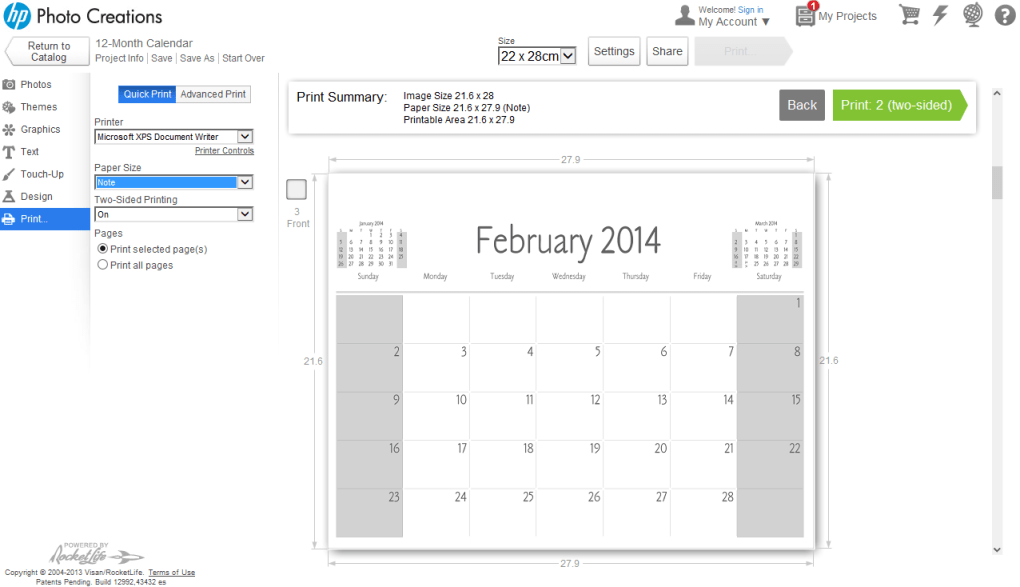
HP Photo Creations is an intuitive program for Windows that enables you to design and print your own greeting cards, custom calendars, as well as make photo collages. It is necessary to mention that the developers ceased support for the project’s servers, thus it is no longer possible to install the app and use its full potential. Alternatively, you may try other utilities like ScrapBook Max or Print Artist.
Graphical interface
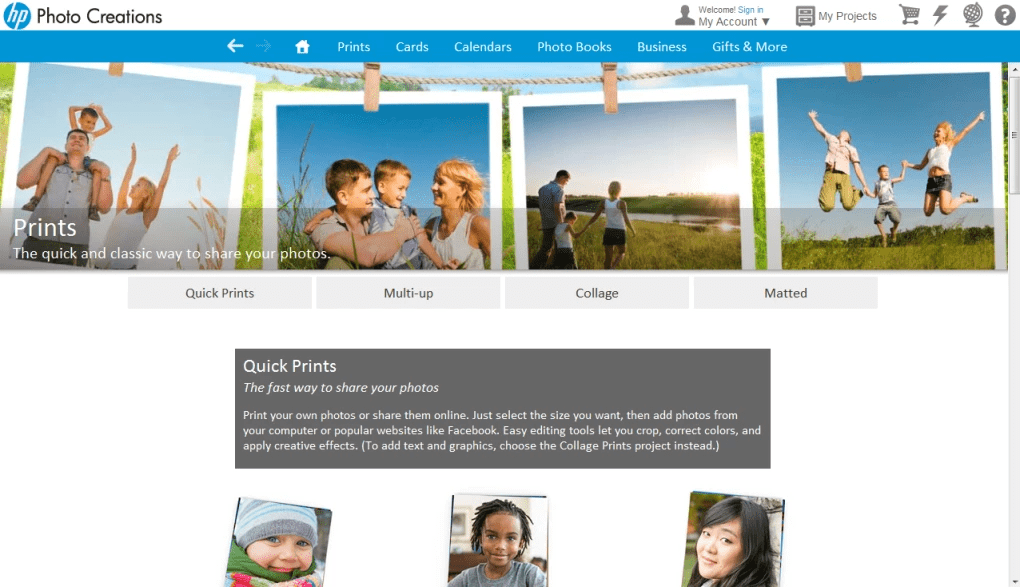
After an uneventful installation process, you are greeted with a standard window that presents various features. Here you can choose the type of product you want, and start your project. The available categories offer several items and you are able to inspect them closely by opening them.
Powerful editor
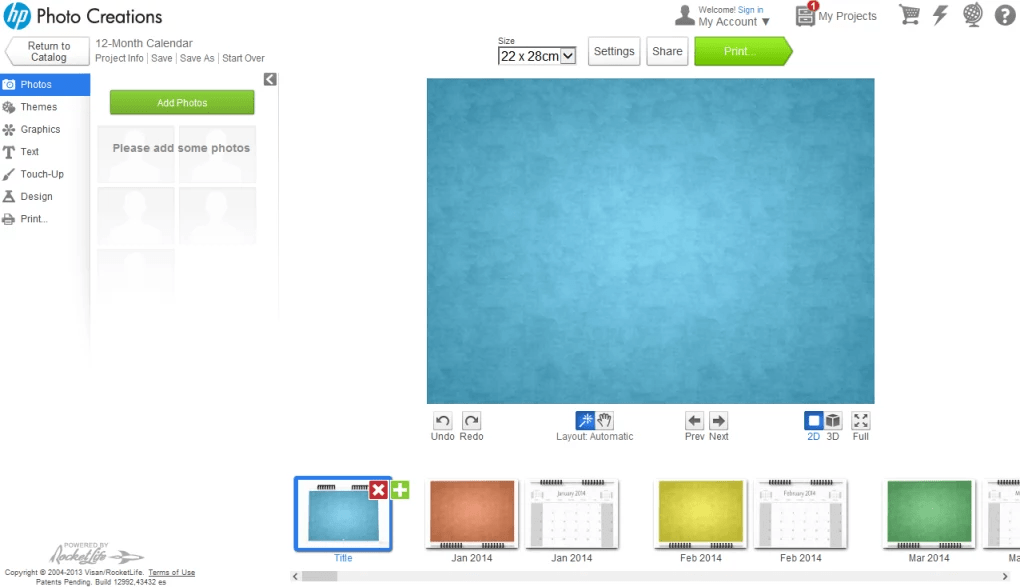
While the welcome window is a bit cluttered, the same cannot be said about the editor. It consists of a working area and numerous toolbars for easy access. The menus are easy to understand, so you should not have any problems with finding the desired options.
The highlight of the software is its impressive catalog of available layouts, items, themes and designs. It is possible to add as many pictures as you want to your college, and edit them by cropping or adjusting the brightness and contrast. Moreover, you have the ability to write messages using a wide range of fonts.
Features
- free to download and use;
- compatible with modern Windows versions;
- allows you to create and print photo books;
- you have the ability to crop digital images;
- it is possible to remove the red-eye effect.
27,9 Mb (downloads: 6)


